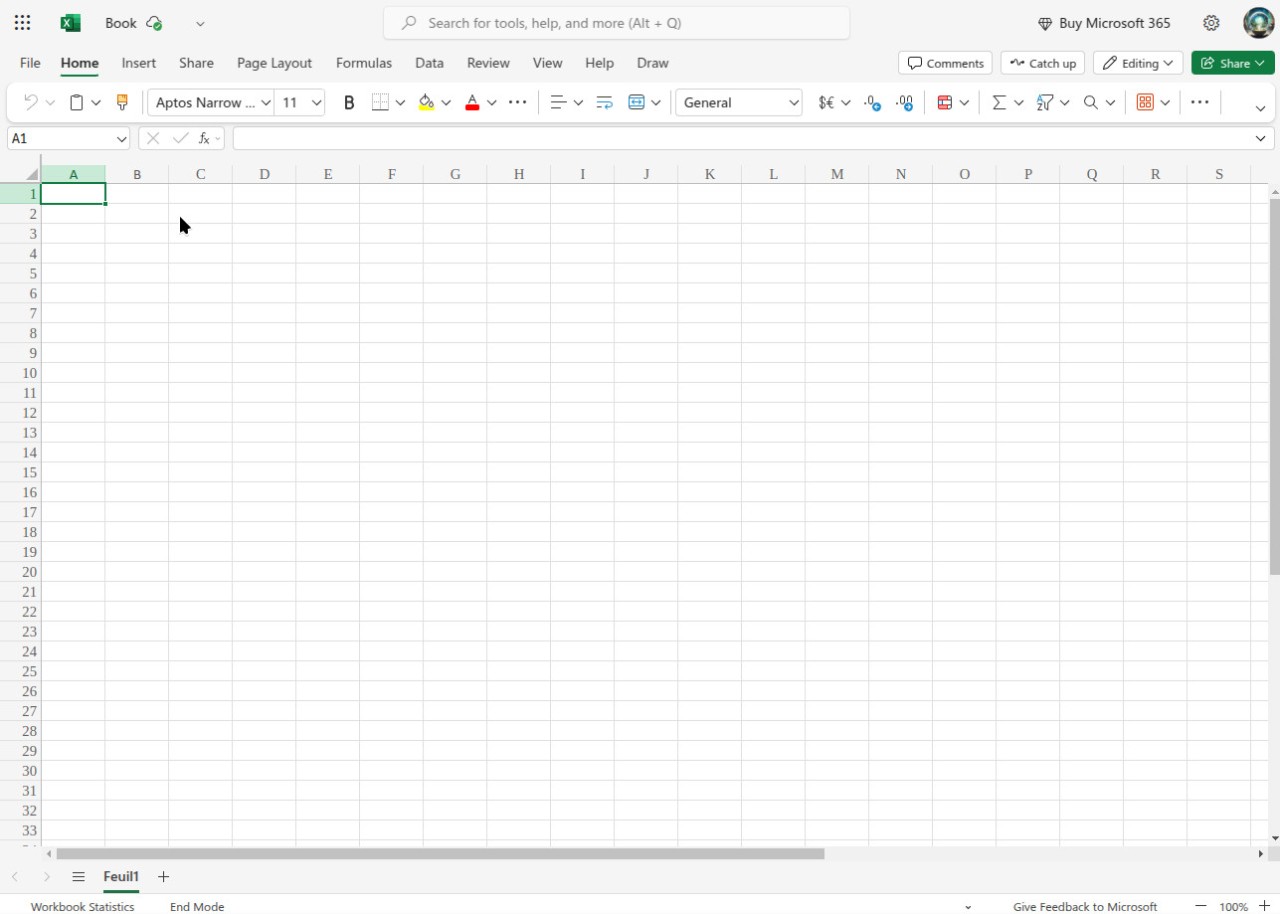
Microsoft Excel is a spreadsheet program from Microsoft and one of the core applications in the Microsoft Office suite, alongside Word and PowerPoint. You can use it to organize financial data, run analyses, build budgets, and structure just about any kind of information. The familiar grid of rows and columns supports data entry, formulas, and chart creation, making it easy to turn raw numbers into clear visual summaries. Excel also supports scripting through VBA and Python, which opens the door to advanced automation and custom function creation.
Excel's computational power is what makes it a staple in business, research, accounting, and education. Formulas and functions automate calculations that would otherwise eat up hours of manual work. Advanced tools like LET and LAMBDA let you create reusable formulas and define custom functions directly in the worksheet without writing complex macros. Pivot tables make it possible to summarize and analyze large datasets quickly, turning thousands of rows into digestible insights.
Flexibility is one of Excel's greatest strengths. It handles basic tasks like expense tracking just as well as it handles complex financial models and statistical analysis. Microsoft keeps adding cloud features, collaboration tools, and AI-powered recommendations through Copilot, which has made the program noticeably more approachable for everyday users. Dynamic array support means functions can spill results across multiple cells automatically, and custom data types via Power Query along with automatic refresh for connected PivotTable data sources add even more power for data-heavy workflows. Whether you work alone or as part of a team, Excel turns data into something you can actually interpret and act on.
Why Should I Download Microsoft Excel?
Excel is more than a spreadsheet app. It is a full data management system that handles organization, analysis, and visualization in one place. Most people do not realize how powerful it is until they start using it for real work. Small businesses and large organizations alike rely on Excel as a fundamental tool for decision-making and data administration.
The biggest advantage is Excel's calculation engine. You can build formulas that automate repetitive math, which makes processes like expense tracking, profit analysis, and trend forecasting far more manageable than doing them by hand. Conditional formatting lets you set rules that highlight data anomalies automatically, so patterns and outliers stand out at a glance.
Data visualization is another area where Excel excels. A wide range of chart types lets you present information in formats that are easy for others to understand, whether you are building a quick bar chart for a meeting or an interactive dashboard for ongoing reporting. The visual tools improve both analysis speed and the quality of what you present to stakeholders.
Collaboration is a strong reason to download Excel as well. Through Microsoft 365, you can access your spreadsheets from anywhere and work on them in real time with colleagues. Changes save automatically, which reduces the risk of losing important data. Excel also integrates with external applications like CRM and ERP systems, and supports custom data types and templates that help automate recurring workflows across teams.
On the personal side, Excel is just as useful. You can use it to plan vacations, build schedules, manage household budgets, and organize just about anything that benefits from a structured layout. As a data handling tool, it covers most needs reliably, whether you are tracking personal finances or managing a project with multiple contributors.
Is Microsoft Excel Free?
Microsoft Excel is not free as a standalone desktop application. You need either a Microsoft Office lifetime license or a Microsoft 365 subscription to use the full desktop version on Windows or macOS.
However, a free version of Excel is available through Microsoft Office Online. The web-based edition covers basic spreadsheet functionality and runs in any browser with an internet connection. It handles the essentials well, though advanced formulas, automation features, and offline access require a Microsoft 365 subscription.
Excel is also free to download on mobile devices as part of the Microsoft Office Mobile app. Premium features within the mobile version require a paid Microsoft 365 plan, but the core editing and viewing capabilities are available at no cost.
What Operating Systems Are Compatible with Microsoft Excel?
The full desktop version of Excel runs on both Windows and macOS as part of the Microsoft Office suite. Windows 10 and 11 offer the best experience, and the macOS version is optimized for Apple's M1, M2, and M3 chips as well as Intel-based Macs. The desktop edition includes every available feature and is the preferred option for professional use.
On mobile, Excel is available for both Android and iOS. The mobile apps let you view and edit spreadsheets on the go, though they are more limited than the desktop version in terms of advanced functionality.
You can also access Excel through any web browser via Microsoft Office Online or Microsoft OneDrive which lets you work on files without installing software. This browser-based option also works on Linux and ChromeOS, extending access to platforms that do not support the desktop suite.
Cross-platform compatibility means you can move between your PC, phone, and browser without losing access to your files. That said, Windows provides the most complete Excel experience, with the tightest integration with other Microsoft applications.
What Are the Alternatives to Microsoft Excel?
Excel is one of the most capable spreadsheet applications available, but several alternatives compete on price, cloud access, and open-source availability.
Google Sheets is the strongest cloud-based option. It is free with a Google account, runs entirely in the browser through Google Drive, and supports real-time collaboration with automatic saving and backup. Google Sheets covers the essential spreadsheet functions well, though it lacks some of Excel's more advanced capabilities like complex macros and deep data analysis. Custom scripting through Apps Script allows automation and extended functionality, and offline editing is supported alongside compatibility with Excel file formats.
LibreOffice Calc is a solid free alternative for users who want a traditional desktop spreadsheet application. Its Writer, Calc, and Impress programs mirror the structure of Microsoft Office, and Calc specifically handles formulas, data presentation, and analytical work in a way that feels familiar to Excel users. File compatibility with DOCX, XLSX, and PPTX formats means you can share files with Office users without conversion issues. Calc also supports database functions like drag-and-drop table imports, handles multiple file formats including ODF, XLSX, and CSV, and includes advanced statistical and data-filtering tools. The main tradeoff is the absence of cloud-based collaboration and AI-powered features.
Numbers, Apple's spreadsheet application, takes a more design-oriented approach. Instead of a rigid grid, Numbers offers a freeform canvas that gives you more flexibility in how you lay out data and visuals. It integrates tightly with the Apple ecosystem and is optimized for macOS and iOS. While Excel offers deeper data analysis tools overall, Numbers brings unique features like audio recording and editing within spreadsheets, custom templates, real-time collaboration across Apple devices, Apple Pencil support, and advanced functions including FILTER, SORT, and UNIQUE.