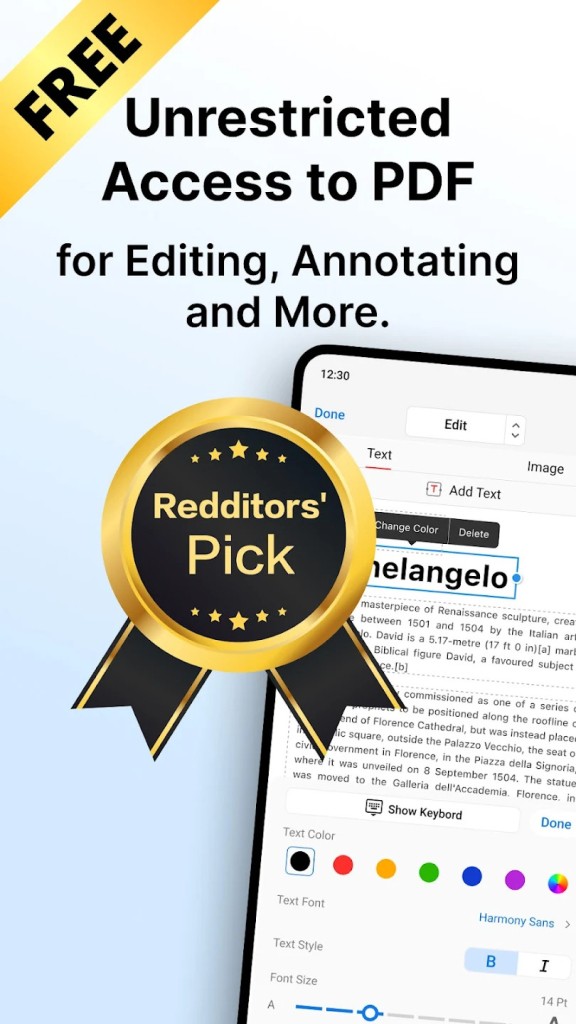
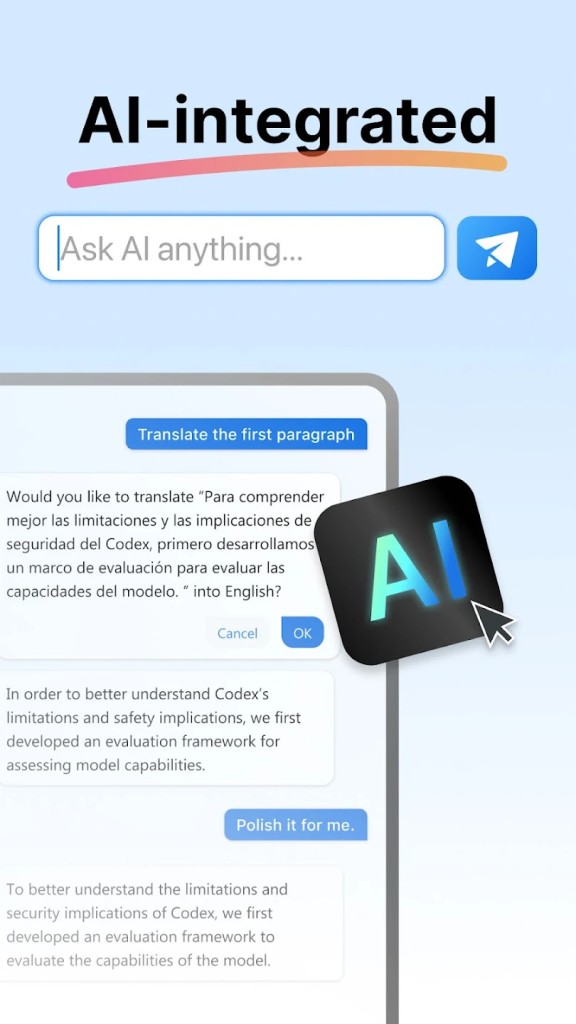
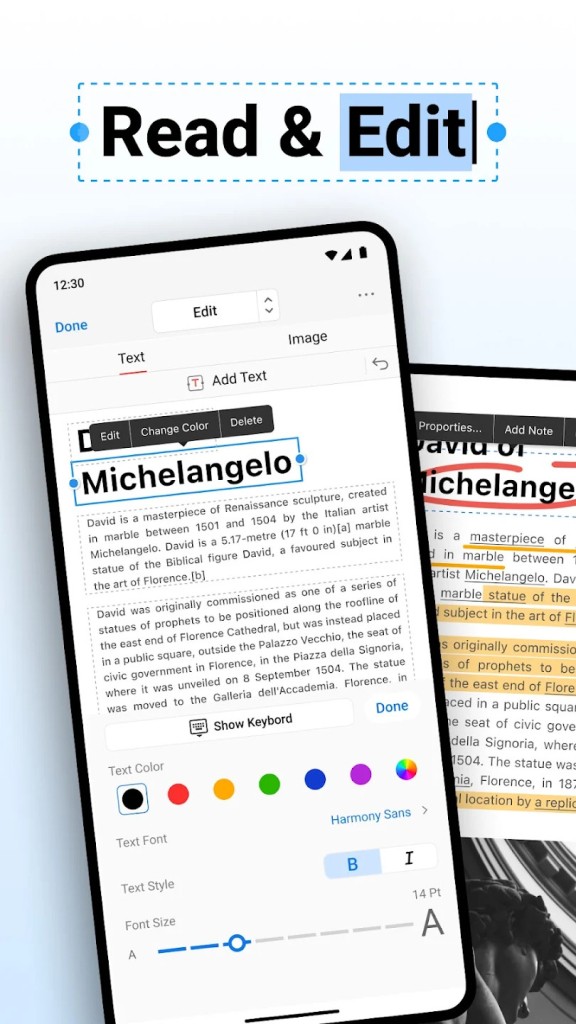
PDFgear is a free PDF editor that works on Windows, macOS, iOS, Android, and as a web app. You can edit PDFs, merge multiple files, convert documents, and sign PDFs without paying anything. The software runs on your computer, so you don't need an internet connection after you download it.
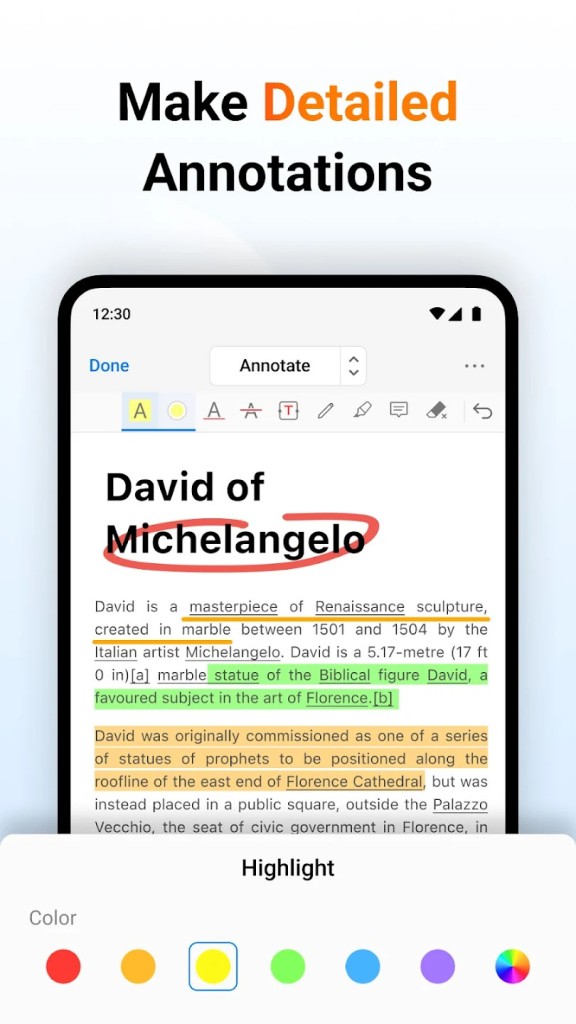
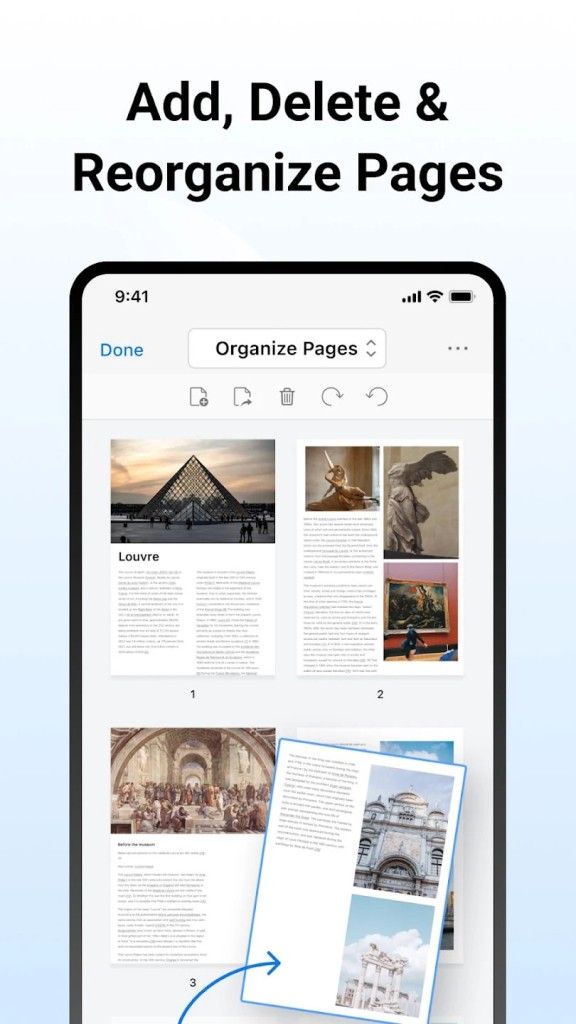
The desktop versions for Word and Excel offer similar functionality for those formats. PDFgear focuses specifically on PDF work—you can highlight text, add comments, rotate pages, and extract content. The interface is straightforward, with most tools visible in the toolbar rather than buried in menus.
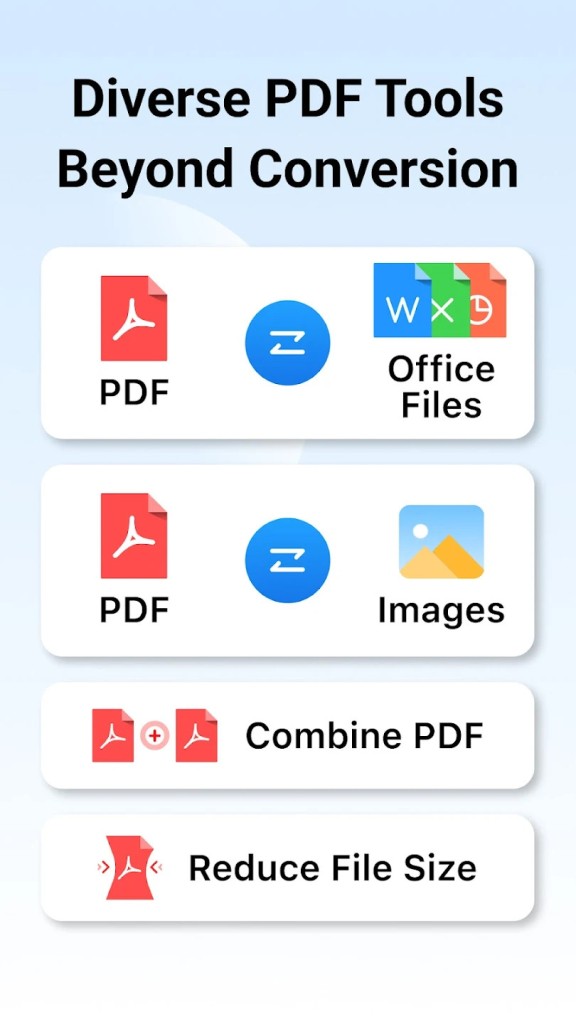
PDFgear's offline approach means your PDFs stay on your device. This matters if you handle sensitive documents or just don't want to upload files to the cloud. The conversion feature lets you turn PDFs into Word documents, images, or other formats. You can also do the reverse and convert documents into PDFs.
The mobile apps for iOS and Android let you edit PDFs on your phone or tablet. They have the same core features as the desktop version—annotation, editing, signing. This is useful if you need to mark up a PDF while you're away from your desk.
PDFgear's web version is a fallback option if you don't want to install anything. You get the basic editing and conversion tools through your browser. Performance is adequate for occasional use, though the desktop app is generally faster.
The free tier covers what most people need for everyday PDF tasks. There's no freemium model where essential features are locked behind a paywall. You get access to all the main tools without upgrading.
Why Should I Download PDFgear?
If you work with PDFs regularly, PDFgear saves you time. Instead of hunting for individual tools to edit, merge, and convert files, everything is in one app. You don't need to copy text between programs or upload files to multiple websites.
The offline functionality matters more than you'd think. PDFgear runs on your computer after you download it. You're not dependent on an internet connection, and your files don't get uploaded to someone else's server. This is especially important if your PDFs contain sensitive information.
The speed is another reason to grab it. Web-based PDF editors are convenient, but they often run slowly when you have large files or a weak connection. PDFgear processes files locally, so a 50 MB PDF doesn't become frustrating to work with.
It's free with no strings attached. You get the full feature set without hunting for what you can actually use. No paywalls, no limited trial period, no hidden upgrade prompts. This matters if you only need basic PDF work and don't want to invest in specialized software.
Is PDFgear Free?
Yes, PDFgear is completely free. You download the desktop app at no cost, and the mobile versions are free on the App Store and Google Play. There's no premium tier that unlocks features.
You get the full feature set without restrictions. Editing, merging, converting, signing—all available in the free version. This isn't a freemium model where half the tools require payment. PDFgear makes its money on enterprise licensing and sponsorships, not by limiting individual users.
The web version is also free. You can use it without creating an account. The limitation is performance rather than features—the desktop app is faster, but the browser version works fine for occasional use.
What Operating Systems Are Compatible with PDFgear?
PDFgear has versions for Windows and macOS. Both run on recent hardware without special requirements. If you're on Intel or Apple Silicon Macs, you'll find a compatible version. Windows users can download installers for 32-bit and 64-bit systems.
Mobile versions are available for iOS and Android. The iOS app works on iPhones and iPads. Android version supports phones and tablets. Both let you edit PDFs on the go with the same core features as the desktop app.
The web version runs in any modern browser—Chrome, Firefox, Safari, Edge. This is the most portable option if you're on a system without a dedicated app or if you're traveling and only have browser access.
What Are the Alternatives to PDFgear?
Adobe Acrobat Reader is what most people know. It's free for reading and basic annotation, but serious editing costs money. If you need to do heavy PDF work, the full Acrobat is expensive—it's a professional tool priced accordingly.
Foxit PDF Editor is the commercial competitor. It has a steeper learning curve than PDFgear and costs money upfront. Foxit is more powerful if you work with complex PDFs or need advanced features like form filling at scale. For casual users, it's overkill.
LibreOffice handles PDF conversion if you already use it for documents and spreadsheets. It's free and open-source, which appeals to some users. The PDF tools aren't as smooth as PDFgear's though—it feels like an afterthought rather than the main focus.
PDFgear fits the middle ground. It's not a professional-grade tool like Acrobat or Foxit, but it's more focused than LibreOffice's PDF support. For everyday editing and conversion, it works faster and feels less bloated than the alternatives.