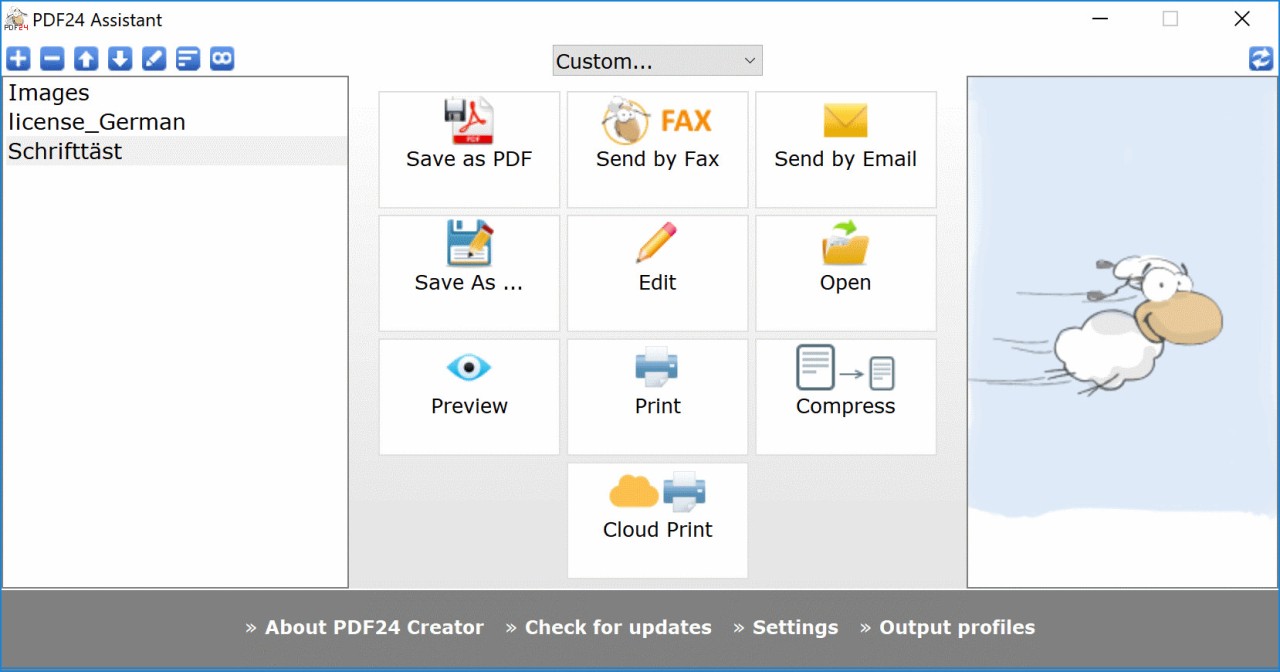
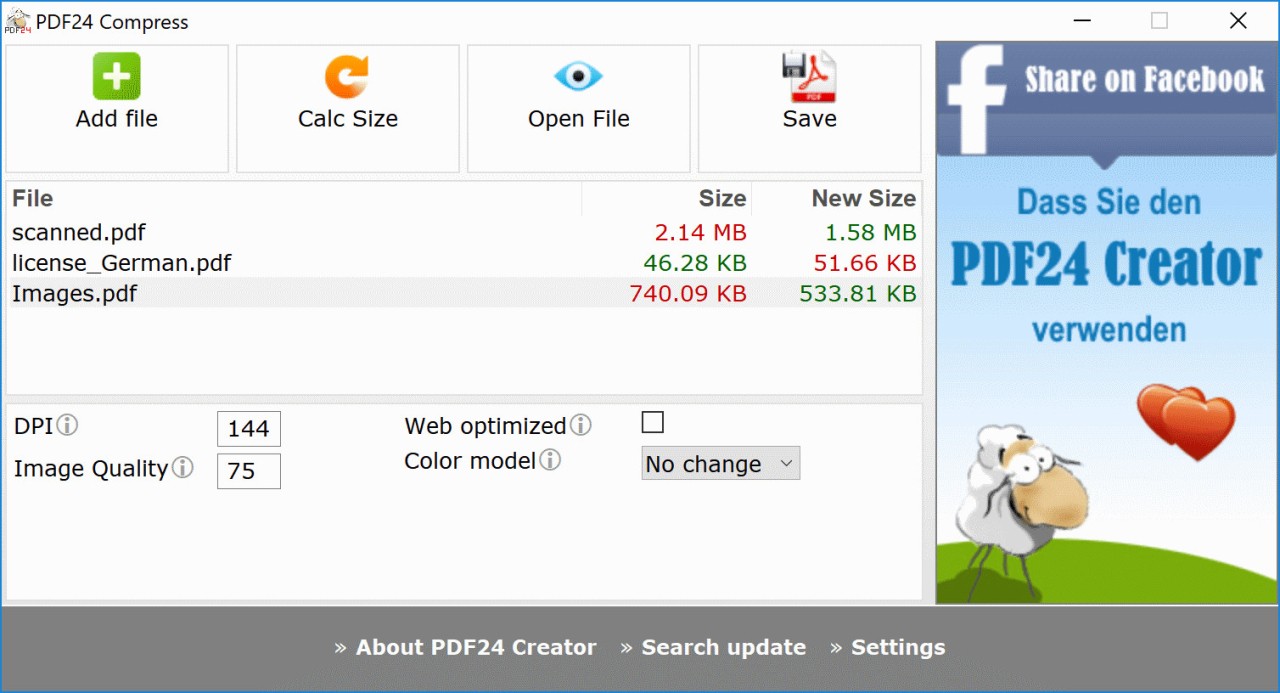
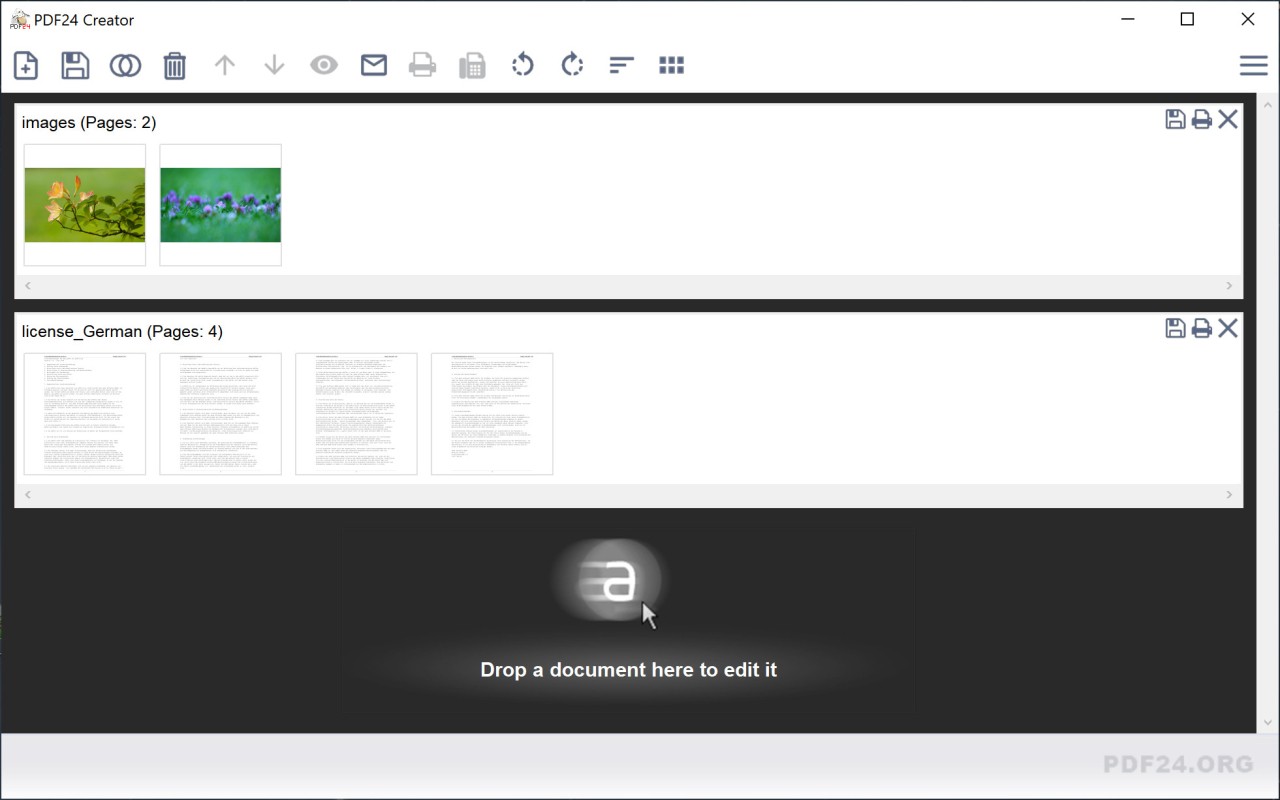
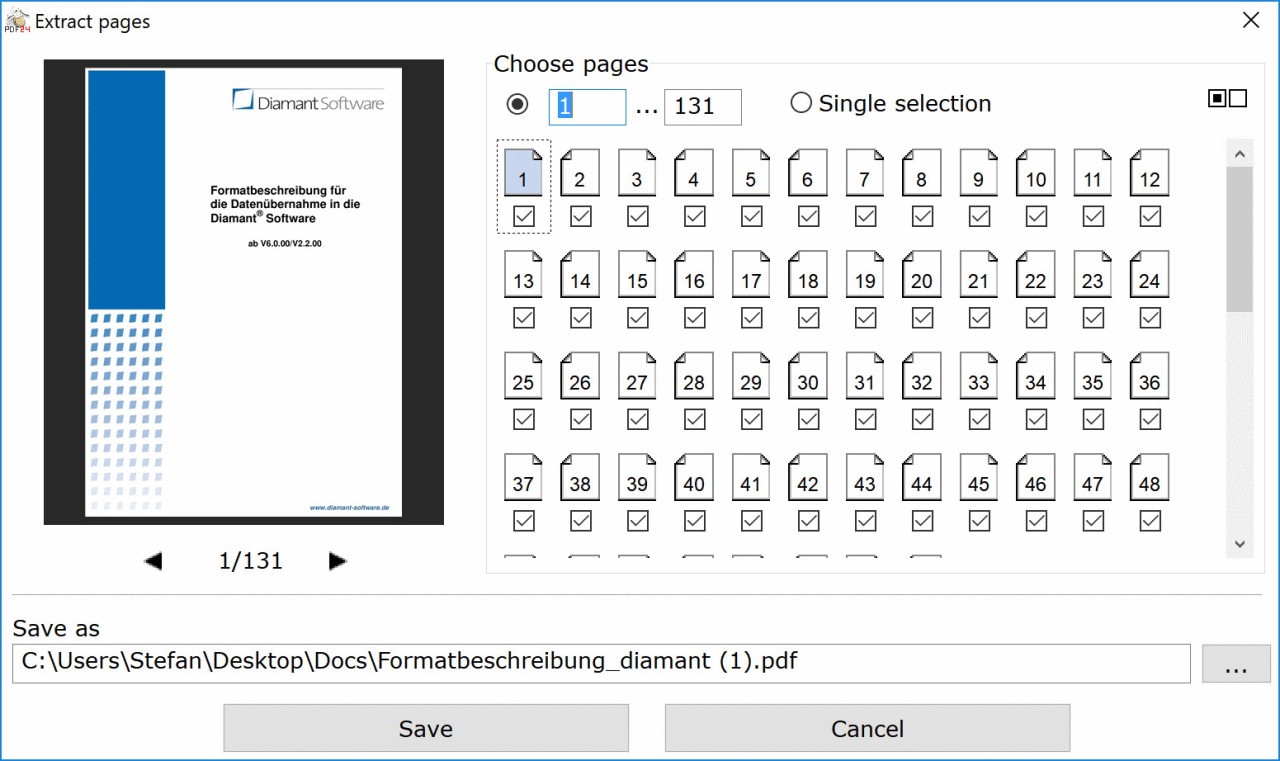
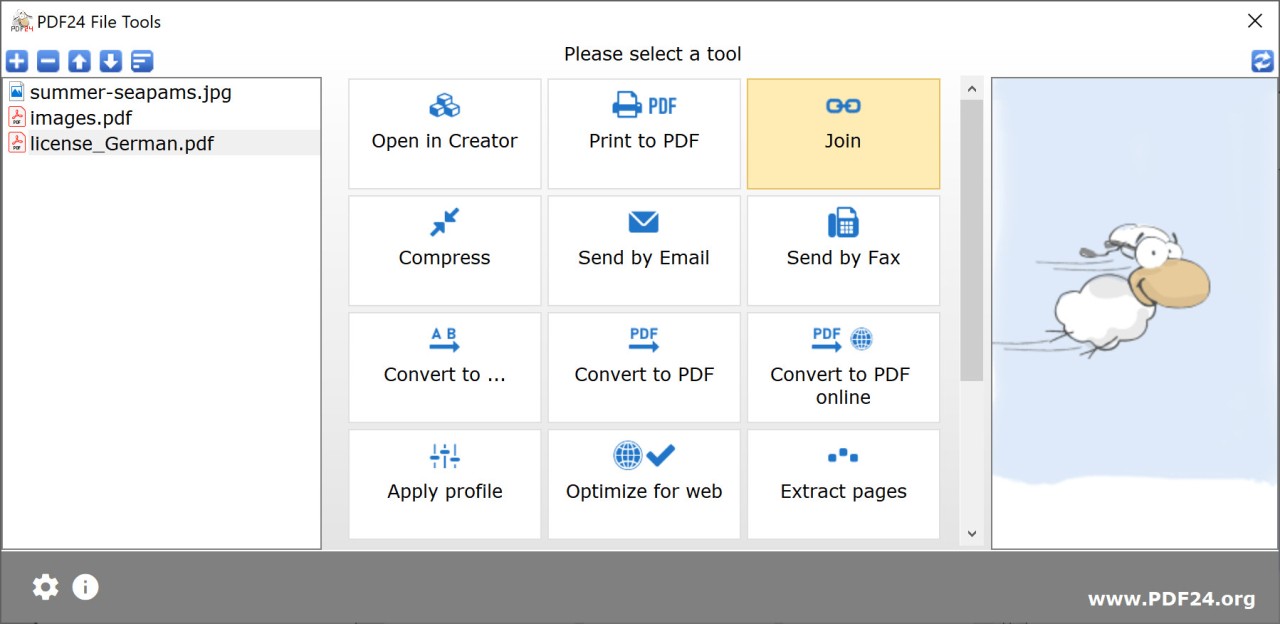
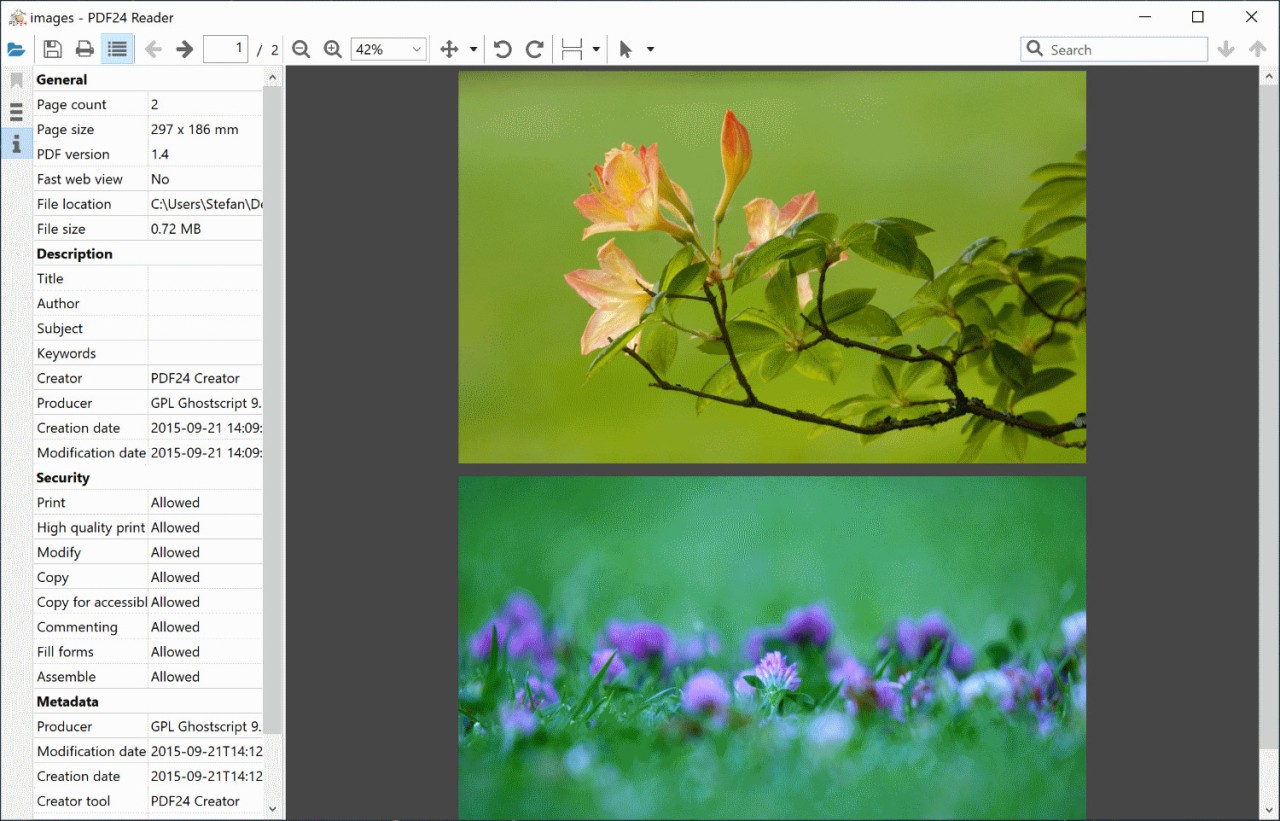
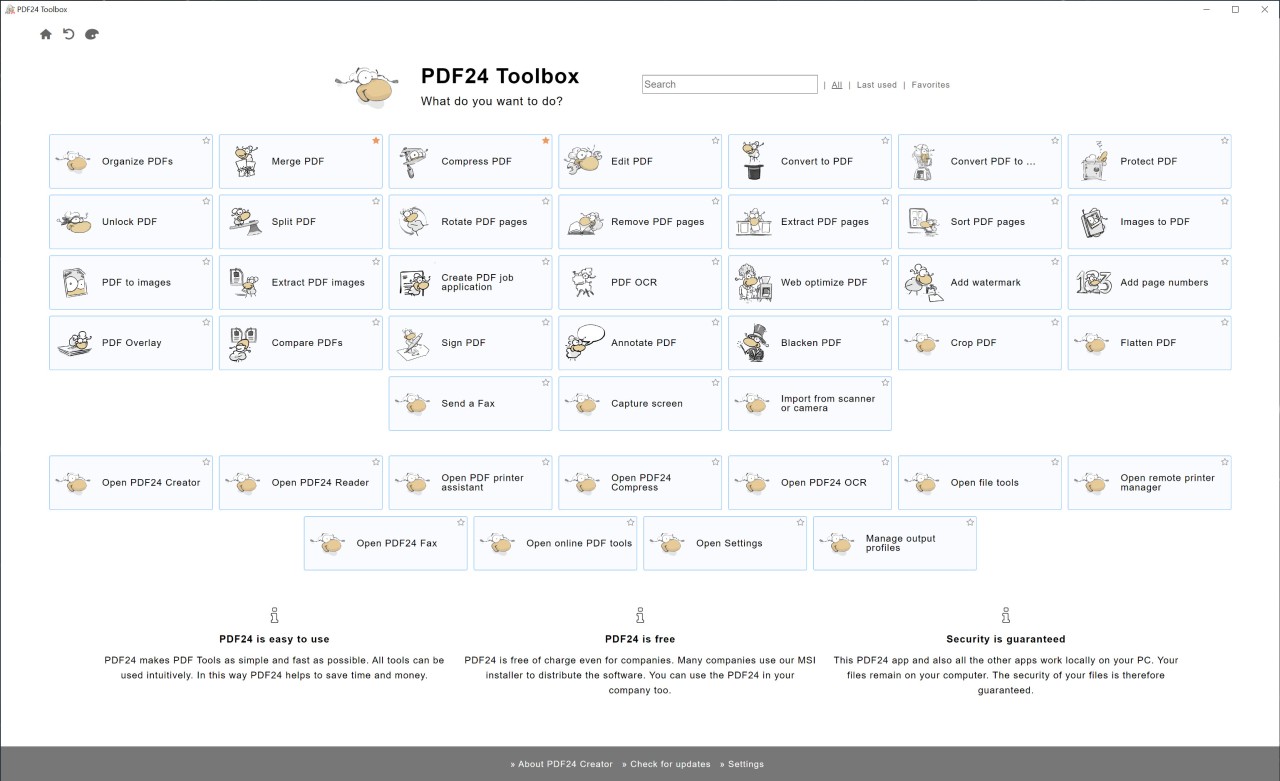
PDF24 Creator is a free program that you install on Windows. It does basic PDF stuff like converting files to and from PDF, merging multiple PDFs together, splitting them apart, and basic editing. The toolset is small compared to expensive editors, but for everyday PDF work it covers what most people need. The interface is straightforward. You open the program, pick a task from the menu, and it walks you through it. It's not fancy or modern looking but it works. Everything is free. No ads, no paywalls, no trial expiration. You download it, install it, and use it forever. The software comes from a German company. They have a bunch of free PDF tools online too if you prefer not to install anything.
Why Should I Download PDF24 Creator?
It's free and does the basic PDF tasks you probably need. Converting documents to PDF, turning a PDF into Word, combining multiple PDFs into one, splitting a PDF into individual pages. If you do any of those things occasionally, PDF24 handles them without making you pay. The interface is simple enough that you don't need to learn anything. You're not going to find deep feature lists or professional tools, but you will find something that works. It installs on your computer so you don't need internet to use it, which matters if your connection is slow or you're offline. The software is genuinely free with no restrictions. No premium version, no upgrade prompts, no features locked away. You get everything for nothing.
Performance is decent on older computers. The program doesn't hog resources. It launches fast and does conversions reasonably quickly. If your computer is older or you have limited RAM, this matters. A lot of PDF tools are resource hogs. PDF24 is lightweight. The tool has been around for years and gets regular updates, so it's stable. It's not going to crash and lose your work. The simplicity is actually an advantage if you just want to do one thing with a PDF without clicking through a ton of menus and settings.
Is PDF24 Creator Free?
Yes, completely free. No trial period, no expiration, no features locked behind a paywall. Download it, install it, use it. There's no paid version or premium upgrade. The company makes money from their online tools and donations, not from selling the desktop software. You get the full thing with no restrictions or limitations on what you can do.
What Operating Systems Are Compatible with PDF24 Creator?
Windows only. Windows XP through Windows 11. No Mac version. No Linux version. If you're on Windows, you can install it. Everyone else needs different software. The program has both 32-bit and 64-bit builds so you can pick the right one for your system. Installation is straightforward and doesn't require admin rights necessarily, though you might need them depending on your setup.
What Are the Alternatives to PDF24 Creator?
PDF-XChange Editor has more features than PDF24. It does editing, annotation, form filling. It costs money but less than big name tools. Windows only like PDF24. If you need more power and don't mind paying, PDF-XChange is the next step up. PDF24 is lighter and completely free.
PDFgear is also free and handles editing plus conversion. It's more powerful than PDF24 but also more complex to use. PDFgear does text editing and annotation which PDF24 doesn't really do. If you need editing, PDFgear is better. If you just convert and merge, PDF24 is simpler.
PDFelement is commercial software with a subscription model. Full editing, annotation, form creation, all the professional features. It costs money every month. Way more power than PDF24. Overkill for simple conversion work. Only use it if you edit PDFs regularly and need advanced tools.
PDF24 is for basic free PDF work. PDF-XChange adds editing for cheap. PDFgear is free with more features. PDFelement is the expensive professional option. Pick based on what you actually do with PDFs.