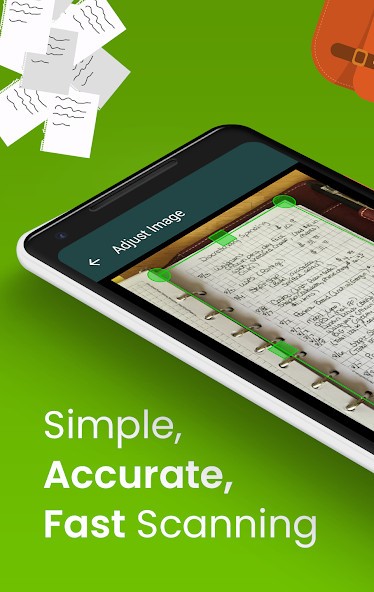
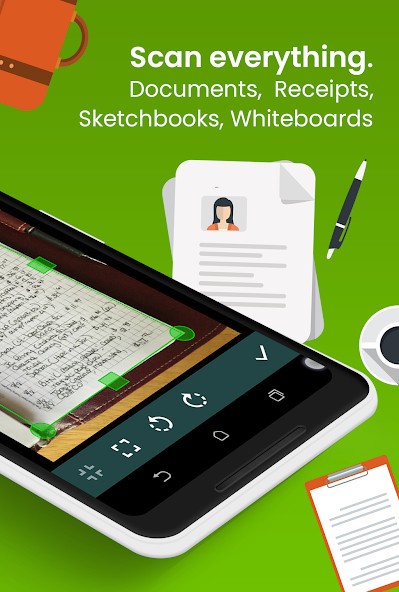
Clear Scan is an app available on your phone that transforms your phone camera into a scanner. It scans pages, automatically recognizes the edges, straightens them, and makes the output of a PDF or a JPEG. Point, scan, and save saves time compared to the laptop and flatbed scanner.
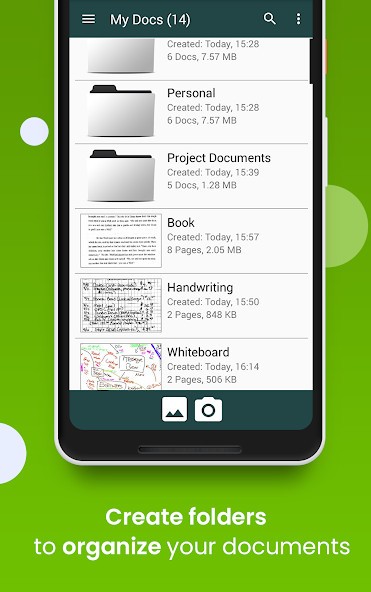
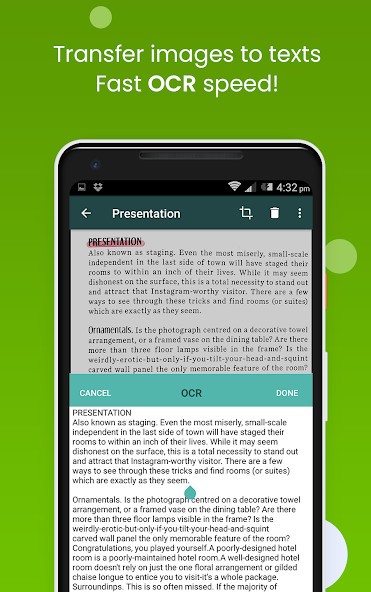
It enables OCR, and therefore, an image of the page can be chosen and edited as text. Students have a chance to scan notes, office employees can copy receipts or agreements, and home users can put away bills or certificates. You can rename documents or arrange the pages in order, or create folders and subfolders, and lose nothing in the app.
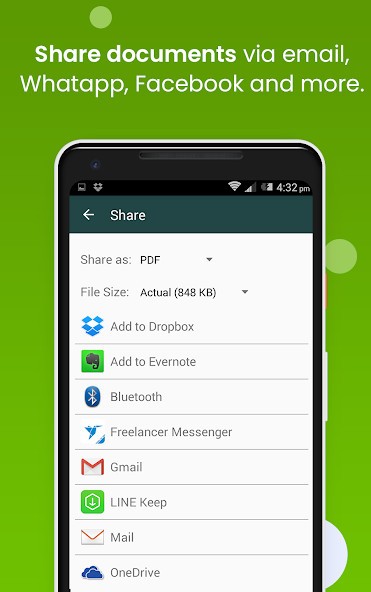
Cloud sharing is built in. It is possible to send a scan by email, print it with Cloud Print, or upload it to Google Drive, Dropbox, OneDrive, and Evernote, among others. The app does not need any technical skills, as everything can be captured and exported. Clear Scan is an app that you do not consider most of the time, but when you actually require it, it will be so helpful.
Why Should I Download Clear Scan?
Clear Scan is downloaded by people due to speed and convenience rather than the need to have complex features. Instead of waiting in line to use a physical scanner or being forced to crop photos one at a time, it is a few taps that will compress the entire process. Scan a page, change the color or filter as required, save it as a PDF or JPEG, and send it immediately.
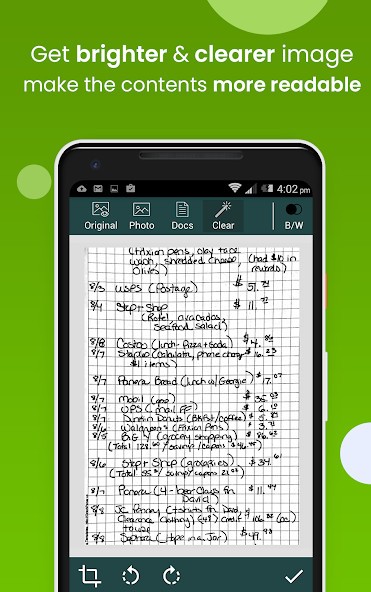
It is compatible with receipts, notes, handwritten assignments, forms, books, and magazine excerpts, and any other flat objects, which can be photographed. Brightness correction is automatic when the paper is not well-lit, and cropping is also automatic to straighten edges that otherwise would have messed up a scan. It is used by many users as an on-the-spot scanner—at a library, during a meeting, in transit, or when they require some urgent paperwork.
Users who use two or more devices can back up/sync files using other applications and do not lose them when changing phones. Another strength is OCR: it is possible to send extracted text, which can be easily edited or quoted.
Multi-page scanning is also done by Clear Scan. You will have the ability to rearrange pages, remove a page within a PDF, extract a part of your PDF, or share a whole folder in case it is necessary. It is not about the sophisticated functions; it is about minimizing the effort required to transform paper into electronic portable files.
Is Clear Scan Free?
Clear Scan is an application that is free to use, and the majority of its options do not require a fee. The creators claim that it will be free, but later, optional upgrades or premium filters can be introduced, which have been done in the case of similar applications. The app currently includes ads and may offer optional in-app purchases, but general usage remains free for most users. An average document scanning free tier allows it to be used by students, office employees, and everybody who needs to have a quick PDF scan without the issues of subscriptions.
What Operating Systems Are Compatible with Clear Scan?
Clear Scan is an application designed to run on smartphones, Android, via the Google Play Store, but also the App Store for iOS and AppGallery for Huawei, as per the official listing. Android phones and tablets with Android 6.0 and above should be able to use the app without problems. It has no native Windows, macOS, or Linux version and would have to be used on laptops with an emulator. The application functions optimally as a mobile camera-first application and not as a desktop dependency.
Since scanning involves using an in-built or an attached camera, anything reasonably well-equipped in terms of sensors should give decent results. Once scanned, the documents can be uploaded to cloud storage that is cross-platform, meaning you can scan from your phone and read the PDF at your desktop.
Clear Scan helps in cross-platform workflow using third-party services. Any document scanned on Android can be viewed on a PC using Google Drive, OneDrive, Dropbox, or email—this indirectly supports nearly any operating system. Printing is done by Cloud Print, and shared folders can enable the transfer of files between environments cable-free. It is not a multi-platform installable application, but it fits in the workflow with multiple devices.
What Are the Alternatives to Clear Scan?
Another scanner that has a simple workflow is Simple Scan, which is a phone-based scanner. It scans pages fast and saves them as PDF files or images. The low-key interface ensures that you can find fewer features to browse and access more quickly when you require a scan and nothing more. Simple Scan has the same features as Clear Scan, with cropping, brightness adjustment, and cloud sharing, but in many respects it is favored by those who desire a lightweight, distraction-free interface. It is best to scan notes, receipts, or one-off documents that do not require sophisticated processing. Many users choose to download Simple Scan when they want a lightweight scanner.
SwiftScan (previously known as Scanbot) is a refined product with strong auto enhancements. It is fast at finding page edges for contrast adjustment and can effectively deal with multi-page documents. It has a good OCR quality that can be used in the extraction of editable text. SwiftScan is more inclined to high-end results, finer tuning options, and management of files compared to Clear Scan. Exporting to the cloud is simple, and the application is convenient to those users who scan daily instead of once per week. Certain features need to be upgraded, although it is one of the more feature-rich mobile scanners. If someone wants more control and features, they often download SwiftScan.
Adobe Scan is directly linked with the Adobe environment, and it can assist users who are already using Acrobat Reader or Creative Cloud. It scans documents, filters, and converts text with the help of OCR. Adobe allows editing the PDFs afterward, and it is useful in cases of signed contracts or reports. In comparison to Clear Scan, Adobe Scan is more closely integrated with document workflows rather than file storage only. The application is free, but more advanced capabilities can take one into the subscription environment at Adobe. It would be appropriate in workplaces where PDFs are regularly transferred between devices and require annotation and other editing. People who work heavily with PDFs often download Adobe Scan to stay integrated.