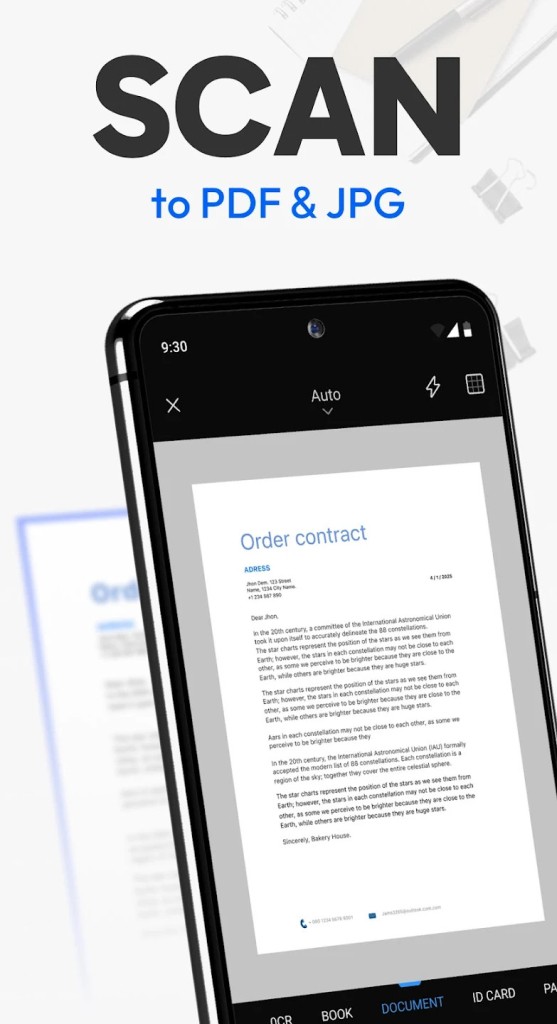
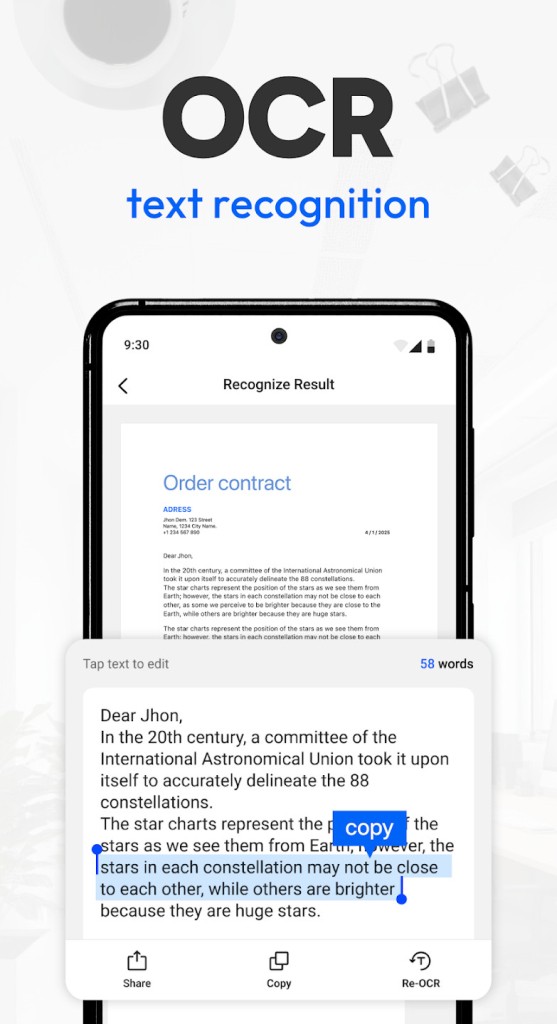
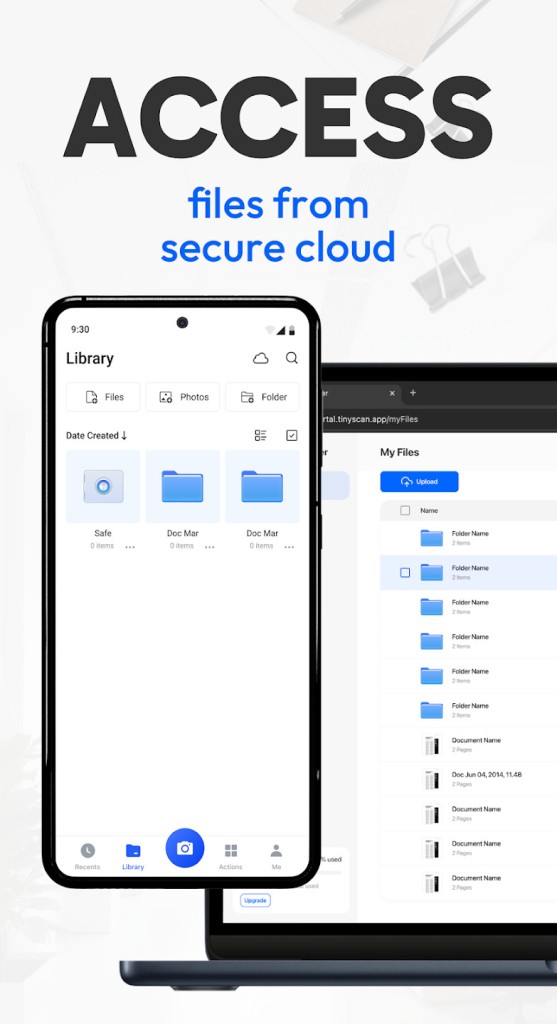
Tiny Scanner is a simple yet powerful tool that transforms your device into a pocket-sized scanner. Instead of relying on bulky office machines or hunting down a print shop, you can scan documents anytime, anywhere, with just your phone or tablet. The app uses your camera to capture the document, then processes it into a clean digital file, typically in PDF or JPEG format.
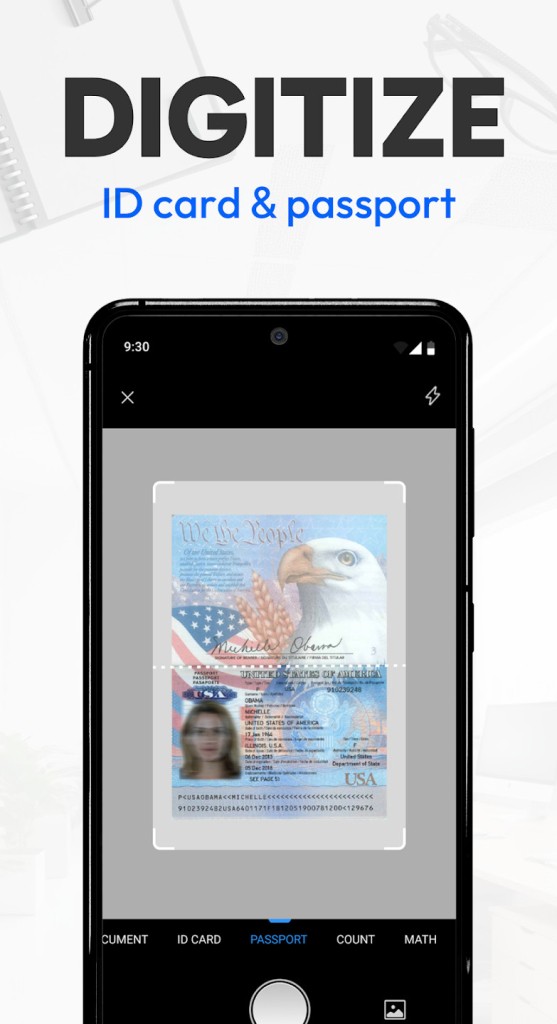
What makes it stand out is how it handles everyday scanning needs. It automatically detects the edges of the paper so you don’t end up with awkward backgrounds or shadows. Once scanned, you can tweak the brightness, contrast, or color mode to make sure your document looks sharp and professional. Whether you’re scanning a handwritten note, a receipt, an ID card, or a contract, the result looks like it came from a traditional scanner.
It’s not just about creating digital copies, though. Tiny Scanner helps you keep things organized. You can create folders, tag documents, and even search for them later. This turns a messy pile of papers into a structured digital library that’s easy to navigate.
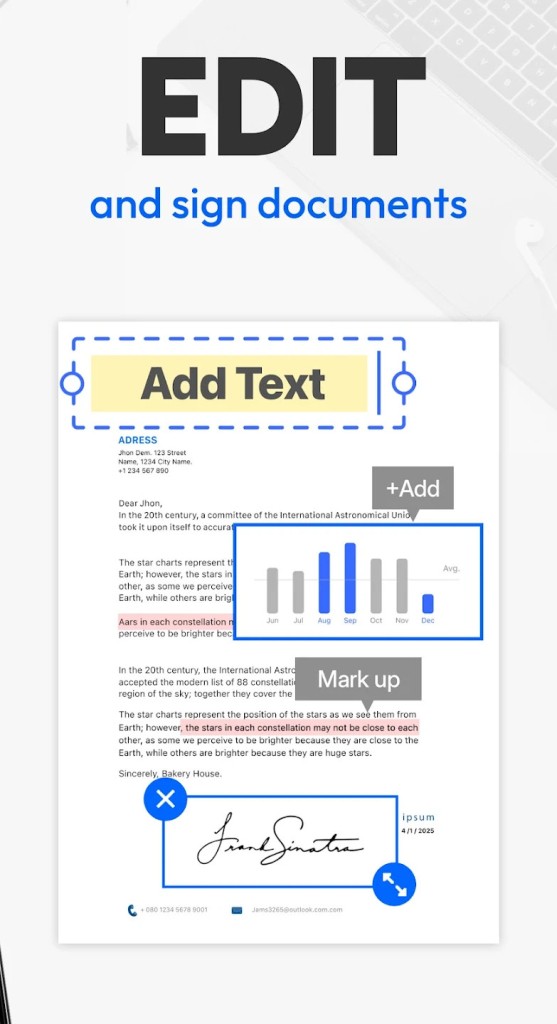
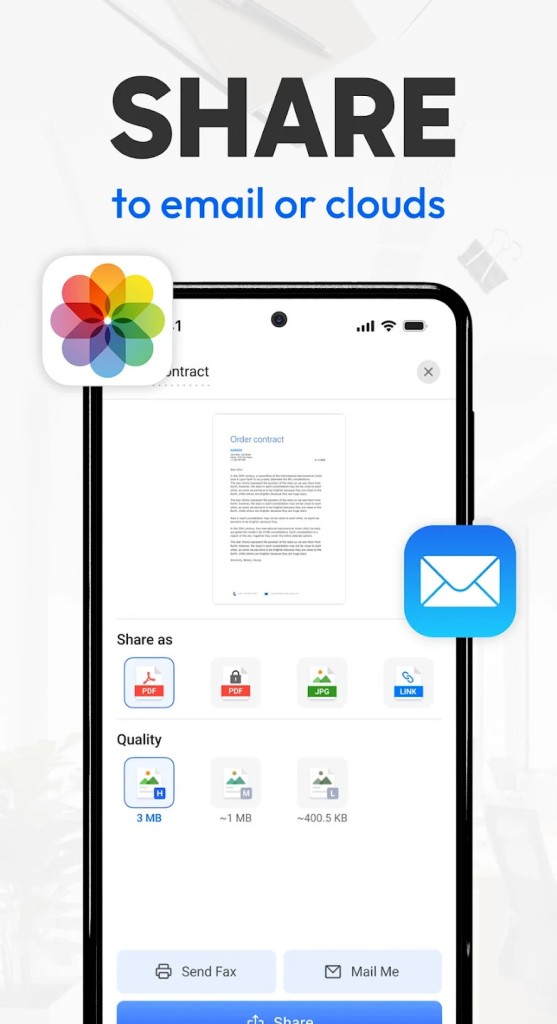
Imagine this: you’re traveling and suddenly need to send a signed form to your office. Instead of delaying the task until you’re back at a scanner, you can pull out your phone, scan the form, and email it within minutes. That’s the real-world convenience Tiny Scanner brings.
Why should I download Tiny Scanner?
The main reason to download Tiny Scanner is to save yourself from the hassle of dealing with physical paperwork. We live in a world where everything is moving digital, and having your documents stored safely in your device or the cloud just makes sense.
It’s a lifesaver for professionals who juggle receipts, invoices, and contracts. Instead of stuffing them into a folder or leaving them crumpled in your bag, you scan them the moment you get them. They’re safe, legible, and ready to send if your boss or accountant needs them. Students can also benefit by scanning lecture notes, assignments, or book pages for quick reference later. Even at home, families can digitize important files like insurance papers, medical records, or school forms.
The app also boosts professionalism. Sending a blurry phone photo of a document looks sloppy, but sending a clean, straightened PDF created with Tiny Scanner shows you care about quality. That little detail can make a difference when dealing with clients, schools, or even government offices.
Another reason is portability. You don’t need to be near a scanner or a printer anymore. As long as you’ve got your phone, you can scan, save, and share. It’s the kind of app that quietly takes a stressful task and makes it effortless.
Is Tiny Scanner free?
Yes, Tiny Scanner is free to download, and the basic features are enough for most casual users. With the free version, you can scan documents, adjust them, and save them to your device. For someone who only needs to scan occasionally, this might be all they ever need.
However, the free version does have limitations. For example, the number of scans you can store or certain advanced features may be capped. If you’re scanning regularly, you’ll probably find yourself running into those limits. That’s where the paid upgrade comes in. The premium version unlocks unlimited scans, advanced editing tools, and smoother integration with cloud storage platforms.
Think of it this way: if you’re a student scanning notes once in a while, the free version is perfect. But if you’re a small business owner scanning receipts daily, the upgrade is worth the investment. The cost is relatively low compared to the time and stress it saves you.
What operating systems are compatible with Tiny Scanner?
Tiny Scanner is a mobile application. It’s available only for Android. If you’re looking for iOS apps, then go to the Alternatives paragraph.
What are the alternatives to Tiny Scanner?
Even though Tiny Scanner is a good product, it is only available for Android users. Other choices are available, with their own features.
Clear Scan is especially popular and works on Android, iOS, and even Huawei systems. It is not heavy, quick, and therefore presents a good alternative to those who have a small storage space in their phones. Clear Scan is capable of automatic recognition of edges, quick creation of PDF files, and easy manipulation of documents. It is not overloaded with features, but it works well and is dependable.
CamScanner has been around for a while now. It extends beyond the basics and offers more enhanced features like OCR (optical character recognition), which enables conversion of the text that is scanned to editable digital text. You can use it when you want to copy and paste something from a scanned page as opposed to typing it again. Another one is CamScanner, which offers collaboration tools and teams are able to share and annotate documents, and is used in the workplace and in schools. For Android and iOS.
Another good alternative is SwiftScan, for Android and iOS. It has been known to provide high-quality and crisp scans. Compatible with cloud services and convenient like Tiny Scanner, it contains some other functions like QR code scanning and batch scanning that can be useful in the case of power users. It is the favorite of the business users who require professional presentation and would go out of their way to obtain proper results.