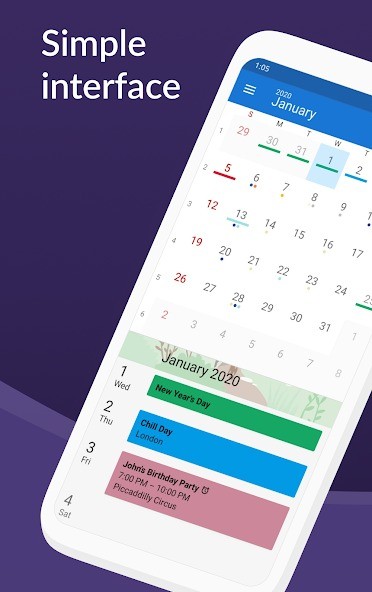
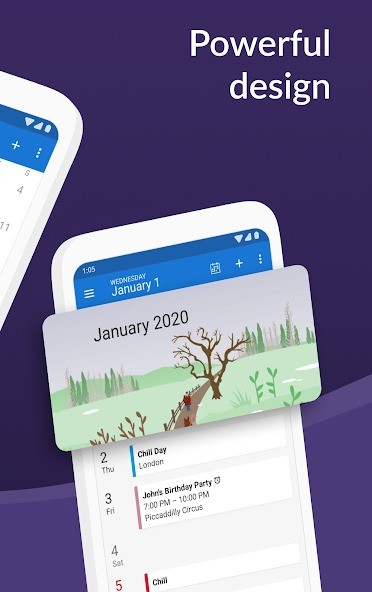
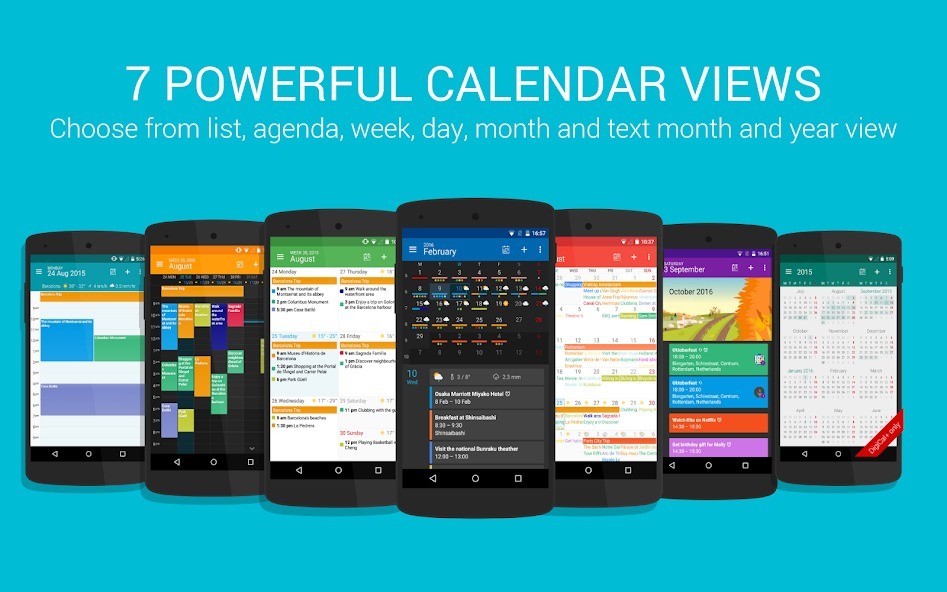
DigiCal is a calendar application created for Android that focuses on flexibility and design without making it complicated. It has a clean Material Design interface with both light and dark themes, giving you a way to adjust your calendar for day and night use. What makes it stand out is the number of different calendar views it offers. You can pick from seven layouts, including agenda, day, week, week agenda, month, text month, and a full year overview that is available in DigiCal+. These layouts are not just different styles, but practical ways of handling schedules depending on how you prefer to plan.
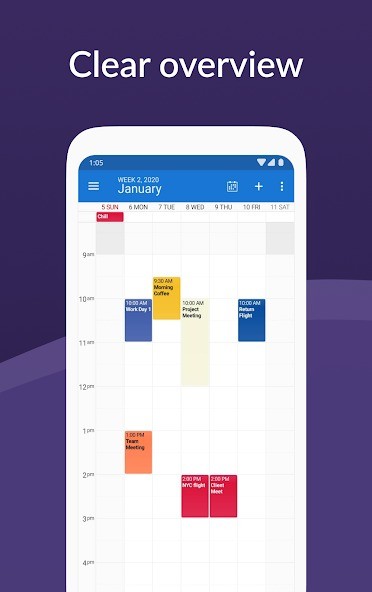
The agenda view lets you scroll through all appointments in chronological order, while the day view focuses on what is happening today, with details like weather forecasts and a quick mini-month preview. Week view spreads out your events over a 24-hour format, which is useful for moving or editing entries, and the week agenda view brings a more traditional organizer look. The month and text month views make it easier to see longer periods at a glance, while the year view in DigiCal+ uses a heat map so you can immediately spot busy and free times. By covering every planning style, DigiCal adapts to different ways of organizing time instead of locking you into one fixed format.
In addition to views, DigiCal integrates with all major calendar servers supported on Android, including Google Calendar, Outlook, and Exchange. This makes it easy to keep all events in one place without manually importing or switching between apps. The app is also built with weather integration, widgets, and extra customization so you can shape the calendar into something that feels personal while still being reliable.
Why Should I Download DigiCal?
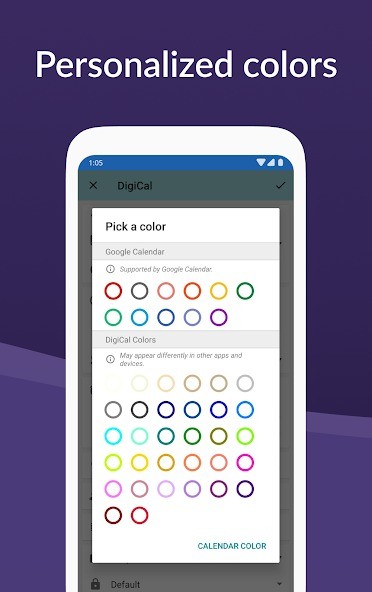
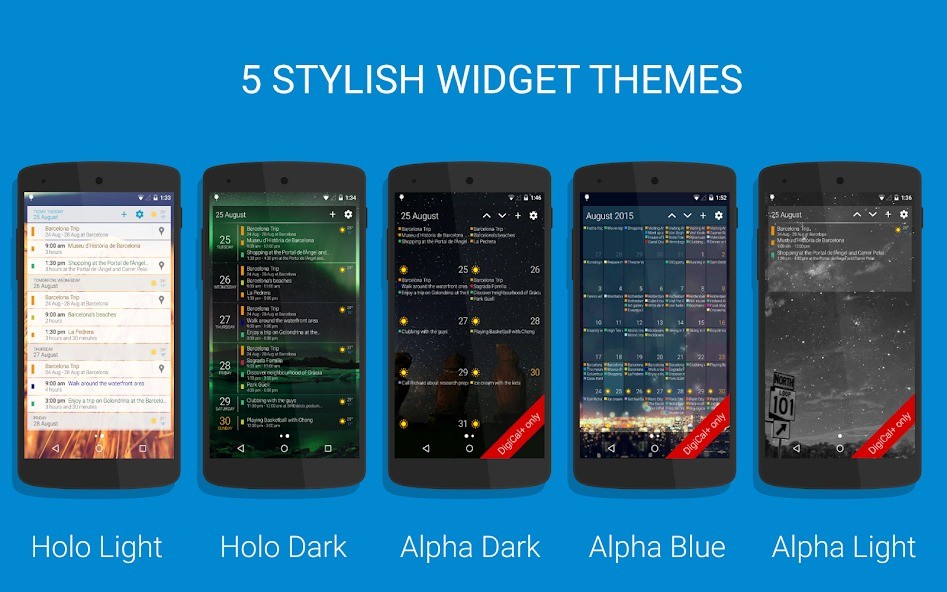
DigiCal is not only about showing events on a screen. Its real strength is how it combines design, customization, and functionality in one application. If you are looking for flexibility, DigiCal offers it through both its calendar views and its widgets. The six widget options let you place your schedule directly on your home screen. You can design these widgets by adjusting rows, columns, colors, and themes. DigiCal+ extends these choices even further with extra widget types such as text month and month overview. By allowing so much customization, DigiCal makes it possible for users to build a planner that reflects how they want information displayed.
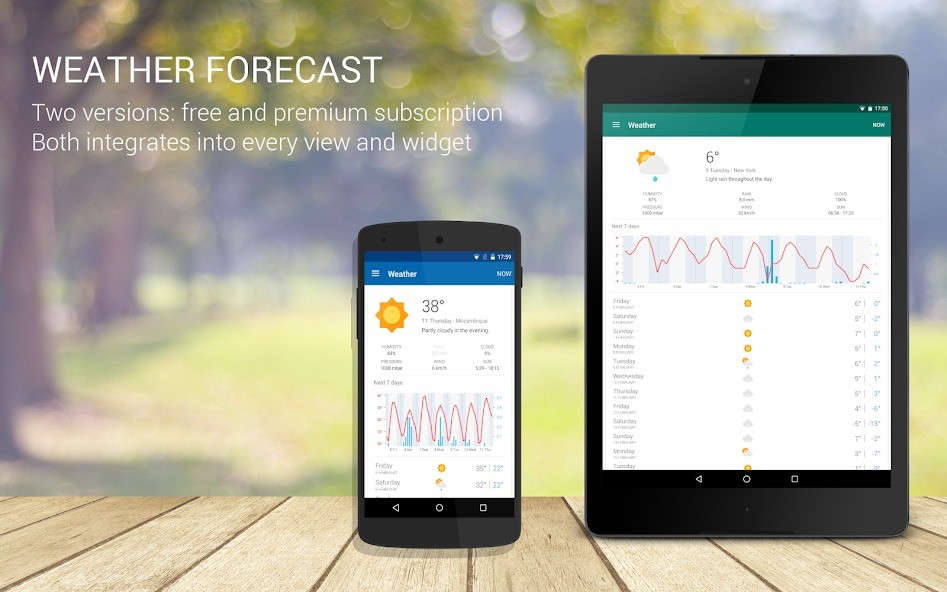
Weather information is another advantage. DigiCal includes a forecast directly in calendar and widget views, showing data like humidity, precipitation, wind, and sunrise or sunset times. Having weather and events side by side means you can plan with a clearer idea of the conditions ahead. Beyond personal scheduling, DigiCal also connects with public calendars worldwide. These cover categories like holidays, sports, television, finance, and lifestyle. With access to over half a million schedules, you can bring global or regional events into your personal calendar and view everything together.
DigiCal is recognized as one of the best calendar apps for Android because it does not just show dates but provides tools for planning in detail. Its adaptability has been highlighted by technology reviewers as one of the main reasons it stands out. You can switch from detailed editing of single appointments to managing long-term plans, and that balance is what makes it useful both for everyday tasks and for more complex scheduling.
Is DigiCal Free?
DigiCal is offered as a free application, and this version already provides a full set of tools to manage schedules. It includes all seven calendar views, synchronization with your existing accounts, six different widgets, and an integrated weather forecast. With just the base version, you can manage both short-term and long-term planning without missing essential features.
There is also DigiCal+, which unlocks more advanced options such as year view with a heat map, more widget styles, additional customization, and an ad-free experience. The weather features can also be extended with more detailed forecasting. While those extra options provide greater control and depth, DigiCal in its standard form already works as a complete calendar app. This gives users the freedom to choose how simple or advanced they want their calendar to be without losing core functionality.
What Operating Systems Are Compatible with DigiCal?
DigiCal is compatible with Android. It has been designed to run smoothly on Android devices and to integrate directly with the system’s features. By being built for Android, DigiCal works with home screen widgets, notifications, and the general customization options the operating system allows. All the calendar views and widgets are optimized for Android devices, ensuring they display correctly and respond as expected.
For synchronization, DigiCal connects with calendar services supported on Android, including Google Calendar, Outlook, and Exchange. This means users can combine work calendars, personal accounts, and other schedules into one place. Every feature has been developed with Android compatibility in mind, from event image matching in multiple languages to notifications with snooze and navigation support. DigiCal’s Android focus is what makes it reliable on that platform, ensuring consistency and smooth use without needing adjustments.
What Are the Alternatives to DigiCal?
One lighter alternative is a Simple Calendar. It is set with the purpose of providing simple calendar services and is not heavily reliant on web-based synchronization. The users who choose the personal and offline-first experience without the unwarranted complexity, and still, the scheduling option can use Simple Calendar. It is also simple yet practical, as it is appealing to individuals who like to keep things simple.
Another Android alternative is Calendar Planner, which is an app that provides a range of ways to plan and manage time. It also has a calendar, reminders, and an agenda that come in handy when organizing your personal and work schedules. Its layout is simple yet not overwhelming to the user when making plans. Today, Calendar Planner is the alternative to DigiCal that should be selected by people who do not want such a harsh interface but still require good organizational capabilities.
One of the most popular calendar applications in Android is Google Calendar. It also integrates directly with Google services like Gmail and Google Meet and is therefore easily accessible to Google users. Events can be automatically synchronized with emails, and reminders can be automatically cross-flowed across different Google applications. Its biggest strength is that it can work on any devices that are linked to a Google account, and everything is automatically updated. This application is not as personalized as DigiCal, but it is often used by those who utilize the services of Google daily.