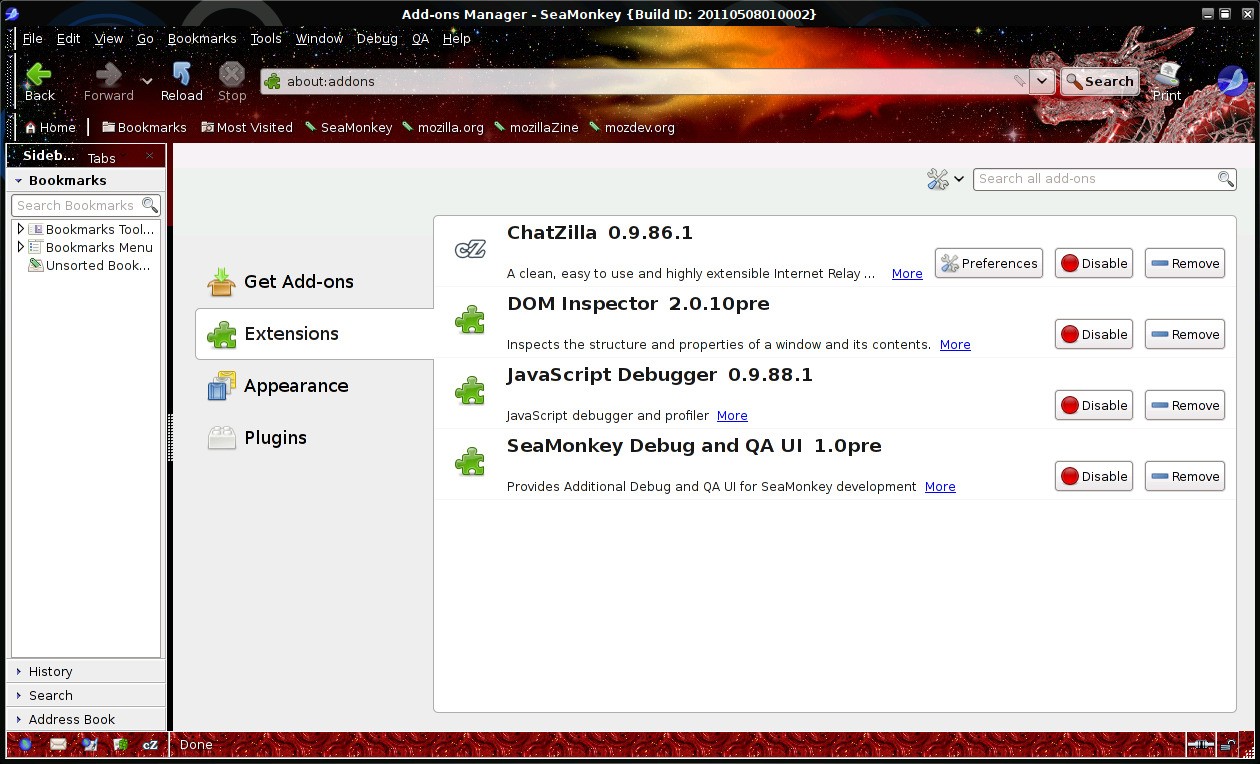
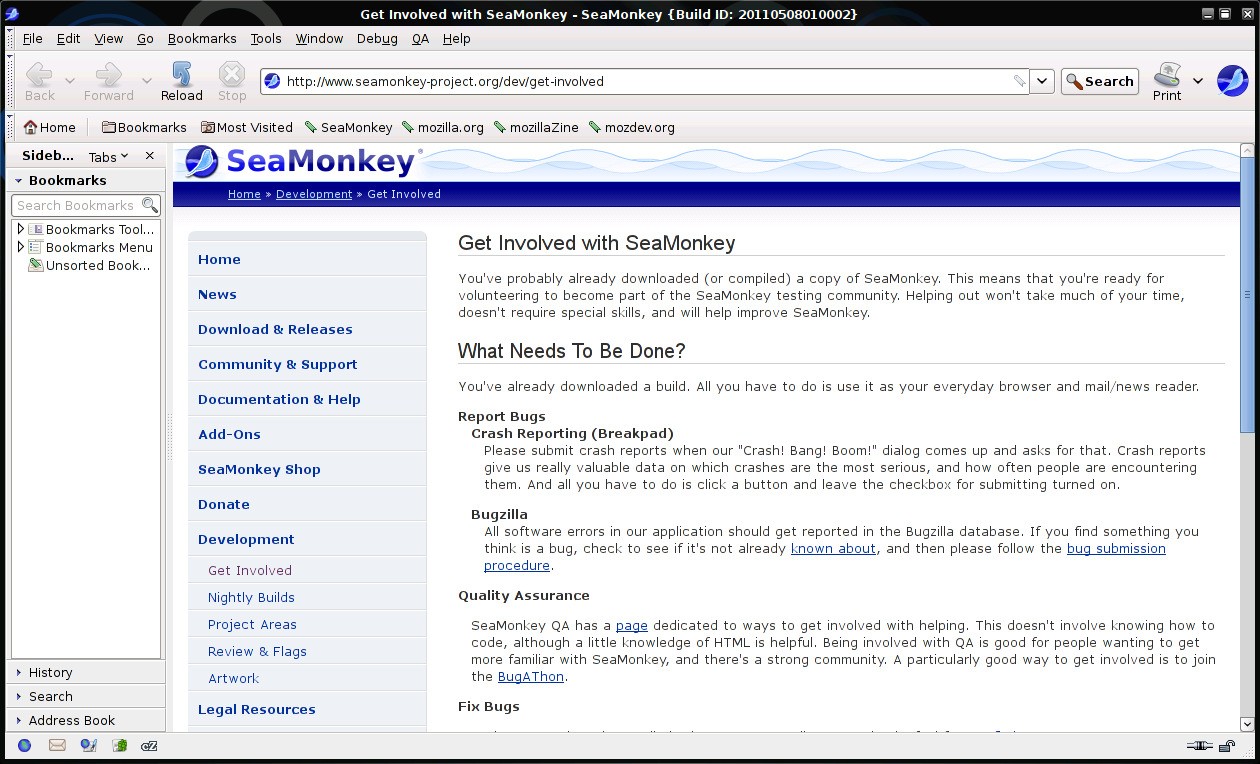
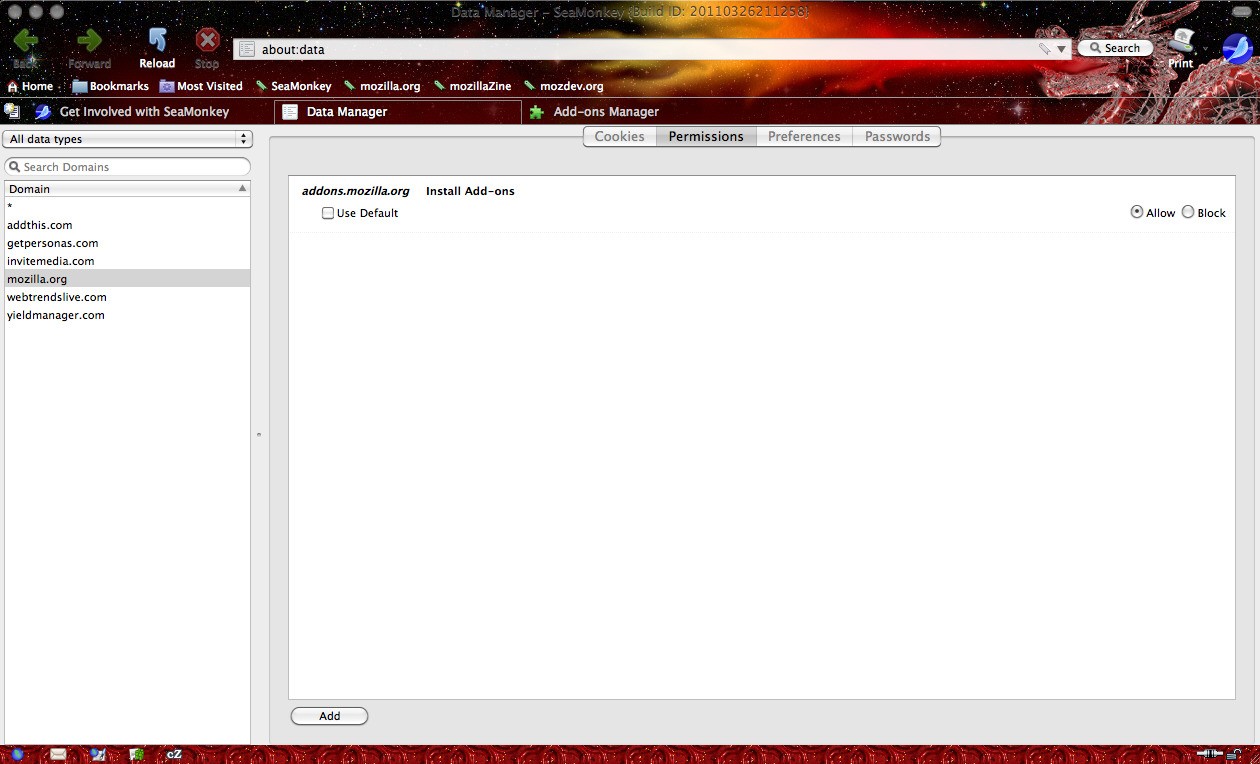
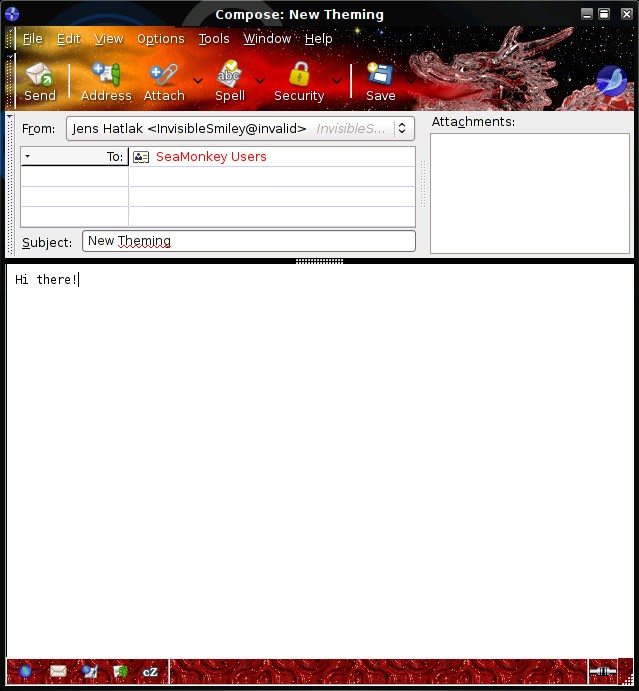
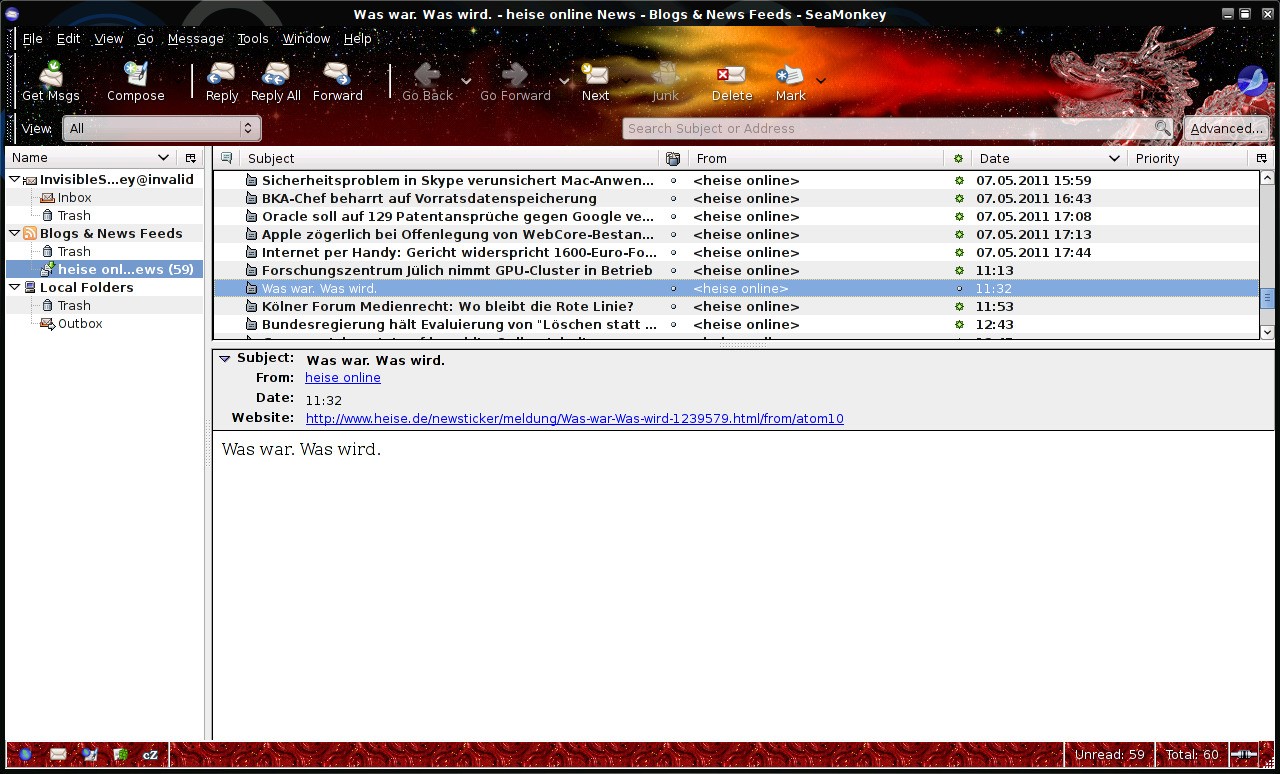
SeaMonkey is what you’d call an “internet suite,” something you don’t see as often these days but which was once the norm back in the early years of the web. Instead of downloading a separate browser, a separate email client, and then some other program to write simple HTML, SeaMonkey bundles all of that into one package. It’s based on the legacy of Mozilla, carrying forward the idea that one unified tool can cover most of your online needs.
At the center, you’ll find a fully functional web browser that feels familiar and stable. Alongside it is an email and newsgroup client that lets you manage multiple accounts, set up filters, and even keep up with those who still use newsgroups. There’s also a built-in chat client supporting IRC, which remains handy for anyone who likes straightforward, real-time conversations. On top of that, SeaMonkey includes an HTML editor—simple but effective—for building or tweaking webpages.
The whole point is integration. Instead of switching between five different applications, you can do everything in one environment. For users who appreciate minimal clutter, who maybe don’t need the flashiest modern designs, SeaMonkey delivers a practical, no-nonsense experience.
Why should I download SeaMonkey?
One of the strongest reasons to try SeaMonkey is convenience. Think about how fragmented most digital routines are today: Chrome or Firefox for browsing, Outlook or Gmail for email, Slack, or some other app for chat, and then another program entirely for web editing. SeaMonkey rolls those into a single platform, meaning fewer windows open and a smoother workflow.
Another reason is control. Because SeaMonkey is community-driven and open source, it doesn’t come with a hidden agenda. You won’t be nudged into premium versions, bombarded with ads, or locked behind subscription walls. What you download is what you get, and you can use it without interruption.
The email client deserves its own spotlight. Many people download SeaMonkey simply for its mail component because it’s reliable, supports advanced filtering, and works well with multiple accounts. If you’re tired of webmail and prefer something local, it offers exactly that. Add in support for newsgroups—a feature that’s rare these days—and you can see why some users still swear by it.
The browser, while not competing with Chrome’s scale of extensions, is solid. It handles modern standards decently, offers tabbed browsing, pop-up blocking, cookie management, and other everyday essentials. It may not win style points, but for someone who values reliability over constant redesign, it does the job well.
Then there’s the HTML editor, called Composer. For many users, this is an underrated gem. If you’ve ever needed to quickly put together a personal page, test some code, or adjust the layout of something simple, you don’t have to hunt for an external editor—SeaMonkey already has it.
All of this comes wrapped in a lighter footprint than some modern suites. If you’ve got an older machine or just don’t want to overload your system, SeaMonkey feels like a refreshing alternative.
Is SeaMonkey free?
Yes, SeaMonkey is completely free. You don’t need to pay for a license, and there are no tiers where certain features are locked away unless you subscribe. That’s because SeaMonkey is maintained by volunteers in the open-source community. It’s less about profit and more about preserving a toolset that people still find useful.
Being free doesn’t mean it’s bare-bones, though. The project is actively maintained, which means bugs are fixed, and features continue to evolve. The value here isn’t just the lack of a price tag, but also the absence of the usual strings attached to “free” software—no trial periods, no forced upgrades, and no advertisements stuffed into the interface.
This accessibility is part of what keeps SeaMonkey alive. Students, hobbyists, and even professionals who just want something dependable can use it without worrying about cost. If you want to support the project, you can contribute in other ways—whether through feedback, testing, or coding—but at its core, SeaMonkey remains a free tool for anyone to download and use.
What operating systems are compatible with SeaMonkey?
SeaMonkey is compatible with the popular desktop systems: Windows, macOS, and Linux. It is very compatible, hence suitable for individuals who work in mixed surroundings. Perhaps you are using Windows at work and Linux on your personal machine, and a MacBook on the move, you can have the same suite on all of them to give yourself the same experience regardless of the machine you are on.
For Windows users, it is simple to install, and SeaMonkey can be used smoothly even on outdated operating systems. It is an alternative to the default applications (i.e., Safari and Mail) on macOS, and an in-distribution app on Linux that is compatible with open-source-friendly distributions.
Being cross-platform is not only convenient but also stable. Once you change systems, you do not need to retrain yourself. As environments are largely similar in terms of layout, tools, and functions, it is easier to concentrate on what you are doing and not have to learn new interfaces.
What are the alternatives to SeaMonkey?
Although SeaMonkey is a good option on its own, being an all-in-one suite, it is not the only one available. There are a number of alternatives, which may better meet your needs depending on what you are seeking.
Evolution is one of the competitors. Evolution is popular in the Linux community, and it is more geared towards groupware and email functionalities. It is not attempting to be a one-stop shop, but a good communication center. It is also compatible with calendars, contacts, and task management, and this is why it is ideal for those users who require tools to organize their emails.
Next, there is Thunderbird, a project that many will be aware of as another Mozilla project. Thunderbird is committed to being an effective email client, and throughout the years, it has developed a large number of loyal users. The rationale is quite straightforward: it is customizable, and it supports add-ons rather well, not to mention that it is easy to manage several accounts. Thunderbird is frequently regarded as the best standalone alternative in case the free mail client is the feature of SeaMonkey that you like the most.
Betterbird builds on the base provided by Thunderbird and modifies it. It is a fork that has a more accelerated pace of development, providing better improvements and usability alterations that are desired by certain users. It can be considered Thunderbird with a little more refinement and trial. Betterbird is also worth consideration for those who would like the stability of Thunderbird with some extra features.