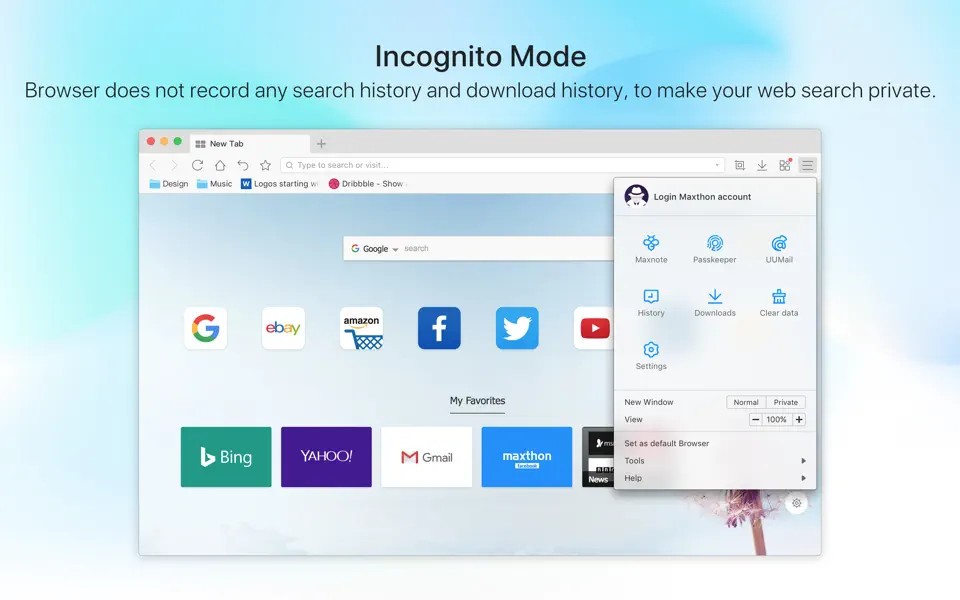
If your safety online is important to you, then you could use Maxthon Browser. Maxthon is an alternative to popular browsers like Google Chrome and Microsoft Edge. It places a lot of attention on security, equipped with a built-in VPN to keep you safe online through encryption. There is also an anti-phishing tool installed, along with an ad-blocker that will make your experience online a lot more pleasant.
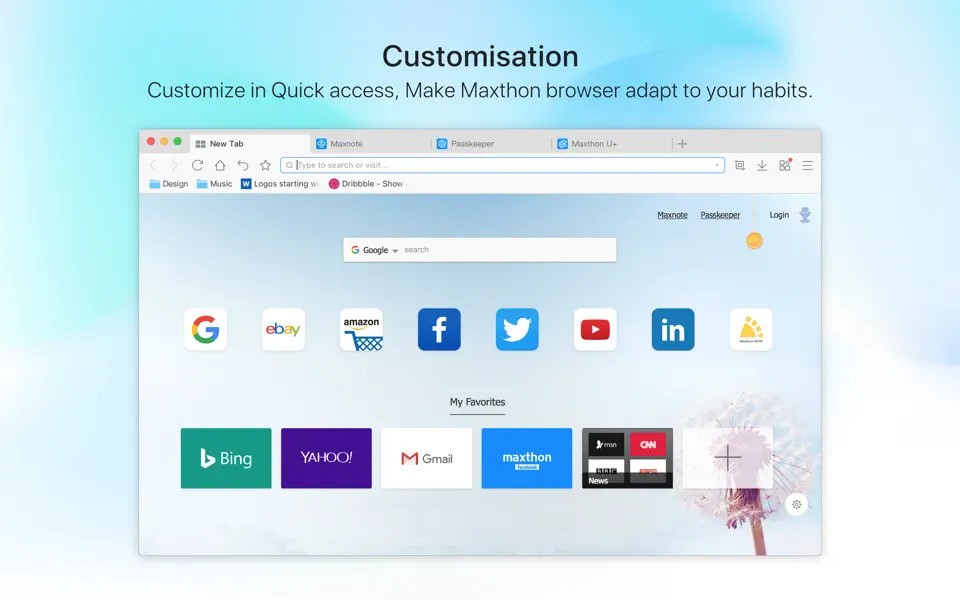
Part of the reason many people choose Maxthon Browser is its additional capabilities that other browsers lack. For instance, it allows you to go into split screen mode, whereby you can view two pages at the same time. That can be incredibly helpful for research, studying, and work assignments. You can download not only images, but also audio and video files from websites onto your computer. In addition to that, the browser is highly customizable, so you can turn it into a helpful tool in your work, studies, and personal life.
Why Should I Download Maxthon Browser?
You will appreciate Maxthon Browser if you’re looking for a safe and speedy browser with interesting features to replace your current solution. One of its main unique selling propositions is safety and privacy online. The platform protects your data using encryption, and features an in-built ad-blocker. Maxthon’s VPN will ensure your IP address is not tracked.
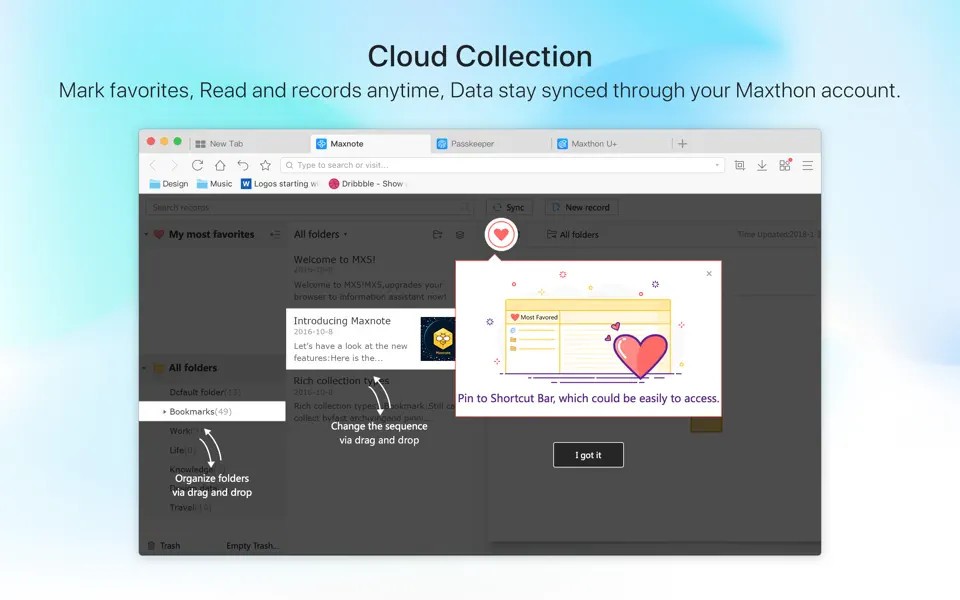
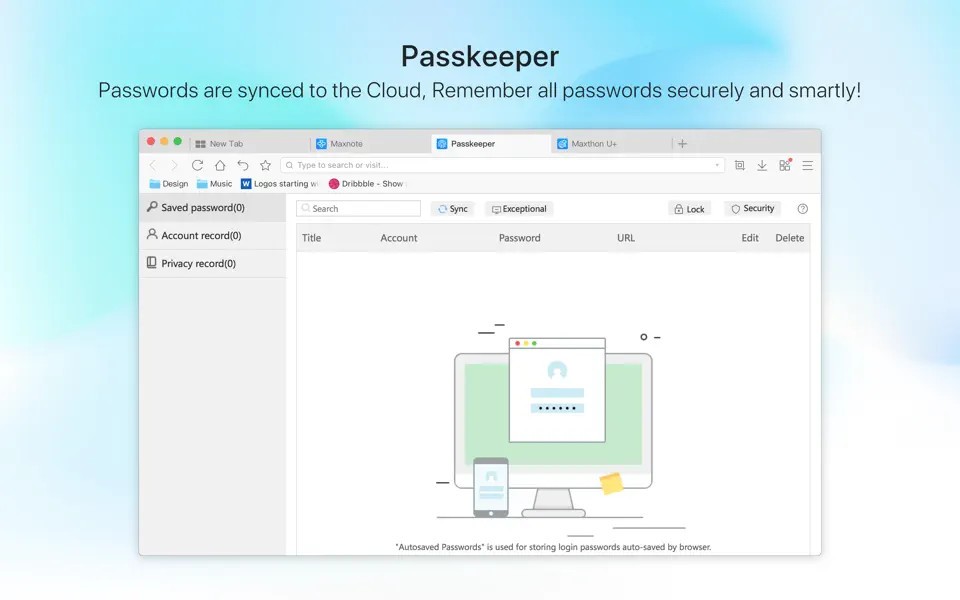
Besides privacy, Maxthon offers fantastic productivity tools. One of them is a “resource sniffer” that allows users to download media files onto their computers. Maxthon’s notes app, Maxnote, is a built-in note-taking application that allows you to write down what you need without exiting the browser or opening another app. Like most modern browsers, this one also has a password manager to keep all of your passwords safe and stop you from having to type them in every single time you want to access your account on a website.
Split-screen mode allows users to view two different websites at the same time, making it easy to compare online documents and online shop offerings, as well as do research and study. At night, you can turn on night mode to reduce eye strain and consume online content comfortably.
The browser boasts fast loading times that ensure your browsing experience is always pleasant. It is also compatible with old websites that may take a while to buffer through other browsers. You can use Maxthon on your macOS, Windows, or Linux computer, as well as on iOS and Android mobile devices.
Is Maxthon Browser Free?
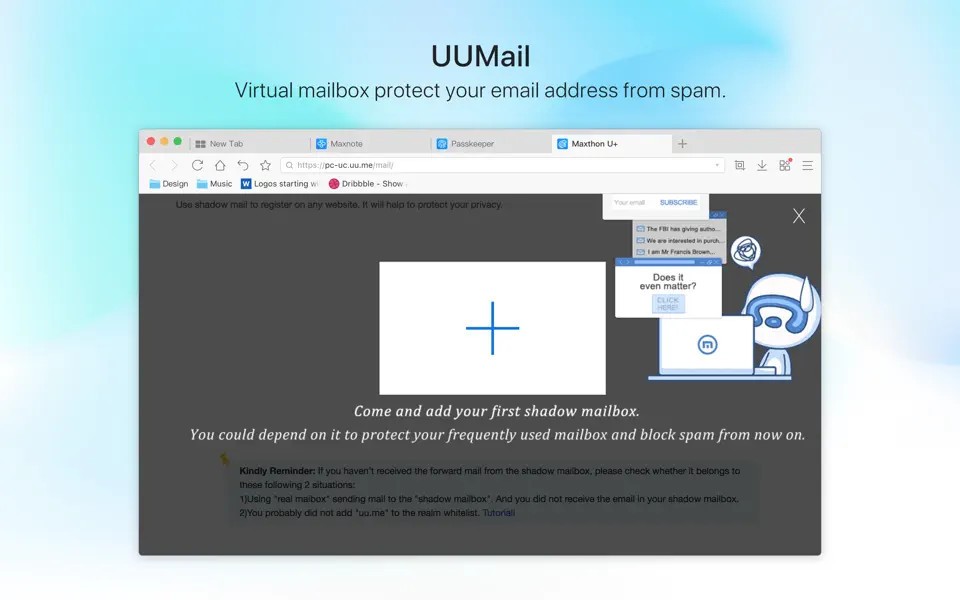
Maxthon Browser has a free version with a large selection of free features, such as its in-built notetaking tool, password manager, email, and VPN.
Some of the more advanced features are only available to paying users. You can test them for free with a free trial.
What Operating Systems Are Compatible with Maxthon Browser?
Maxthon Browser is compatible with Windows, macOS, and Linux computers. For Windows, make sure that your operating system is Windows 10, Windows 11, Windows 8, or Windows 7.
You can also install Maxthon on your iOS or Android phone or tablet.
What Are the Alternatives to Maxthon Browser?
Users looking for a more privacy-focused solution can give Brave Browser a go. It provides great protection while browsing the internet, so you can rest easy knowing your personal data will not be exposed. The platform also puts a lot of emphasis on ad-blocking, which may lead to faster load times while browsing the internet. As a bonus, you can earn Basic Attention Token for watching ads, if you so choose.
Tor Browser is one of the most popular solutions of its kind. The main goal of Tor is to keep you safe and anonymous on the internet. The platform does so by preventing websites and third-parties from tracking your IP address, so all of your online activity is anonymous. For that reason, people that need to be anonymous online often go for this browser. Because of its high-level encryption processes, the browser may be slower than other alternatives. If your privacy matters to you, then it’s a small price to pay.
Opera is another secure browser that’s quite popular among internet users. While Maxthon is more focused on providing productivity tools to users, Opera is all about ensuring privacy and security while browsing the internet. The platform has a built-in VPN and ad-blocker, making it highly secure. Opera has an intuitive and modern interface that appeals to users.