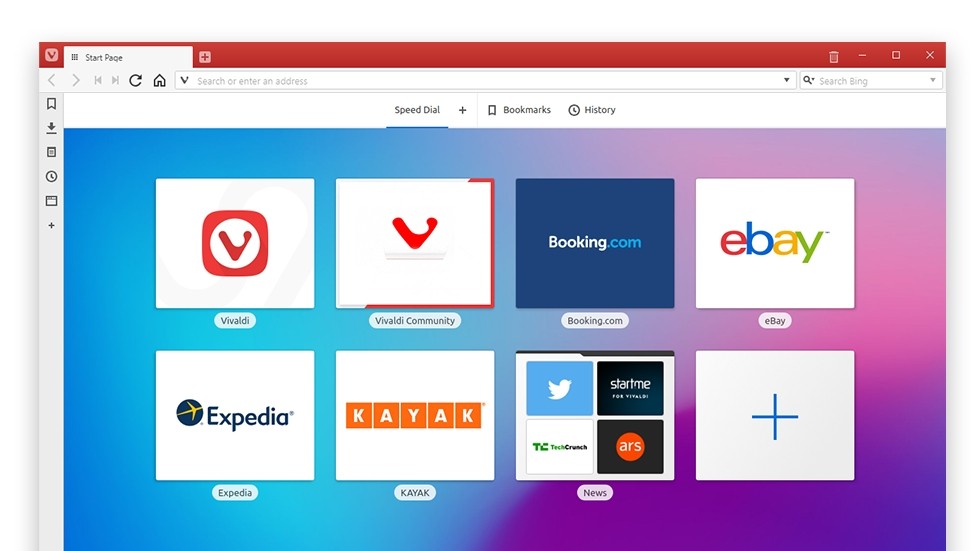
Vivaldi Browser is a highly customizable, privacy-focused internet browser that allows users to take control of their online experience. Developed by former Opera developers, Vivaldi aims to combine speed, security, and customization in a way that other web browsers often fail to achieve.
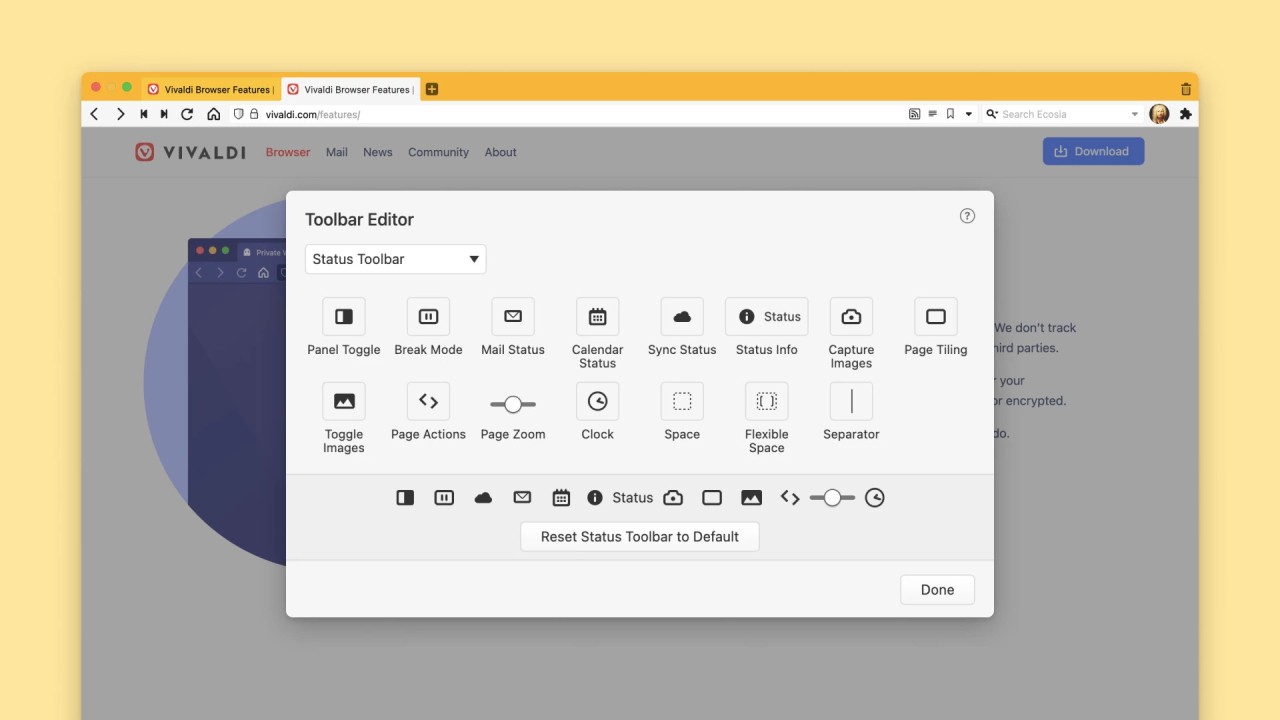
It is aesthetically pleasing, with features meant to be used both by those who merely wish to use the browser and those who wish to customize every aspect of using a browser. Vivaldi is all about choice from how tabs behave, which buttons should be present in the toolbar, the settings of themes, and the schema of the interface. Vivaldi has a minimalistic design, but if you prefer to get all the tools at your fingertips, you can get them.
Among the most notable features of Vivaldi is that the tool comes with built-in features that limit the use of additional extensions. The browser has a notes feature, a screen capture tool, an ad and tracker blocker, tab stacking, a split-screen display, and a customizable sidebar where you can pin your favorite sites/feeds. All this is without compromising performance. Vivaldi runs on Chromium, which is the same engine used by Chrome, keeping in mind that it also has support for Chrome extensions with a totally different style of browsing.
Why Should I Download Vivaldi Browser?
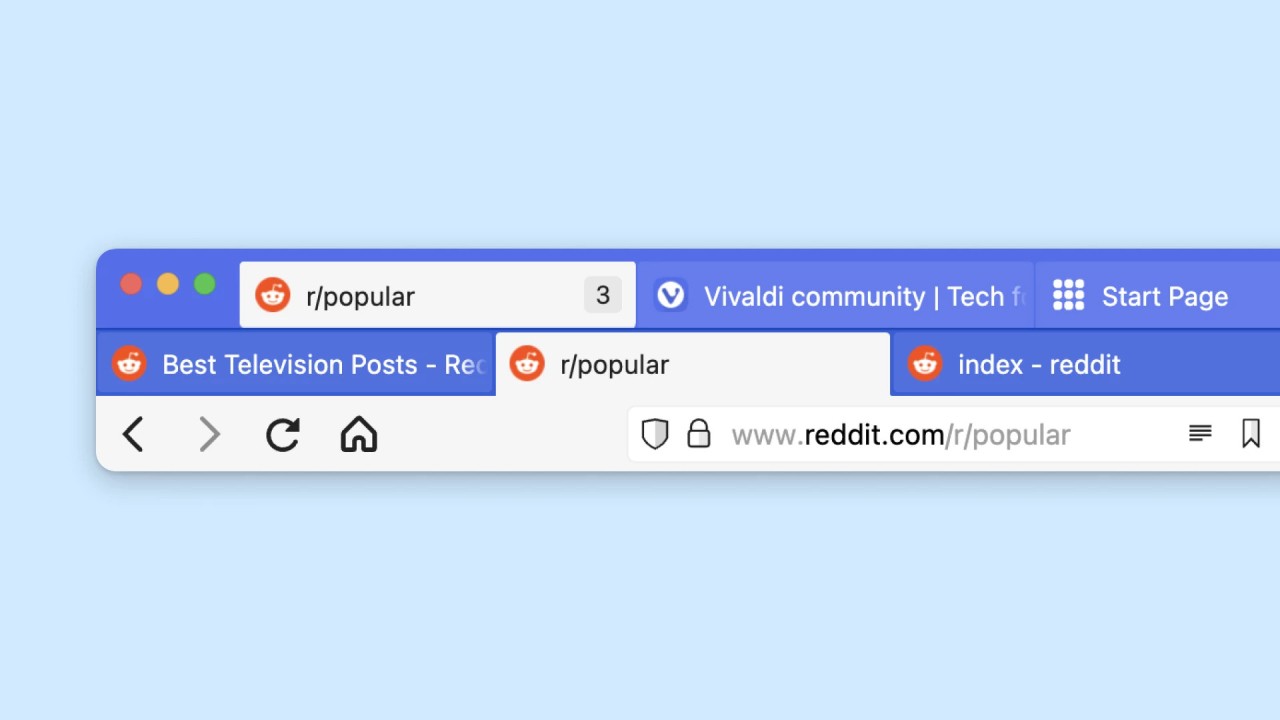
Vivaldi is an example of a web browser tailored towards users who want more than just the basic features. Vivaldi highly values customization, and even if you have ever felt trapped because of the scarcity of features in other browsers, you will find that Vivaldi will interest you. For example, you may choose to place tabs at the top, bottom, or side of the window and assemble them in categories to make management easy. You are also allowed to set personal keyboard shortcuts and mouse gestures, manipulate the look of the interface using themes, and modify the way pages open or how content is presented. This kind of control will enable you to develop a browsing setup according to your workflow.
The other major reason why Vivaldi is worth a try is that it doesn't compromise privacy. The browser has ad and tracker blocker settings, which help reduce the amount of data collected about you by advertisers and websites. Vivaldi does not keep tabs on your browsing or sell individual information, hence it can be favorable to customers who require privacy on the internet. You can even browse without any reservations, knowing that whatever you are sharing remains yours.
Vivaldi has other productivity features that are also unique. Its integrated notes feature allows you to make notes or paste some text from a web page without exiting the browser. With the tab tiling feature, you can see several websites in a single window in parallel to each other to compare prices and various products alike or as a way of tackling more than one task at a time. It also has a convenient web panel, where you can pin such sites as messengers, feeds, or tools, allowing you to open them again via a slide-out panel bar. Vivaldi comes with many details that would normally require extensions.
Is Vivaldi Browser Free?
Vivaldi is free to download and use completely. There is no paid version, no subscription, and no locked features behind a paywall. Its developers do not charge a fee to provide everyone with an excellent browsing experience.
The free package includes all the features of the browser, ranging from entry-level utilities to more advanced customizations and privacy-focused tools. It is available to download directly from the Vivaldi site (from our direct links) and is ready to use right out of the box without requiring account creation or personal data sharing.
What Operating Systems Are Compatible with Vivaldi Browser?
Vivaldi supports a variety of operating systems, which allows users to use it easily on any preferred device. Desktop users can run the browser smoothly on Windows, macOS, and Linux.
There exists an Android and iOS version that includes most of the features found in the desktop version, such as ad blocking, notes, tab management, and bookmarks. The mobile app allows users flexibility on the go with its built-in QR code scanner and reader mode to view articles more comfortably.
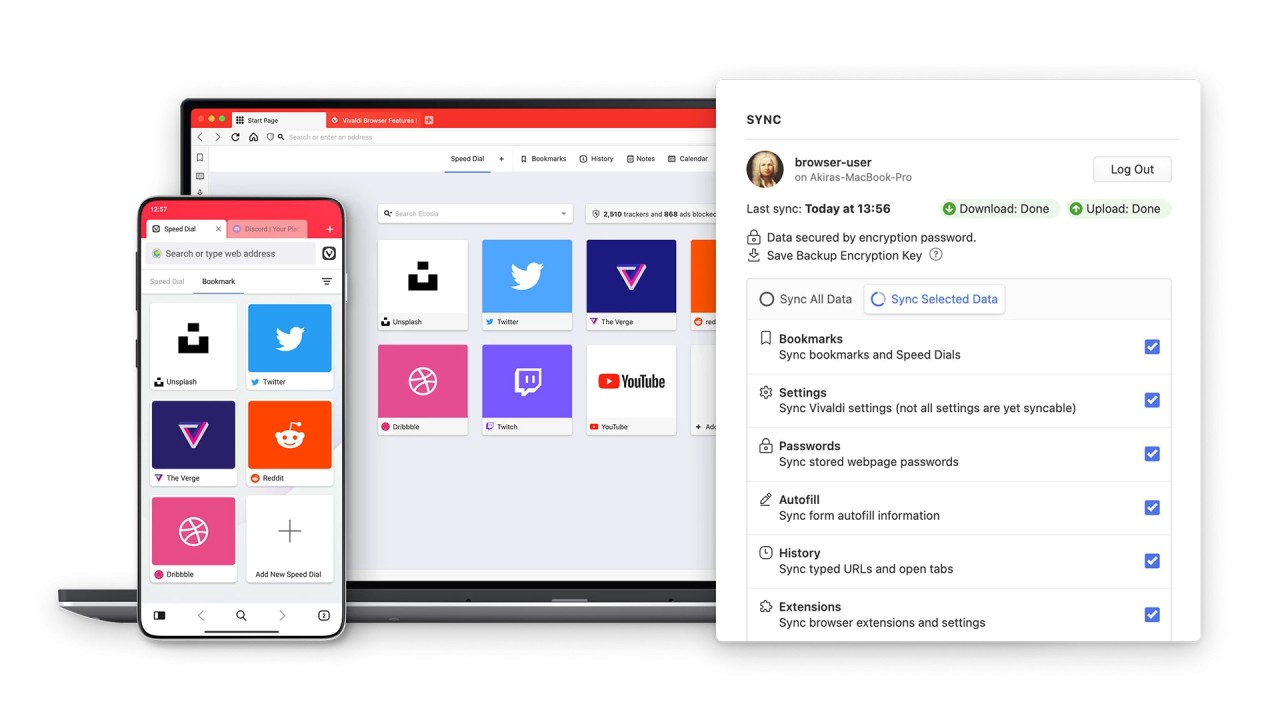
Since the browser is available on desktop platforms and mobile devices, all users can benefit from its features. With its sync capability, Vivaldi even allows you to share your bookmarks, settings, passwords, and open tabs across your devices so you can always enjoy a consistent browsing experience.
What Are the Alternatives to Vivaldi Browser?
There are many more browsers with excellent features, and your choice will depend on your specific requirements.
One natural option is Opera, which shares some of the same foundations and ideals as Vivaldi. Opera offers built-in features such as a free VPN, an ad blocker, and stable integration of messaging apps. Its clear interface and special functions like Flow for device syncing attract users looking for a one-stop solution with enhanced privacy settings.
Firefox is also an excellent alternative for users who value privacy and appreciate customization. Similar to Vivaldi, Firefox offers various ways to personalize the interface and includes powerful privacy settings. Features such as Enhanced Tracking Protection, a vast extension ecosystem, and its open-source development model make Firefox a favorite among those who champion openness and user choice. Another benefit is its relatively lightweight build, which performs well even on older hardware.
Another popular browser is Google Chrome. Chrome is fast, reliable, and compatible with most web standards, making browsing seamless and granting access to a large extension library via the Chrome Web Store. An added advantage of Chrome is its integration with Google services, which suits users who rely heavily on Gmail, Google Drive, and other tools. However, users who prioritize privacy might not find Chrome ideal, as it collects data used for personalization and targeted advertising.