Brave Web Browser is a Chromium browser focused on delivering a safer, ad-free browsing experience from day one. Unlike other browsers, Brave is designed with privacy in mind, blocking ads and trackers by default, so you can browse more securely with improved page load speeds. As an open-source Chromium-based browser, it retains the ability to use almost all the same sites and Chrome extensions as the original, while improving user privacy.
Brave's integrated ad blocker is one of its main features, eliminating annoying ads and preventing trackers from harvesting personal data. This makes browsing faster, as background scripts are blocked from running. It also has a unique reward system called Brave Rewards, in which users earn Basic Attention Tokens (BAT) for choosing privacy-friendly ads, which can be redeemed for content or other services.
It also has other built-in security features, like HTTPS Everywhere (which automatically redirects you to secure sites), fingerprinting protection, and script blocking. It caters to a user base that values online privacy, security, and a seamless browsing experience. As its user base has expanded, Brave has established a niche as a viable alternative to the market-leading browsers, filling a middle ground between everyday browsers that monetize your data and more extreme privacy-first tools that require significant manual setup.
Why Should I Download Brave Browser?
If you want a more secure, fast, and private way to browse the internet, Brave Web Browser is a great choice. Common browsers allow sites to follow you using tracking cookies, ads, and third-party scripts that slow down web pages and compromise privacy. Brave stops all of this by blocking unwanted ads and trackers directly at the source, letting you open any page without annoying ads or data leaks.
One of the biggest benefits of Brave Web Browser is its speed. Removing third-party trackers and ads makes websites load much faster than in other browsers. This improves the user experience and saves data, which is great if you have a limited data plan. Brave can help reduce mobile data usage without affecting how websites work.
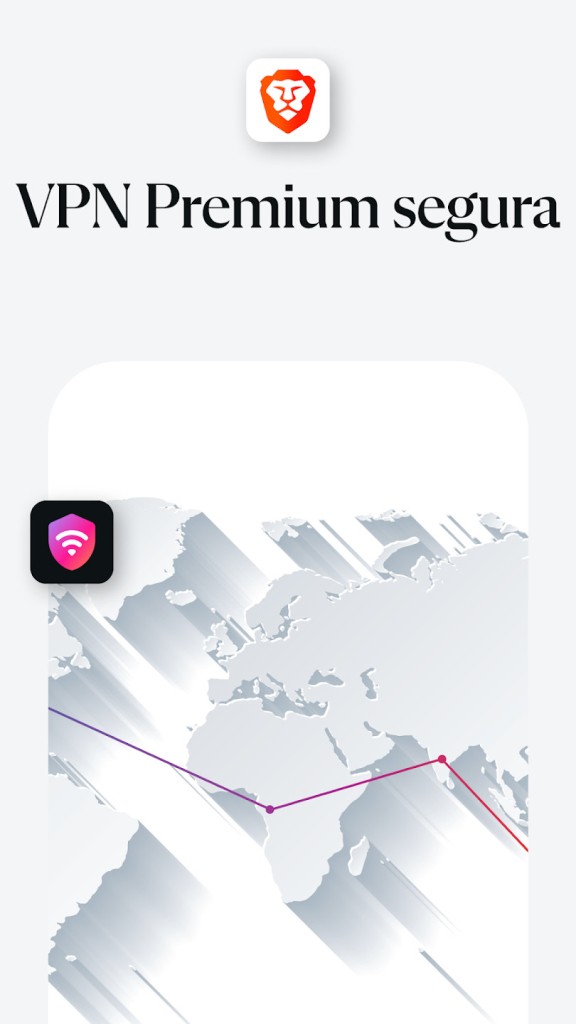
Security is another major reason to download Brave. The browser includes advanced privacy tools like HTTPS Everywhere, which forces encrypted connections and blocks unsafe sites. It also blocks scripts and cookies that try to track you, keeping your data safe. Brave protects your anonymity by blocking fingerprinting techniques used by advertisers to follow people across the web. There is also a built-in VPN with a firewall for extra protection, keeping your connection safe from hackers and unwanted access.
Brave Web Browser gives users a new way to support websites and creators without compromising their privacy. Through the Brave Rewards program, you can choose to see privacy-friendly ads and earn BAT cryptocurrency in return. You can then use BAT to support your favorite content creators directly, without ad interruptions.
Since Brave Web Browser is built on Chromium, users can install their favorite Chrome extensions, allowing them to keep the tools they’re used to when switching browsers. Do you want to continue using your preferred password manager, productivity tool, or developer extension? That won’t be a problem, as Brave supports them seamlessly.
Brave also offers Tor integration in Private browsing mode, giving extra protection and anonymity to those who want it (with a small performance impact). This makes it a popular solution among journalists, researchers, and people living in countries with internet access restrictions.
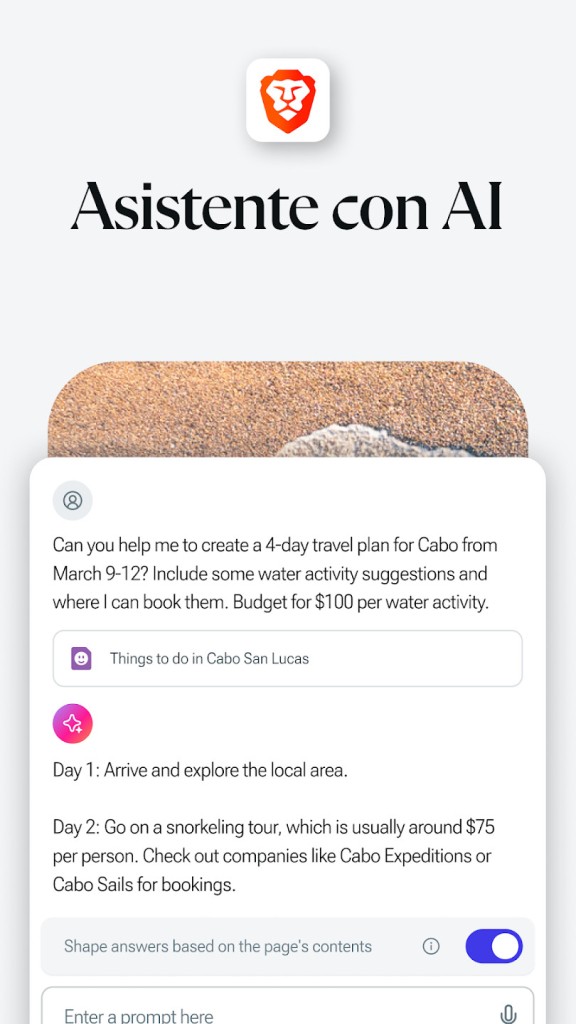
The browser’s newest feature is Brave Leo—a free, built-in AI assistant. You can ask questions, get quick answers, translate texts, or summarize pages. Your conversations will remain private and won’t be recorded or shared. Leo does not store or use your data for training.
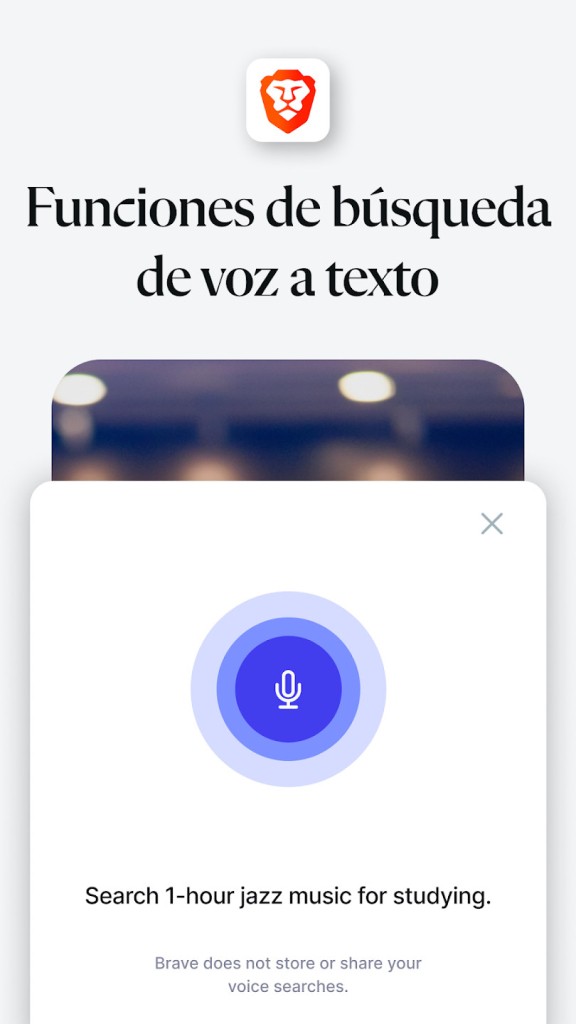
Brave Search is another unique feature, offering a private and independent search engine that doesn't track you or rely on big tech companies. Other useful features include Night Mode for reading in low light and Private Tabs for even more secure browsing.
Is Brave Browser Free?
Yes, Brave is completely free to download and use. Unlike some privacy-oriented browsers that charge for premium features, Brave is free with no subscription required. Users enjoy ad-free browsing, enhanced security, and fast page loads at no cost. Brave Rewards is an optional feature that lets users choose to view privacy-friendly ads in exchange for BAT tokens, supporting content creators and a new model for internet monetization. Joining the rewards program is entirely optional, and you can use Brave without signing up for it.
What Operating Systems Are Compatible with Brave Browser?
Brave Web Browser is available across multiple platforms, including Windows, macOS, Linux, Android, and iOS. For desktop users, it runs on Windows, macOS, and Linux, so you can install it regardless of your OS of choice. Performance is optimized across all platforms, making it a truly cross-platform browser.
Brave is also available on Android and iOS, bringing privacy-focused browsing to your smartphone or tablet. The core Brave experience, including built-in ad-blocking, tracker prevention, and Brave Rewards, is fully available in the mobile version.
Brave Browser can also be accessed on the web, allowing users to browse securely and privately without installing the app on their device.
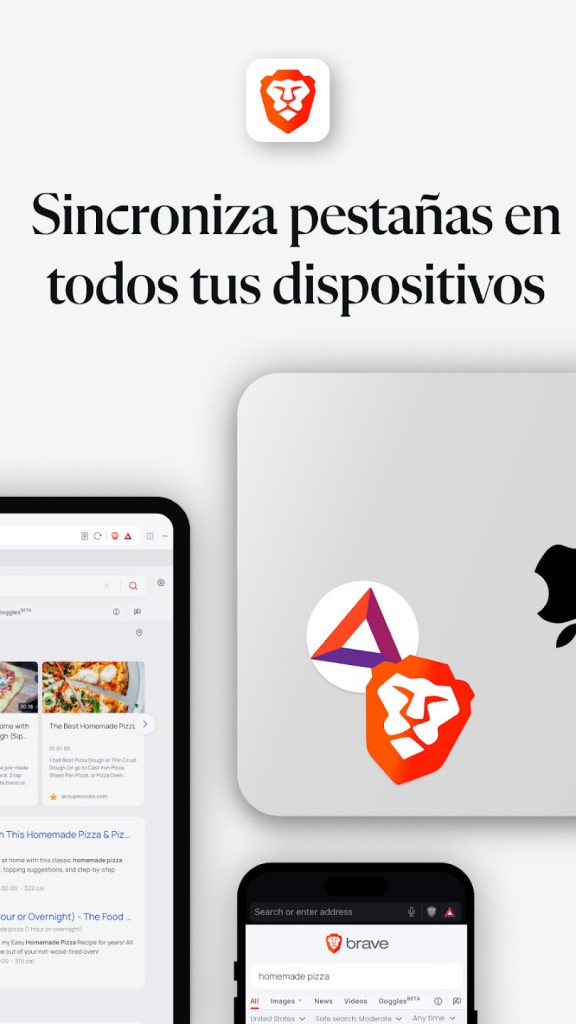
Since Brave is built on Chromium, it offers cross-platform syncing between mobile and desktop, carrying over bookmarks, browsing history, and preferences across devices for a consistent experience on desktop, laptop, and mobile.
What Are the Alternatives to Brave Browser?
Mozilla Firefox is one of the most popular privacy-focused browsers. It offers strong security features and customizable privacy options. Firefox has Enhanced Tracking Protection built in, which blocks third-party cookies and fingerprinting by default. Unlike Brave, Firefox doesn't block ads by default, but ad-blocking features can be turned on. It is free of the Google ecosystem, fast, and supported by a large library of extensions.
Another alternative is DuckDuckGo, a mobile web browser built around the secure DuckDuckGo search engine. It blocks trackers, forces encrypted connections, and clears browsing session data after each use. It lacks Brave's BAT rewards and full Chrome extension support, but offers a straightforward, no-fuss privacy browsing experience. Opera is also worth considering for privacy, as it includes a built-in VPN.
Microsoft Edge has made significant strides in privacy and security, making it a solid alternative for secure browsing. It includes built-in tracking prevention and offers a more secure experience than Google Chrome. Like Brave, Edge is built on Chromium and supports Chrome extensions, making it a familiar but more privacy-conscious option.