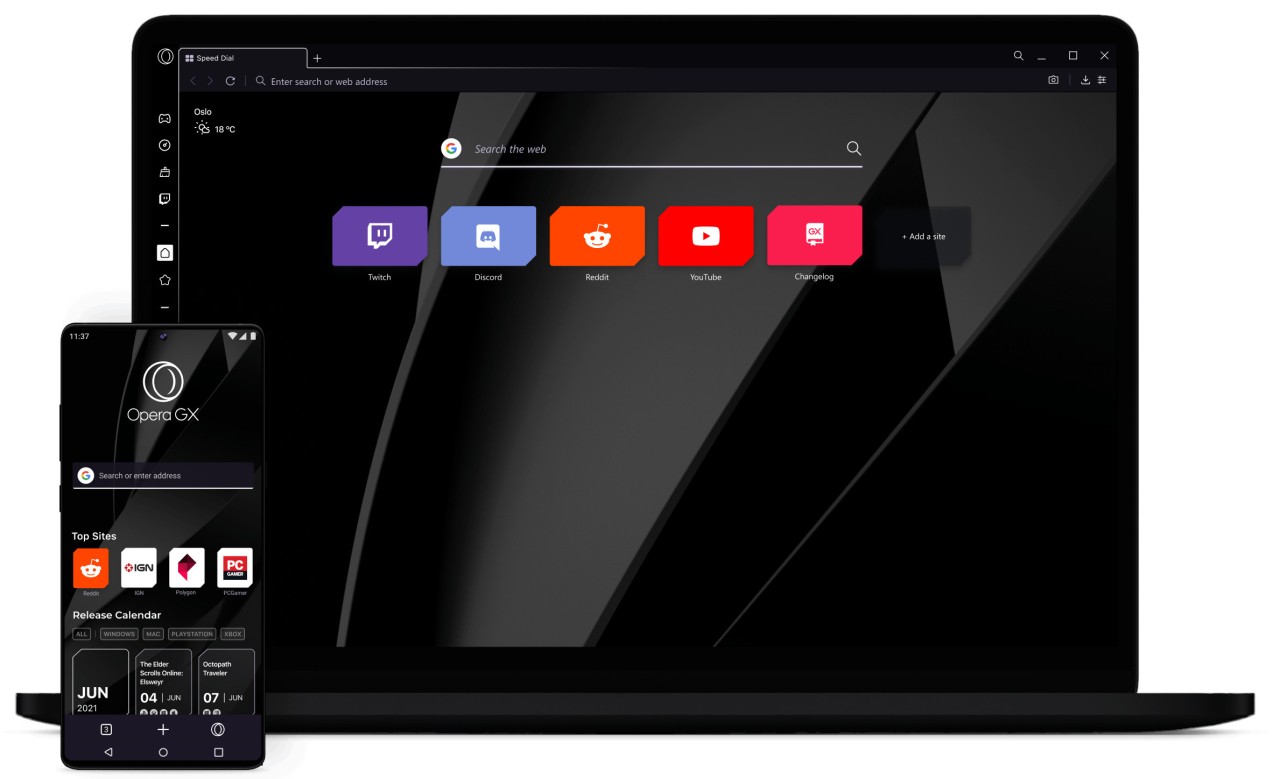
Opera GX has been made especially for people who enjoy gaming. The main idea is that it’s a browser, so you can use it for surfing, emails, video viewing, and similar activities. The reason it’s special is the extra set of features created just for the unique use of PCs by gamers. The Opera team developed GX, even though GX is much different than just a style. Everyone experiences it differently.
The appearance of the site differs when you use it for the first time. The light display, strobe effects, and a dimly colored interface are not what you’d expect from a regular browser. Still, it is not only for good looks; it provides features that support regular gamers. As you can browse the internet at the same time as you play, it stops your browser from using your whole PC’s power. There is no need to close your tabs to boost your gaming experience.
Twitch, Discord, and GX Corner are available in the quick links found on the sidebar. There is no need to go through several apps and windows because you can check everything in one area. It doesn’t mean to replace your games; it just hopes to be on your screen and still let you enjoy what you like.
Why Should I Download Opera GX?
People who like to game a lot on their PC will find Opera GX perfect for them. It won’t ask you to change the way you normally browse the Internet. It only helps you control the way your browser relates to your system. The CPU and RAM limiter is not meant only to attract customers. It’s very helpful whenever you are trying to run a graphics-intensive game and don’t want other apps to reduce your speed.
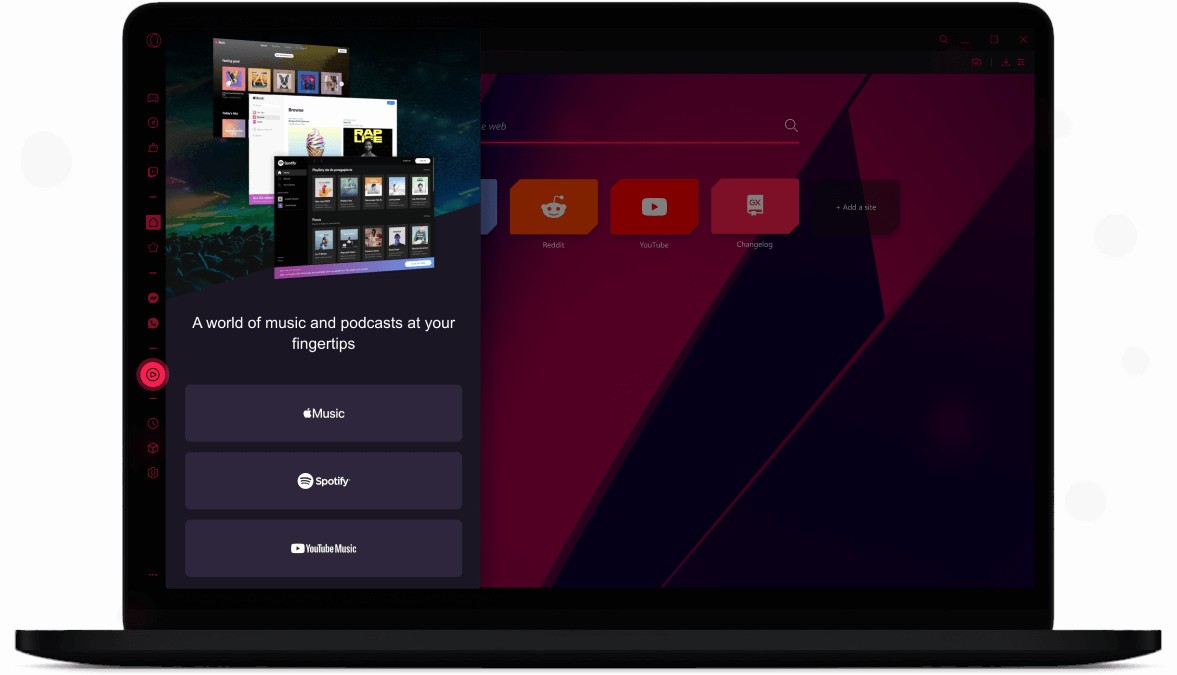
Something special about the sensation of playing video games is worth mentioning. The visuals are smooth, the site looks amazing, and all features suit the needs of gamers. You may also change the colors, add new sounds, pick wallpapers, and listen to background music as you surf. The fact is, you can adjust the browser to suit your needs, so you can disable any features that you don’t need.
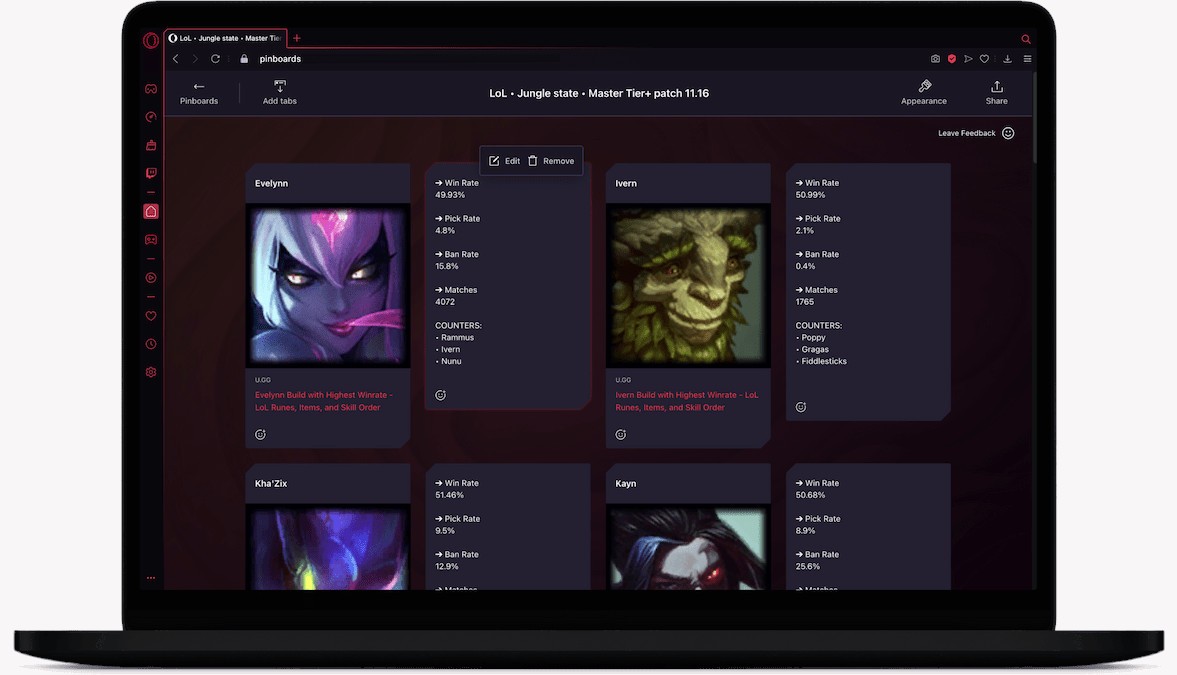
In addition, it offers tools that make internet surfing easier each day. The browser has an ad blocker and tracker blocker, so it becomes more efficient and keeps your information private. You are allowed to move videos on top of other windows, take a quick screenshot of anything you see, and even manage your tabs with different workspaces. Although these things are available on other browsers too, they’re much easier to access and utilize in Opera GX.
Opera GX integrates Twitch and Discord to make communication easier for players. You’re able to see which channels are live, get notified in real time, and send a reply to a Discord message easily. So, it becomes easier to keep participating in your community and handle your job at the same time.
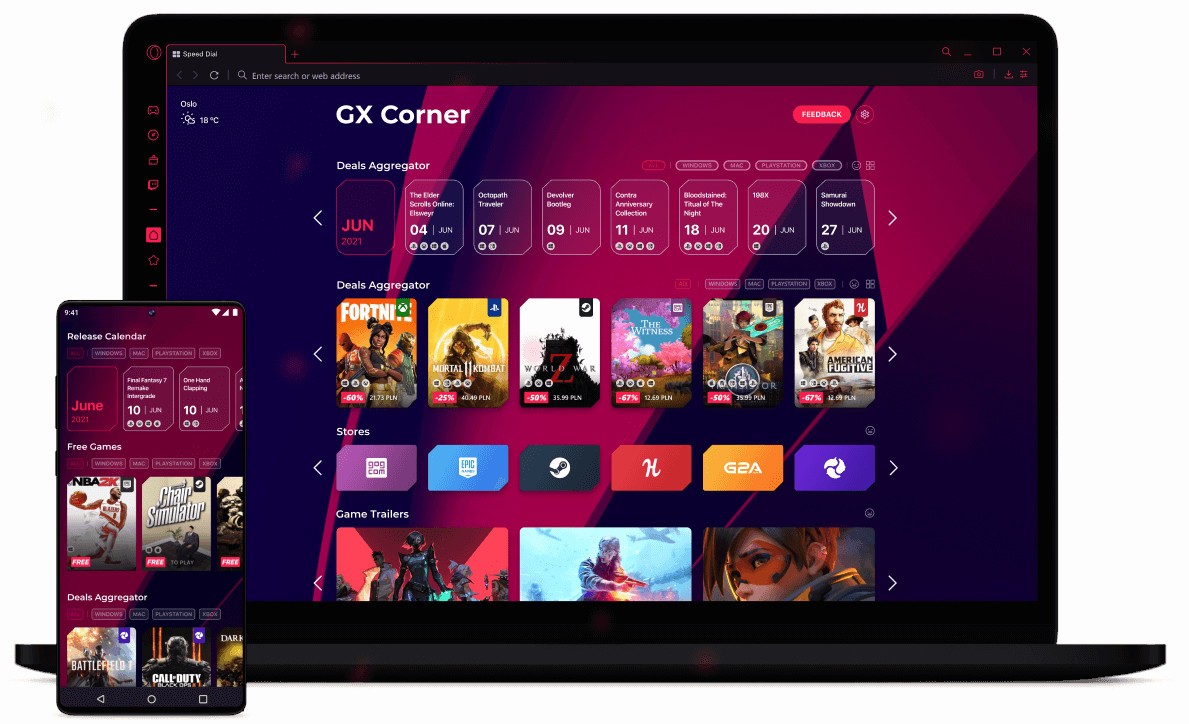
This is among the best panels for those who play video games. The site shows free games, what’s coming in the future, various trailers, and gaming news and updates. It is put together to make each day’s visit valuable, especially when you are searching for new titles or discounts.
The browser also looks after the machine you are using. You are not likely to have memory leak problems or slowdowns from keeping it open. It continues to be quick and doesn’t use much memory, which is needed when playing games, chatting, and viewing streams together.
Here’s another reason: learning can be very enjoyable. It recreates some of the excitement that searching for pages on the internet gave us in the past. It works well and is also important for each person’s development. You aren’t made to feel like you are part of a mass user group. You feel that the browser understands the content that you like.
Is Opera GX Free?
Opera GX is completely free to get and use without any payment. You get everything for free, including the high-performing controls, the ability to customize the site, make integrations, and use GX Corner.
What Operating Systems Are Compatible with Opera GX?
People can use Opera GX on Windows, Linux, and macOS systems. You can also download Opera GX Mobile, the mobile version, for Android and iOS systems with the same appearance and to protect your privacy standards. Syncing your settings and bookmarks is possible when you use your Opera account, since these will appear on all Windows and mobile devices you use.
What Are the Alternatives to Opera GX?
Even though Opera GX enjoys a spot among gamers, other tools and browsers are offering the same perks in their own manner. Different companies specialize in either performance, making custom devices, or focusing on gamers’ culture.
Vivaldi offers excellent results for those who like to edit their browsers extensively. Vivaldi is meant for people who want to experiment with their code. It is possible to redesign the layout, set shortcuts for various actions, put tabs on top of each other, spread content across screens, and many more things. It does not focus on gaming, but it’s wonderful for those who need to adjust the browser’s settings to match their way of working. It also adopts Chromium like Opera GX and therefore lets you install Chrome extensions.
The first Opera browser is still available and, though it lacks gaming-related design and confined resources, it’s not short on good features. Because it has a VPN, a battery-saving feature, lets you use messaging, and has a clean interface, you may like it as your daily browser if you prefer a bland design. The design is simple and streamlined, so that some people find it best when they have distracting things on their screen.
Razer Cortex is also special in that it is not a browser and instead runs with your games to enhance their efficiency. Its main benefit is better PC performance achieved through cleaning processes in your memory, closing unnecessary apps, and speeding up your games.
Opera Neon is a concept browser that reimagines the browsing experience with a futuristic design. It is still important here since it also focuses on helping gamers make the most of their systems. Some users like to keep both Razer Cortex and Opera GX open to have maximum control.