Chromium is an open-source project from Google that delivers the foundations for Google Chrome and other modern browsers. It is available for free and can be modified to create a custom distribution based on its code and architecture. But it is also a functional web browser.
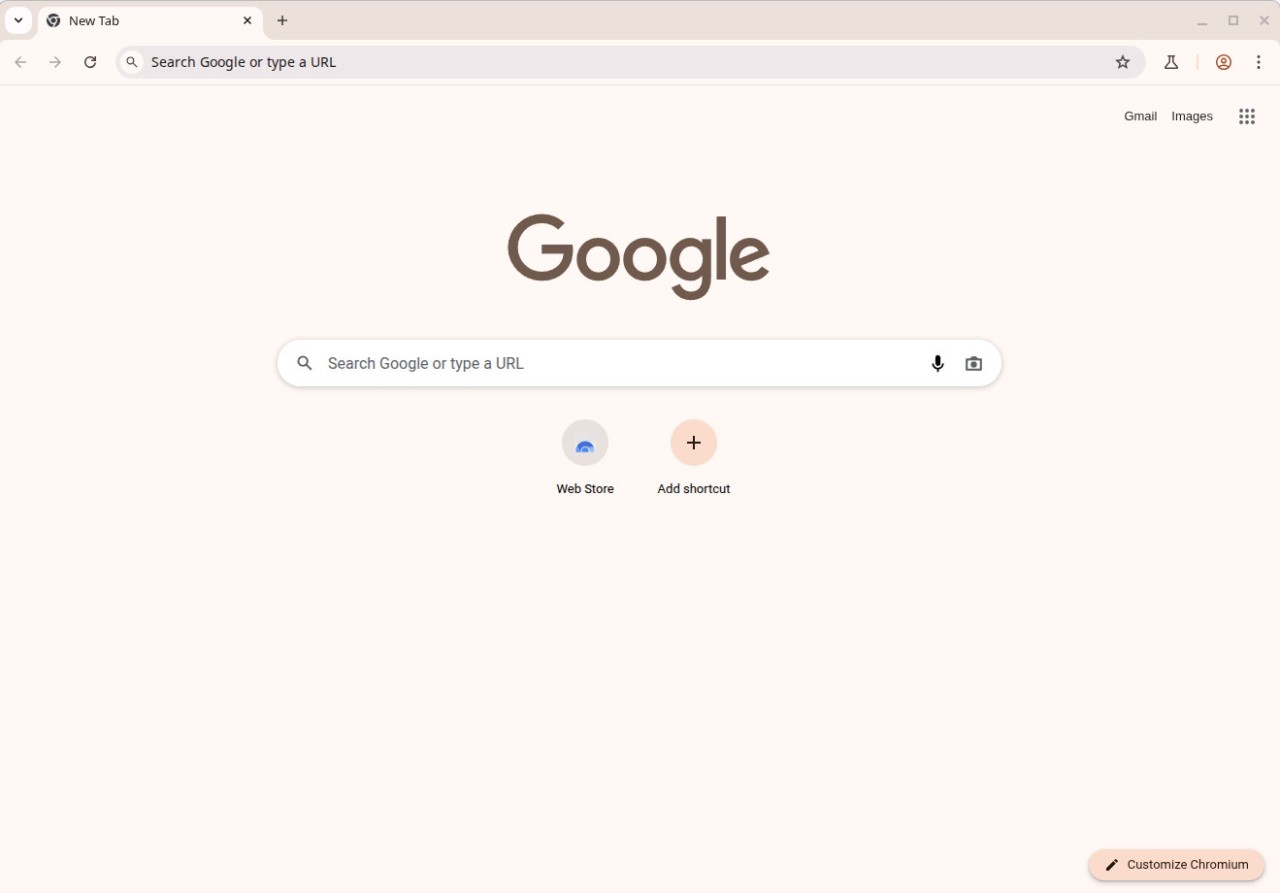
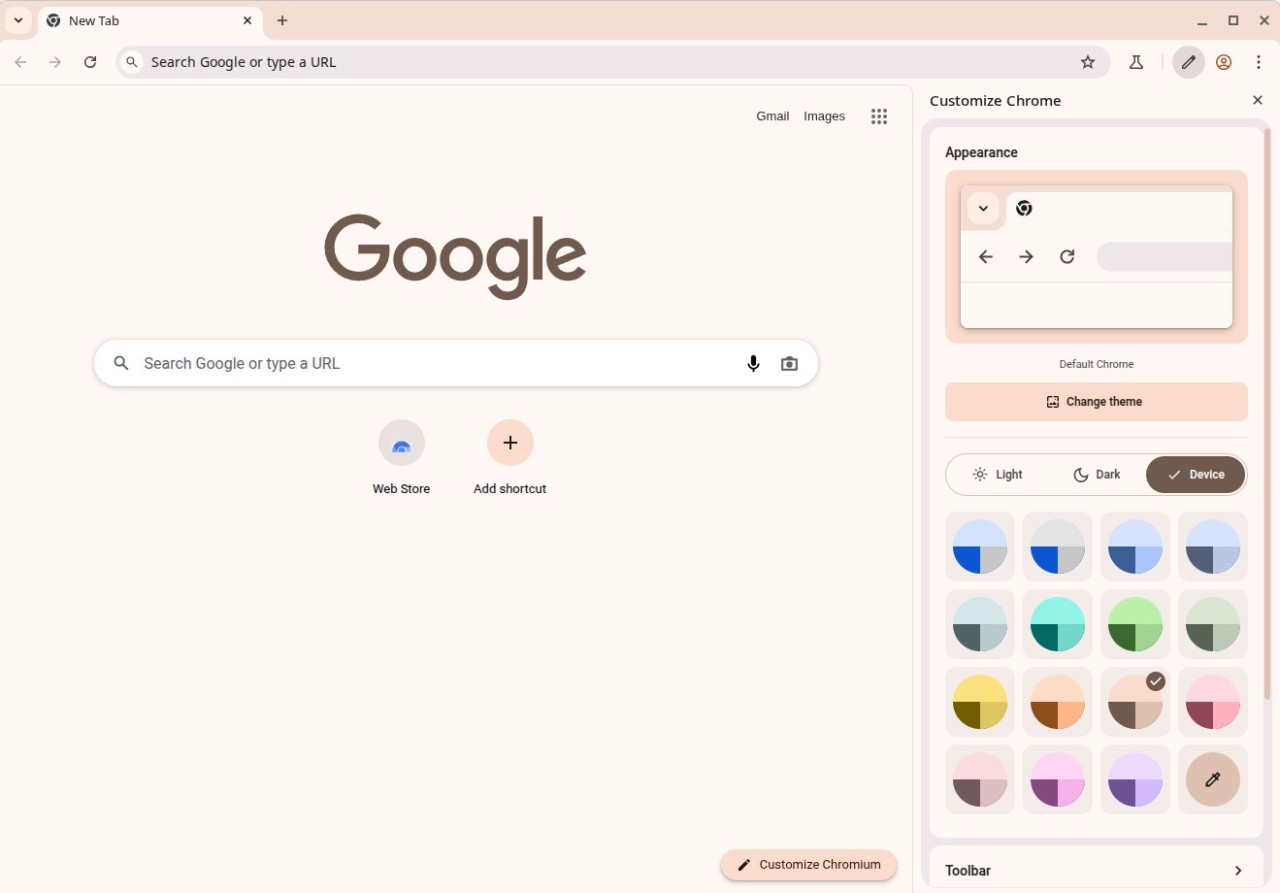
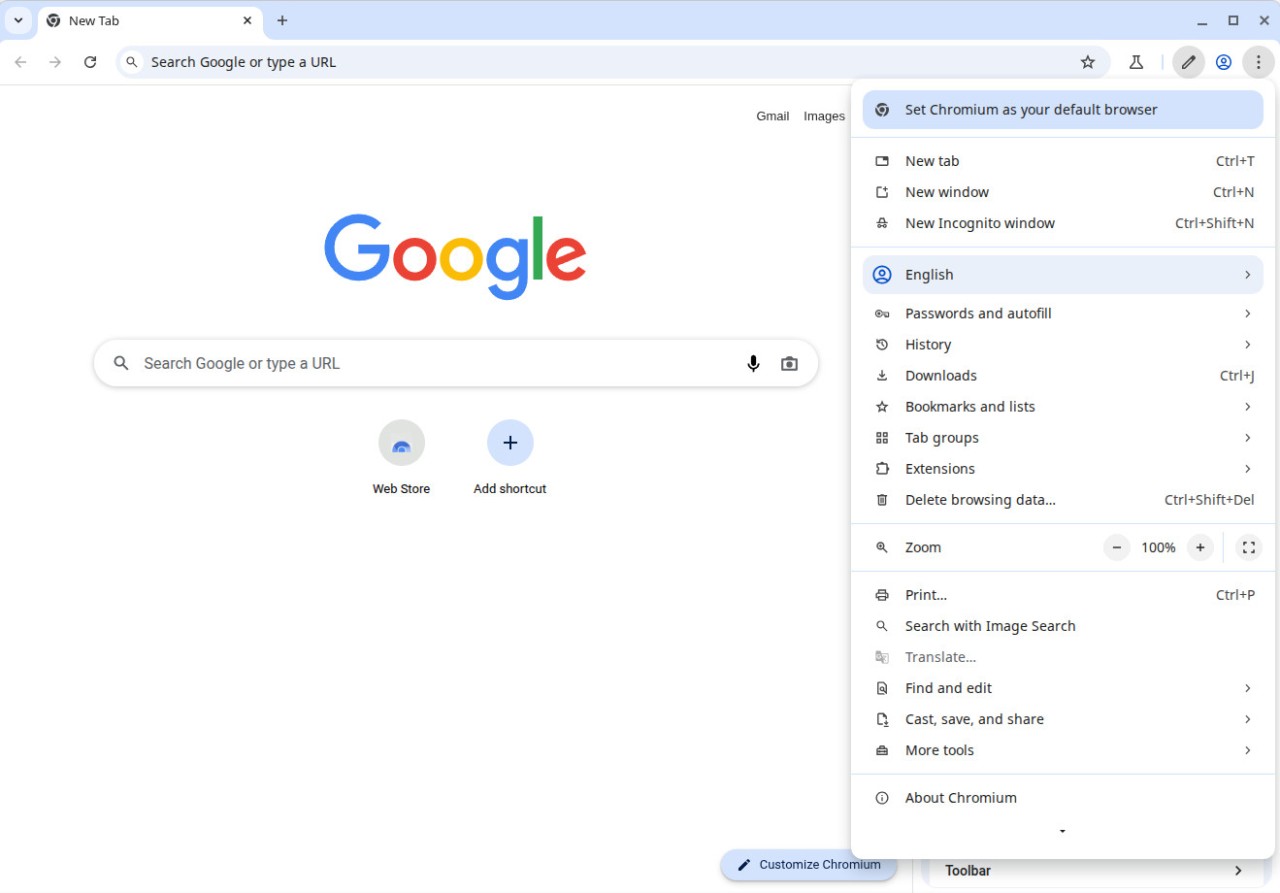
With Chromium, you get faster page loads, smooth animations, and compliance with modern web standards as it uses the Blink rendering engine and JavaScript V8, as well as a multi-process architecture. Chromium out of the box offers a clean interface where you can easily find the address bar, different tabs, omnibox search, built-in developer tools, and a customizable toolbar.
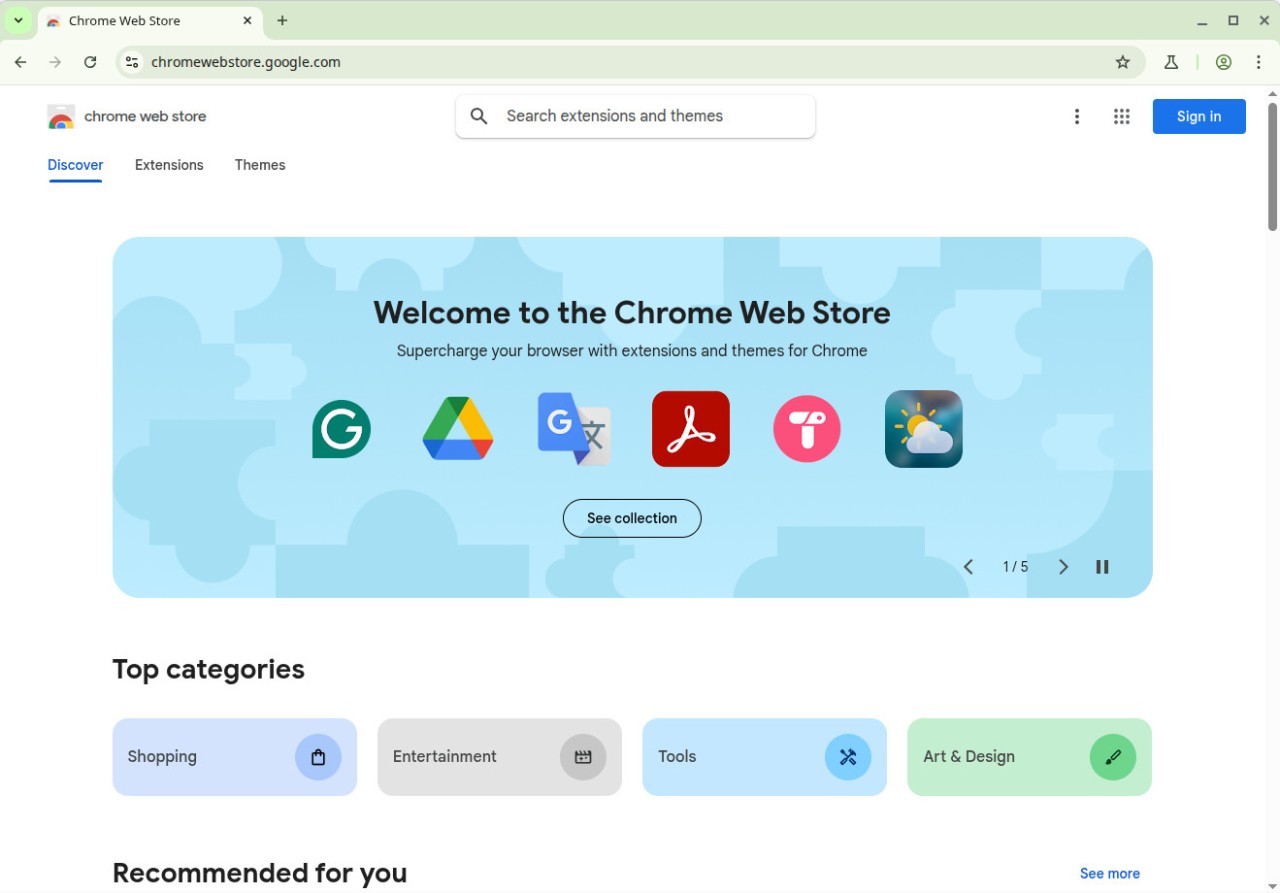
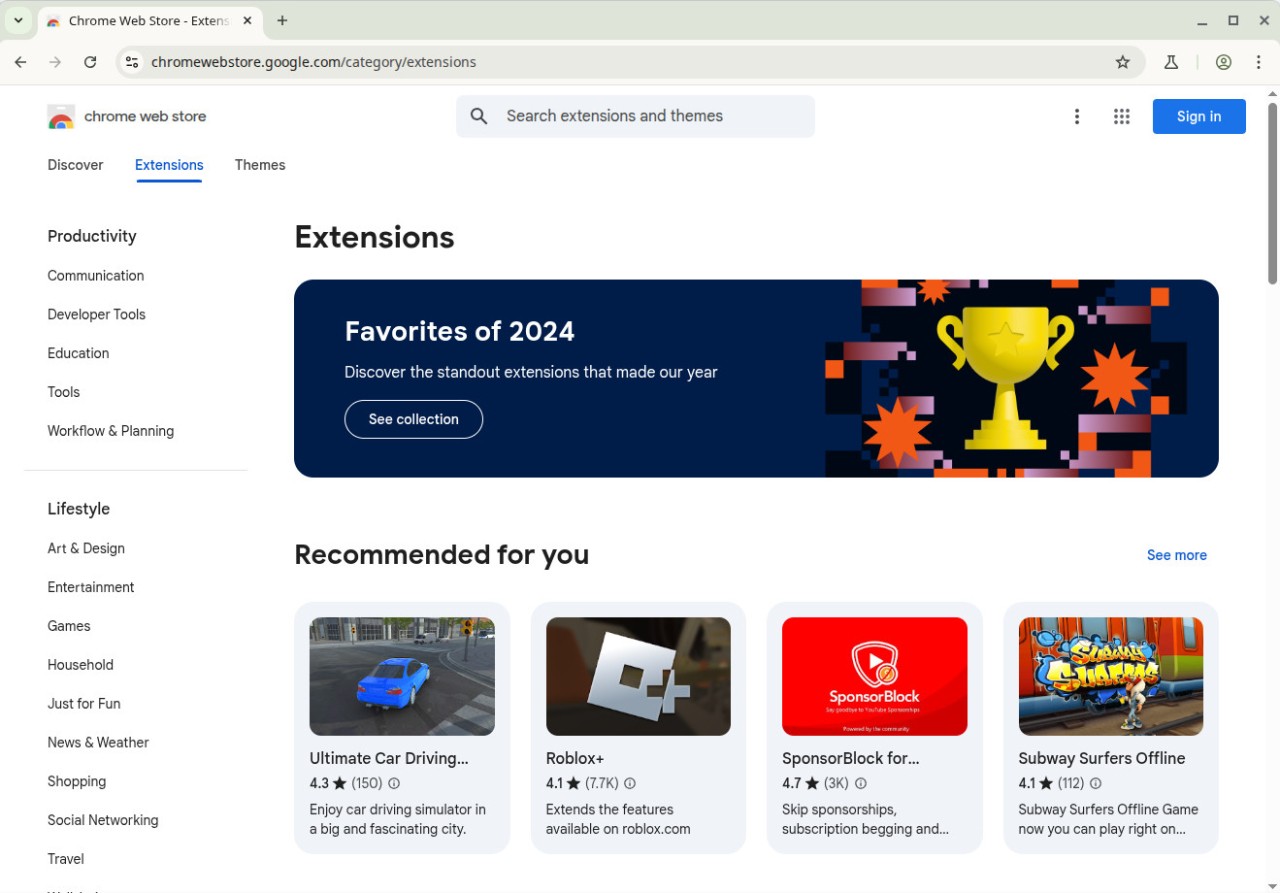
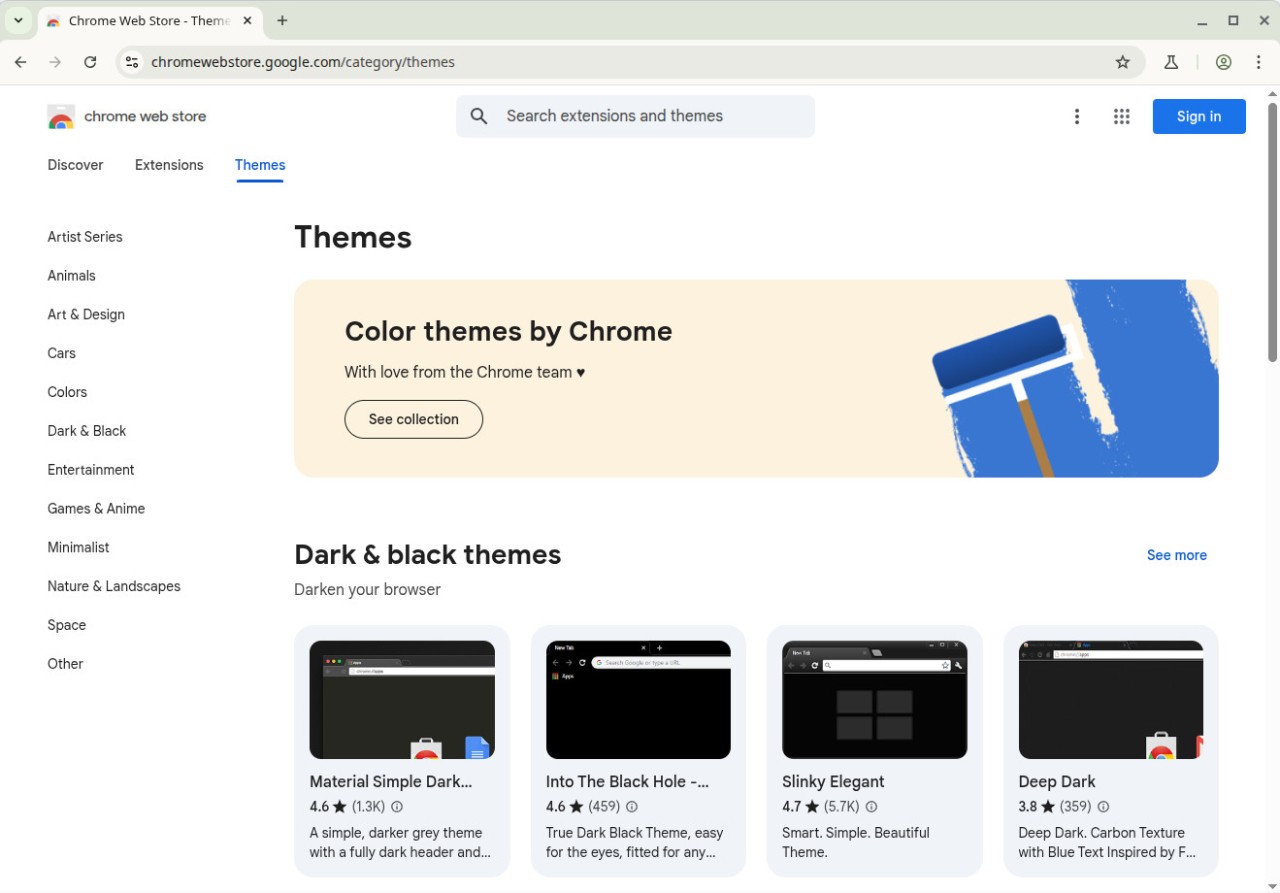
You can also expand its feature set by installing extensions from the Google Web Store, but Chromium doesn’t include any proprietary functionalities like data tracking or automatic sync with your Google account. It’s a cross-platform solution that can be found on computers, mobile devices, and more.
Why should I download Chromium?
While Chromium is not a standalone web browser, it offers a clean, open, and customizable base for creating and testing one, which makes it a perfect choice if you’re a developer or researcher of modern web technologies. As an open-source project from Google, it’s completely transparent, and you can check its code and all the details on the Chromium project repository. You can use it to build a customized browser that isn’t linked to any corporation, so you have complete control over how it uses user data.
Many browsers use Chromium as a base since it supports modern web standards, and you can be sure that it will be able to render even the most complex applications quickly and reliably. This browser project is powered by V8 JavaScript and Blink rendering engines that are known for their reliable performance.
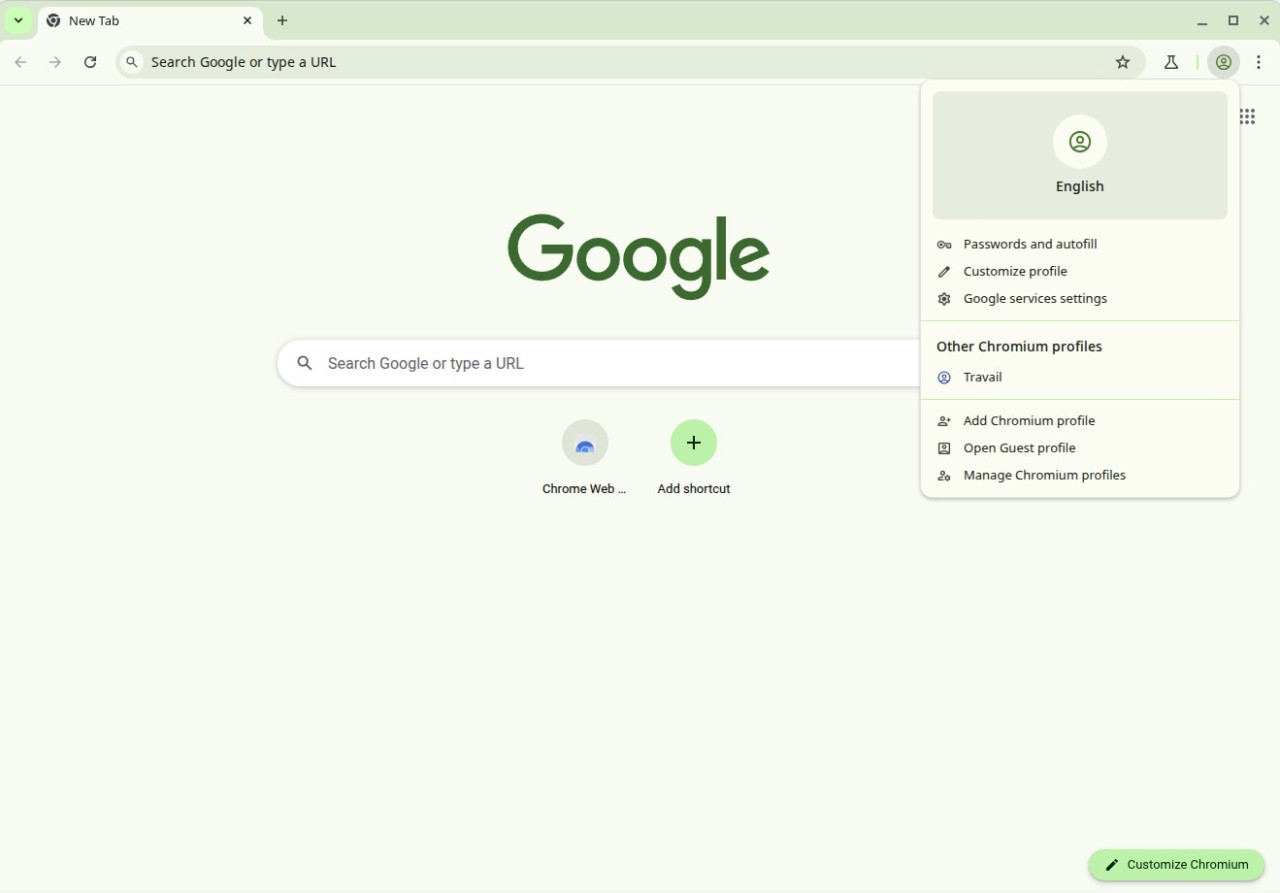
Since it doesn’t include any proprietary modules, with Chromium, you have no background tracking, collection of telemetry data, or automatic synchronization with commercial services, for example, from Google. You can keep every piece of data that Chromium collects locally unless you explicitly integrate it into a different service. Because of these features, you can find Chromium as the basis for many privacy-focused web browsers that are not related to Google.
You can download the Chromium codebase and compile it to run on various platforms like Windows, macOS, Linux, BSD, or mobile operating systems. It follows the industry standard of write once, deploy anywhere, and adjusting it to different systems will only require making minimal adjustments. Chromium also has a multi-process architecture, meaning that each tab you open is isolated into its own sandbox and process, improving the performance and stability of the browser you build.
With Chromium, you don’t get automatic updates in the background, which can be a major benefit if you need to work in a highly controlled or secure environment. You can review each update manually and then decide whether to apply it. Chromium also doesn’t include a built-in sync for user accounts or bookmarks, support for Flash, media codecs, or DRM (Widevine), which enables streaming services like Netflix, so keep that in mind when working on your custom solution.
It’s a project more targeted at developers, as it gives you access to tools like page inspection, memory and network monitoring, JavaScript debugging, and performance profiling out of the box. All of those are crucial when you need to test a website, create a web app, or develop browser extensions and review them in real-world conditions.
Is Chromium free?
As an open-source project distributed under the BSD license, Chromium is completely free to use, modify, and distribute, even as a commercial app. You can use it as a simple, carefree browser.
You can also download the Chromium source code and use it to develop your own browser. There are multiple community-provided builds that you can use to expand the Chromium feature set further. All updates and fixes are also regularly released and available without cost.
Please remember that although Chromium is free, many companies use it for their commercial browsers and can add various licensing terms or their branding and tracking services.
What operating systems are compatible with Chromium?
Chromium is a truly cross-platform solution you can depend on to create browsers running on various systems, or that you can use as a standalone browser.
For desktop computers, Chromium supports Windows 7, 8.1, 10, and 11, macOS 10.10 or newer, various Linux distributions (as a browser, it is usually available through your software library), as well as FreeBSD and OpenBSD systems.
You can also create Chromium-based apps or browsers for Android mobile devices, but iOS will block any of them due to Apple’s App Store policy.
What are the alternatives to Chromium?
Waterfox is a browser based on Mozilla Firefox that puts privacy first, but it also supports older extensions and legacy versions of various add-ons. It has no telemetry tracking, and you can use this free and open-source browser on Windows, macOS, and Linux computers. It’s perfect if you need to run older web software that Chromium no longer supports.
Slimjet is a browser based on Chromium that gives you integrated ad-blocking, download acceleration, and various privacy tools. With this browser, you can still enjoy the speed and multiple extensions that Chromium offers, but Slimjet removes any proprietary additions. You can use it on Windows and Linux computers for free.
There’s also a whole range of popular web browsers that are based on Chromium, including Google Chrome, Opera, Brave, and much more.
Google Chrome is currently the most used browser. It integrates smoothly into the Google ecosystem while offering you automatic updates, support for Widevine DRM and Safe Browsing, and sharing 95% of its code with Chromium.
Opera is another browser that adds many new features to the Chromium offering. With it, you get a built-in VPN, ad blocker, integration with messaging apps, as well as different workspaces for your tabs.
Brave is a privacy-first browser that is also built on Chromium, and it automatically blocks any scripts and ads. You can also use it to open Tor-based private tabs, avoid any fingerprinting services, or even gain crypto rewards.