Slimjet is a web browser that provides smooth, ad-free surfing and increased speed, along with enhanced security features, without seeking total internet innovation. The Chromium Blink engine used by Chrome powers Slimjet, which continues to add essential features like those of major browsers while minimizing distracting elements.
Slimjet exists for people looking to escape the common browser ecosystem while still meeting fundamental computing requirements. You will instantly experience stability and controls in the browser because its core functions run light and responsive despite lacking flashy features.
The core value of Slimjet extends beyond fast loading, as the application shows respect for its users. Alongside its data protection and ad-free service, the browser maintains full access to extensions and customization tools and enables a broad range of browsing features without requiring excessive data transfer.
Users should appreciate Slimjet because its core design incorporates the elements that originally drew users to browsers. The program offers a simple installation with no interruptions during use, but remains invisible before and after use. You can browse freely with Slimjet because it does not force cloud login prompts or device links, yet it remains a stable web browser.
Why Should I Download Slimjet?
The reality is that most people usually use a major browser without giving it a second thought. People who experience annoyance from browser interruptions and sluggish tabs can find the solution they need in Slimjet. On offer is a browser that functions seamlessly without any self-promotion. A technology industry overloaded with advertising noise makes this feature of Slimjet particularly refreshing.
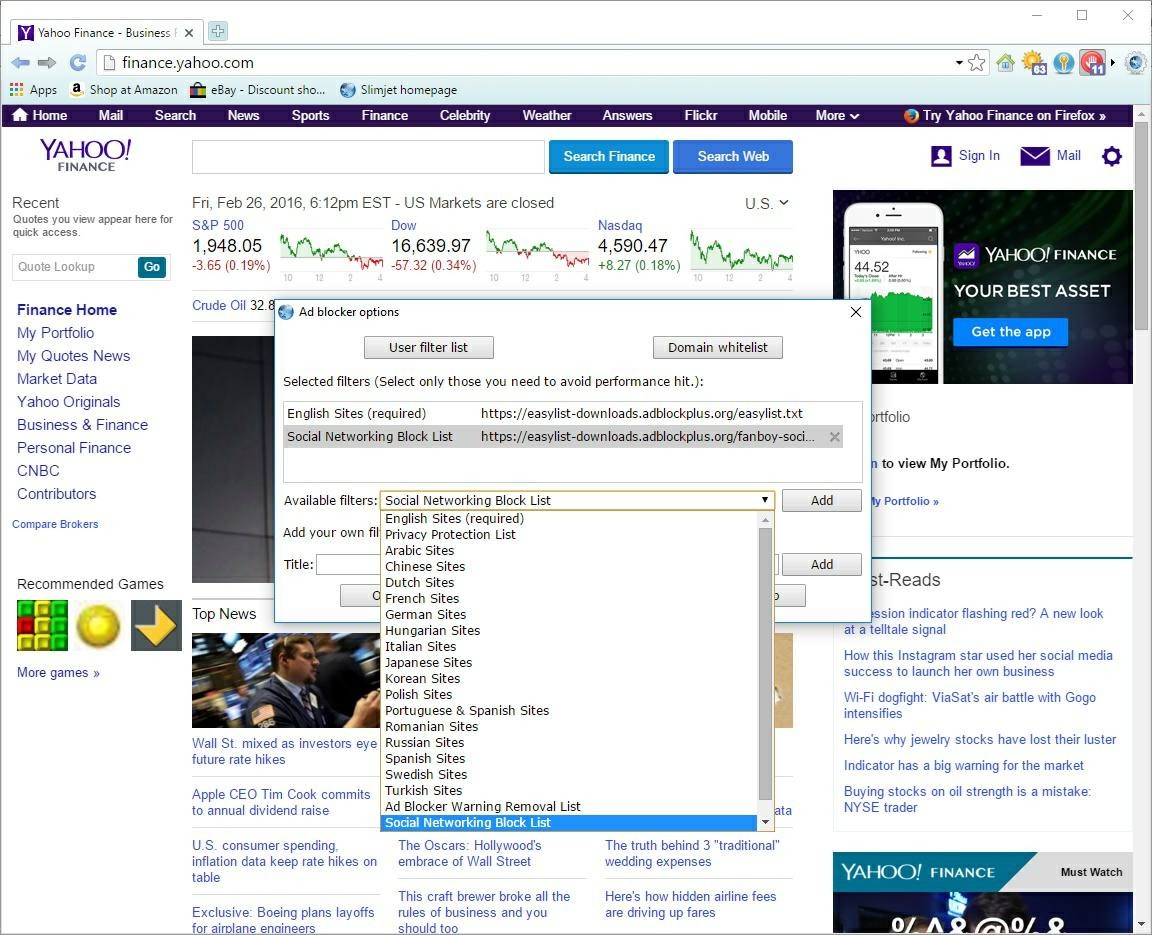
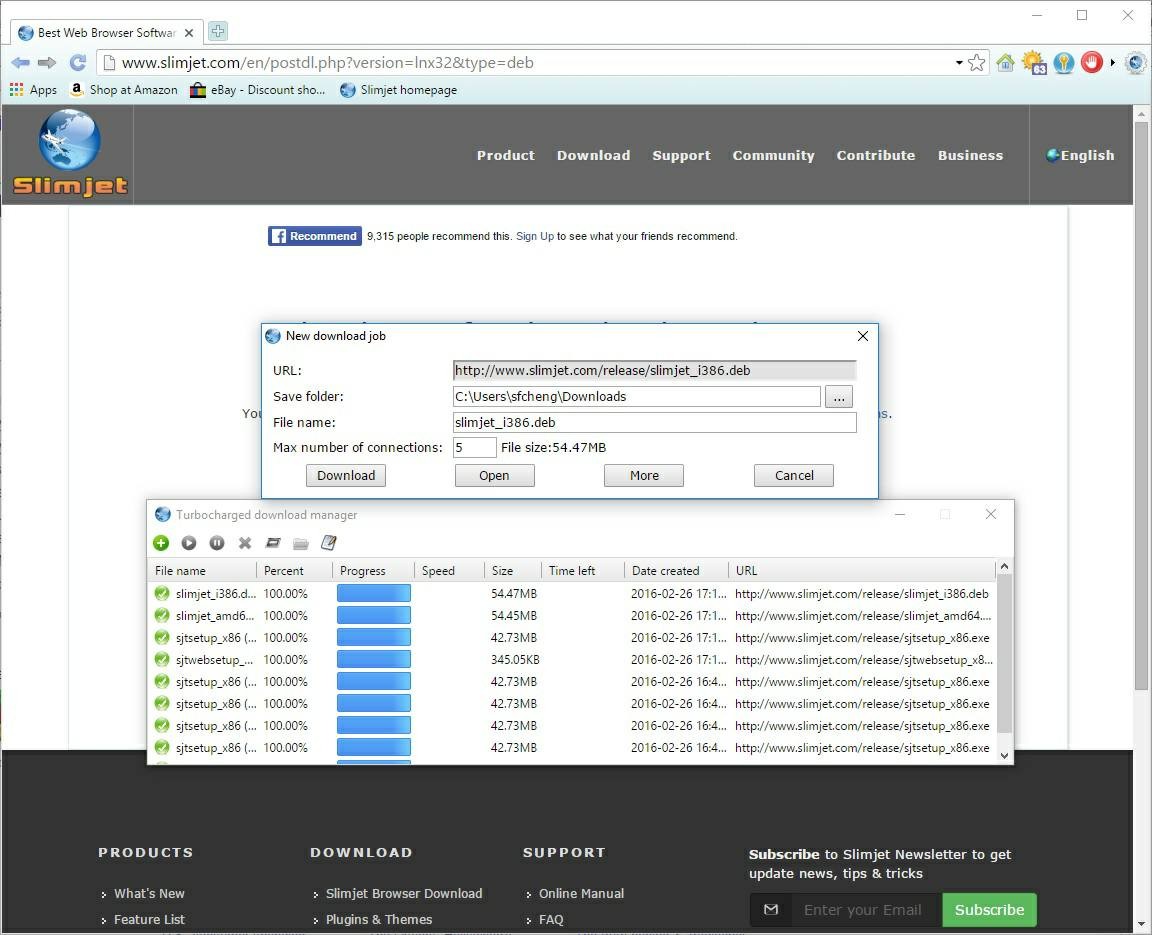
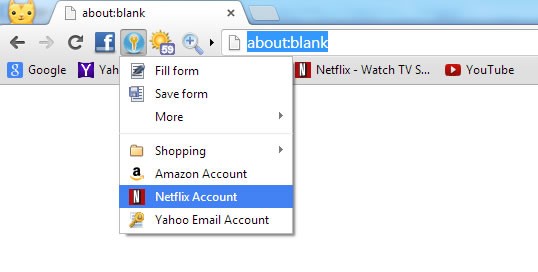
Slimjet offers a practical balance. You get built-in ad-blocking. You get an automatic form filler. The download manager experience is speedy above anything else you have used, with its turbocharged speed. The platform lets users stay free from technological encroachment without any restrictions on usage. The application guides you toward neither specific email services nor default storage solutions. Instead, you browse freely. You bookmark freely. The browser lets users manage their privacy while keeping history and settings accessible without daunting multistep navigation or continuous opt-out procedures. It’s simplicity without sacrificing control.
A significant number of people are attracted to this browser because it avoids operating numerous background tasks found in heavier choices. Total CPU resource usage decreases in Slimjet, resulting in longer overall system stability, longer laptop battery life, and improved operation on machines with limited processing power. Users obtain swift Chrome performance, protection against Google surveillance, and a slow system speed, which larger browsers eventually develop.
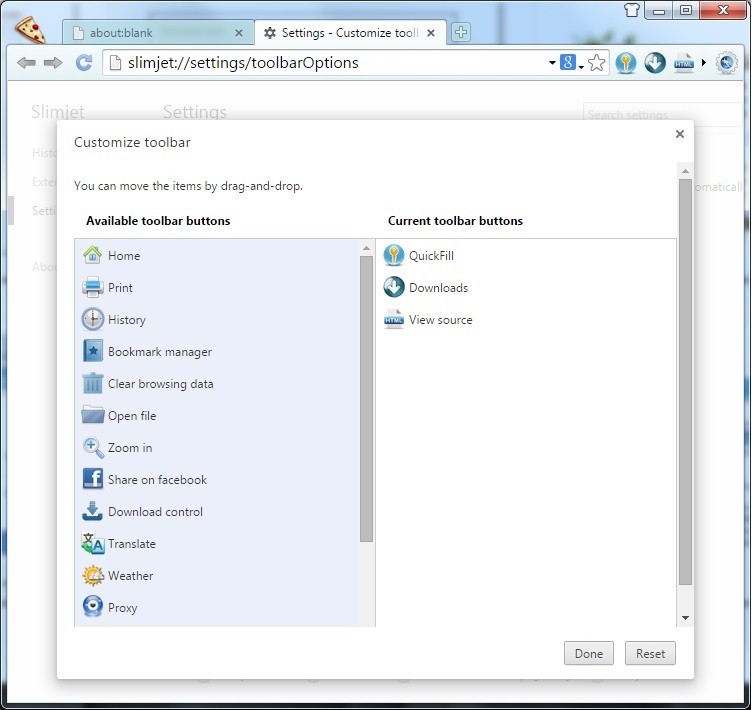
And yes—extensions are supported (Chromium-based, so all the Chrome extensions). Every user habit should find compatibility with this system's functionality. Slimjet provides a wide range of benefits that extend beyond its fast speed and convenient features. Using Slimjet gives you that coveted experience of operating a tool that places your control above all else in the digital world. You operate the browser by starting it directly from your computer screen. The user maintains full control over their destinations, installed programs, and the amount of data they wish to own. People who choose this browser accept taking a different route than the crowd to experience a browser that truly suits their needs.
Is Slimjet Free?
You can use Slimjet for free because it offers a free service. The browser is free to download, install, and use.
No account creation is required for Slimjet, and the browser interface excludes fees, premium versions, and upsell features. The application shows all operating features and content when you start it.
What Operating Systems Are Compatible with Slimjet?
Slimjet supports full functionality across the entire spectrum of Windows operating systems, starting from Windows XP and 7 through 11, including 8 and 10. It works on both 32 and 64-bit systems. Note that the latest version of Slimjet is only compatible with Windows 10 or later. But if you run an older version of Microsoft’s system, you can go to the Slimjet website and download the XP or 7/8 versions.
The software features a Linux version (Ubuntu, Debian, SUSE, CentOS, Mint, Fedora, RHEL, Slackware, etc.), which suits users who work on open-source platforms.
And, of course, macOS users are not left aside, and they can download Slimjet for their Mac.
The software provides a simple installation and smooth performance across all recent and aging computer systems during operation on Windows, macOS, and Linux platforms.
What Are the Alternatives to Slimjet?
All major alternatives to Slimjet possess different benefits depending on your specific needs.
Let’s start with Chrome. It weighs more than any other browser. It’s fast, powerful, and everywhere. Chrome provides users with an uninterrupted connection experience through device and account integration and service accessibility. The browser delivers excellent synchronization capabilities with a wide selection of extensions, alongside integrated Google Search throughout. The downside? It can feel heavy. The program monitors information that exceeds your current level of awareness. Some Google ecosystem users enjoy Chrome's features, but others consider its automatic tracking of user behavior excessive. The core Google Chromium foundation powers Slimjet, yet this browser escapes the type of surveillance associated with Chrome.
Then there’s Firefox. Open-source. Transparent. The non-profit organization created this browser with privacy being its primary design aspect. Firefox has proven its worth over the years, securing its position as a top choice among browser alternatives. The browser enhances security by enabling users to block offensive tracking features, including cookies and ads, without requiring additional plugin installations. The recent updates to Firefox improve performance and attract users because they offer both operational control and customization options. The standard configuration of Firefox feels heavier than Slimjet, but users can access better data protection due to its non-profit foundation. Open-source values drive many people towards Firefox, and its ongoing assessment should be taken seriously.
And finally, there's Tor Browser. The tool goes beyond basic web browsing because its main purpose is privacy protection. Tor Browser provides encryption and anonymous navigation by routing internet traffic through multiple linked network servers built on the Firefox platform. It’s not the fastest. The browser operates at a pace intended to match its directed security protocol. Tor's browsing capability helps you stay anonymous by routing your traffic through multiple servers, protecting your identity from discovery. Slimjet enables faster browsing while maintaining privacy, yet it does not provide the complete anonymity layer that Tor delivers to its users.