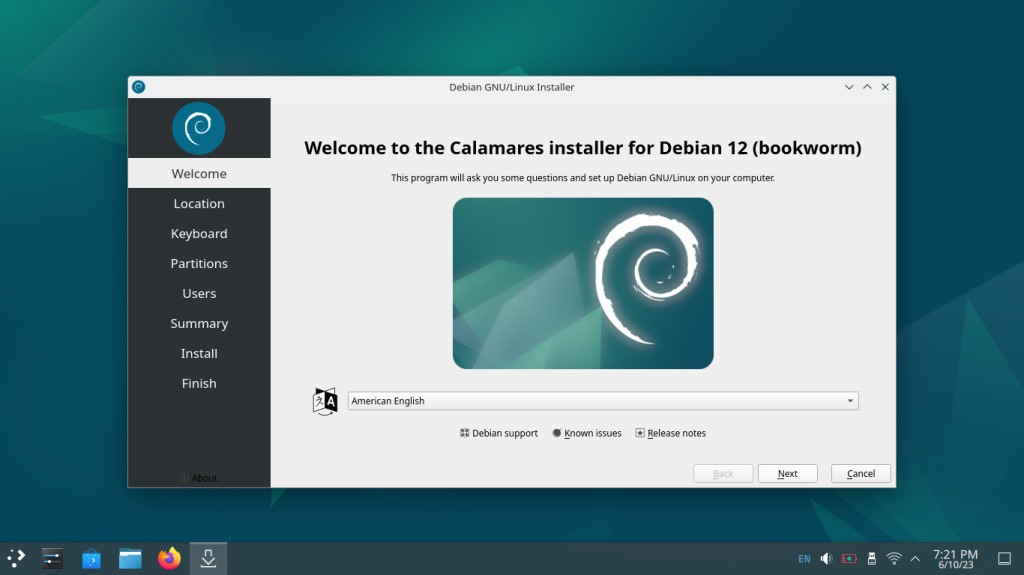
Debian is an operating system based on the Linux kernel that is developed as an open-source project and follows strictly Free Software Guidelines. You can install it from a single ISO file on various machines and servers, and it comes in 3 different development branches: stable, testing, and unstable. While the first one gives you the most reliable performance, testing, and unstable versions are great for exploring newer code and solutions, though you may encounter some operational issues.
It's maintained and developed by the community centered around Debian, and this system includes the Advanced Package Tool (ATP), which gives you access to over 50,000 software packages. Debian is a great solution for server and enterprise systems, as it has regular security updates and offers long-term support for all of its stable releases.
Personal users and developers will also be satisfied if they download Debian, as you can customize it in various ways while also being a free, safe, and open computing platform.
Why should I download Debian?
While there are various Linux distributions, Debian sets a gold standard in terms of system stability. There are multiple reasons for this, one being that any software that is released to the stable version has to be thoroughly tested and vetted by the community members. Because of that, this operating system is a great choice if you need to have a reliable production environment or run a critical system.
The Advanced Package Tool (APT) is the foundation of Debian, making it easy to install and upgrade software. By using the ATP and dpkg backend and command-line or graphical interfaces, you can manage anything from basic utilities to desktop environments.
With Debian, you also get access to the largest software repositories of any Linux distribution. There are three different packages. The main one includes only free and open-source apps that adhere to the Debian Free Software Guidelines. The next one, Contrib, is for free apps based on commercial software. From the last one, Non-free, you can get proprietary apps and drivers.
If you download Debian, you can be sure it will support a variety of hardware architectures, whether it's i386, amd64, ARM, PowerPC, or even niche systems like RISC-V. There are also multiple desktop environments you can choose from, including GNOME (default), KDE Plasma, Xfce, LXQt, Cinnamon, and MATE.
The Debian community publishes very detailed documentation that includes anything from installation guides to policy manuals, and there are active forums you can join. The system offers multiple security tools, like AppArmor, iptables, and secure boot support. These tools are regularly updated with new versions and patches to ensure your system remains safe as technology changes.
Anyone who values full control over their system's behavior and no commercial modules should download Debian for their machine. The system remains popular for custom Linux projects, and you will appreciate its modular nature and wide hardware support.
Is Debian free?
Yes, as an open-source project, you can download Debian for free and use all the included software without any cost unless you specifically choose a paid app. This is because this system follows the Debian Free Software Guidelines, which prohibit proprietary code, restrictively licensed libraries, and non-transparent binaries.
The system is maintained by volunteers around the globe who need to adhere to the Debian constitution that lists how the project is operated, and being free is one of its fundamentals. You can also study, modify, and redistribute this system without the need to have a paid license.
However, certain companies offer paid support agreements or managed cloud instances running Debian images.
What operating systems are compatible with Debian?
While Debian is an operating system based on the Linux kernel, you can install it on desktop computers and laptops, virtual machines (like VMware and VirtualBox), standalone and cloud servers, and embedded systems. The software comes in a single ISO file and supports both BIOS and UEFI installation and dual-boot installation.
Debian also supports multiple hardware architectures that include x86 (32-bit and 64-bit), ARM64/ARMhf (used in Raspberry Pi and mobile devices), PowerPC, MIPS, RISC-V, and SPARC. With Debian, you also get support for automatic resizing of Windows NTFS partitions.
What are the alternatives to Debian?
Another widespread Linux distribution, based on Debian, is Ubuntu, which is maintained by Canonical. It has a more refined interface and user experience and offers frequent releases. With Ubuntu, you get a graphical installation, support for a wide range of hardware, and tools that are friendly for beginners. It's also a free system, but you can also get commercial plans for business and cloud purposes.
If you're looking for something with a more innovative approach, then Fedora is the Linux version for you. Offered by Red Hat, it's known for supporting cutting-edge technologies and new software and has extensive security features via SELinux. Fedora gets a new release of innovative software every six months, and you can run it on both modern and legacy hardware. Fedora is available in different variants, like Fedora Workstation, Server, IoT, and Silverblue (an atomic desktop).
Linux Mint is based on Ubuntu LTS, and it simulates a familiar Windows desktop experience. You can get Cinnamon, MATE, and Xfce editions that are optimized for the greatest usability, and the system is maintained by donations. You can install Cinnamon, MATE, and Xfce editions only on x86-64 systems, and it is focused on stability and having user-friendly tools. If you're new to using Linux-based systems, Linux Mint will be a great choice, and you might find other distributions too complex at the start. All media codecs, proprietary drivers, and the traditional desktop layout are enabled by default once you download and install Linux Mint.