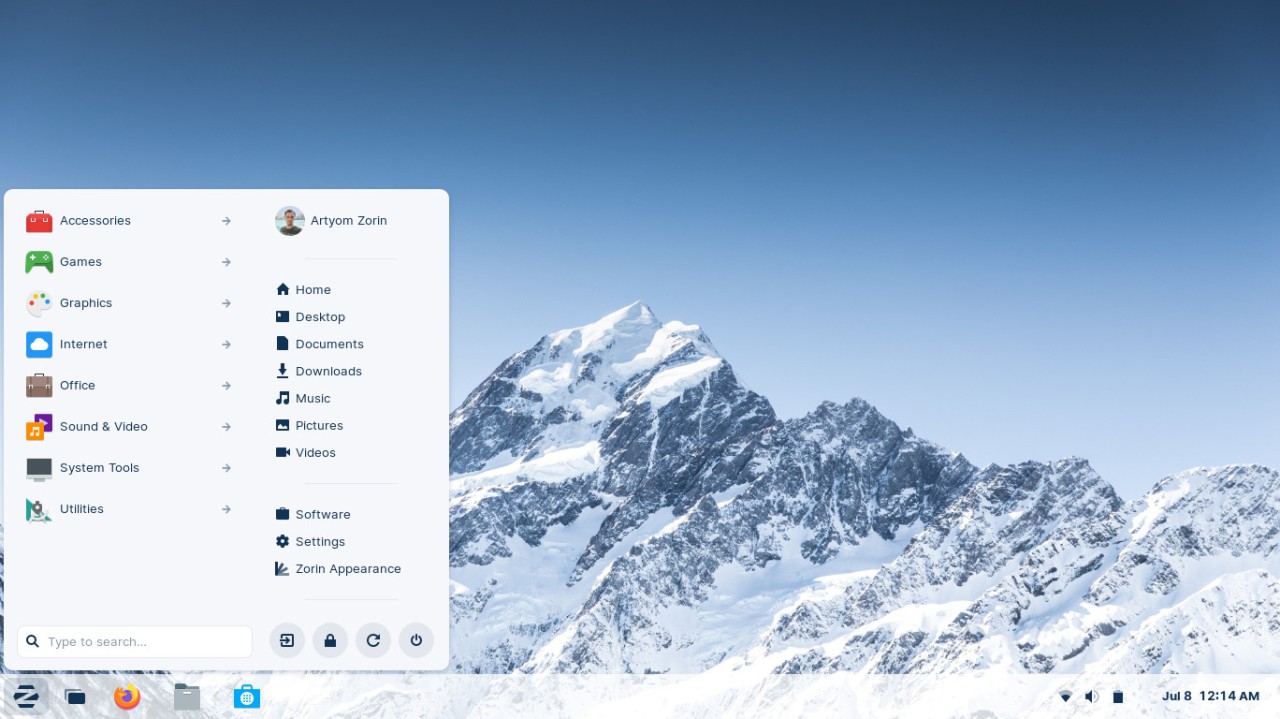
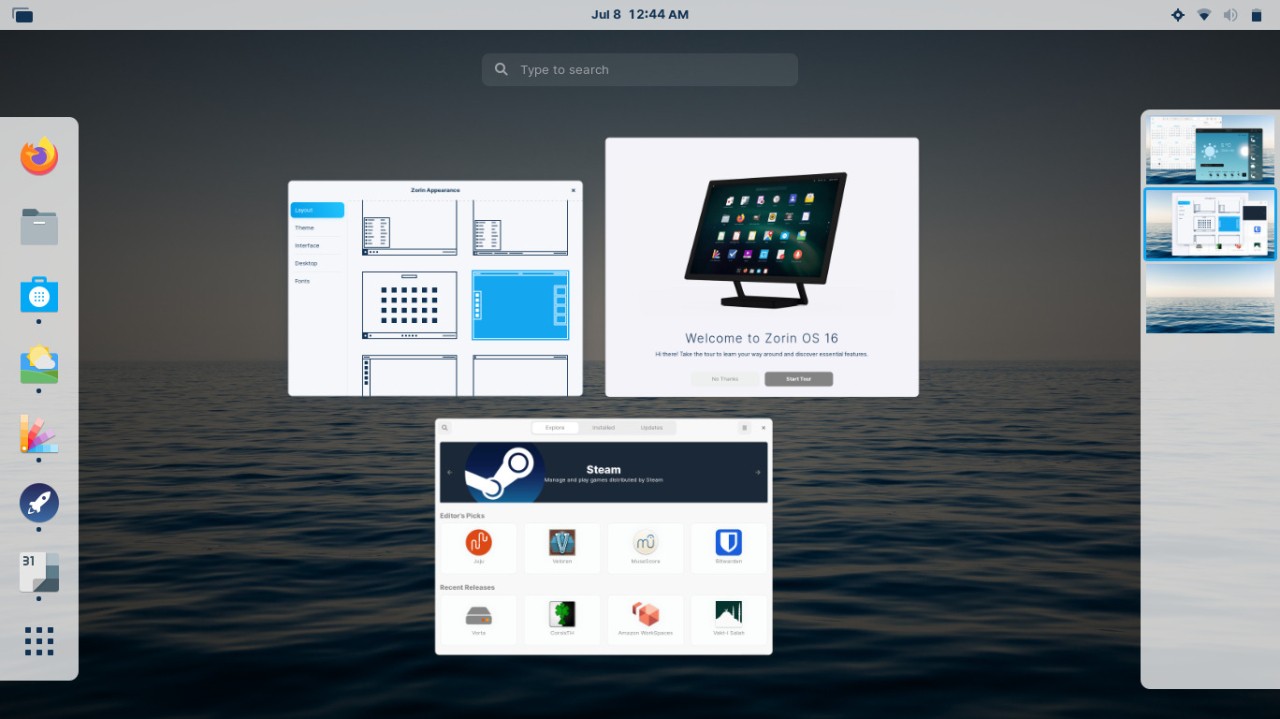
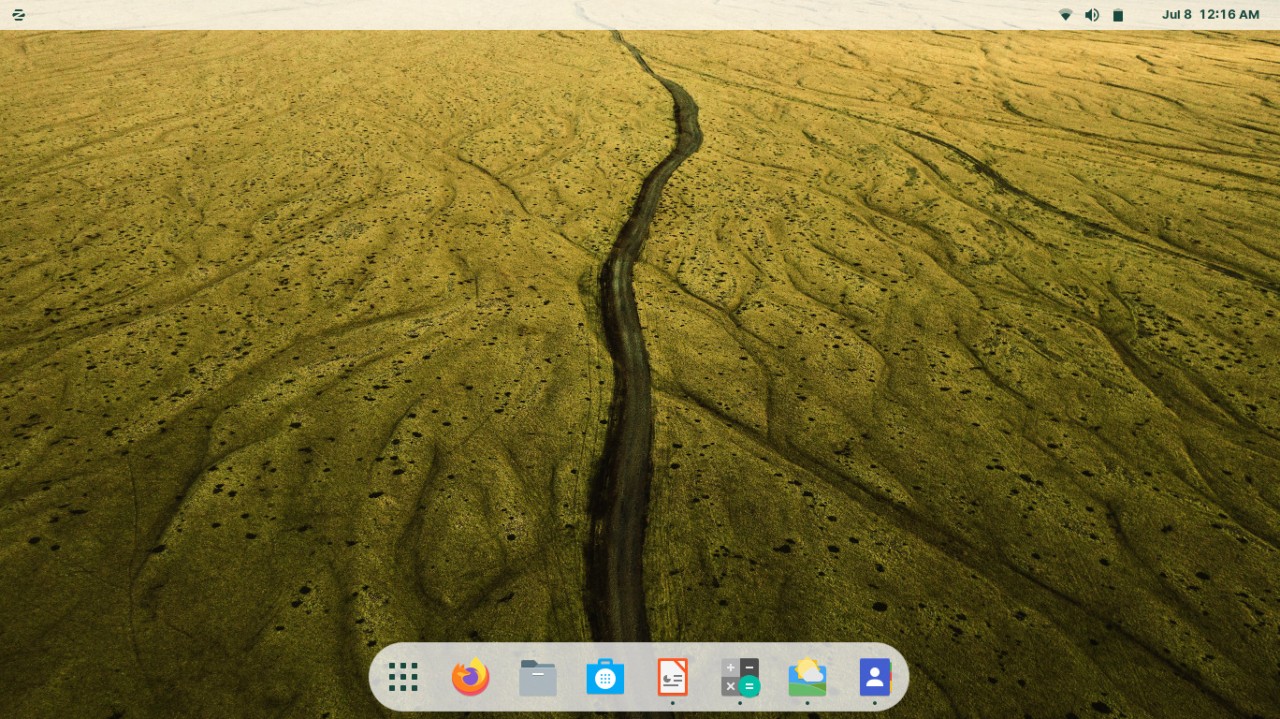
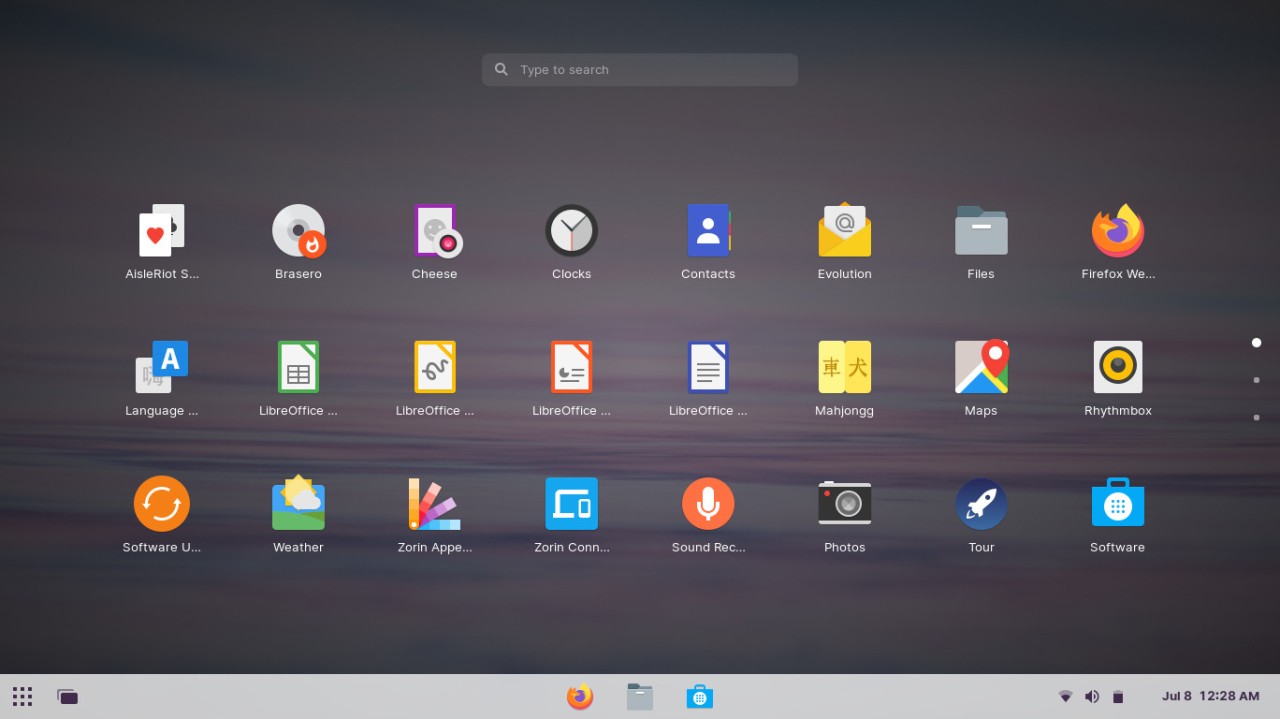
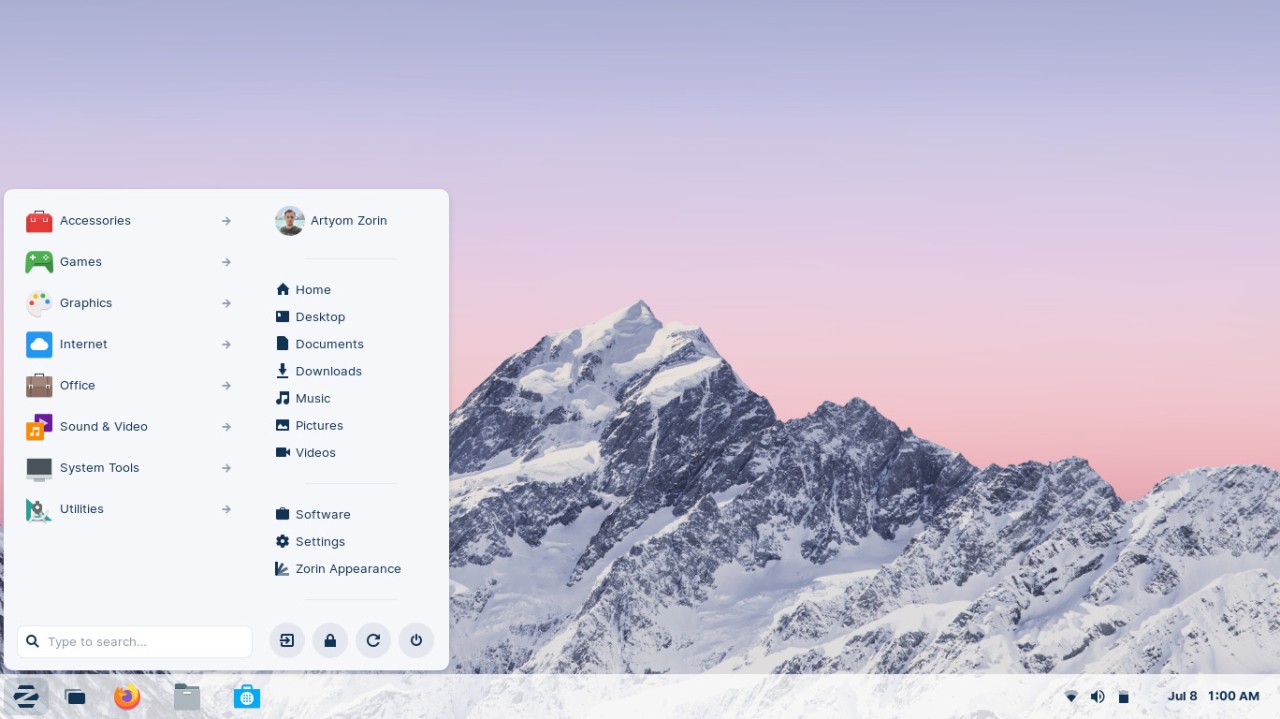
Zorin OS is built on the Ubuntu LTS base and is a great first system if you're transitioning from Windows or Mac computers. You can customize its desktop to one of the more familiar themes, which lowers the learning curve you might have when switching to Linux.
You can download Zorin OS in multiple editions, with Core offering a rich set of pre-installed applications and media codecs, as well as numerous desktop layouts from which you can choose. Lite is a version for older machines, and you only need 512 MB of RAM. You can also select a paid Pro edition, depending on your needs.
There's a Zorin Store that catalogs various Ubuntu repositories so that you can access a large collection of apps and games. Built-in compatibility layers like Wine ensure that your Windows software will run smoothly. You also get a pre-installed firewall, automatic updates, and no telemetry tracking in Zorin OS.
Why should I download Zorin OS?
Zorin OS was created with people who aren't used to Linux in mind, so they can get a comfortable and familiar platform that makes it easy to transition from other operating systems. You can choose from multiple layouts for your desktop, like Windows 10, Windows 11, macOS, and GNOME 2, and you'll find taskbars, app menus, and system trays you'll recognize from those systems.
If you're worried that your favorite apps will stop working after you download Zorin OS, this Linux distribution comes with pre-installed Wine and Bottles compatibility layers. They allow you to run apps like Microsoft Office or other Windows programs without any issues. You can also access thousands of different applications and games because Zorin OS supports deb packages, AppImage, Snap, and Flatpak in its app store, so it is easy to run programs like LibreOffice, GIMP, Firefox, Spotify, and Steam.
Zorin OS aims to provide you with an efficient system with fast load times and various performance optimizations, so that it doesn't consume too many system resources. Once you download Zorin OS, you also get built-in firewall controls, disk encryption, automatic security updates, and no background telemetry. This way, you stay in control of your data and are protected from various threats in the long term.
This Linux version allows you to utilize its plug-and-play feature to easily connect printers, smartphones, external drives, or cameras. All necessary codecs and drivers are already there when you install Zorin OS, so you don't have to worry about configuring WiFI or Bluetooth from the ground up. You can also easily integrate with cloud storage platforms like Dropbox or Google Drive and access all your documents or photos directly from the file manager.
If you like to experiment, Zorin OS is also a perfect ground for it, as you can customize it in various ways and can access advanced configurations for tweaking kernel settings, shell extensions, and custom scripts. The breadth of use cases and features makes Zorin OS a great choice both for Linux beginners as well as more demanding software developers.
Is Zorin OS free?
Yes, the majority of the versions of Zorin OS you can get are available for free, and they include Lite, Education, and Core versions. If you want to unlock features such as additional desktop layouts, advanced themes and fonts, priority technical support, early access to upcoming Zorin tools, and a suite of pre-built premium apps, then you should purchase the Pro version with a single payment.
What operating systems are compatible with Zorin OS?
In order to download the Zorin OS and run it, you'd need a computer on a 64-bit architecture with 2 GB RAM, 20 GB storage, and a 1 GHz dual-core CPU, a GPU with OpenGL 2.1 support, for the Core edition. You are free to either install it as an additional system that lives on your machine, thanks to dual boot, or make it your primary one.
The system is compatible with most modern desktop computers and laptops from different manufacturers, can run on both Intel and AMD processors, and supports both BIOS and UEFI boot systems. You can also launch Zorin OS on virtual machines like VMware, VirtualBox, or KVM.
What are the alternatives to Zorin OS?
Ubuntu is the most popular Linux distribution on which Zorin OS is based, and it runs on the GNOME desktop by default. With this option, you get an extensive repository of apps and regular updates. There's also a huge community of users that contribute to Ubuntu development. It's a free operating system if you're looking for a personal solution, but you need to purchase a paid license to get an enterprise-level platform. Ubuntu is super reliable and stable, and you can enjoy early access to new Linux features when your computer runs on it.
With Fedora, another widespread Linux distribution, you can access newer software packages and faster kernel updates than on other editions. It's an excellent option for advanced users, developers, or even big enterprises, as it offers many custom configurations and complex settings. You can download Fedora for free, and it can also work with file systems like Btrfs and SELinux for enhanced security.
If you're just starting out with Linux, then Linux Mint is the perfect option, as it supports easy migration from Windows with its Cinnamon, MATE, and XFCE desktop environments. It's a stable system that supports various multimedia formats as well as a traditional interface, and you can download it for free on multiple machines as it supports a wide range of computers and their specifications. With Linux Mint, you also get regular updates every month, and the system rarely breaks as it's focused on reliable performance.