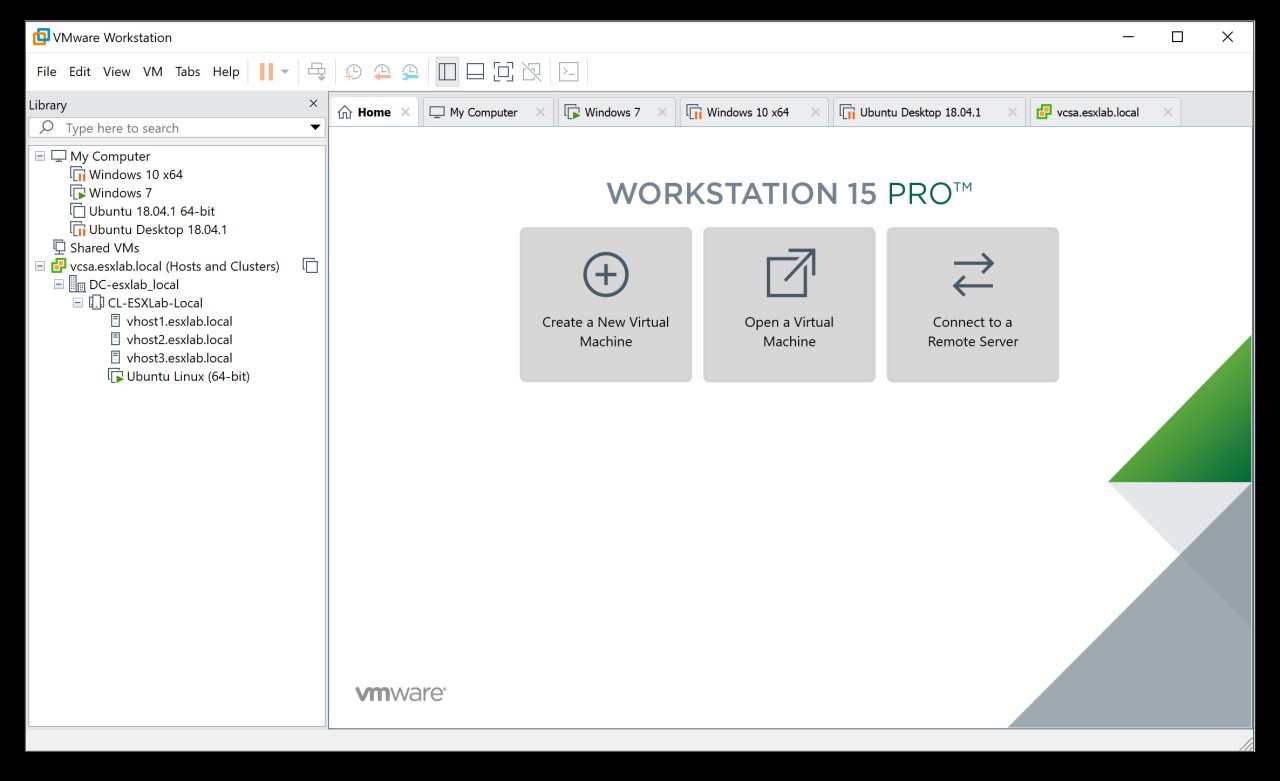
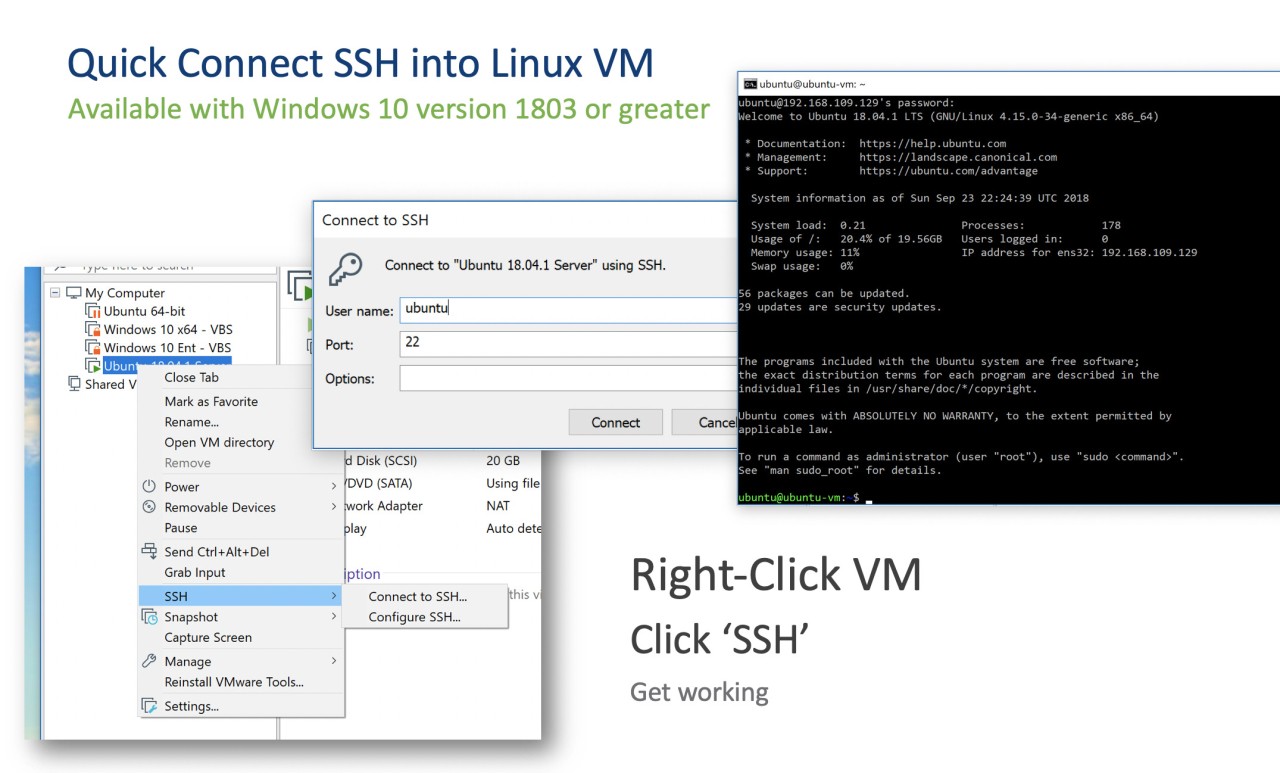
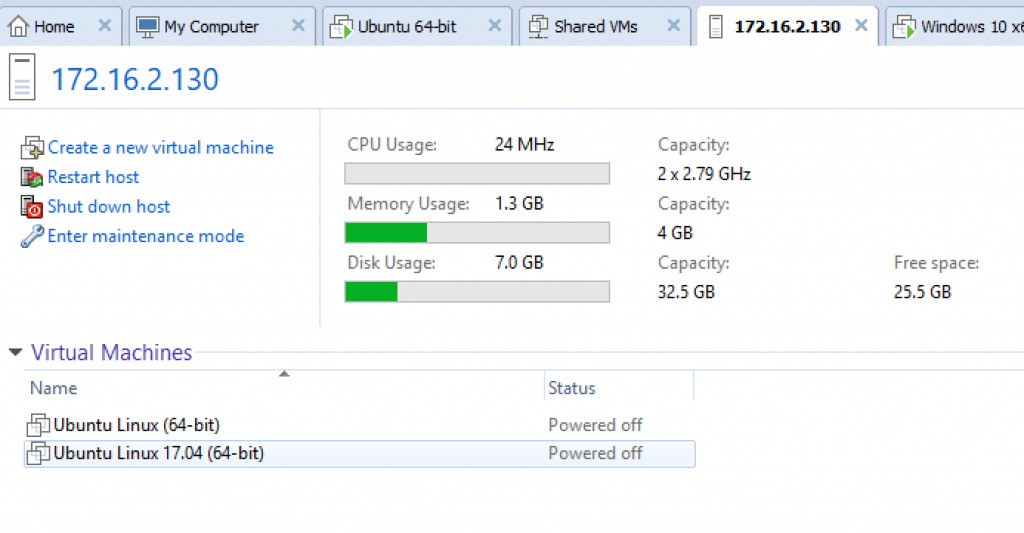
Users can execute multiple operating systems through VMware Workstation on one physical computer platform. The software serves as a leading platform that IT professionals, developers, and businesses apply for developing, testing, and training their systems. They benefit from VMware Workstation through virtual machine technology, which enables multiple operating systems to exist independently on one physical machine as standalone systems. The application is perfect when users need multiple work environments because it allows them to avoid constant physical machine changes.
Through VMware Workstation, professionals have the option to operate different versions of Windows, Linux, and macOS on a single computer system. VMware Workstation provides them with an isolated virtual environment that separates modifications made to virtual machines from the host machine. VMware Workstation proves beneficial specifically in software testing projects and for developing new OS platforms or creating cybersecurity-protected research environments. The snapshots tool in the software enables workers to back up VMs and allows them to restore previous states when errors occur, making it an effective system for evaluating new configuration setups.
VMware Workstation delivers powerful virtual machine capabilities by implementing sophisticated networking capabilities alongside graphics performance optimization and resource allocation management to become a top selection for reconstruction experts who require effective virtualization systems.
Why Should I Download VMware Workstation?
The use of VMware Workstation brings important benefits to employees who work in IT, software development, and cybersecurity spheres. Its primary advantage is the ability to run multiple operating systems from a single computer unit. People can build virtualized environments that allow simultaneous testing of applications and permit them to operate different software versions and construct network simulation setups.
Developers consider VMware Workstation to be an essential instrument for their work. The application testing tools work with VMware Workstation to enable complete operating system testing on a single machine. VMware Workstation makes it easier for workers to complete debugging tasks, as well as troubleshoot and test compatibility. A developer needs only to generate numerous VMs to achieve OS version versatility, instead of keeping separate hardware for each operating system.
Cybersecurity specialists and ethical hackers depend on VMware Workstation to conduct penetration evaluations as well as inspect malicious software. Virtual machine operation shields the primary system from being harmed by tested malicious code. Implementing VMware Workstation provides network isolation together with snapshot functionalities, which enable workers to safely examine various configuration formats and security assessments within virtual environments while protecting their core system from damage.
VMware Workstation delivers advantages to businesses by making training and IT management more streamlined. A company can serve its staff with training virtual machines rather than providing various devices to learn operating system changes or new software applications. IT administrators deploy virtual machines as a tool to examine software upgrades and maintenance packages for actual enterprise systems before making deployment decisions, which helps protect operational stability.
VMware Workstation provides an excellent opportunity to experiment with new operating systems without making permanent changes to the existing system. Virtualization technology makes the process effortless by enabling workers to simultaneously conduct Linux system tests from their Windows operating environment and execute legacy programs using older operating system versions. They maintain their primary system unchanged while trying new operating systems in virtual machines, since they have the option to return to their original state at any time.
VMware Workstation provides the powerful tool of making snapshots among its central advantages. Through this functionality, a user can preserve a virtual machine state, which becomes available for later recovery in case system issues occur. Such utility proves essential for software testers because they get opportunities both to modify applications and test settings before reverting to previous stable conditions. They save time and eliminate repeated installations because of this feature during troubleshooting sessions.
VMware Workstation grants professionals the highest level of performance through its ability to support demanding applications. The application supports hardware-accelerated graphics, which enables them to execute intensive applications that need high-performance computing capabilities. VMware Workstation also offers sophisticated networking features that enable them to develop virtual models of real-world network infrastructures that benefit IT administrators and network engineers.
The software serves as a widely used and stable virtualization platform because it features extensive customization possibilities together with remarkable reliability and solid community support. This tool enables users to collaborate effectively across multiple systems while requiring no additional hardware for development, security testing, IT management, or personal use.
Is VMware Workstation Free?
You can purchase VMware Workstation either as Player or Pro, which represent the product's two available editions. People who perform virtualization on a personal level discover VMware Workstation Player as their ideal choice because it provides free services for non-commercial operations.
The Pro version of VMware Workstation requires paid licensing because it gives businesses and professionals access to premium features, including snapshots, cloning, and robust networking functionalities. To access all capabilities of VMware's platform, they need to obtain the Pro version since basic functionality exists only in the Player version.
Note that VMware Workstation Pro is available free of charge for personal use.
What Operating Systems Are Compatible with VMware Workstation?
One important feature of VMware Workstation is its ability to run on both Windows and Linux operating systems. It operates on the Windows 10 and Windows 11 platforms. It is available on common Linux distributions such as Ubuntu, Debian, Fedora, and CentOS.
Note that macOS users can use VMware Fusion, which is the equivalent of VMware Workstation but for Apple computers.
The guest operating systems supported by virtual machines under VMware Workstation include multiple versions of Windows, as well as Linux distributions, together with macOS instances when configured properly. The wide operating system support classification positions VMware Workstation as one of the most adaptable virtualization solutions in the market.
What Are the Alternatives to VMware Workstation?
VMware Workstation leads as a virtualization tool, but multiple substitutes exist to fit various user needs. Businesses and professionals will choose alternative virtualization tools that fit their needs or free open-source or cloud-based integration requirements.
Oracle developed VirtualBox, which operates as an open-source virtualization tool that stands among the most chosen alternatives to VMware Workstation. VirtualBox offers free access to multiple operating systems. They typically select VirtualBox when seeking a cost-free substitute for VMware Workstation because the two tools share comparable capabilities for running multiple operating systems and taking snapshots while allowing network configuration management. VirtualBox provides strong capabilities for personal and educational use, although VMware Workstation leads in terms of performance and graphical acceleration.
People who require operating system virtualization specifically for macOS should consider Parallels Desktop. The tool serves macOS users better than VMware Workstation because it excels in running Windows on Mac operating systems. They can execute Windows applications together with macOS applications through this tool in a combined operating system experience that avoids rebooting processes. Parallels offers an easy-to-use interface as well as superior performance optimization, but it is not free.
Microsoft Hyper-V serves as an excellent enterprise-level and cloud-based virtualization tool. Windows users can use it as a built-in virtualization tool to manage virtual machines via the Windows operating system interface. Microsoft Hyper-V works best with IT experts and corporate networks, yet provides strong integration with Microsoft platforms, which benefits Windows system-dependent businesses. Workers experience some disadvantages in terms of user-friendly features when using Hyper-V since this platform requires Windows Pro or Enterprise editions, as well as missing certain convenient touchpoints found in VMware Workstation.