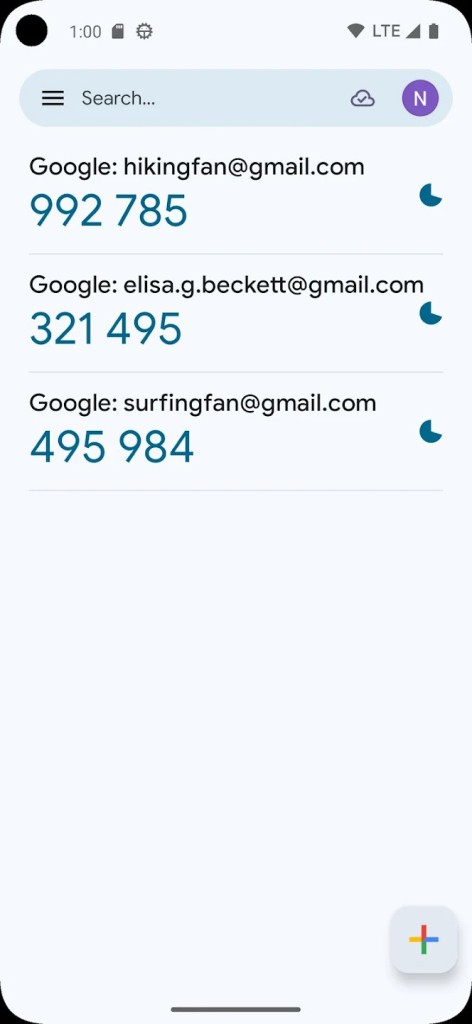
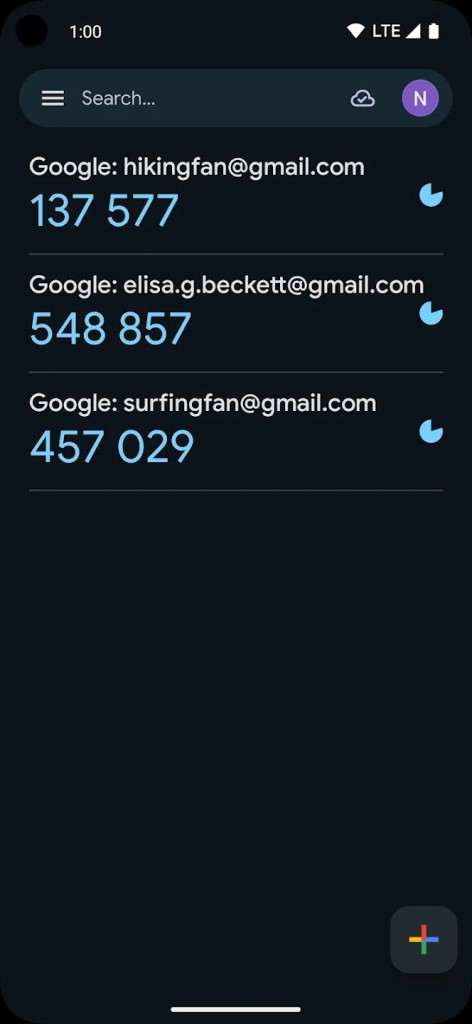
The Google Authenticator 2FA application developed by Google boosts online security protection through time-based one-time password generation (TOTP). The app creates an additional defense system to protect users who authenticate through 2FA services because hackers would need both the password and the app-generated code to successfully log in. The verification process requires a user to provide a six-digit code, which Google Authenticator automatically generates for authentication purposes.
Users do not need internet access for Google Authenticator because the app functions exclusively without connectivity. The security of 2FA is stronger than SMS-based authentication because attackers cannot intercept the verification process through SIM-swapping attacks. Users must access the service they want to secure by either scanning a particular QR code or manually entering the provided secret key for Google Authenticator to generate fresh authentication codes every thirty seconds.
Google Authenticator functions as one of the most popular authentication tools on major platforms, which include email services along with cloud storage accounts and banking applications plus social media. The solution delivers lightweight protection and efficiency together with high security to account holders who avoid SMS authentication because it remains susceptible to attacks. It is compatible with both Android and iOS devices, including smartphones and tablets.
Why Should I Download Google Authenticator?
Security represents a major digital concern at present because traditional account protection with passwords has become insufficient. Digital passwords remain insecure because users create them weakly, and they reuse them, along with risking exposure in data breaches. Using Google Authenticator adds authentication steps to account access, which substantially enhances security because it becomes harder for unauthorized users to breach profiles. A password theft attempt or a guessed password becomes worthless because access requires the time-based code that Google Authenticator produces.
Users should pick Google Authenticator because it functions without needing a network connection. SMS-based type 2FA needs a mobile network or internet access to function, but Google Authenticator generates its codes autonomously without any internet connection requirements. Network-insensitive users, together with those who need transportable authentication solutions and individuals who desire enhanced security for their login procedures, should consider this application.
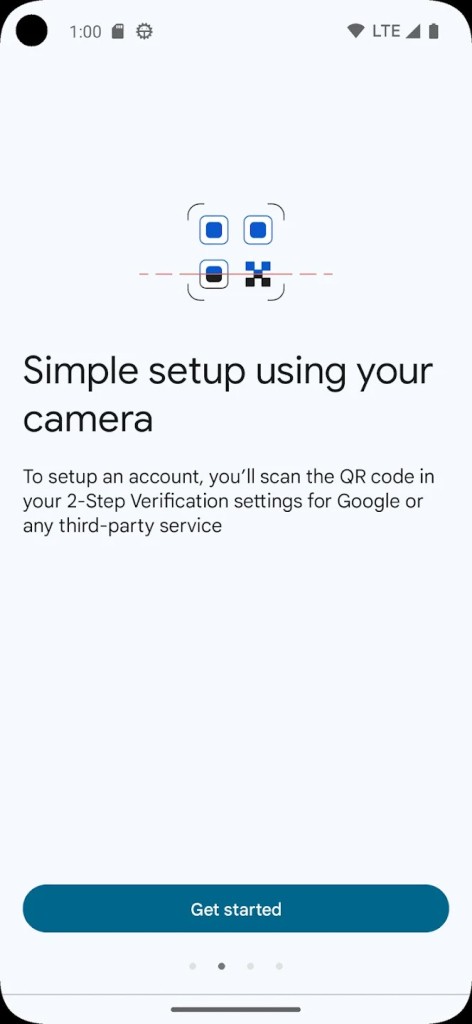
The application has a simple setup protocol, which becomes easy to operate after installation. Users need to enter either a QR code or secret key delivered by the protected website, through which Google Authenticator will immediately start producing time-sensitive authorization codes. They benefit from this security solution because it requires no additional setup or ongoing configuration tasks to operate.
The main benefit of using Google Authenticator comes from its ability to deal with numerous accounts. The application lets users create different account services that produce distinct authentication codes separate from each other. A single application, Google Authenticator, stores authentication codes for users, allowing them to manage account security across multiple email accounts and online services, including social media and financial transactions.
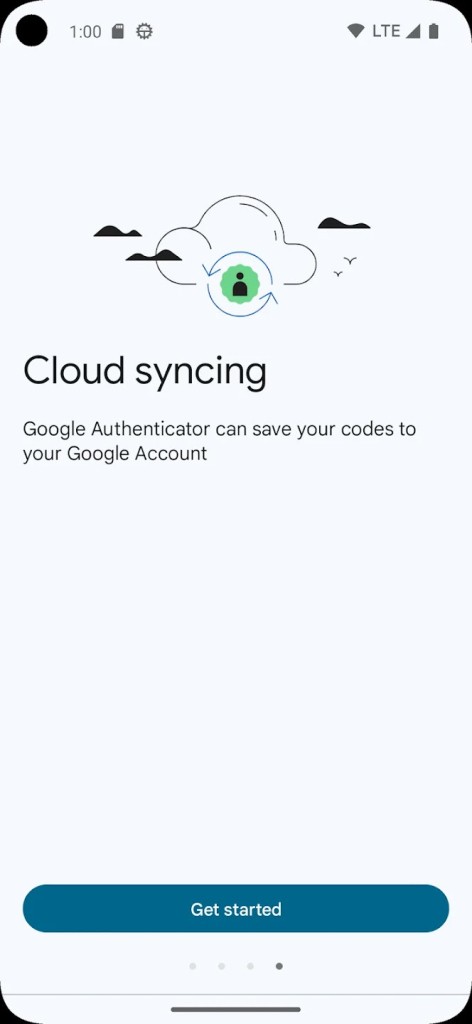
User authentication codes that Google Authenticator generates are stored exclusively on individual devices because the app does not follow the syncing practices of password managers that store login information across cloud platforms. The lack of remote data synchronization increases security against distant attacks but provides no protection if the device is lost. Setup procedures for services using Google Authenticator provide backup codes for safe storage because these codes help users regain access to their accounts.
The ad-free experience of Google Authenticator and its lack of tracking or unnecessary permissions ensures users gain a secure platform for authenticator codes. The simplicity of Google Authenticator operation without user accounts or cloud synchronization makes it a trusted authentication solution among available choices.
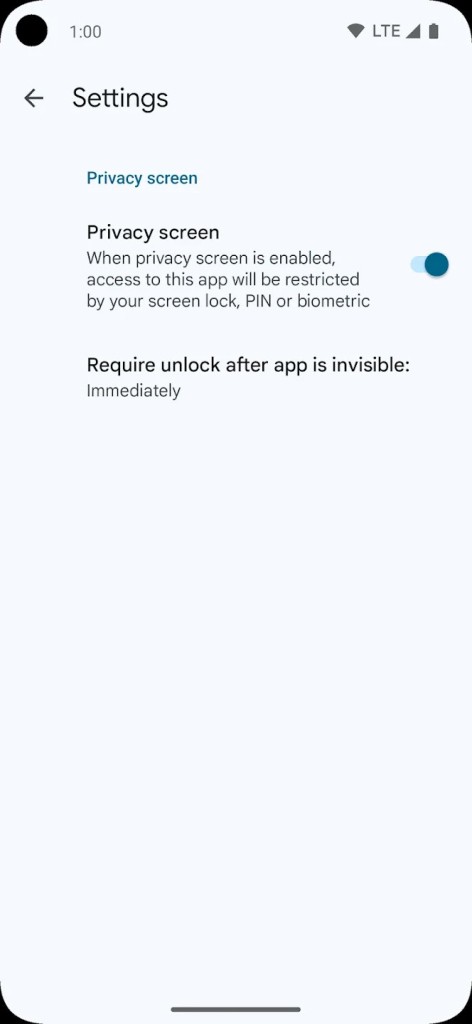
To prioritize secure online account access, a user must implement a 2FA app, as Google Authenticator stands out as an easy and reliable option. Now, it is possible to secure access to Google Authenticator using your device’s screen lock, a passcode, or biometric authentication such as a fingerprint. The system does not cause delay during logins because it operates offline while adding a protective layer that minimizes unauthorized access attempts.
Is Google Authenticator Free?
The entire use of Google Authenticator comes without cost. Everyone can enjoy Google Authenticator without dealing with cumbersome limitations regarding free access since it operates without any additional costs or service plans.
They can obtain Google Authenticator at no cost through both Android users at the Google Play Store and iOS users accessing the App Store. Google updates Authenticator with security improvements since it develops the application, which enables them to have a dependable and secure authentication tool without requiring any extra paid features.
What Operating Systems Are Compatible with Google Authenticator?
Google Authenticator provides broad accessibility because users can obtain it through both Android devices from the Google Play Store and iOS devices from the Apple App Store. They can obtain the application by downloading it through the Google Play Store for Android mobile devices and through the Apple App Store for iPhone and iPad. Users can expect this application's authentication code generation process to run smoothly on all platforms while minimizing system resource utilization.
Google Authenticator exists only as mobile applications because the software development team behind it has not created official versions for Windows, macOS, or Linux operating systems. Users maintaining account security on desktop browsers need to get their authentication codes from the app and then enter them manually during login procedures. Those requiring 2FA solutions on their computers should select authentication managers with desktop applications instead of Google Authenticator.
What Are the Alternatives to Google Authenticator?
Google Authenticator remains popular, but users have alternative authentication apps that provide comparable or improved functionality features. The offered features include cloud backup and cross-device synchronization together with added security elements, which users can select based on their needs.
Authy stands as one of the most favored substitutional solutions to Google Authenticator. Authy stands out from Google Authenticator because it lets users save authentication tokens to cloud storage, thus preserving access to accounts even when devices disappear or require replacement. Users can access their authentication codes from various devices because this platform enables support for multiple devices. Some users tend to choose Google Authenticator as their preferred method because its cloud backup system requires neither an account nor internet connectivity.
The Microsoft Authenticator application stands as a powerful replacement option to Google Authenticator. The Microsoft Authenticator app provides time-based authentication similar to Google Authenticator yet adds cloud backup functionality together with an automatic password input feature. The app uses Microsoft accounts for convenient integration with automatic notification functions, which eliminates the requirement to manually input authentication codes. Microsoft Authenticator serves as a highly practical application for regular Microsoft service users.
Those looking for open-source services should opt for FreeOTP as their alternative solution. The privacy-oriented FreeOTP application originates from Red Hat with functionality equivalent to Google Authenticator in addition to its lightweight nature. Because FreeOTP operates as an open-source platform, its security codebase undergoes independent reviews, which makes it excellent for people who value transparent security measures. FreeOTP distinguishes itself from Authy and Microsoft Authenticator by omitting cloud backup and multiple device support features, resulting in a basic secure system for users who prefer simplicity over added functionality.