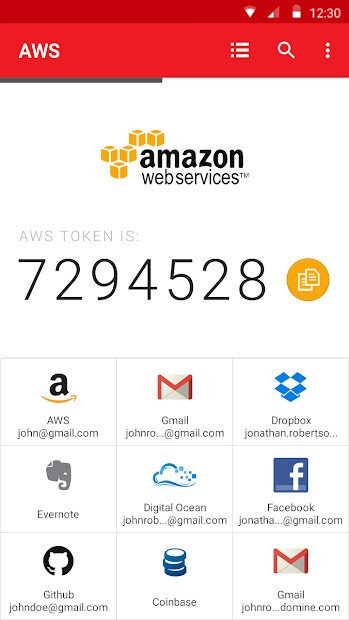
Known as Twilio Authy Authenticator, Authy is a two-factor authentication app that adds security beyond passwords to protect your online accounts.
After entering your password when logging into apps with two-factor authentication (2FA), you must add a time-dependent code. That’s where Authy comes in. The software functions by producing those one-of-a-kind verification codes on your smartphone or PC. Unlike traditional 2FA applications, Authy provides a touch of relief to the security situation by preserving your login access even after device changes.
Authy enables low-profile protection because it operates equally well on mobile phones, desktops, and tablets. Your Authy ciphertexts get stored in a protected cloud database, which provides automatic data backup and replication features.
Authy's cloud backup system is valuable to those managing multiple accounts across platforms because it lets users maintain access to their tokens when a single device becomes unavailable. The Authy background process protects email access as well as banking accounts, social media profiles, and crypto wallets, without requiring much effort from users.
Why Should I Download Authy?
People have a confusing sense of trust in passwords, despite their inadequate status in modern security practices. Easy password guessing and theft occur when data breaches mix with phishing attempts and password reusability.
Two-factor authentication enables security protection through Authy, which offers a seamless implementation method. The installation process happens only once before you start linking your accounts with 2FA support, and from then on, all login attempts force you to go through the app. The system offers a basic setup for terrific security benefits.
Authy stands out as the best 2FA app because it gives users maximum flexibility and tolerance. Most of your passwords for different apps are connected to a single device, which makes the recovery process difficult if your phone gets stolen or wiped. The encrypted cloud backup solution by Authy prevents this from happening.
Device changes are easy because your authentication tokens will restore themselves once your identity is confirmed. Authy is unaffected by stressful situations like hardware accidents and phone upgrades, giving you some much-needed peace of mind.
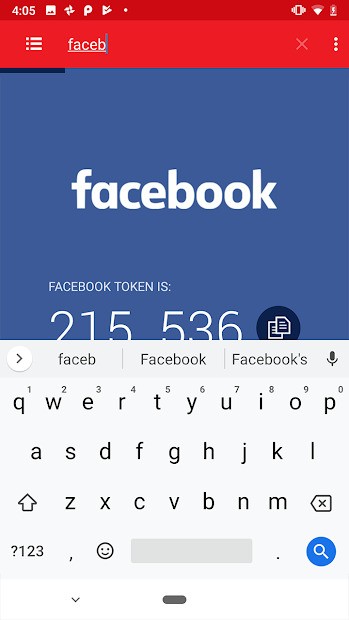
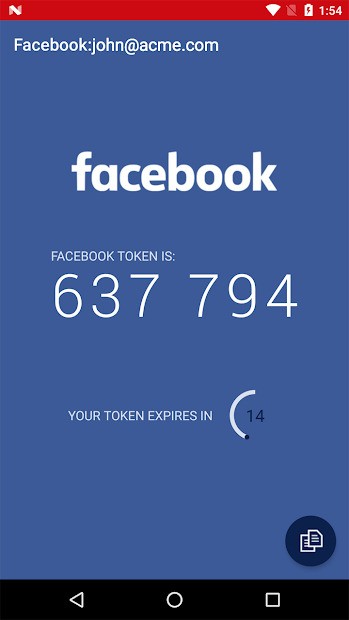
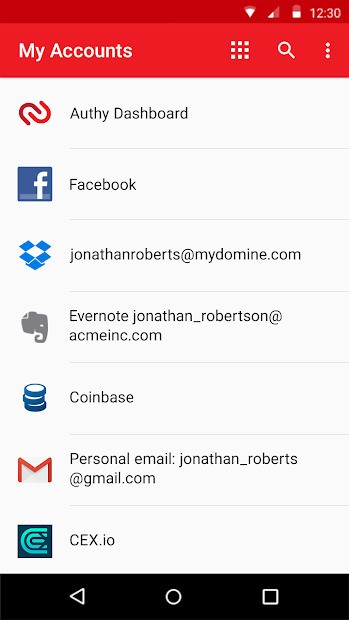
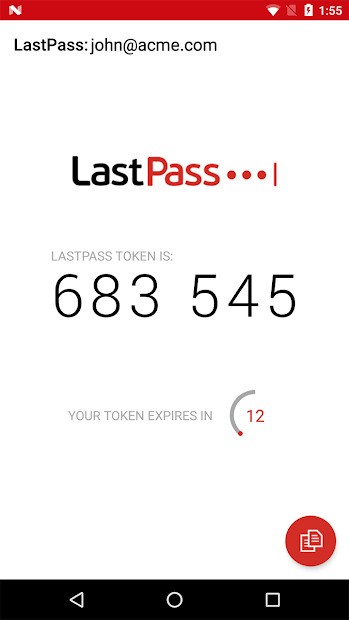
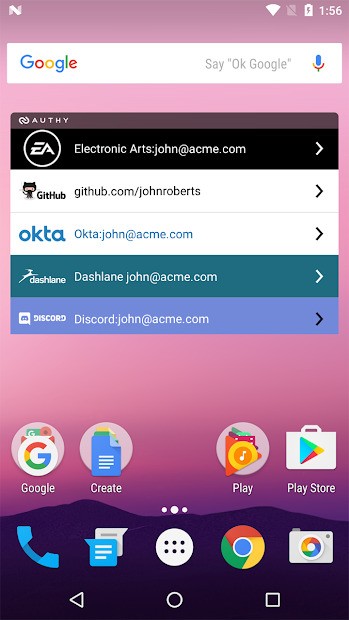
The application boasts a user-friendly interface for both account token viewing and new service addition. The connected accounts display time-sensitive codes that count down to expiration. All you need to do is copy the code and paste it into the appropriate app. That’s it. Gone are the days of repetitive QR code scanning and paper-based code storage that needs to be kept offline.
Authy proves to be an excellent choice because it provides smooth platform connectivity. Your device does not require you to stay restricted to its operating system. All your tokens can be reached through either a desktop or a mobile interface. You need the ability to avoid phone movements when working at your computer, so Authy provides this functionality. Authy proves useful when mobile data connectivity is not available, as it functions offline.
Security compliance for the word “cloud” stands as one of Authy’s key priorities. All encryption of token information starts on your device, and the encryption keys stay on your device at all times.
A cloud breach targeting Authy would result in access only to storage data, as the system requires your device authentication along with verification credentials to reveal your token codes. Authy provides users with an exceptional blend of practicality and extra protection measures. Authy delivers comfort in handling digital security without making users compromise their convenience.
Is Authy Free?
Authy offers its service for free to all users. Users receive all features without any charges as Authy is completely free. Multi-device support and cloud backup services are available completely for free to all users. The service presents itself equally to users managing one account or multiple accounts.
What Operating Systems Are Compatible with Authy?
Authy offers its services through numerous compatible systems. Users can obtain Authy through Android and iOS mobile stores. As a multifunctional 2FA application, Authy provides universal compatibility with major devices and maintains smooth synchronization between them. Installation will only take a couple of minutes. You can get Authy via official website links or specific application stores. The verified account mediates all subsequent synchronizations of your security data.
What Are the Alternatives to Authy?
Additional 2FA software programs exist alongside Authy. They work similarly but come with their distinctive features.
Google Authenticator serves as one of the most popular authentication tools in the market. The application runs quickly and performs code authentication perfectly. This service lacks two vital features, which include automatic cloud storage and support for multiple devices. This may become problematic when users need to trade in their current devices. The process of code retrieval after losing or resetting your phone is difficult because manual account reconfiguration is necessary. People who maintain few accounts and have stable device use can benefit from Google Authenticator, but users who handle multiple accounts might find better alternatives.
Microsoft Authenticator stands out as an excellent solution, especially for Microsoft platform users throughout their ecosystem. This authentication tool functions similarly to Authy with time-based codes and cloud backup functionality, together with Microsoft account push-based logins. Users can depend on it for security, and it supports both personal and work activities without problems. Users living in Microsoft’s ecosystem will appreciate Microsoft Authenticator’s intuitive platform integration, although its ability to synchronize codes externally from Windows-based platforms remains limited.
The open-source software FreeOTP offers users time-based codes. Though FreeOTP lacks the cloud synchronization capabilities and multi-device features found in Authy, basic users find FreeOTP attractive because of its visibility and control. FreeOTP provides a decentralized solution that keeps your token data on your devices under your control, although it comes without cloud backup and device migration features. Users who doubt encrypted syncing methods will appreciate the functionality and trust offered by FreeOTP.