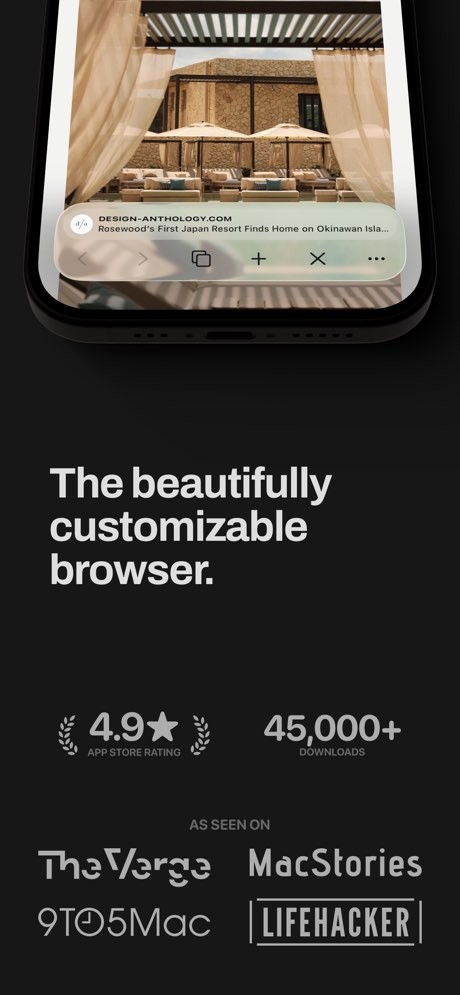
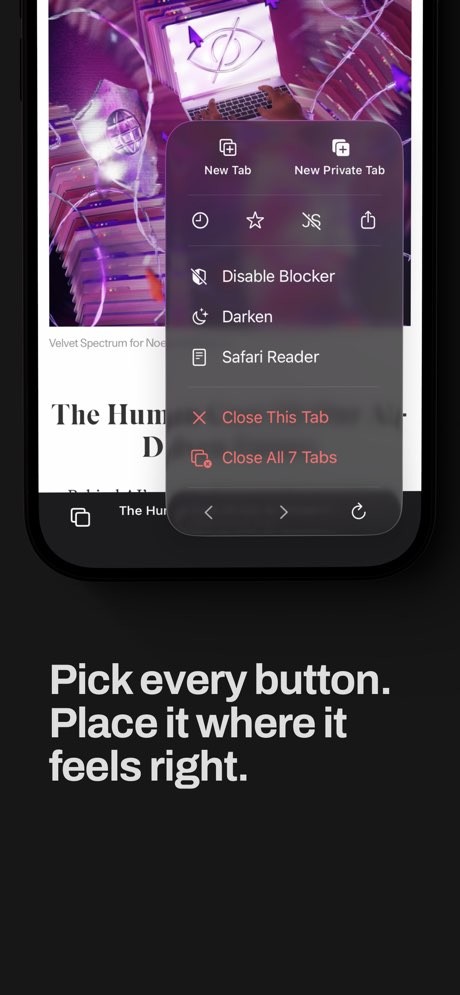
Quiche Browser is a web browser built around customization, privacy, and a lightweight feel on iPhone. Made by a single developer, the app is designed for people who want to shape their browser around their own habits rather than use a one-size-fits-all app.
Open it, set up the toolbar and menu the way you want, and use it as your everyday browser. It is a beautifully customizable web browser, designed by a single developer and funded by its users, with an iPad version still in beta. It is less about being a clone of Chrome or Safari and more about giving you a lot of control over how the browser looks and behaves.
That also explains why it feels different from broader browsers. Quiche is built around personal use. The developer has been pretty open about that, describing other browsers as bloated clones with too much legacy code, and presenting Quiche as a leaner alternative built from scratch for performance. So if what you want is a small, careful browser you can shape to fit your habits, the app is easy to place.
Why Should I Download Quiche Browser?
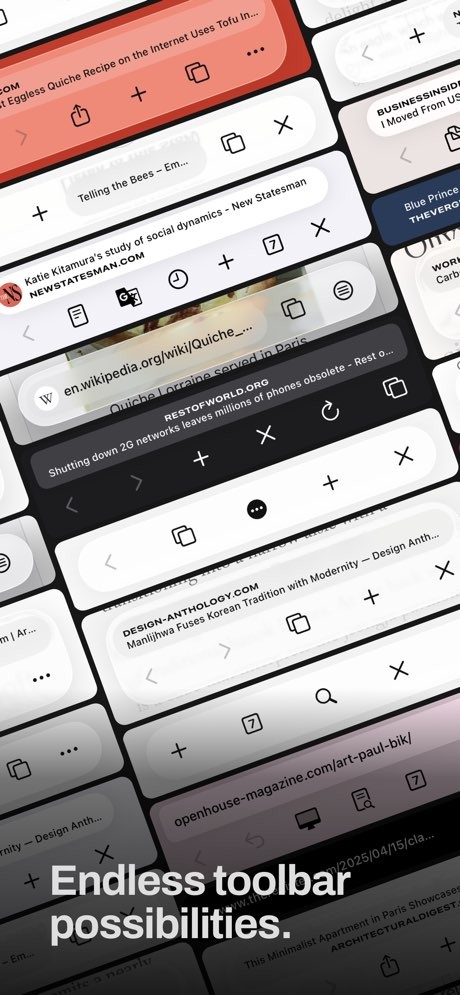
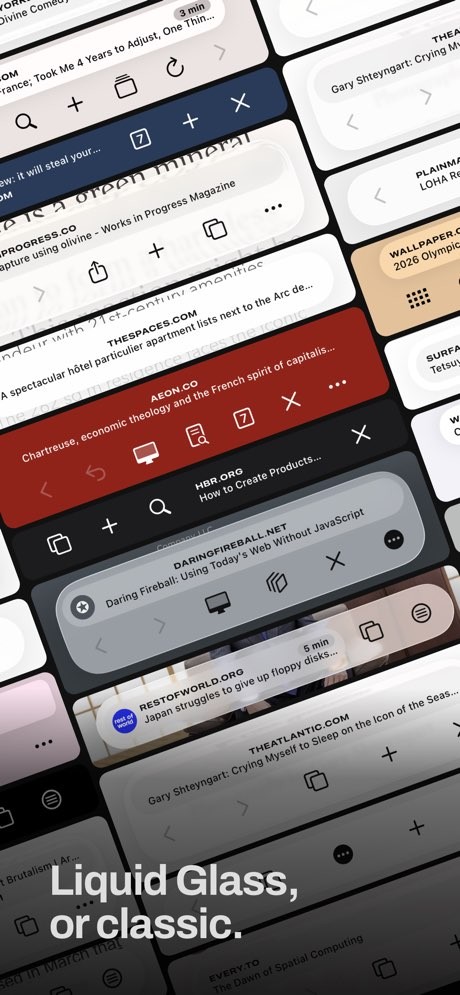
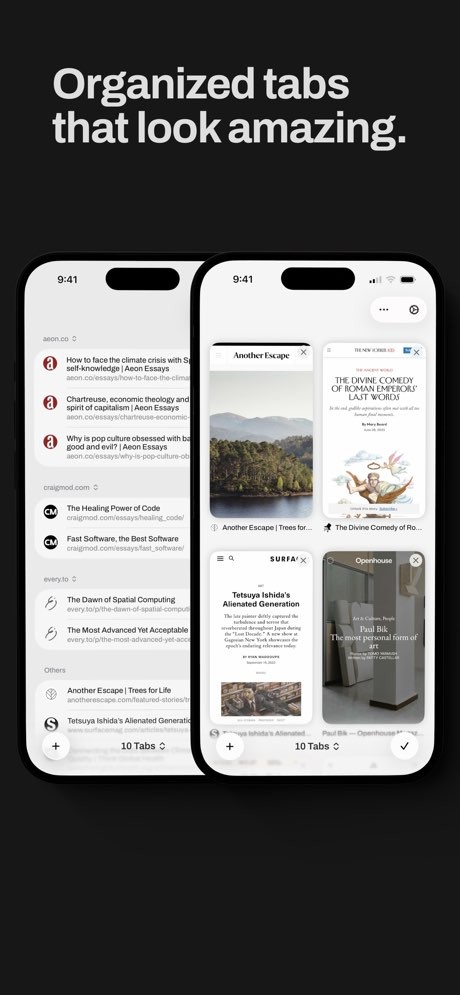
The main reason to download Quiche Browser is that it keeps customization at the center of the app. The current App Store page highlights things like a customizable toolbar, a flexible menu, a built-in content blocker, per-site JavaScript toggling, and tab sorting by read time or domain. It is built for people who want to rearrange and tune the browser, not just use it as it comes.
It is a browser first, even if it overlaps a little with reader and tab management tools through its sorting and reading features. A lot of the draw comes from how careful the design is. You pick a toolbar preset, swap in the buttons you actually use, and keep moving. And because the developer also leans hard on privacy, with no tracking and no third-party servers in the way, the app tends to appeal to people who want a quieter browsing experience than they get from the big names.
Is Quiche Browser Free?
Yes, Quiche Browser is free to download, with the core browser and most of its customization features open from the start. You install it and start browsing without thinking about a paid plan first.
There are also subscriptions that unlock extra features like website darkening, comfort mode, and exclusive icons, which is how the developer funds the project. Choose your subscription depending on your needs.
What Operating Systems Are Compatible with Quiche Browser?
Quiche Browser is currently available only for iPhone, with an iPad version in beta (from the same link). You can download it from the App Store (our link is direct).
Quiche Browser is an iOS browser first, and that is also how the developer talks about it. It is not being positioned as a cross-platform tool in the way some bigger browsers are, and the focus stays on shaping the experience for the iPhone.
What Are the Alternatives to Quiche Browser?
UC Browser is the closest alternative if you want a phone browser with a lot of built-in features rather than a stripped-back, customizable one. It is a fast mobile browser with downloads, ad blocking, data saving, and a built-in video player. Compared with Quiche, it feels much busier and more feature-heavy, while Quiche feels lighter and more focused on how the interface is laid out.
Vivaldi goes in a more power-user direction. It is a fully customizable browser for desktop, Android, and iOS, with built-in tab stacks, notes, mail, calendar, and a feed reader. Compared with Quiche, it feels broader and more tied to a wider ecosystem of tools, while Quiche stays focused on doing a smaller set of things carefully on iPhone.
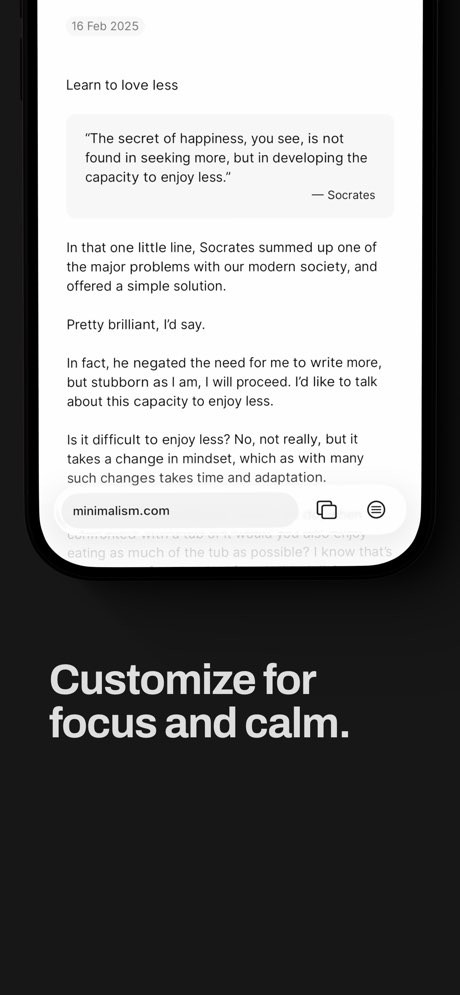
Opera Mini is the more lightweight option here. Its site describes it as a fast, data-saving browser with a built-in ad blocker, news feed, and offline reading, mainly aimed at phones on slower or limited connections. Compared with Quiche, it feels more about saving data and pulling in extra content like news, while Quiche feels more about shaping a quiet, personal browser around how you already use the web.