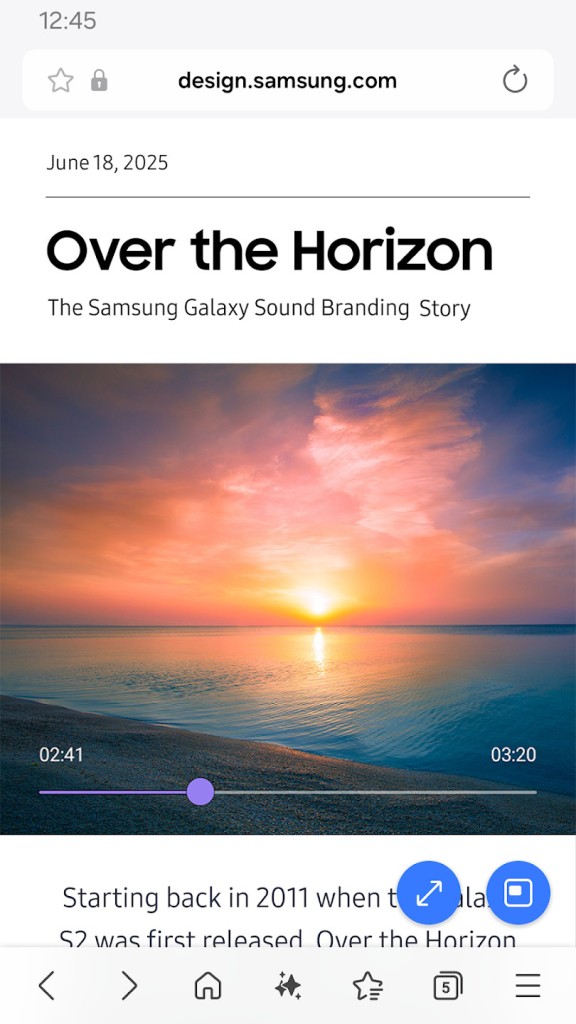
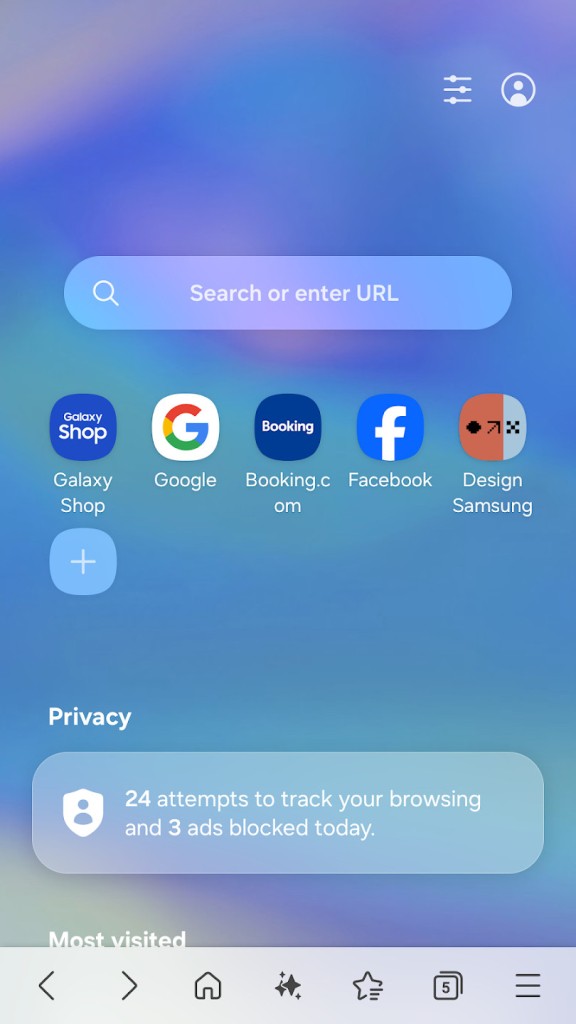
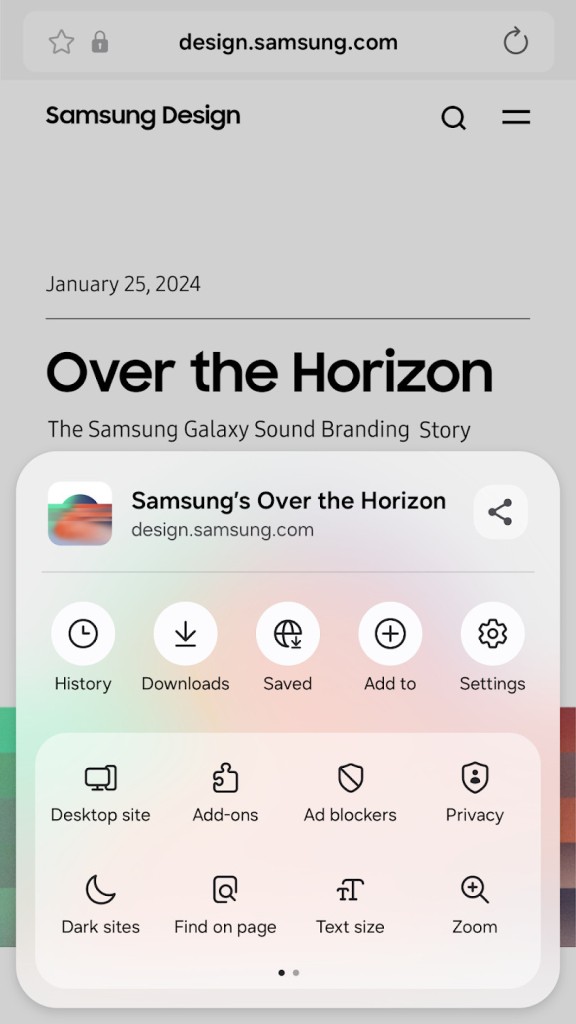
Since its debut with mobile devices, Samsung has always developed apps for them. The Samsung Browser is one of these. But contrary to other Samsung apps, this one has been available for any Android device. At the end of 2025, they even launched a beta version of it for Windows, but it was available only in the US and Korea.
Now is the time when everyone can use the brand new version of the Samsung Internet Browser for Windows. Of course, one of its principal features is the way that it synchronizes your data between your mobile browser and Windows. But it is also packed with helpful tools.
With its Internet Browser, Samsung goes against the well-established Google Chrome, which already allows users to share pages, logins, and more between their mobile and desktop browsers. And, of course, they gave it an AI assistant (because who doesn’t have one?).
Samsung Browser is based on Chromium, like many other browsers (like Opera, Brave, Microsoft Edge, Google Chrome, and more). This allows it to operate with plenty of interesting features.
Why Should I Download Samsung Browser?
Obviously, the Samsung Internet Browser seems to be oriented towards Samsung users. Even if the mobile app is available for all Android users, Galaxy users will find that they have access to more features than the others, thanks to their Galaxy device. For example, the “continue on other devices” feature is only available through Samsung Settings.
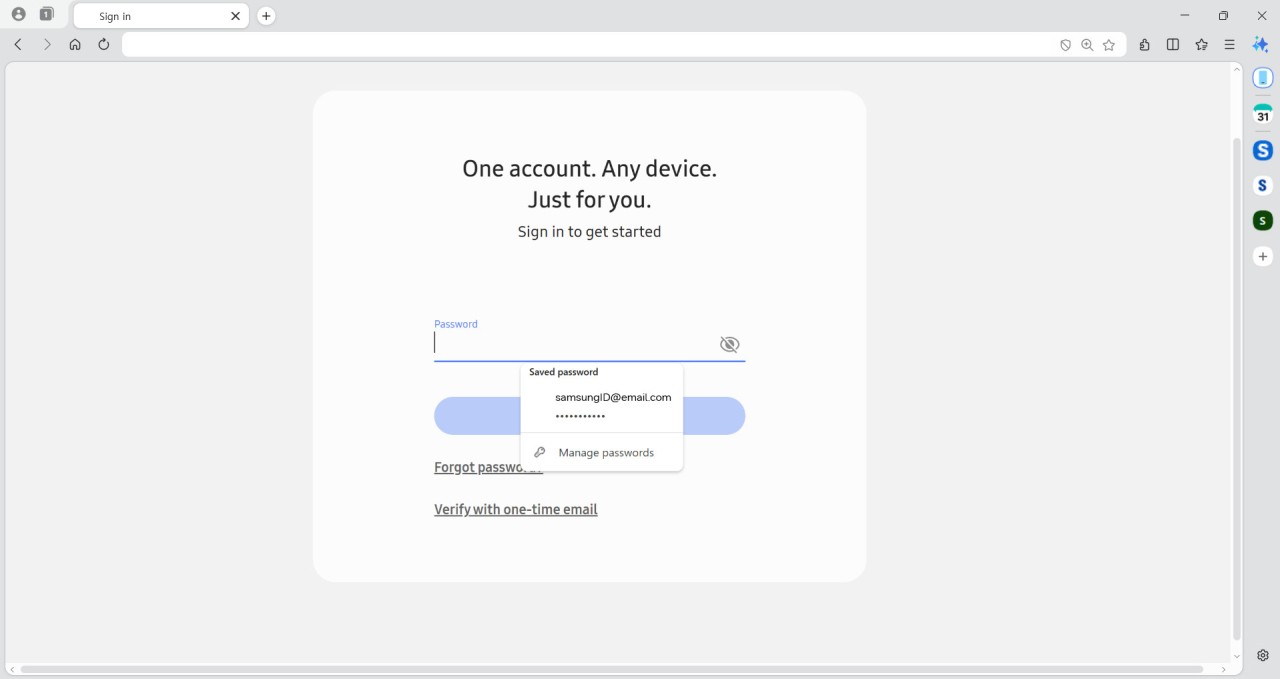
The cross-experience offered in Samsung Browser includes the sharing of tabs, bookmarks, logins, and passwords (with Samsung Pass), but also the fact that you can really pick up where you left off, even if you changed devices. If you were reading a page on your computer but then needed to go, you can continue it on your phone or tablet while you commute.
Both browsers offer good security and privacy with anti-tracking, protection against malicious websites, and content blockers. They also both offer access to the AI assistant developed by Samsung and called Galaxy AI. With it, the user can ask questions to a chatbot or require translations. Note that the translation happens on devices; nothing is sent to any online server, keeping your data private.
Samsung Internet Browser for Android offers a clean and light experience. You have access to a tab manager where you can group tabs as you wish. The app also offers a feature allowing it to auto-close unused tabs (based on a period of time). Open tabs that you don’t use are a real problem in modern-day browsers, so this feature is quite interesting, depending on your use.
Samsung Browser for Windows also allows you to manage tabs. But, contrary to the mobile version, it puts the AI assistant in the front. Galaxy AI appears on the left-hand side of the windows, allowing you to access its chatbot readily. You can ask any question regarding the webpage you are currently browsing, use it to make a web search, or even retrieve the page you are looking for in your browser’s history or already open tabs.
Is Samsung Browser Free?
Yes, Samsung Browser is entirely free. No ads, no in-app purchases, all free.
What Operating Systems Are Compatible with Samsung Browser?
For Windows users, Samsung Browser is available for download on Windows 10/11. And for mobile users, an Android phone or tablet is required
What Are the Alternatives to Samsung Browser?
Opera is a well-known browsing solution. Safe, fast, and intelligent, it allows you to customize its interface to your needs. On the side panel, you can add all your communication tools (WhatsApp, Facebook, Slack, and more) for quick access. Opera is available for download on Windows and Android, but also macOS, Linux, and iOS. Moreover, based on Chromium, it has access to the same extension library as Google Chrome. And of course, it has its own AI, called Opera AI.
Comet Browser is Perplexity’s very own browsing solution. Even if it was built on AI, Comet offers the same browsing experience as any other browser, with the AI touch as a plus. You can add favorites, save passwords, see your browsing history, etc. And, as it is based on Chromium, you can use Google Chrome extensions as well. Like Samsung Browser, it offers a sidebar to chat with Perplexity AI. You can ask any question to the chatbot, and it can do internet research for you. The downside is that Comet is only available for Windows and macOS.
Dia AI Browser is designed for macOS users only (a Windows version is currently being developed, and there is a waitlist). As with Comet, it was built around an AI, so the chatbot is very present. Dia was developed by the same team as Arc Browser. You can still download this one, but the team says that Dia is its next evolution. One interesting feature of Dia is that the more you use the chatbot, the more it will learn about you and give you answers that really interest you.