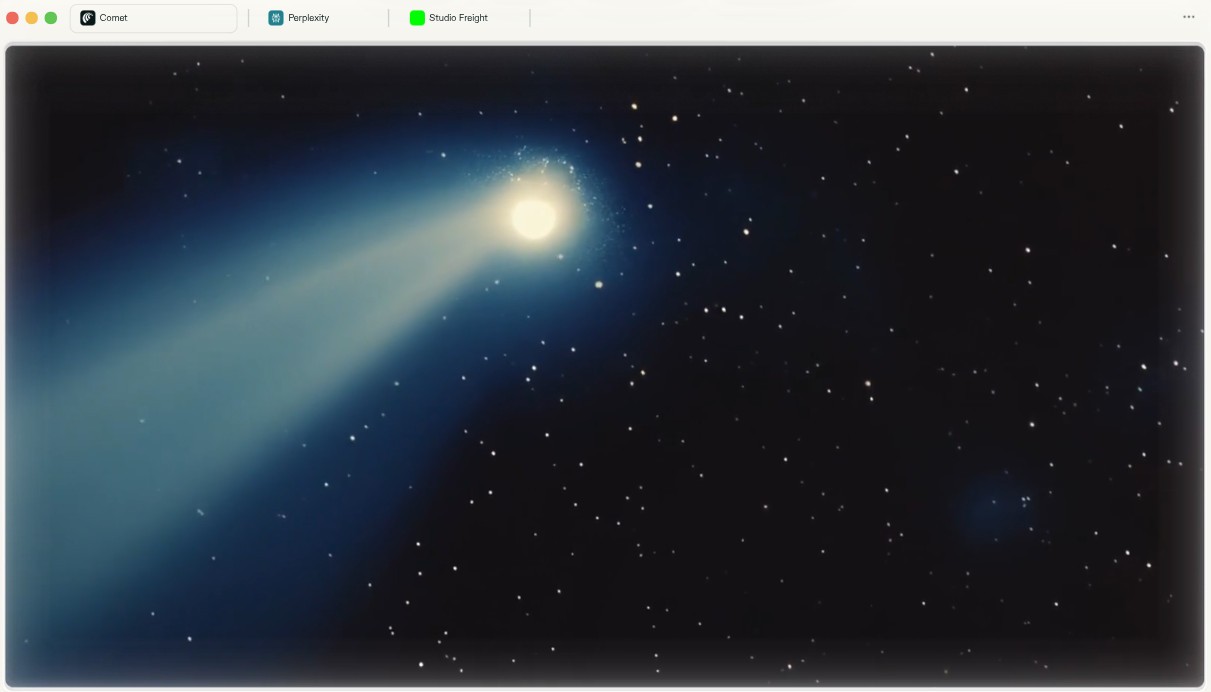
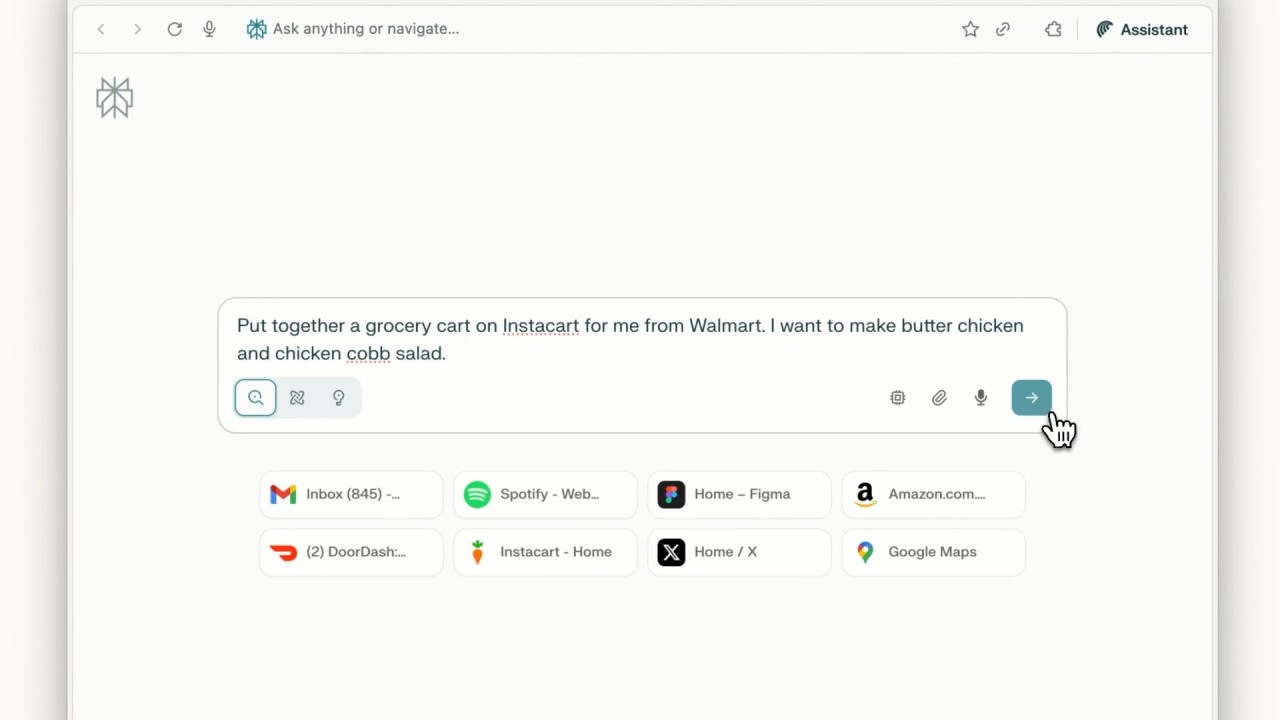
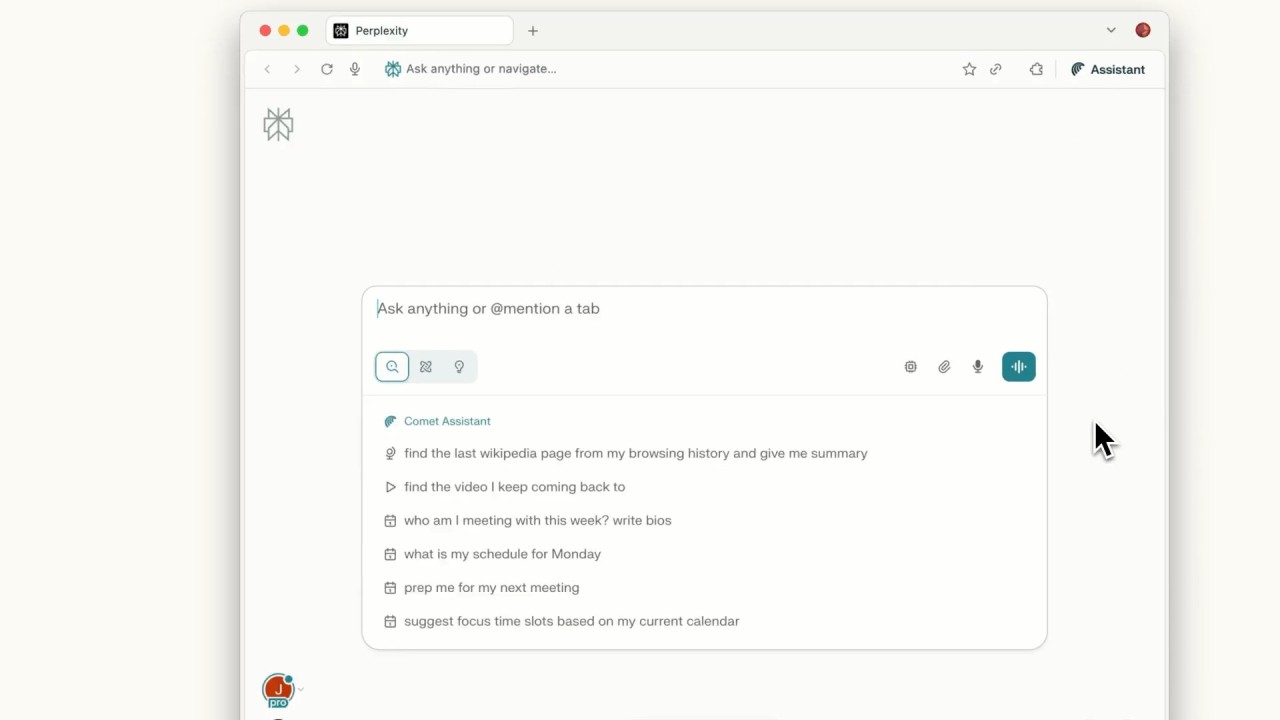
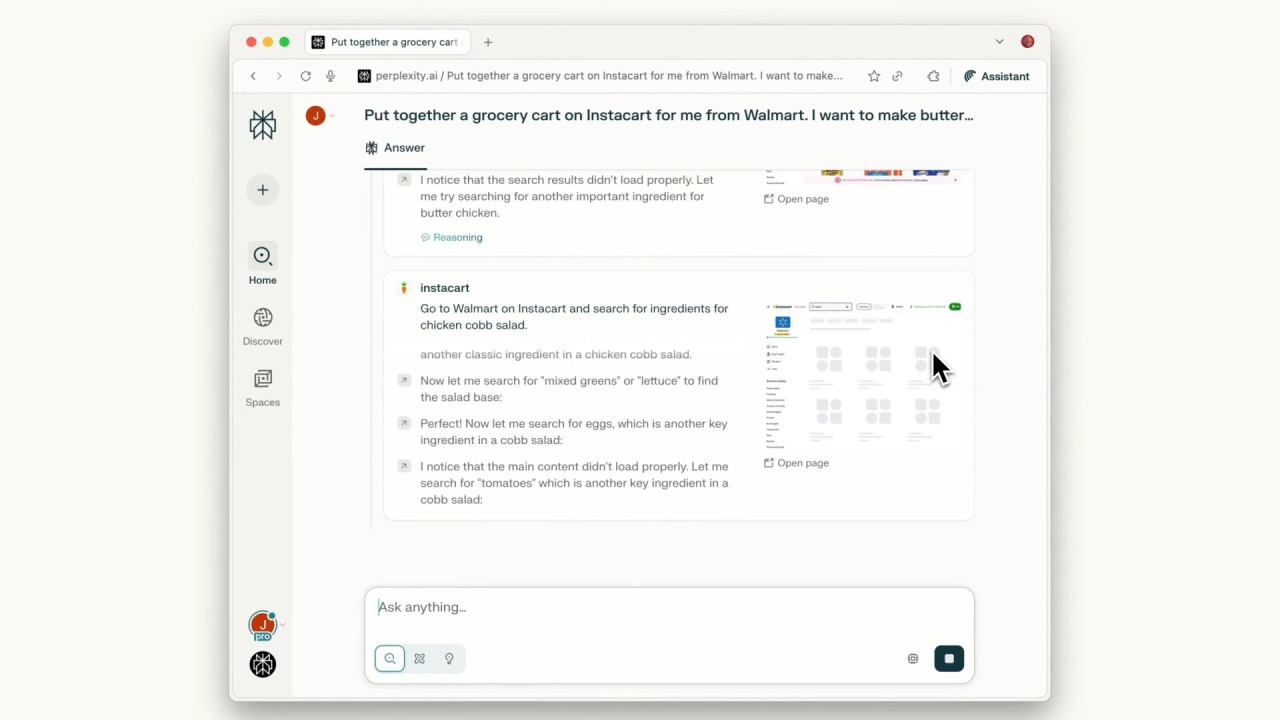
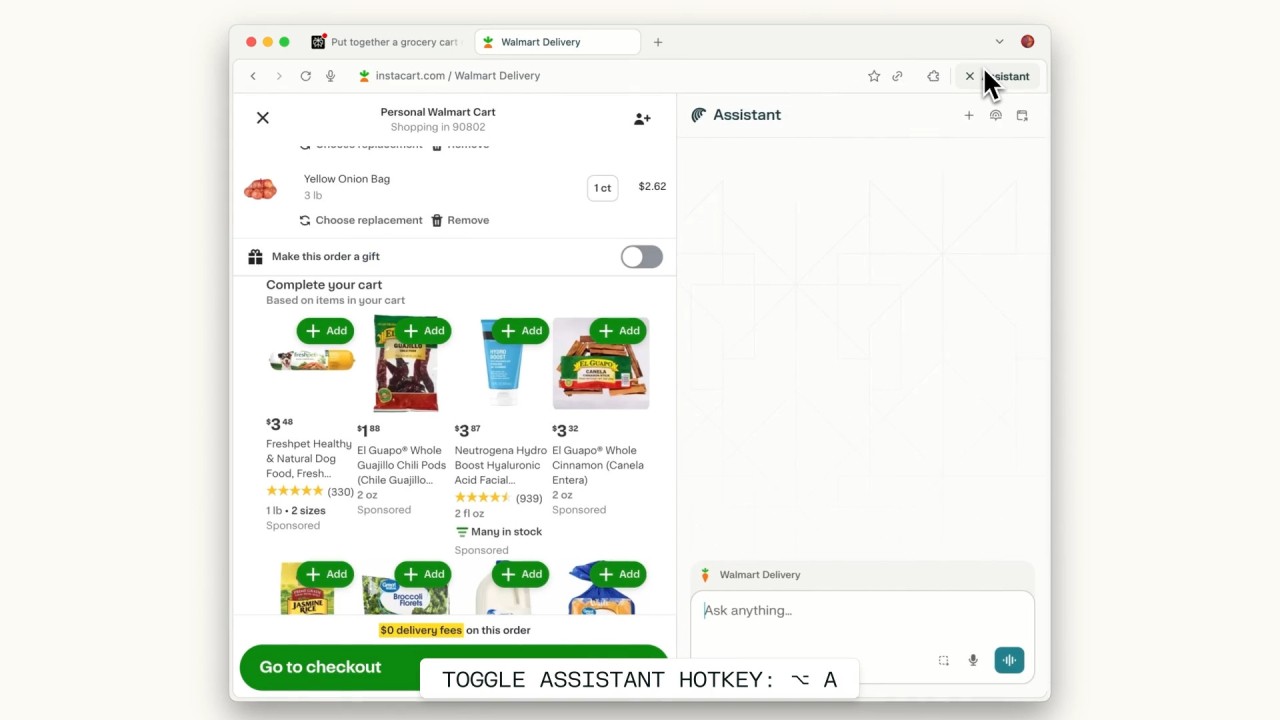
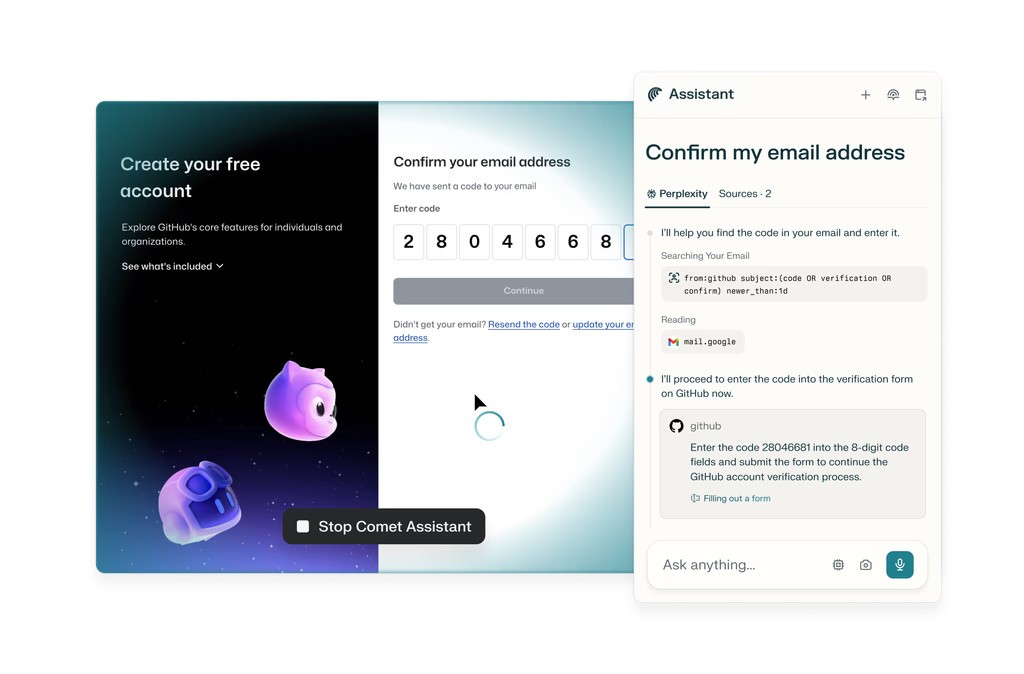
Perplexity made its name with an AI chatbot that gives sourced, accurate answers to questions. Comet Browser is what happens when that same team builds an entire web browser around the concept. Instead of bolting an AI sidebar onto Chrome, Perplexity started fresh and wove conversational AI into the core browsing experience. Every tab gets its own chatbot that knows what is on the page, and you can ask it questions, request summaries, or run commands across multiple tabs using natural language.
The result feels like a hybrid. You get all the standard browser features, tabs, bookmarks, extensions, fast page loading, but with an AI layer that actively tries to help rather than sitting passively in a sidebar. Highlight any text on a page and Comet can define it, translate it, or expand on it instantly. The browser also includes multilingual content support and a built-in ad blocker that cuts down on visual clutter and tracking.
For anyone who spends serious time researching, comparing products, or managing information across dozens of tabs, Comet is designed to make that work less tedious.
Why Should I Download Comet Browser?
Getting started with Comet is painless. Set it as your default browser and it pulls in your bookmarks, extensions, saved passwords, and preferences from whatever Chromium-based browser you were using before. You pick up right where you left off, except now there is an AI assistant sitting in every tab waiting to be useful.
That assistant is the core selling point. It reads the content on your open pages as you browse and can answer questions without making you switch tabs to search for answers elsewhere. Need a summary of a long article? Ask. Want to compare prices across three shopping tabs? Ask. Need a quick draft of a reply to an email you are reading in your browser? The assistant handles that too. It can also book meetings, compare products from different websites, fill out repetitive forms, and manage your calendar, all from within the browser window.
On shopping sites, the assistant pulls together price comparisons from around the web so you do not have to open five tabs and flip between them yourself. You can ask it to check whether a meeting time works with your calendar or flag something important you read earlier in the session. The AI learns from how you browse, too. The more you use Comet, the better it gets at anticipating what you need and surfacing relevant information before you even ask. If you want a browser that does more than just load pages, downloading Comet Browser is a good place to start.
Is Comet Browser Free?
Comet comes with a free tier that covers the basics: tab management, the AI assistant for search and summarization, and task organization tools. That is enough for most people who want to try it out and see whether AI-assisted browsing actually makes a difference in their daily routine.
If you want the full experience, a Perplexity Max subscription unlocks advanced features. The premium tier gives you stronger automation, deeper privacy controls, a smarter version of the AI assistant, early access to experimental tools, richer context tracking across sessions and tabs, and priority support. It is aimed at users who push their browser hard every day and want every advantage they can get.
What Operating Systems Are Compatible with Comet Browser?
Comet runs on Windows and macOS. Since it is built on Chromium, setup is quick and familiar. Anyone coming from Chrome, Brave, Opera, or another Chromium-based browser can import all their data during installation, including extensions, logins, and saved settings.
Linux and mobile versions (iOS and Android) are not available yet, but Perplexity has signaled that broader platform support is planned. You can download Comet Browser now from the official site for either Windows or Mac.
What Are the Alternatives to Comet Browser?
Dia AI Browser was built by The Browser Company before Atlassian (the Jira and Confluence people) acquired them in September 2025. It is a modern, productivity-focused browser with a clean interface and automation built into the browsing experience. Dia includes "Skills" that handle everyday tasks like summarizing pages, verifying claims, and planning activities. Tab mentions in chats, file attachments in conversations, and a Memory system that retains your preferences over time round out the feature set. It is currently in beta, macOS only, available by invitation, with wider platform availability expected soon.
Opera has been around for years and brings a reliable set of features alongside its AI assistant, Aria. You can use Aria to manage tabs, run smart searches, and organize your work without needing a separate tool. Opera also bundles a free ad blocker and VPN, image generation through Aria, voice commands, and a social media sidebar for quick access to messaging apps. Features like Workspaces, Tab Islands, Tab Emojis, and split-screen views give you plenty of ways to organize your browsing. It is free and available on Windows, macOS, Linux, Android, and iOS.
Microsoft Edge has evolved significantly since its early days, largely thanks to the Copilot integration. Copilot can summarize articles, draft content, connect with Office 365 and Outlook, and handle agent-style tasks like canceling subscriptions or making bookings (with your permission). Copilot Mode lets you browse with voice commands and analyze content across multiple tabs from a single input box. Edge is free on Windows, macOS, Android, and iOS. The AI automation is still catching up to what Comet offers, especially when it comes to how deeply the AI integrates with everyday browsing, but Edge benefits from Microsoft's massive ecosystem.