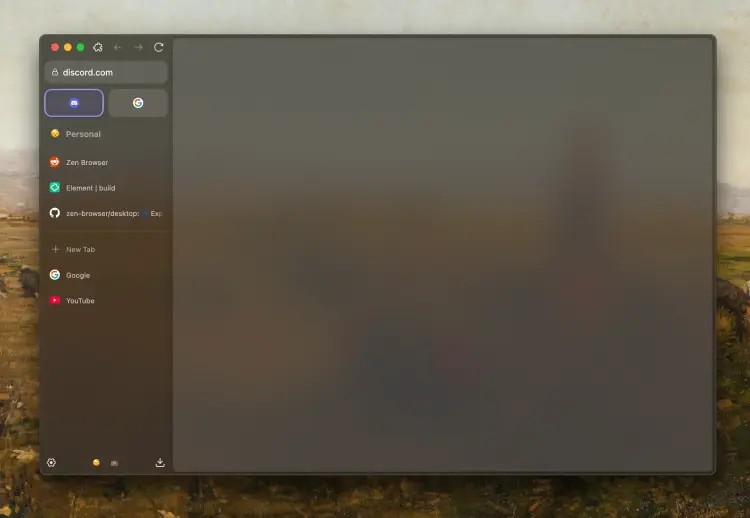
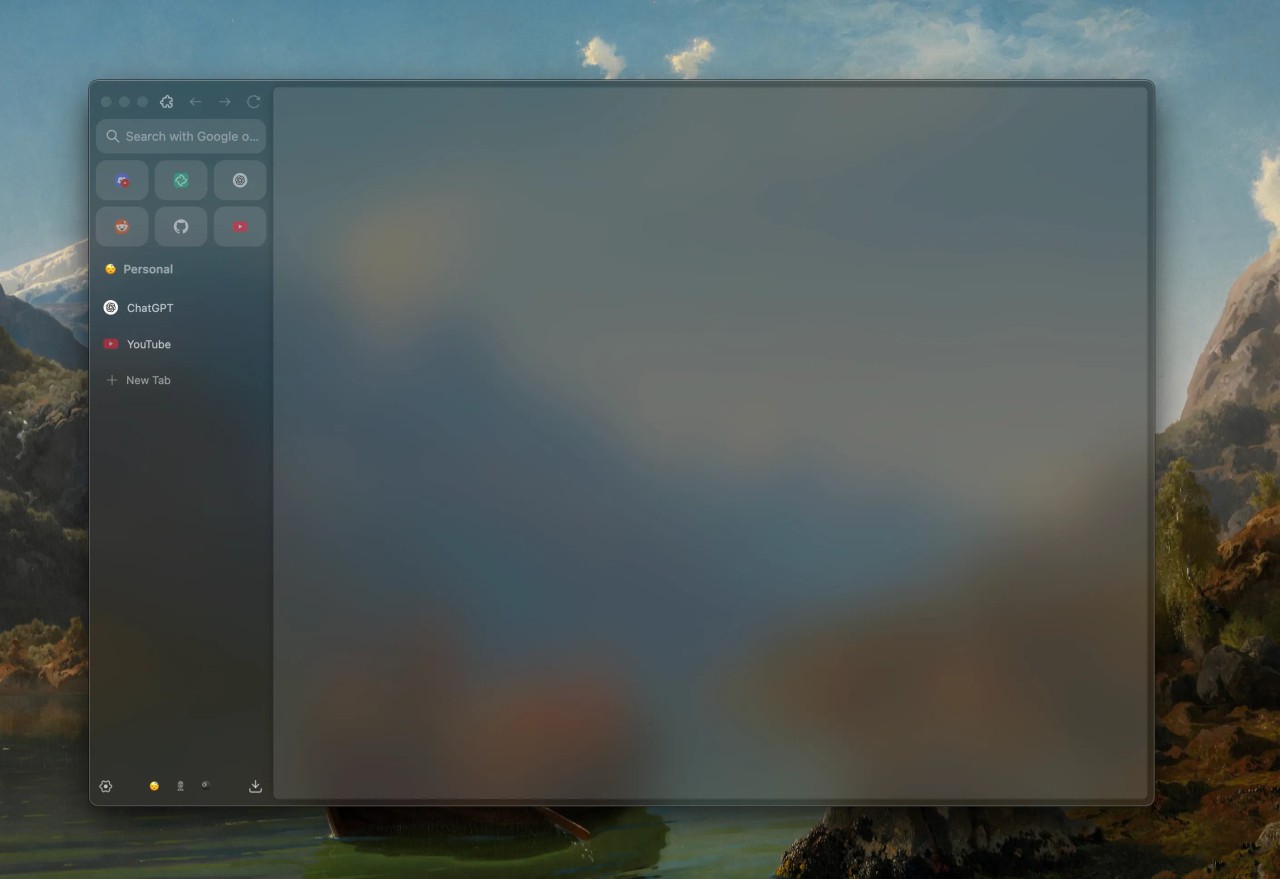
Zen Browser is a modern take on a web browser that is designed to give you a more focused and private experience when surfing the net. It strips down any unnecessary notifications, background processes, and any clutter from the interface that are often found in mainstream browsers. In times when our attention span gets shorter, it aims to help you focus by removing any distracting elements.
One of the funding principles of the Zen Browser is its focus on privacy, so you don't need to go through complex and hidden settings to limit how much data your browser collects about you, your habits, and preferences. This browser, by default, includes aggressive ad and tracking blockers and has anti-fingerprinting systems that are turned on from the moment you install Zen Browser. This way, you don't need to worry about it, but you can still allow more data tracking if you choose to, but not the other way round. It works smoothly with all modern websites and extensions as it's based on the Chromium engine, though it has all Google services removed.
If you feel like you can't focus and are constantly distracted during work or studying, Zen Browser has a minimalist design and productivity features to help you combat that. Turn on the focus mode and use its tab management features to get the most out of your browser and complete your tasks faster. You can download Zen Browser for Windows, macOS, and Linux.
Why should I download Zen Browser?
One of the first things you'll notice about the Zen Browser is its minimalistic, clean interface. It is clean and only displays the most essential controls, like the address bar or the tabs bar, which are hidden after a moment when you enter a website. This way, you're focused on the content and can't see right away any widgets, news feeds, or notifications that could potentially pull you away from your task or reading.
Another way Zen Browser helps you avoid distractions and procrastination is the built-in focus mode, where you can block access to specific websites during the specified duration of a session. These can be social media platforms, streaming services, news pages, or any other websites you tend to open when you should be doing something else. You don't need a third-party app to achieve the same effect as you would in other mainstream browsers. Zen Browser makes it easier to block out time for deep work or studying.
With Zen Browser, you also don't need to worry about privacy, as it has proactively enabled a set of features to protect your data. It has preinstalled ad and tracking blockers that are turned on by default, and a set of mechanisms and algorithms to detect and stop browser fingerprinting, which is a method most portals and websites use to track your activity across pages, even if you turn cookies off. To get this level of privacy with other browsers, you'd need to research, install, and configure various third-party apps and addons, while with the Zen Browser, you have them from the get-go.
Zen Browser has a feature dedicated to tab management, as most browser users struggle with the number of open tabs. With Workspaces, you can group tabs into separate sections, one for work-related packages and another for personal projects or entertainment. This way, you won't accidentally open a social media page when working and get distracted, and you can focus only on the tabs you need and want to use now. You can also switch between those as needed, and Zen Browser also has a split mode where you can view two sites at the same time.
If you're worried about your system resources, Zen Browser was designed to make it work as smoothly and have as little impact on performance as possible. It is true whether you install it on Windows, macOS, or Linux, and it uses way less RAM and CPU power than the most popular browsers, while keeping fast loading times. Zen Browser was developed as part of an open-source project and is available in a beta version.
Is Zen Browser free?
Yes, Zen Browser is an open-source initiative, and it's completely free to install and use. You can donate to its development, but it's entirely optional.
What operating systems are compatible with Zen Browser?
Zen Browser works on Windows 10 and 11 64-bit, macOS 12.0 or newer, and almost any modern Linux distribution. Currently, there's no version for mobile devices, and the browser is still in the Beta stage.
What are the alternatives to Zen Browser?
Opera Air is a lightweight browser from Opera that is also focused on productivity and privacy. It has many of the standard features of the main Opera browser, like a built-in VPN, native ad blocker, and AI sidebar tools, but it also has a section for exercises, guided meditations, and breathing. You can download Opera Air on Windows, macOS, and Linux only.
Arc Browser allows you to multitask better and adapt to your workflow, with features such as split screen, notes, pinned workspaces, or quick, live previews. You can get it on Windows and macOS, customize it to your liking, work in different profiles, and the browser view adapts to what page you're on.
Opera is also one of the mainstream browsers in its main edition, and it offers an AI-powered assistant and features, a built-in free VPN, a crypto wallet, ad blockers, and a sidebar with quick access to social media. It also comes in various variants that are better for gaming or staying focused. Opera is totally free and works on Windows, macOS, Linux, iOS, and Android.