Adobe Photoshop is the most widely used raster graphics editor, handling image processing, graphic creation, and photo retouching. With tools that span basic editing through advanced layer management, it works for casual users and professionals alike. While the name suggests a photography focus, many users turn to it for illustrations and design work, using brushes and a full range of color spaces to produce whatever they need.
Available as a standalone application or as part of an Adobe Creative Cloud subscription, you can download Photoshop on all major operating systems, including Windows and macOS computers and Android and iOS devices. Photoshop also runs on the web through the Firefly Pro plan, giving you access to your projects from any browser on any device.
With the Firefly Pro plan, you get full access to Photoshop on mobile and the web, plus over 4,000 generative AI credits per month. Generate images, videos, and more with AI, then refine your results directly in Photoshop to get exactly what you're looking for.
Why Should I Download Photoshop?
For anyone who needs to edit photos, apply retouching, or create original images from scratch, Photoshop is the strongest option available. You can resize and crop files, correct colors, apply filters and effects, and work across various supported resolutions. The software includes brushes, intelligent selection tools, and AI-powered features for generating or manipulating images and selected portions of content based on user prompts. Removing backgrounds, modifying skin in photos, applying blurs, and generating or deleting parts of images are all standard operations.
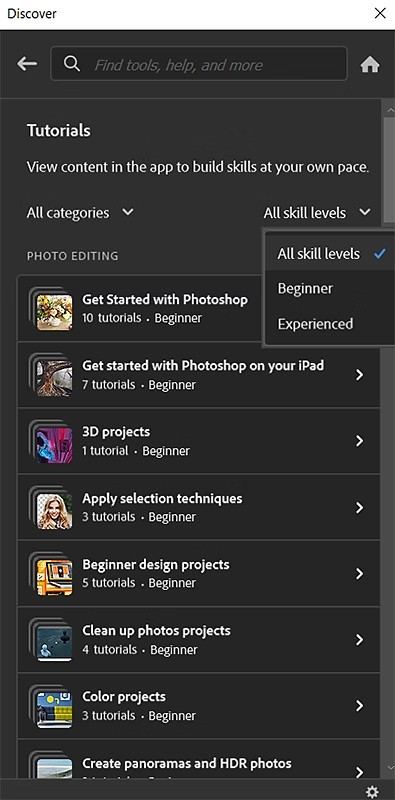
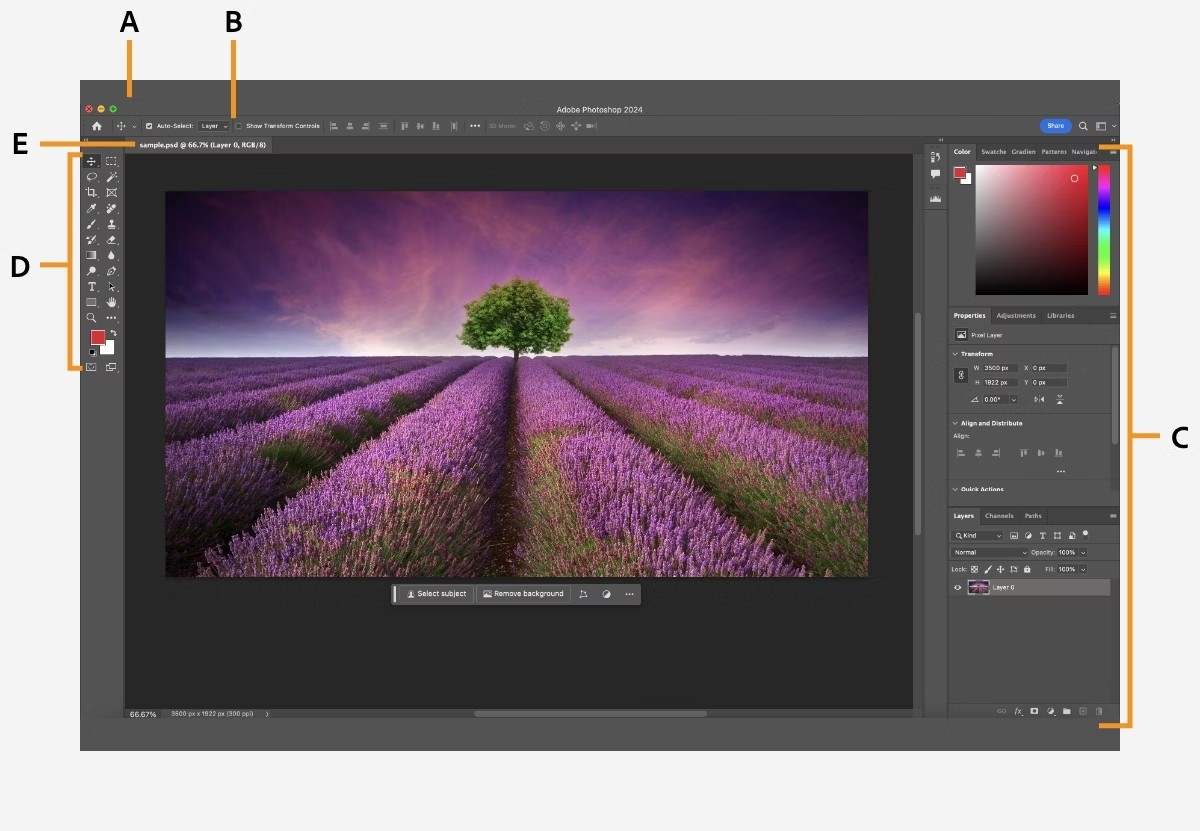
Many of the illustrations found across the web are built in Photoshop, since the feature set goes well beyond photo editing and retouching. The interface can feel dense at first, but thousands of tutorials are available to ease the learning curve, and the workspace is customizable: show only the tools you need for a given project and hide everything else.
When you download Photoshop on your PC, you have access to HSV, RGB, and CMYK color models. You can save files as copies to protect originals, apply masks, and manage layers independently. Layering is one of Photoshop's most fundamental and valued capabilities, allowing different edits to stack on top of each other while remaining individually adjustable.
Photoshop works with a broad range of file formats, including JPG, PNG, HEIC, camera RAW, DNG, TIFF, GIF, and more. Adobe also developed two proprietary formats, PSD and PSB, which allow files to be saved without flattening. When reopened, every element remains editable exactly as it was before saving. This is equally useful when sharing files with collaborators, since they can pick up exactly where the previous editor left off without any format conversion.
Photoshop supports image and illustration creation at unlimited resolutions, so files can be scaled as small or as large as needed, whether for web content or large-format print work like banners and posters.
Industry leaders in photography, graphic design, and marketing have used Photoshop for decades. It is now also available as an online service and has a dedicated iPhone app. As part of Adobe Creative Cloud, it syncs with Illustrator, Lightroom, or Photoshop Express, and other Adobe applications built for video, print, or UX design work.
Is Adobe Photoshop Free?
You can download Photoshop and test it for free for 7 days, or 30 days as part of a full Creative Cloud trial. After that, a monthly or annual subscription is required.
Several plan options are available depending on your needs. You can subscribe to Photoshop on its own, choose the Creative Cloud photography plan, which includes Lightroom, or purchase the full Creative Cloud suite. The photography plan is the most affordable, while the full package covers the entire Adobe product range.
The iOS version of Photoshop now offers some features entirely for free as a standalone mobile app, with an Android version available in beta since June 2025 that you can try at no cost.
What Operating Systems are Compatible with Photoshop?
Adobe Photoshop runs on Windows 10 and 11 and macOS 11.0 or higher. After many years as a desktop-only application, Photoshop released versions for iPad and iPhone starting from iOS 17.0. An Android version entered beta in June 2025. Follow the links to download the app on your device.
What Are The Alternatives to Photoshop?
Photoshop is the leading tool in its category, but the subscription cost can be a barrier for some users. For those who want solid photo and image editing without the monthly fee, GIMP is a strong free and open-source alternative. It offers layer management, selection tools, brushes, filters, and various effects, and its functionality can be extended through a large library of community-developed plugins that are updated regularly.
If spending a modest amount is acceptable, Affinity Photo (now included in the new Affinity by Canva) is a professional-grade option at a lower price point. It handles photo editing, image creation, and design modification at a high level, with support for layers, masks, brushes, distortions, and effects that will feel familiar to Photoshop users. The interface is similar enough that switching between the two is relatively easy, and Affinity Photo can even import PSD files directly. Like Photoshop, it runs on Windows, macOS, and iPad, though smartphone support is not available. A single lifetime payment replaces the ongoing subscription model.
Photopea is a free browser-based photo and graphics editor that requires no installation. It supports a wide range of formats, including PSD, XCF, Sketch, and over 40 file types. Processing runs locally on your device, so files stay private, and performance depends on your own hardware rather than a server. Crop, resize, adjust colors, and work with masks, smart objects, layers, blending, Liquify, Puppet Warp, Curves, and Levels, all without leaving the browser. AI-powered tools handle background removal and text-based image editing, and vector design work for logos and illustrations is also supported.