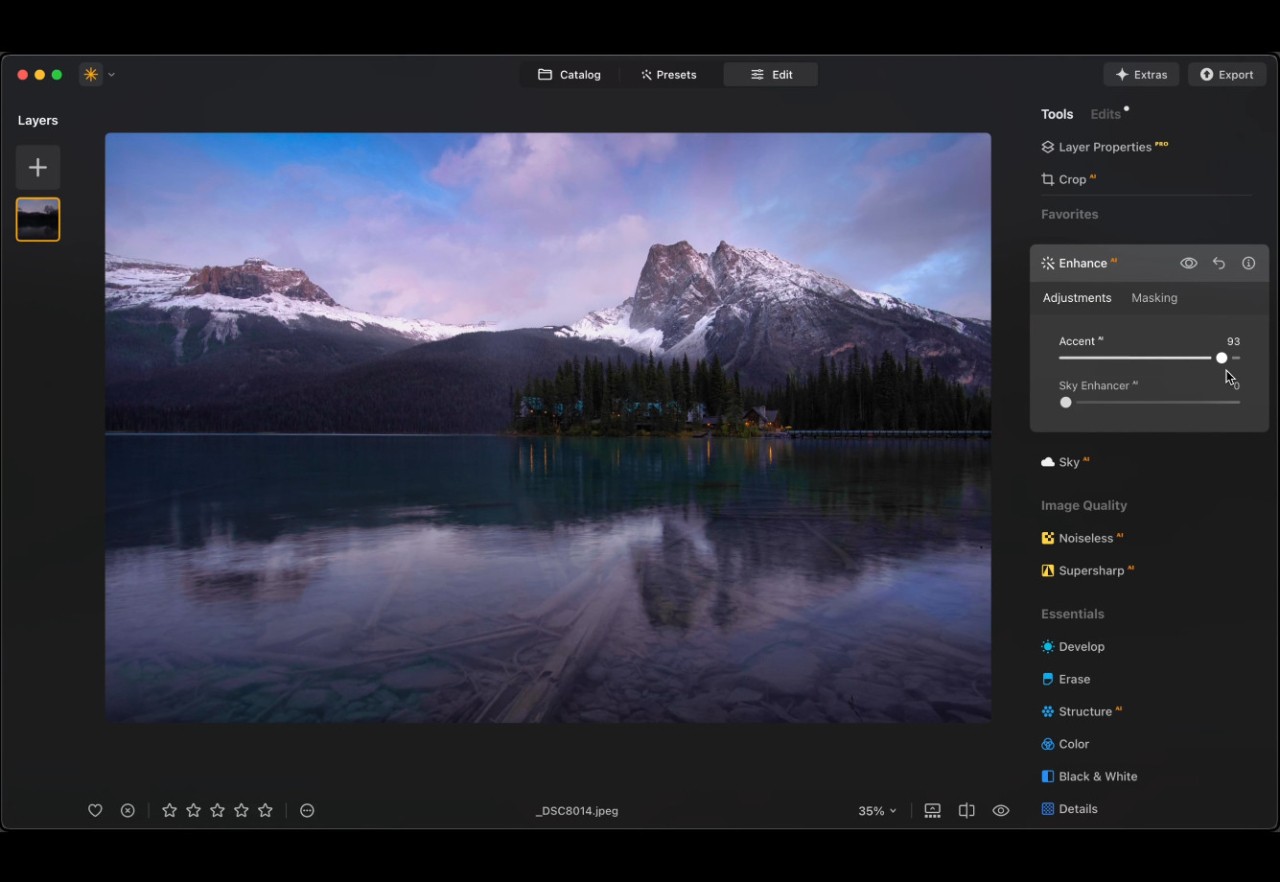
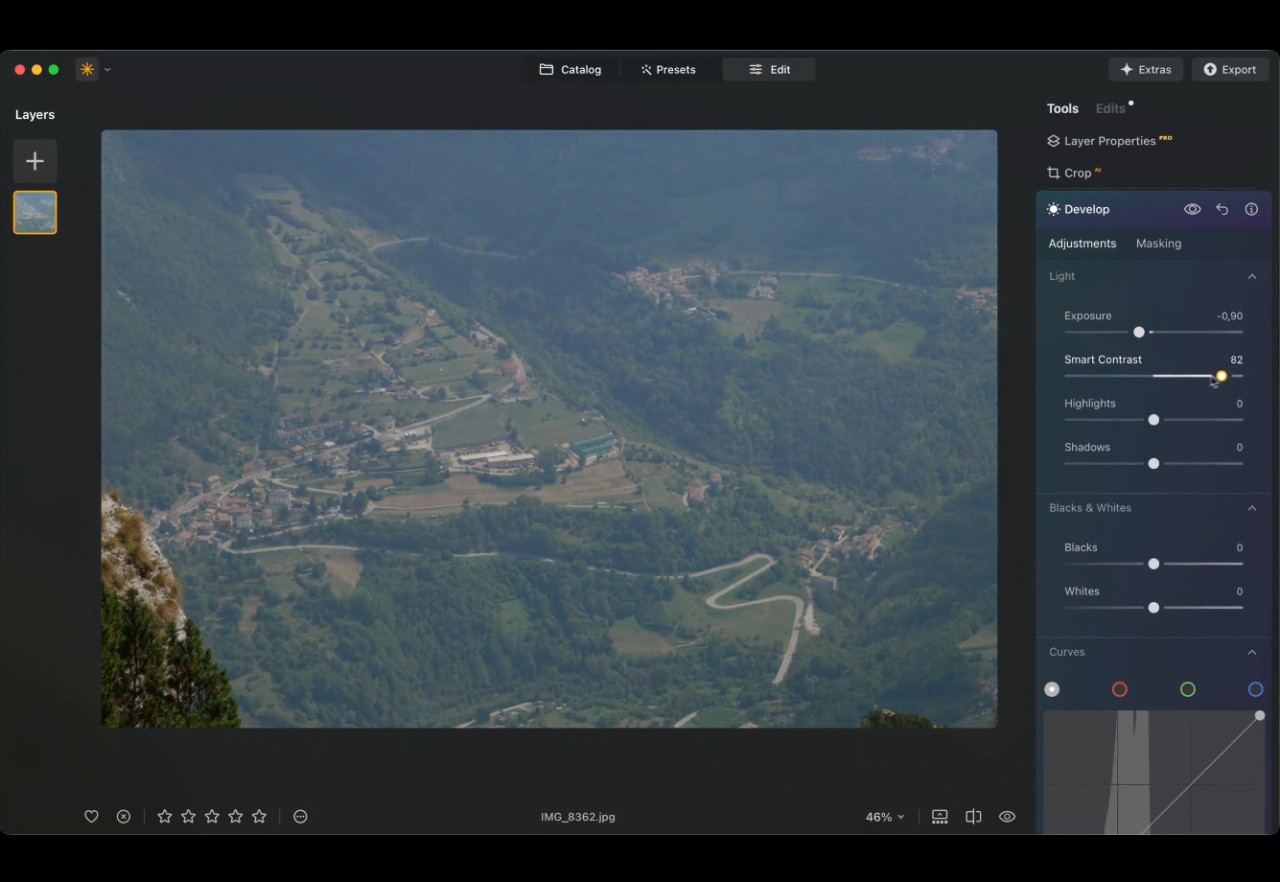
Developed by Skylum, Luminar is a state-of-the-art image editor. In a user-friendly interface, the software offers numerous AI tools that will help enhance all your photos.
Previously known as Luminar Neo, Luminar allows users to erase flaws during editing, manage illumination contrast, modify landscapes, eliminate unwanted elements, and add emotional depth through simple interactions. This program stands out because it offers complete freedom for basic photography needs.
You can work with your photos regardless of your knowledge of the color wheel or histogram basics. Luminar assists users in what they need or want to do. The software provides both foundational assurance to beginners and time-efficient advantages to professionals. Luminar merges automated processes with artistic freedom in an approach that makes users feel safe and secure.
Why Should I Download Luminar?
Luminar can be used by photographers with experience, but it also offers assistance to those who are new to editing and refrains from calling out users for their editing abilities.
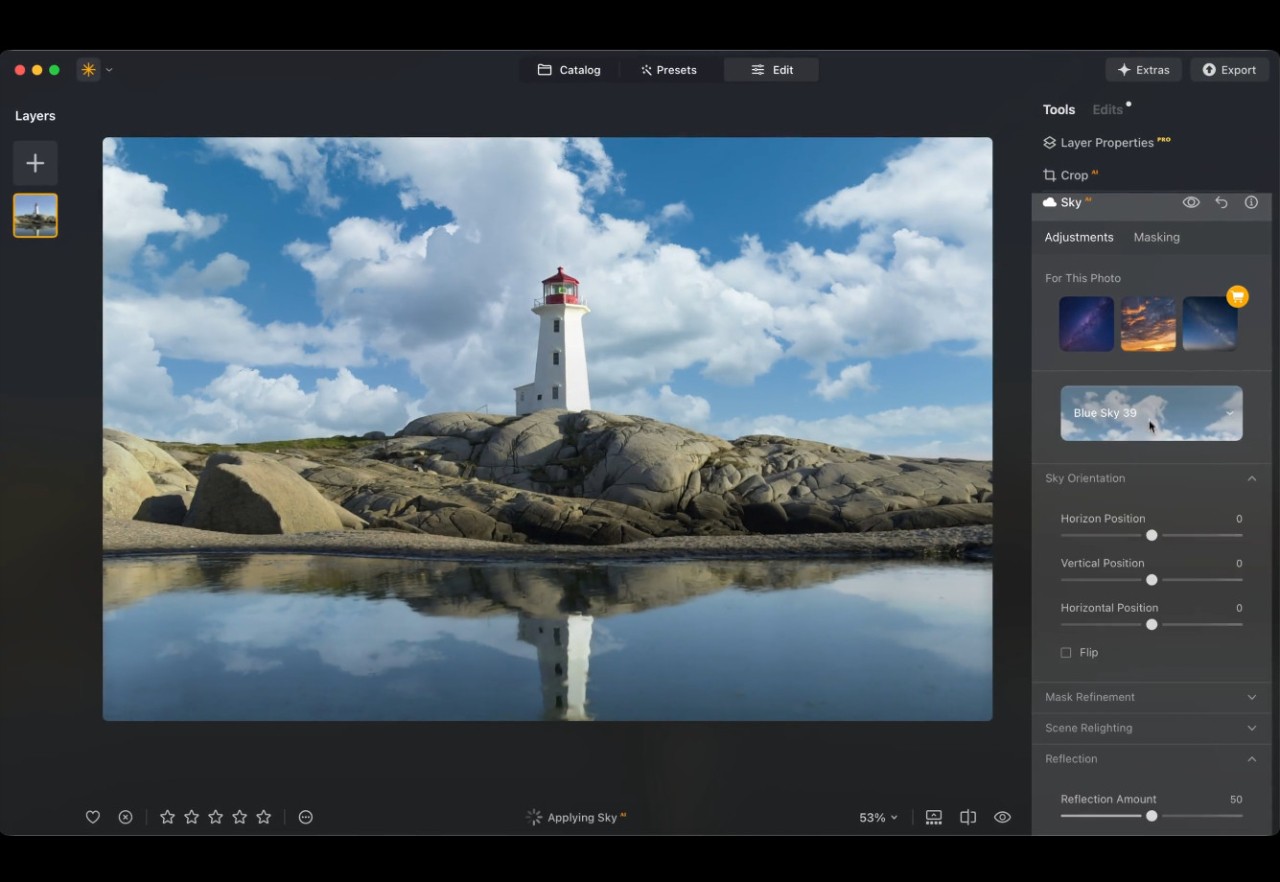
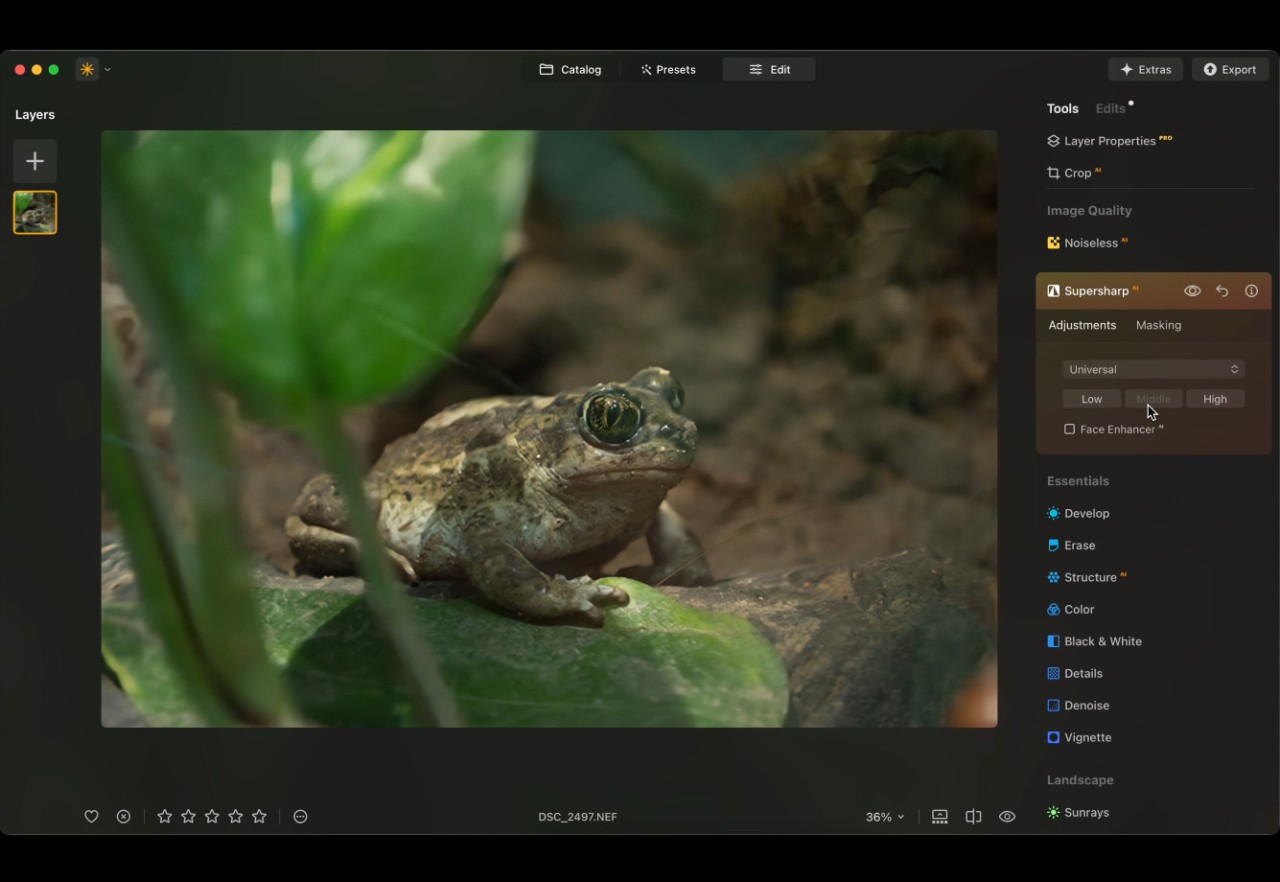
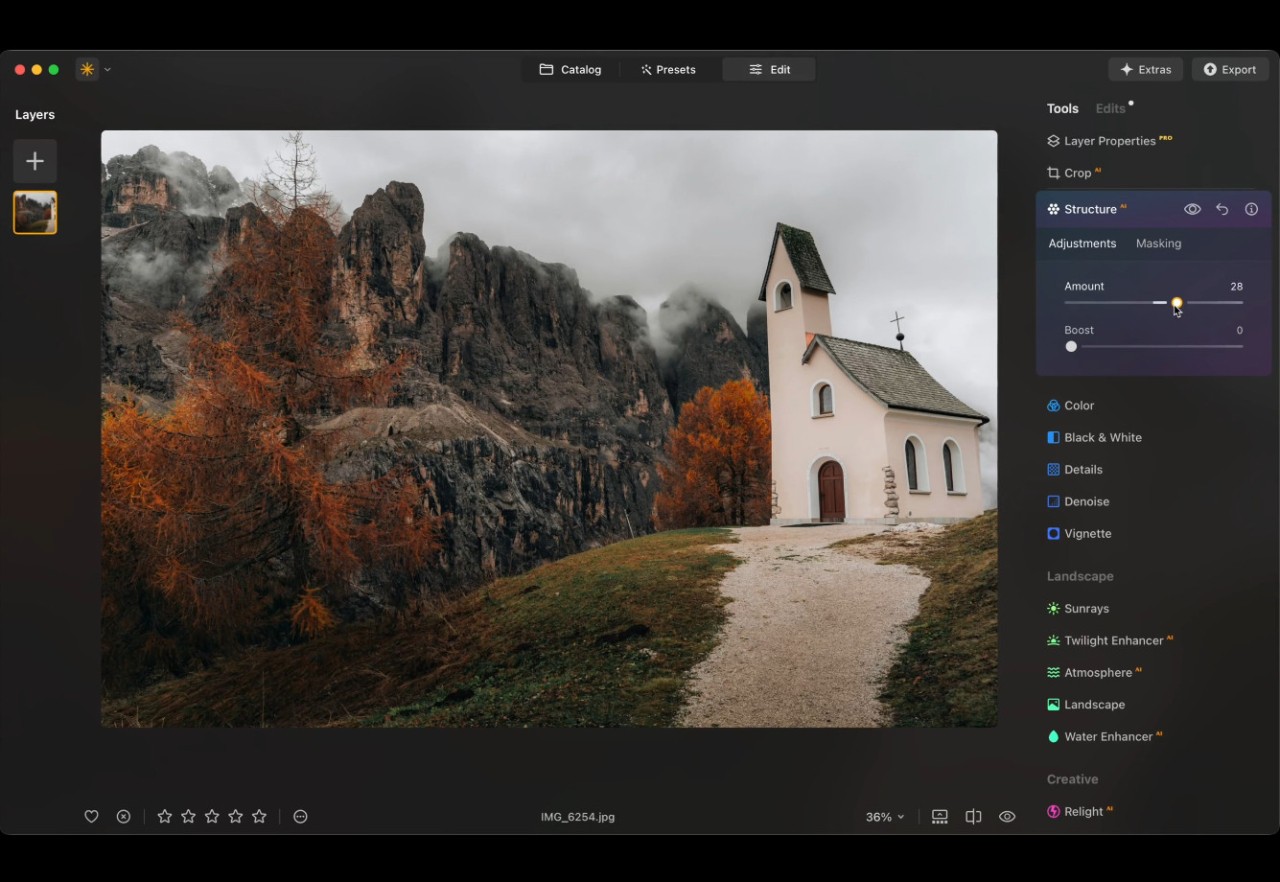
The interface offers simplicity: all tools are there, and you just have to add your photo to use them. More than 24 AI-based tools are available, allowing you to enhance, redefine, smooth, sharpen, denoise, and even revive old pictures. Thanks to AI, you can remove things that you don’t want to see (like a telephone pole, people, etc.), replace the sky, and more.
The tools are powerful. You can transform flat skies into dramatic ones without trouble, while background cleanup features help remove unwanted elements. Another tool lets you correct lighting issues in photos taken under extreme daylight, and there's also the option of using artificial intelligence to make delicate face adjustments along with eye enhancements.
All users who handle many images throughout their workday will find the high speed of Luminar particularly significant. The AI system silently performs all the difficult tasks, so you can exercise your creative freedom in expressing ideas rather than inspecting corrections. The process goes beyond repairing issues, since the program enables users to transform routine images into works they can truly be proud of.
Creative professionals can keep their artistic independence while increasing productivity through the use of Luminar Neo software. It respects your input. The software operates without templates. It provides automatic recommendations, which you can modify to your liking. Software solutions rarely manage to create such an equilibrium of autonomous creativity and user guidance. The learning process is effortless.
With Luminar, users can accomplish cinematic toning effects and portrait bokeh, which typically call for specialized knowledge. People who have experienced frustration when editing their photos may find a solution that brings them back to enjoying the editing process in Luminar. All the smart tools aside, the application maintains exceptional stability. It doesn’t crash or lag.
The application provides you with noticeable flexibility through its simple yet effective operation style. This makes Luminar one of the most useful creative platforms available today. It was designed to build on your unique vision instead of making you build it from scratch.
Is Luminar Free?
The full version of Luminar requires payment. There is no free trial, but you have a 30-day money-back guarantee if the software doesn’t do what you need it to do. Users can purchase Luminar Neo through a one-time license or a subscription. You can choose between two all-platform offers—allowing you to use Luminar Desktop and mobile—or the desktop-only one.
There is also a subscription called Luminar Prime that gives you access to upcoming and generative AI tools and library assets (presets, LUTs, overlays, skies, and courses). Note that the AI tools included in the plan are only the ones developed after you bought Luminar. All AI tools included in the Luminar you bought are yours forever.
The majority of users feel that Luminar's time-efficient capabilities, together with its advanced creative tools, justify the costs since they exceed the capabilities of other, less intuitive programs.
What Operating Systems Are Compatible with Luminar ?
You can download Luminar on Windows and macOS. The required Windows version is 10 or higher. macOS users need to have version 10.14 (Mojave) or later. The program works well on present-day systems and doesn’t require users to own top-of-the-line hardware. The application delivers stable performance on any computer that matches the minimum requirements. Luminar Neo can be a useful tool for macOS and Windows computer owners in both professional and personal projects.
Adobe users will also find that Luminar Neo is available as a plugin for Photoshop and Lightroom, allowing you to use Luminar tools directly in your photo editing software. Mac users can also download the Luminar Neo plugin for their Apple Photos app.
But that's not all. Luminar is also available as a mobile app for Android, iOS, and ChromeOS and as a web app to be opened in any browser on any device.
Luminar offers cross-platform editing as long as you use the same account on all devices and have bought the plan that includes cross-device editing.
What Are the Alternatives to Luminar ?
Luminar presents users with an AI-enhanced user experience, yet there are alternative tools available. Each software has specific advantages and distinct learning methods.
People typically regard Adobe Photoshop as the top-tier solution for photo editing. The program provides industrial-grade photo editing tools, which can execute any visual task with exceptional power and complexity. The extensive feature set drives the price up. Adobe Photoshop has a steep learning curve, making it an adjustment for beginners. The subscription price builds up significantly with continuous use. Still, Photoshop stands at the top of the hierarchy because it provides absolute pixel accuracy with deep customization options. At the same time, the workflow contains too many steps for users who want streamlined and efficient operations.
Users seeking an affordable program often select PaintShop Pro by Corel. It has all the fundamental editing functions, such as layer editing and photo correction, and digital painting tools, which are presented in a somewhat traditional format. People who prefer not to use recurring payments can find value in the one-time purchase format of the product. At the same time, its user interface is not as friendly as Luminar Neo’s. Moreover, the program lacks Luminar Neo's recent AI features that help with repetitive editing work.
Then there’s PhotoDirector by CyberLink. Users will find PhotoDirector by CyberLink to be an economical platform that provides a full set of editing tools, and video and animation features. The AI features like sky replacement and object removal work well. PhotoDirector provides its best performance to users who require their editor to merge photo and video functionality. Users find PhotoDirector by CyberLink to be both inexpensive and expert-friendly, even though its features appeal more to non-professional users.
Affinity should be included in this section because it provides users with an alternative to Photoshop through its one-time purchase model. Users who need advanced layer functions and high-performance features will find the program suitable. However, AI-powered tools are not available.