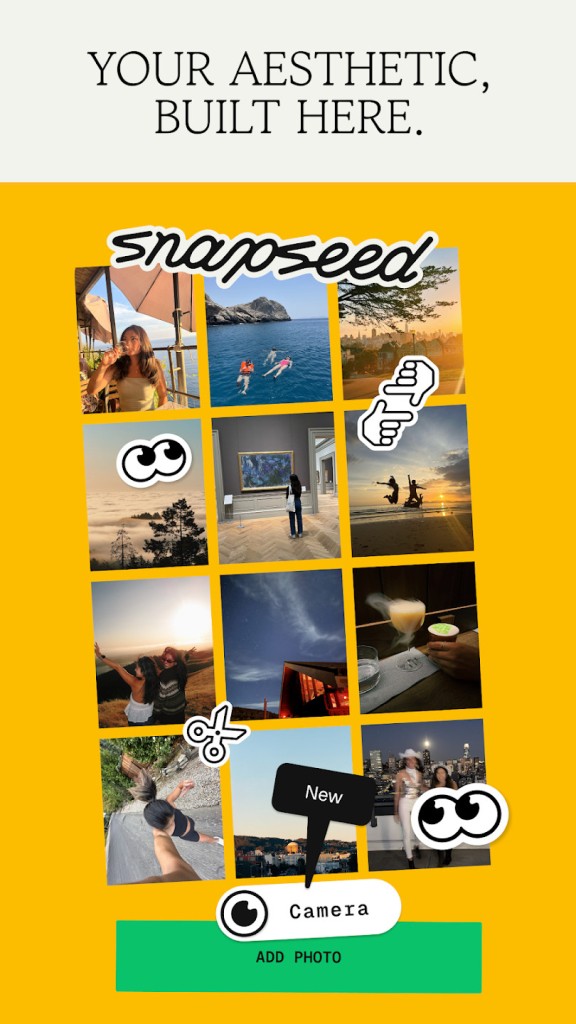
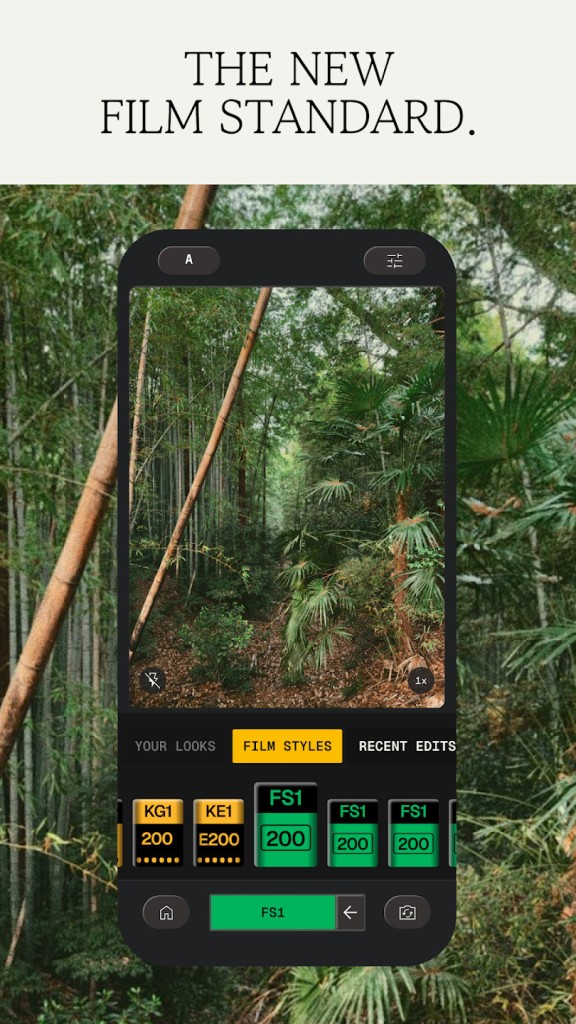
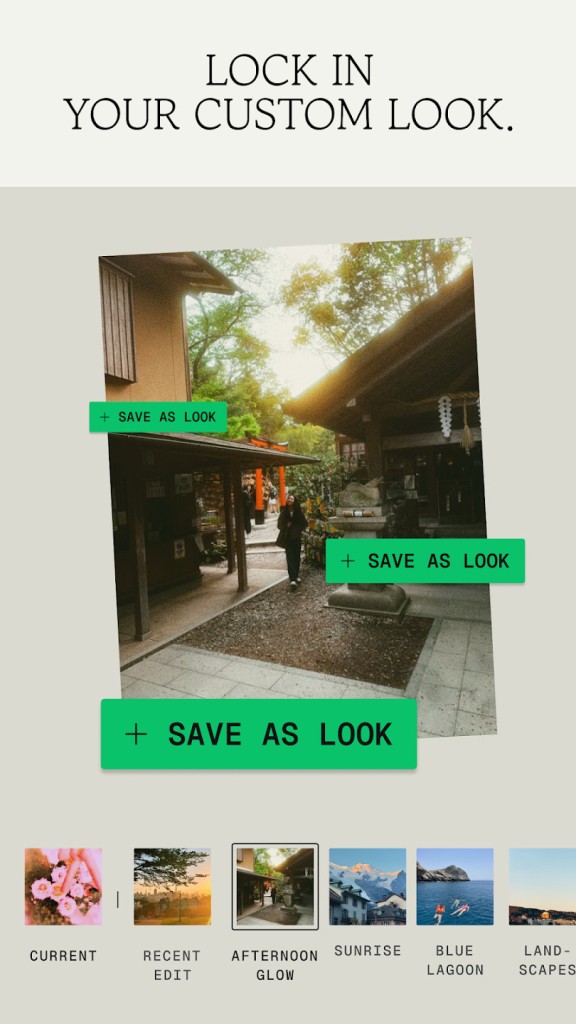
Snapseed provides reliable results without noise or interruptions. The free Google-developed application provides powerful editing tools within a user-friendly interface. The software avoids profuse advertisements and notifications, unlike other programs. The format directs users toward completing their work.
Snapseed provides a straightforward interface for advanced image editing. The platform has all important editing functions, including exposure correction, cropping, color balance adjustment, and RAW file editing capabilities. The simple interface of the application presents powerful capabilities.
The application offers advanced features, even though it may not look advanced at first glance. Amateurs and professional photographers can benefit from the app’s fast photo editing features. Snapseed integrates into your workflow instead of controlling your entire work process.
Why Should I Download Snapseed?
Snapseed is a free, minimalist, and efficient way to edit your pictures and images. Even though it was developed by Google, it is still available on both Android and iOS systems. Through a straightforward interface, the app allows you to use several tools to enhance and modify your photos.
Most photo editing applications require users to maintain focus on their work, which leads to a loss of control. Snapseed gives users complete freedom to work without external guidance or additional payments.
The application is very well organized. You can edit an entire photo in a couple of taps. New users can play with presets and sliders for preliminary adjustments.
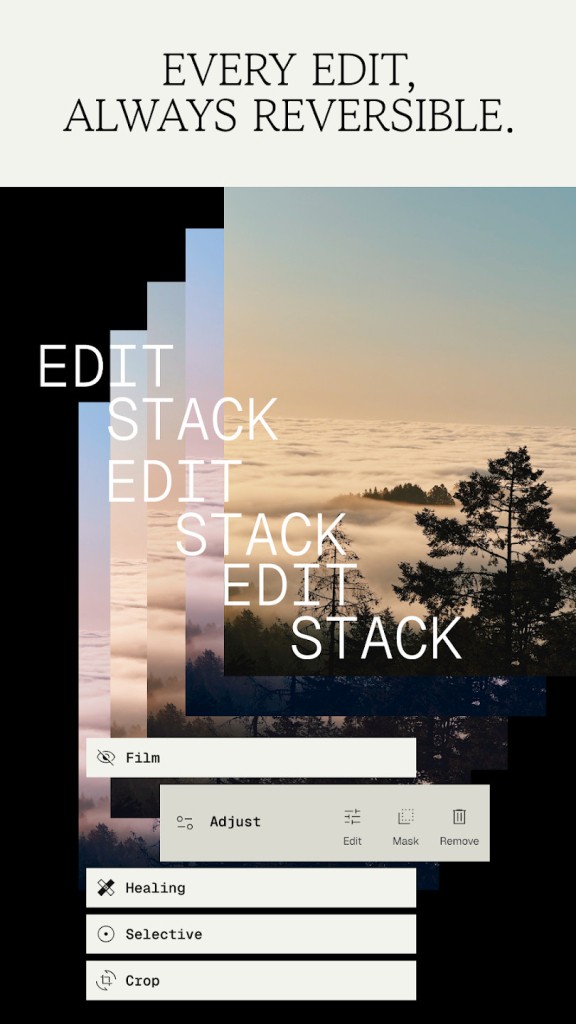
Experienced photo editors will find tools like Curves, Selective Adjust, Healing, and Perspective Correction valuable. RAW file support ensures high image quality, while the layers system enables editing without losing progress. Free products rarely offer this much control.
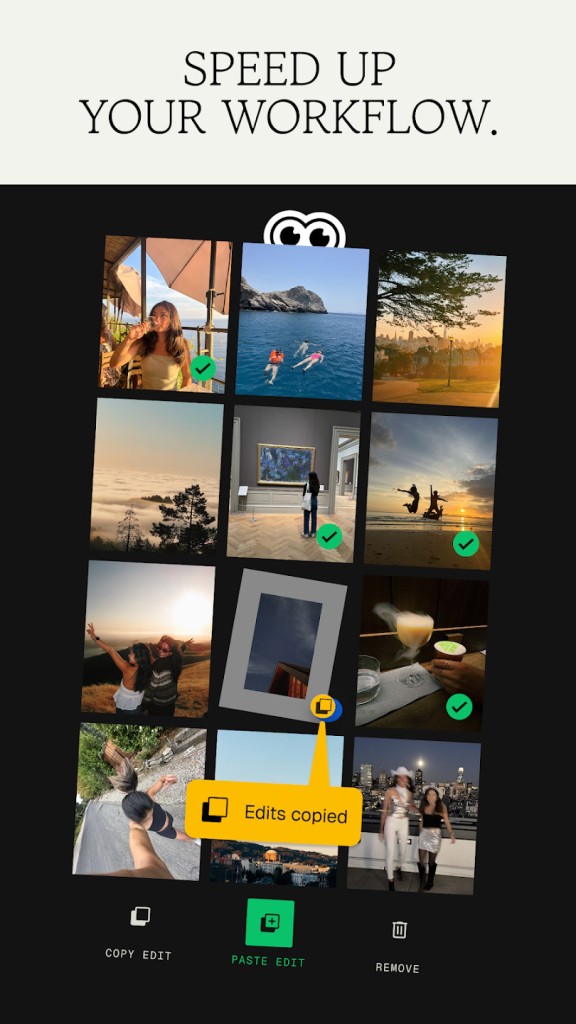
Then there’s the speed. The app works quickly with large file sizes. It maintains steady performance and doesn’t cause lags while processing high-resolution images.
You don’t need to create an account or log in, and there are no repetitive pop-up alerts. The system only wants to connect with your image gallery. Through its free interface, users can modify images with maximum control over their work. You don’t run the risk of exposing your work to third parties.
Is Snapseed Free?
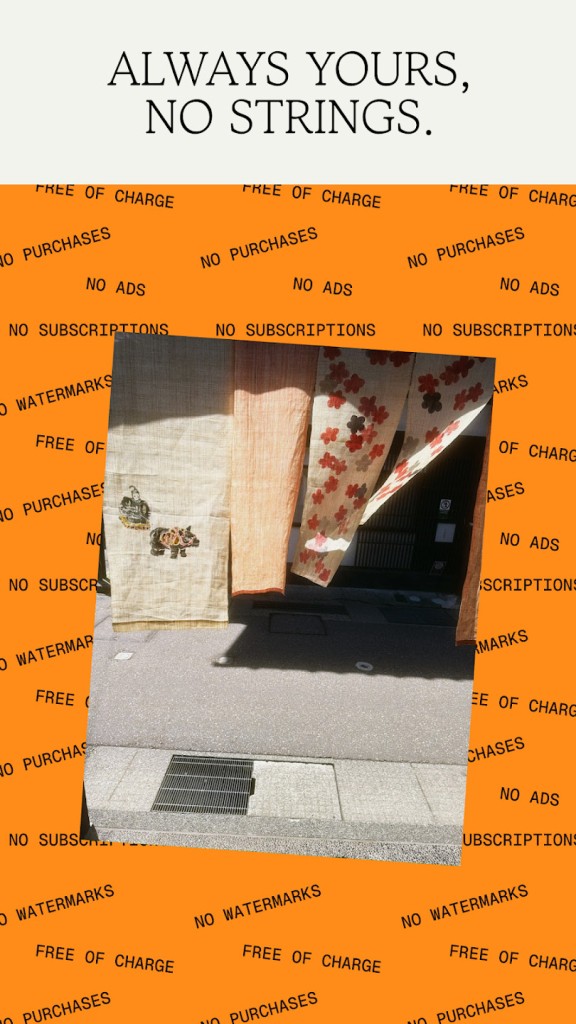
Yes, Snapseed is 100% free. All features remain free and accessible without any additional payment. The app does not require access to your personal information, and it does not advertise in-app purchases. Snapseed provides professional editing tools for free.
What Operating Systems Are Compatible with Snapseed?
You can download Snapseed on Android and iOS mobile devices. The app is accessible through the Google Play Store and the Apple App Store. The software operates on various mobile devices, including vintage models. The application receives regular updates to maintain its support for newer operating systems and devices.
What Are the Alternatives to Snapseed?
Snapseed may not satisfy users with unique editing needs. Different mobile apps may serve you better. Here are four reliable alternatives: Photoshop Express, Picsart, Toolwiz Photos, and Prisma Photo Editor.
Photoshop Express is the compact mobile variation of the flagship Photoshop tool. It offers great features for quick adjustments, which include cropping, fixing blemishes, removing red eyes, and applying different filters. The lack of complete layer and masking options makes this version appeal to users who seek simplicity. It’s clean, organized, and polished. The application delivers the familiar Adobe workflow experience. Most of its basic tools remain free, but advanced functionality requires a platform sign-in or upgrade purchase. If you already use Adobe programs, Express will fit right into your workflow.
Toolwiz Photos provides an extensive array of features. Users can make basic modifications or use artistic filters, facial retouch tools, HDR improvement, vintage styles, and additional capabilities. First-time users may find it intimidating, but Toolwiz is easy to understand. The tool is suitable for people who take pleasure in exploring various editing options. This application offers an extensive range of features.
Users will find the most intriguing features in Prisma Photo Editor. The application offers photo transformations instead of photo enhancements. The Prisma app converts your images into art using its artificial intelligence system. The styles are based on masterpieces from Van Gogh and Picasso. It’s not subtle—it’s bold. The application is suitable for artists and creatives. Users can access filters for free until they want to export their images in HD quality, which requires a paid subscription. The application lets users achieve genuinely artistic results.
Picsart can be used for photo and video editing, as well as social media graphics, memes, and collage creation. You can produce graphics by applying drawings and text with built-in animation features and diverse sticker options to your work. Creatives who take delight in experimentation should consider Picsart. The platform is geared towards creative elements rather than technical adjustments. All essential tools are available for free, but premium users get access to advanced filters with a paid subscription. Expressive content creators will find Picsart to be a fantastic toolbox that meets their needs.