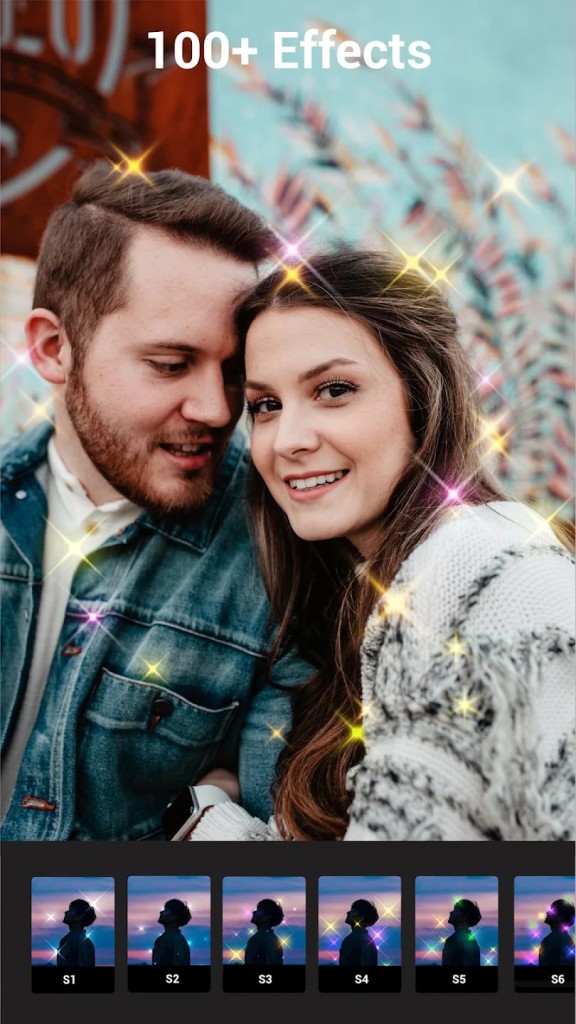
Lumii is a photo editing app built for Android users who want fast access to professional tools without getting lost in complicated design software. It gives you the ability to enhance, retouch, or completely transform your photos using a mix of traditional adjustments and creative effects. You can even create art with the built-in AI generator tool.
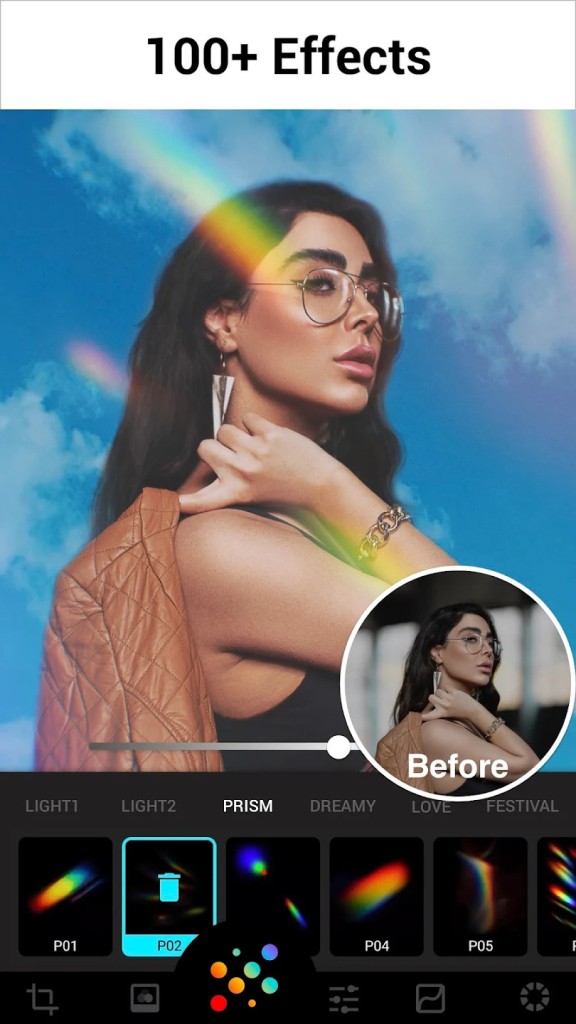
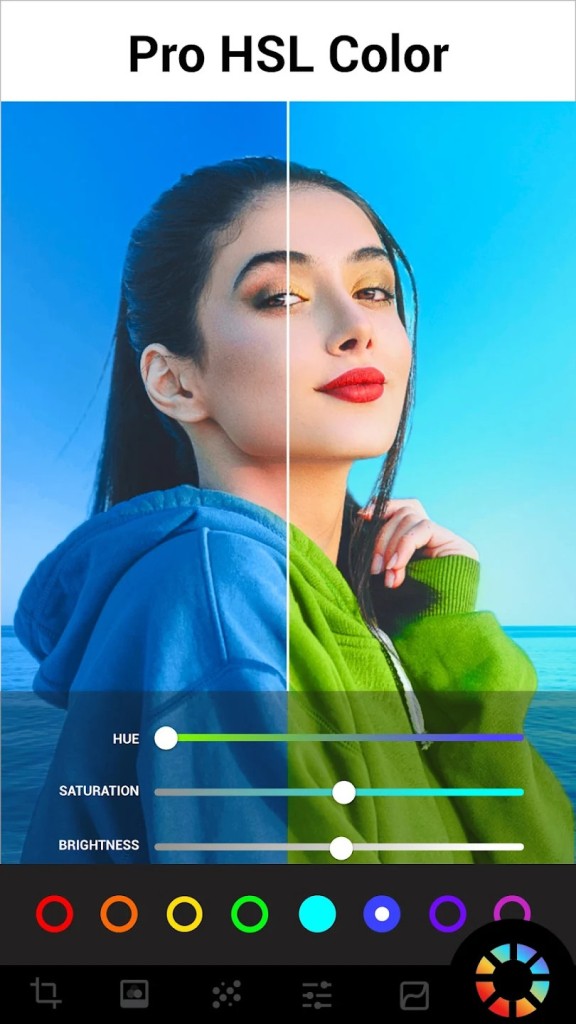
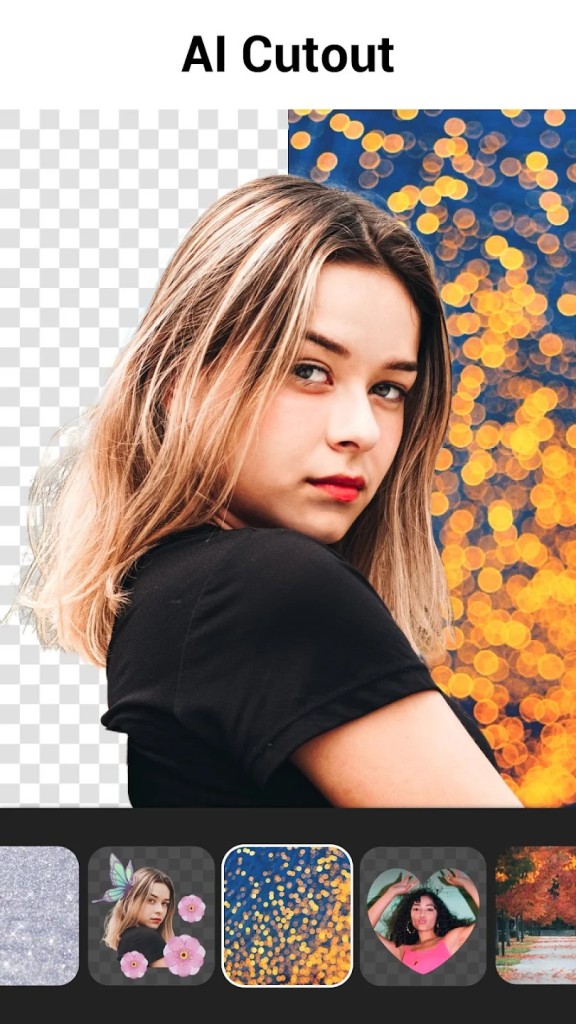
From brightness and contrast sliders to HSL and curves, Lumii lets you manage the technical side of editing while also offering fun tools like glitch overlays, light leaks, and blend modes. You can cut out backgrounds, apply artistic templates, generate AI avatars, and unblur images all inside one app.
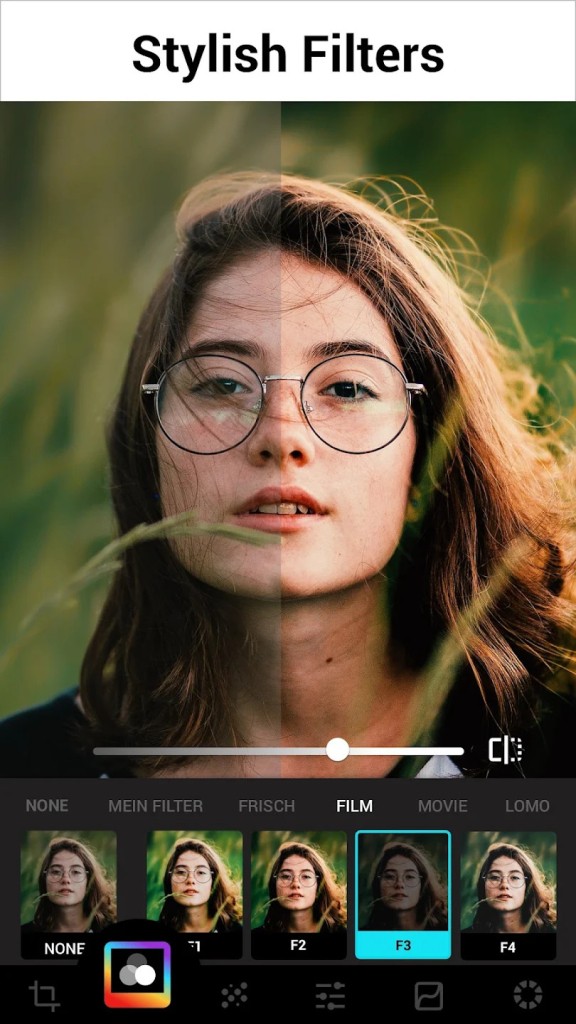
It includes a large collection of preset filters that you can apply with one tap or customize further if you want more control. Whether you're working with portraits, product photos, landscapes, or casual selfies, the app is designed to handle each type with enough tools to improve the image quickly.
The goal of Lumii is to help users edit confidently and create visuals that look refined but don’t take hours to produce. Lumii keeps everything in one place so you can move from import to export without switching between different apps or needing extra plugins.
Why Should I Download Lumii?
If you’re looking for an app that balances deep photo editing tools with ease of use, Lumii makes a strong case for itself. Most mobile editors fall into two categories—either they’re too basic and leave you stuck with flat presets, or they’re so advanced that it takes time to even learn where things are. Lumii avoids both extremes. You open a photo, start with a preset or manual edit, and every option you require is right there. You don’t need to sign up or dig through menus. It’s fast, focused, and designed for people who want their images to look better without wasting time.
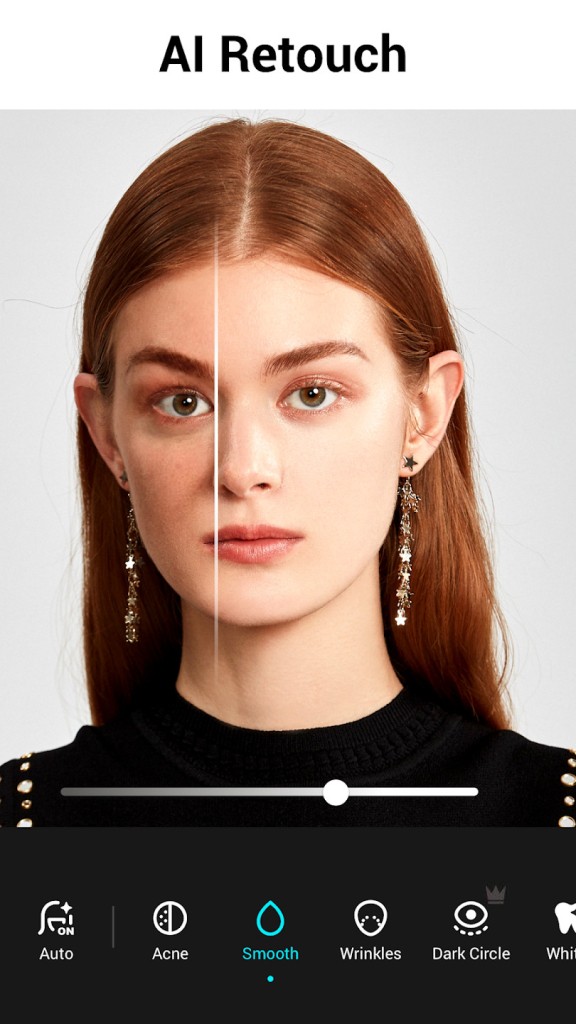
One of the biggest advantages is how complete it feels. You’re not just adjusting brightness or cropping. You can fine-tune colors with HSL, fix perspective, apply effects like VHS and double exposure, or erase objects in the background. These features work well even on older devices. The app doesn’t try to be trendy—it stays useful. You can correct lighting problems, enhance skin tones, or add design elements without losing image quality.
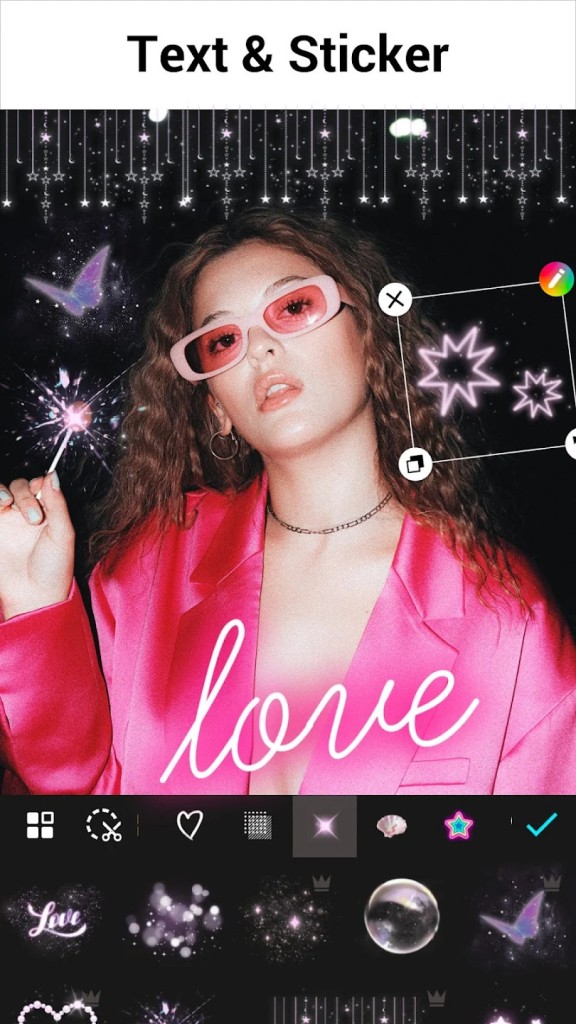
If you’re working on content for social media, the built-in templates are especially useful. They give your posts a polished style without needing graphic design skills. You can switch backgrounds, frame your subject, or add text overlays using preset fonts and styles. And if you want to go further, the app lets you create your own filter combos and save them for future edits. That’s helpful when you’re aiming for a consistent look across posts or branding.
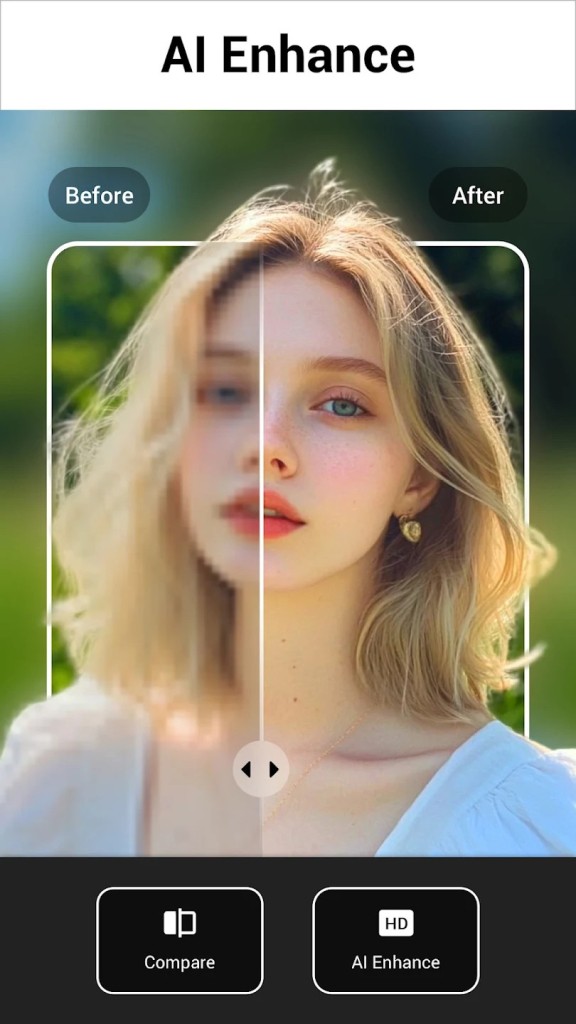
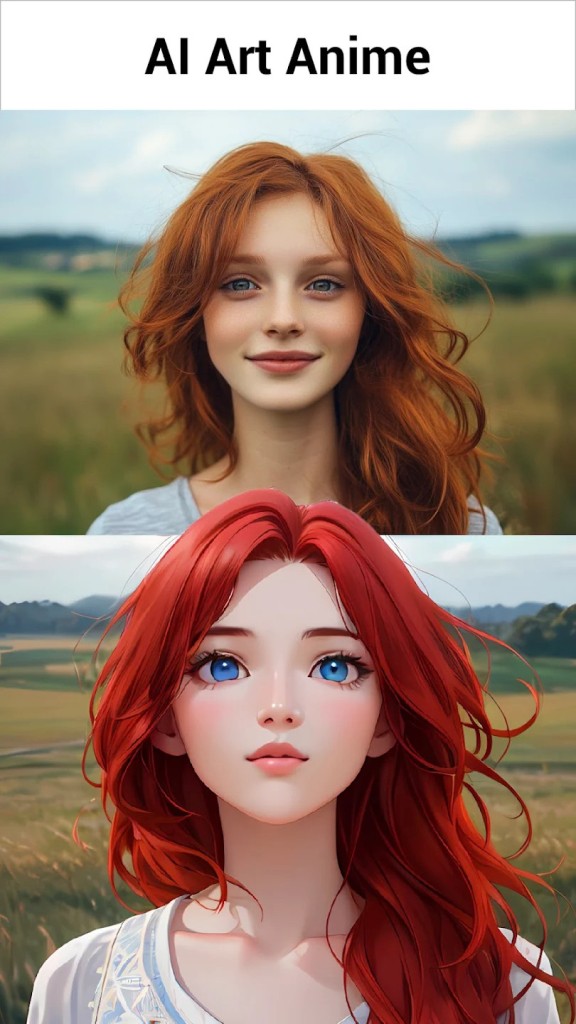
The AI tools are also a solid bonus. You can unblur old or low-quality images, remove unwanted elements with a tap, and even turn yourself into a digital character with the avatar feature. These aren’t just for fun; they’re practical when you’re working with images that need to be cleaned up or refreshed for a new use. There is even an AI tool to generate content!
For creators who post often, the multi-draft workspace lets you keep different edits in progress. That’s helpful if you work on batches or want to compare edits side by side. And the editing history means you can go back if something doesn’t work. You’re not stuck with a flattened version.
There’s no steep learning curve. You don’t need to spend time figuring out how tools work. You just adjust the image the way you want, and it saves in high resolution. It’s efficient, smartly designed, and gives you full control without making things complicated.
Is Lumii Free?
Yes, Lumii is free to download and use, and full of video ads. The core editing tools, filters, and effects are available without requiring payment, so you can get a full editing experience right out of the box.
The app includes optional in-app purchases that unlock extra filters, advanced features, or remove ads, but none of these are mandatory. You can still edit, export, and share high-quality images using just the free version. It’s not a trial or a limited-access model. You get full functionality, and you decide later if you want to upgrade. Everything stays on your device, and nothing forces you to subscribe.
What Operating Systems Are Compatible with Lumii?
Lumii is currently available for Android devices and can be downloaded directly from the Google Play Store. It works smoothly on phones and tablets running Android 6.0 or higher. The app is optimized for a wide range of screen sizes and doesn’t rely on high-end hardware to function properly. Whether you’re using a budget phone or a newer model, the performance stays consistent. Lumii runs without requiring a constant internet connection, so most features work offline.
There’s no official iOS version as of now, and the full editing experience is limited to Android. Updates are frequent and maintain compatibility with the latest Android versions. If you have a midrange phone with basic storage and memory, you’ll still be able to use the full set of features without slowdowns. It’s light on resources but still powerful enough for high-resolution editing and exporting.
What Are the Alternatives to Lumii?
Several editing apps cover some of the same features, but each one leans in a slightly different direction.
InCollage focuses more on combining images than editing them individually. It’s useful for making collages, but it lacks the depth of control Lumii offers in color correction and filter design. If your goal is layout-focused edits with grids or background shapes, InCollage works well, but it doesn’t provide strong editing options for single images.
Montage Photo is another app with a niche feature set. It allows you to blend multiple photos, often for creative or surreal effects. It’s more of a concept editor and doesn’t include strong tools for image clarity, correction, or color adjustment. If you’re focused on photo quality and quick edits, it won’t give you the full range of tools that Lumii does.
PicCollage is also in the mix. It’s popular for casual collage making and adding text or stickers. Its strength lies in fun designs, not pro editing. It’s great for quick shareable posts, but it isn’t designed for users who want fine-tuned controls or advanced layers.