Piwigo is a free and open-source photo management system that lets users host their own image galleries on the web. It's not a cloud storage provider (though a cloud-hosted solution is offered) or a social platform, but a self-hosted solution designed for people who want control over their image libraries. It’s used by photographers, small businesses, educators, and organizations that need to organize large volumes of photos with structure, privacy, and customization.
The platform supports albums, tags, metadata, geolocation, and user permissions. You can upload photos, sort them into folders, tag them for easier search, and manage how they're viewed by different users. It's designed to work well with high-resolution images and large photo collections. The system can run on your own web server or with any hosting provider that supports PHP and MySQL.
Piwigo also offers plugin support, so you can extend your gallery with themes, features, or extra tools. The design is clean and simple, and the interface makes it easy to navigate albums or manage uploads. You can share galleries privately or publicly, depending on your needs. The platform doesn’t force you into predefined layouts or pricing models. It's flexible, reliable, and built around long-term photo storage and display.
Why Should I Download Piwigo?
Piwigo is a good choice if you want to manage your photos without relying on third-party services. Unlike cloud storage platforms that limit your control, Piwigo runs on your terms. You host it, you decide the structure, and you keep ownership of everything. For people who care about privacy, that's important. You’re not uploading your entire photo collection to a commercial platform that mines metadata or pushes ads based on your usage. You’re setting up a gallery that stays yours.
If you’re not an expert and don’t own a web server, Piwigo also offers a cloud-hosted solution. You can create an account on the Piwigo website and upload your pictures to a gallery set directly by Piwigo. This option is not free, though, because you’ll have to pay for cloud storage, but it can be simpler for most people.
The Piwigo web gallery is also built for scale. Whether you have a hundred images or hundreds of thousands, the system handles bulk uploads, metadata, and multi-user access without getting bloated. The photo tagging system is strong, and the album organization is flexible. You can create nested folders, filter images by tags or location, and find what you need without scrolling endlessly.
Piwigo works well for collaborative environments, too. You can allow other users to upload images, contribute to albums, or manage galleries with defined roles. That makes it useful for teams, clubs, or any group that works with shared visual content.
Another reason to consider Piwigo is how customizable it is. You can change themes, install plugins, or modify layouts to suit your visual needs. Whether you’re building a personal portfolio or running a client-facing site, you’re not stuck with default templates.
The open-source nature of the platform also means there’s an active community maintaining and improving it. If you require help, there's a forum and plugin repository that stays up to date. You’re not depending on one company or locked into a subscription. Piwigo gives you control, flexibility, and freedom to work with your images stably and efficiently. If you’re serious about managing photos over the long term, this platform offers a strong foundation.
Is Piwigo Free?
Yes, the self-hosted version of Piwigo is completely free to use. It’s an open-source project, which means you don’t need to pay for licenses, subscriptions, or upgrades. You can download the software, install it on your own server, and run your photo galleries without recurring charges. There are no hidden fees or locked features. That said, you’ll need a hosting provider or your own server to run it, which may have separate costs. But the platform itself gives you full functionality from day one, without pushing premium versions or upsells. It’s a true free solution for managing photos on your terms.
If you’re interested in the cloud-hosted version of Piwigo, there will be costs related to the storage part of the offer. Piwigo lets you try, for free, any of the subscriptions so you can see if it suits your needs. And parallel to the base subscription, you can add more storage if needed, with an additional offer (price will be added to your subscription).
What Operating Systems Are Compatible with Piwigo?
Piwigo is a web-based application, which means it’s not tied to any single operating system. If you can run a browser, you can access your Piwigo gallery. The server-side requirements are minimal. It runs on any system that supports PHP and MySQL or MariaDB, which includes most Linux-based hosting plans and even local setups using tools like XAMPP or Docker. Whether you’re on Windows, macOS, or Linux, you can install and manage Piwigo if your hosting environment meets basic requirements.
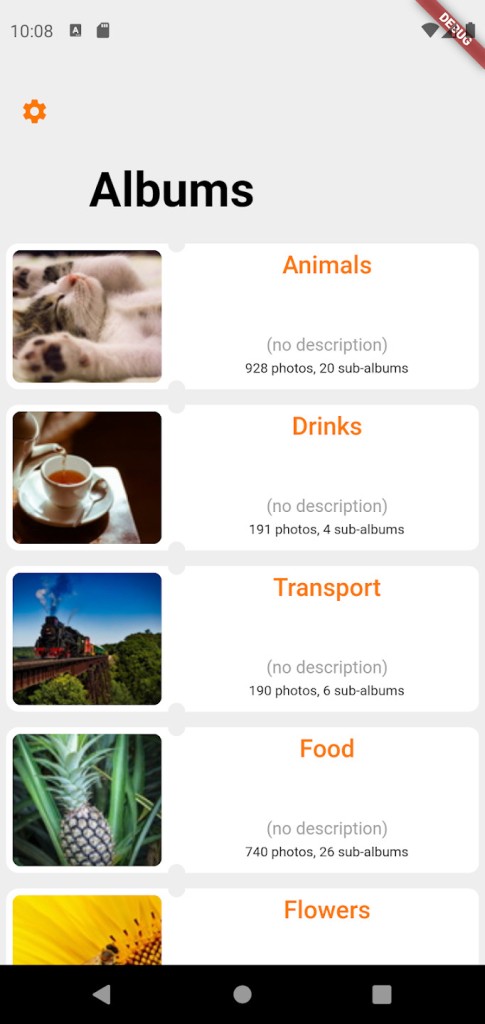
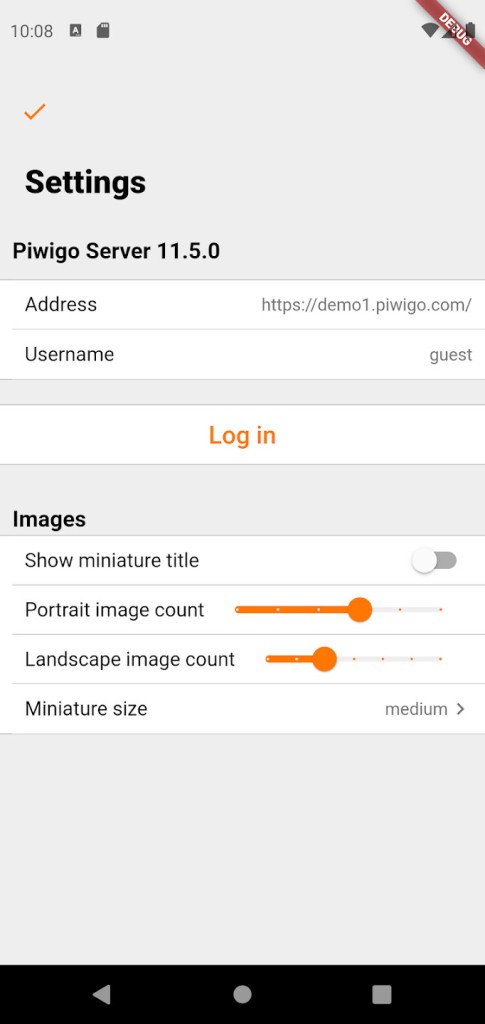
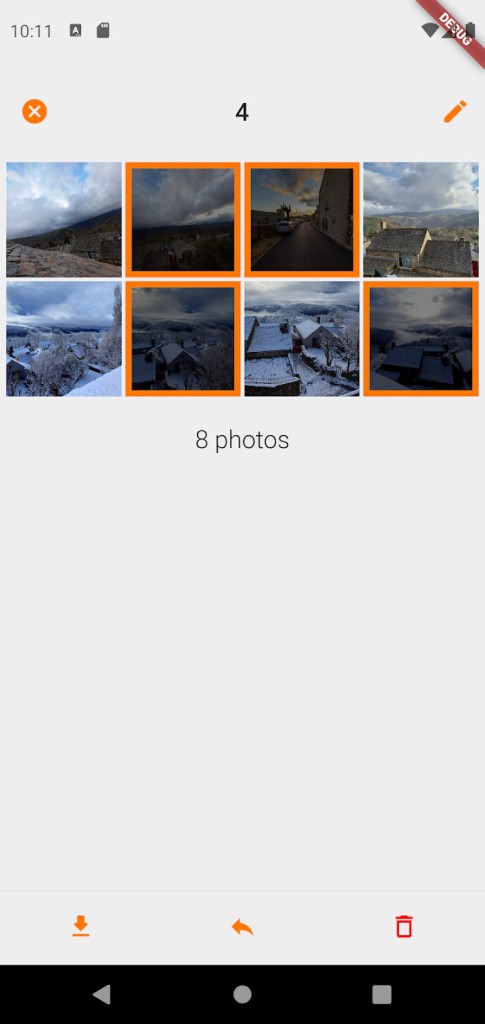
On the user side, the front end works across all modern browsers. You can access it from desktops, laptops, tablets, or phones. For Android and iOS users, there’s a Piwigo mobile app that allows you to view galleries and upload photos directly from your device. The interface is responsive, so even without the app, the platform adapts well to smaller screens. You don’t need to install any desktop application. It runs through your web browser, and that keeps things simple.
What Are the Alternatives to Piwigo?
Flickr is a major alternative. It’s designed for photographers and offers cloud-based image storage, sharing, and discovery. The interface is sleek, and it has a large community. But it’s a hosted platform, so you don’t control the backend. You pay for storage upgrades, and your photos live under Flickr’s terms. It's easy to use but comes with limitations on structure and access.
Google Photos is more casual and widespread. It integrates tightly with Android and Google accounts, but is also available for iOS. It offers automatic backup, facial recognition, and basic editing tools. But it's built around automation rather than curation. You don’t get nested folders, album-level permissions, or full control over tagging and metadata. And like most free services, it's tied to data use policies you can’t change.
ImageShack is another option. It supports direct linking and simple galleries. It's more suited for image hosting than gallery building. While it has privacy options and decent speed, it doesn’t offer the same organizational depth.