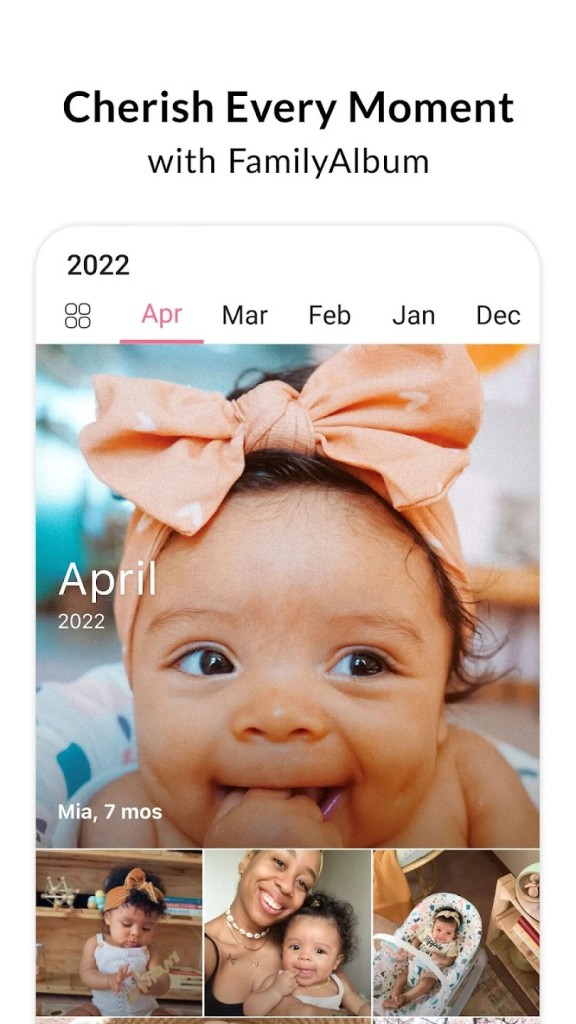
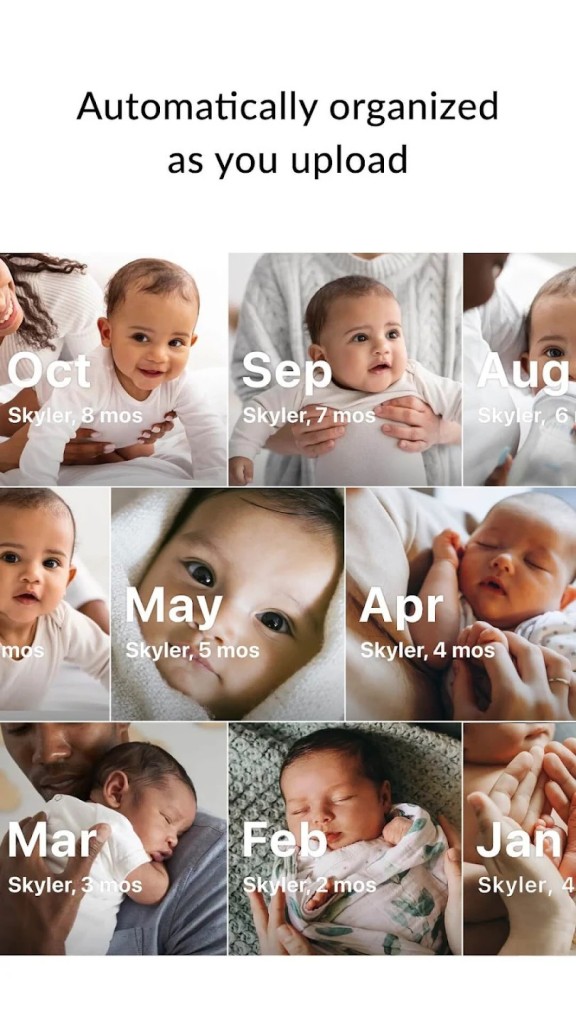
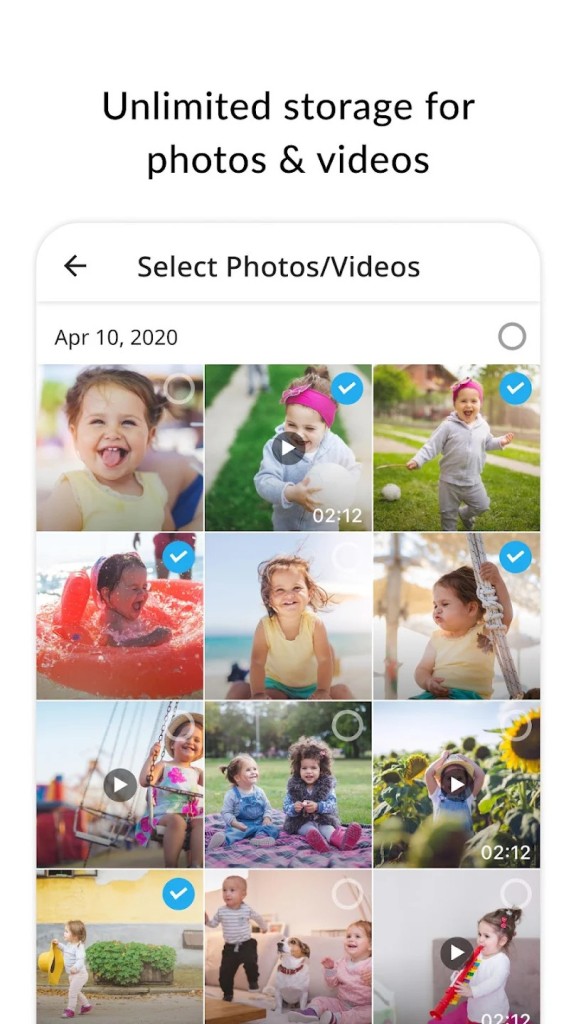
FamilyAlbum is an app created to give parents and families a private and secure way to share photos and videos of their children and loved ones. It provides unlimited storage for free, allowing memories to be backed up safely without worrying about losing them. Once you upload a photo or video, FamilyAlbum automatically organizes it into an album sorted by month. Each item also shows your child’s age, which helps you track growth over time. This makes it much easier to revisit special moments without scrolling endlessly through unorganized files.
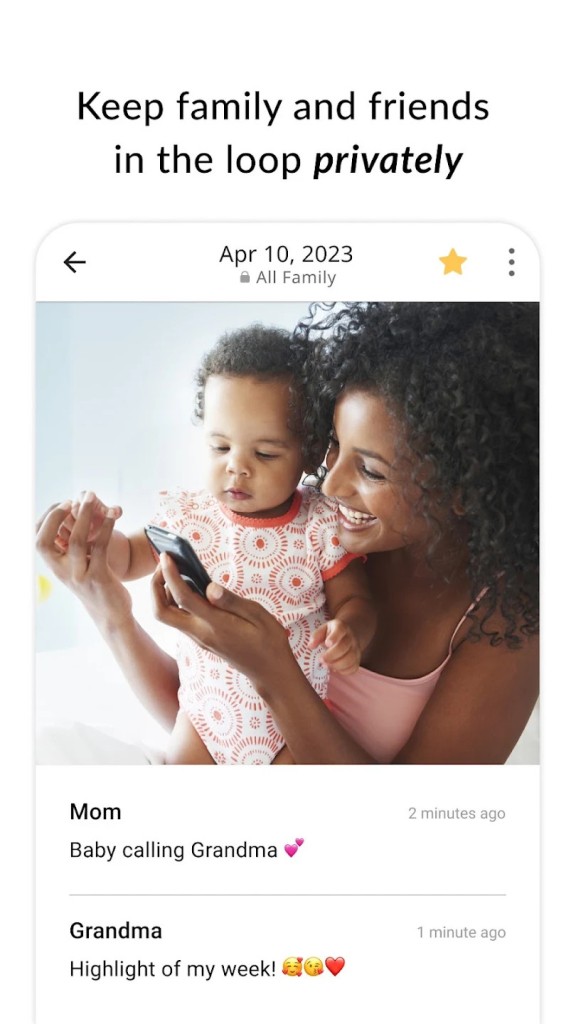
FamilyAlbum is more than just storage. It has features that help families stay connected even when they are far apart. You can comment on photos, share reactions, and see whether family members have viewed your uploads. This makes the experience interactive and lets everyone stay close without using social media or group chats. Privacy is a core focus, with only invited family members allowed to view the content. Everything you upload remains yours, and you can recover it easily even if your device is lost.
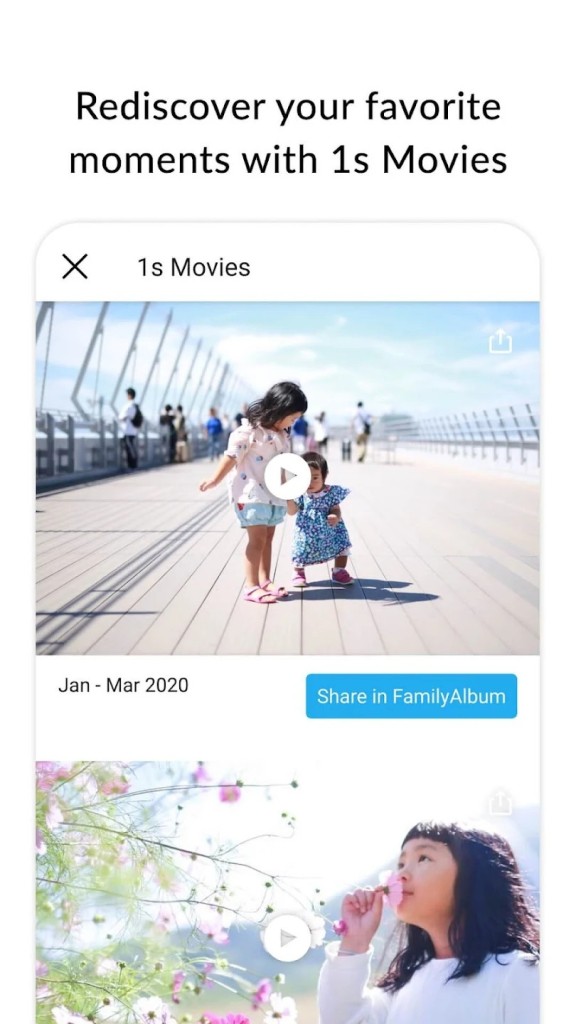
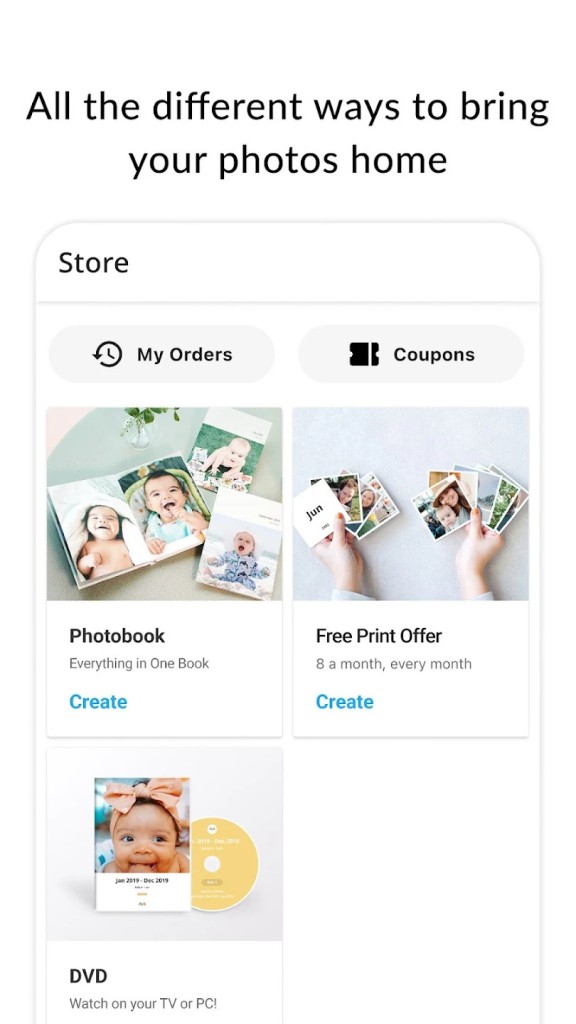
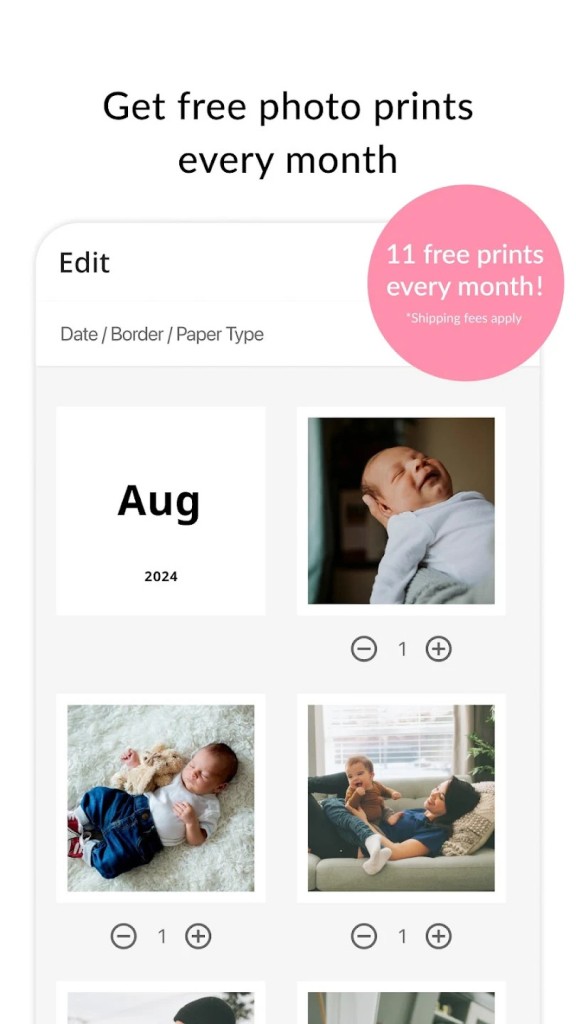
Another feature is the automatic creation of one-second movies. These short clips bring together moments from each season into a touching highlight reel of your child’s growth. You can edit these movies, swap photos and videos, and create a story that reflects your favorite memories. FamilyAlbum also provides free monthly prints so you can hold on to physical copies of selected photos. You can order photobooks and albums directly within the app, making it easy to create keepsakes without using multiple services. With these features, FamilyAlbum becomes more than a gallery. It becomes a growing collection of your family story, always organized, safe, and easy to share.
Why Should I Download FamilyAlbum?
FamilyAlbum is designed to simplify how families collect and share their memories. Downloading it saves you from the hassle of sending the same photo or video across multiple chats. Instead, you have one space where everything is organized, secure, and available to everyone you invite.
This makes it convenient for both parents and relatives, especially when you want distant loved ones to feel included. Unlike messenger apps, there is no pressure to respond right away. You can share naturally, whenever you want, and family members can view at their own pace.
The app also makes reliving memories easy. You can create unlimited slideshows set to music, turning ordinary days into special moments. With photobook suggestions and free prints every month, FamilyAlbum ensures that your digital collection becomes something tangible too. Parents who worry about privacy can be assured that content remains private, and visibility controls let you decide what to share with the entire family and what to keep only between partners.
FamilyAlbum has been recognized with awards such as the Mom’s Choice Award, Webby Honoree for Best User Experience, National Parenting Product Award, and W³ Award. These recognitions show that it has been evaluated and appreciated for quality and reliability. Families who use it find it simple enough that even less tech-savvy members can enjoy it.
There is also a browser version for those who prefer not to use mobile apps. These qualities make FamilyAlbum a valuable download for anyone who wants a smooth, private, and lasting way to preserve their family memories.
Is FamilyAlbum Free?
FamilyAlbum provides a free version that includes unlimited storage, monthly free prints, automatic slideshows, and compilation movies. All the core features are part of the free plan, and this alone makes it stand out among similar apps that charge for storage or sharing. Families can create their albums, share content, and enjoy prints without having to subscribe.
There is also a Premium option that adds extra features such as longer video uploads, uploading from computers, sorting photos by child, writing monthly journal entries, and more compilation movies. Premium makes the experience even more personalized, but the free version remains strong enough for anyone who wants to enjoy the main functions without limitations. The company emphasizes that Premium complements the free version, rather than replacing it, ensuring that every family can enjoy the app without cost.
This balance makes FamilyAlbum accessible and inclusive. Parents can start with the free plan and later decide if they want the additional features. Either way, FamilyAlbum remains a free and safe place to keep their most important memories.
What Operating Systems Are Compatible with FamilyAlbum?
FamilyAlbum is compatible with iOS and Android devices. On iOS, it works with iPhone and iPad, and on Android, it supports a wide range of smartphones and tablets. The app has been optimized for both platforms to ensure smooth uploads, proper navigation, and reliable organization of content. With compatibility across these two major operating systems, it becomes available to families worldwide, no matter which device they prefer.
Premium features such as uploading from a computer are also supported, making it flexible for those who have older photos and videos stored outside their phones. By focusing on iOS and Android, FamilyAlbum ensures consistent performance and accessibility, whether you use an Apple device or an Android one. This wide compatibility contributes to its popularity and allows families across different regions and age groups to stay connected through one platform.
What Are the Alternatives to FamilyAlbum?
One of the alternatives is Google Photos. It is a service in which you can store and upload your photos and videos to one location. It is compatible with other Google products and has strong search capabilities, and can be accessed on alternative devices. Google Photos is not directly aimed at a family-friendly experience, as Google Photos has, which has powerful organizational and sharing advantages, as well as the creation of growth movies and free prints.
The alternative is FamilyWall. The application is a mix of photo and video sharing, and other family management tools. There is also a shared calendar, to-do lists, and meal planning. The families who want to have both a private album and an organization tool to manage their daily lives and their photos and videos can use FamilyWall. It is a broader one, in that it takes a set of communication, organization, and sharing of memories.
Thirdly, Airbum may be used. It resembles FamilyAlbum and also gives the ability to share the photos and videos privately with invited family members. It is concerned with harmless sharing and a less complicated organization that keeps the memories stored safely by the families. Even though maybe it is not a complete one like FamilyAlbum, it still provides a convenient means of sharing and storing special moments in a personal setting.