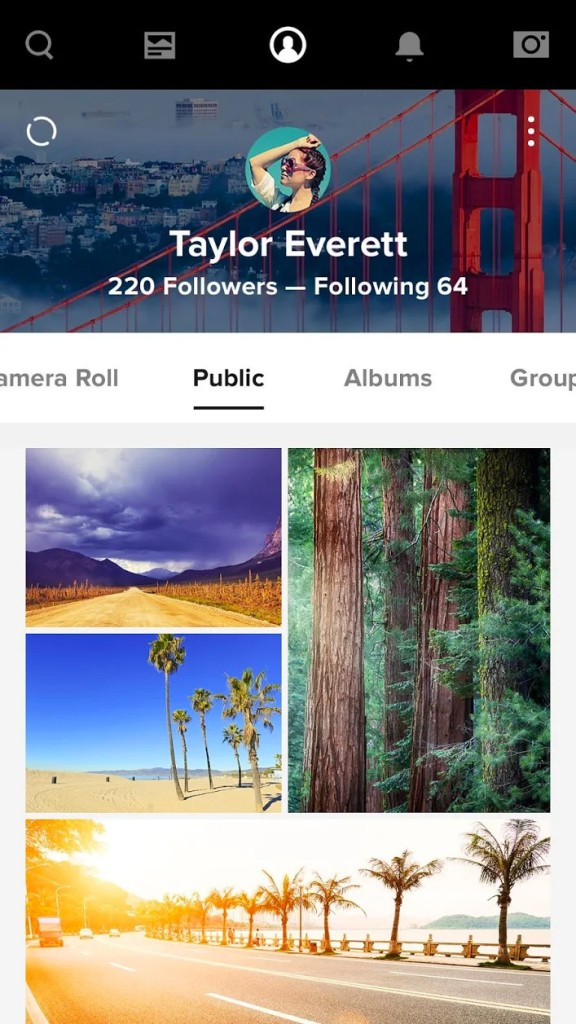
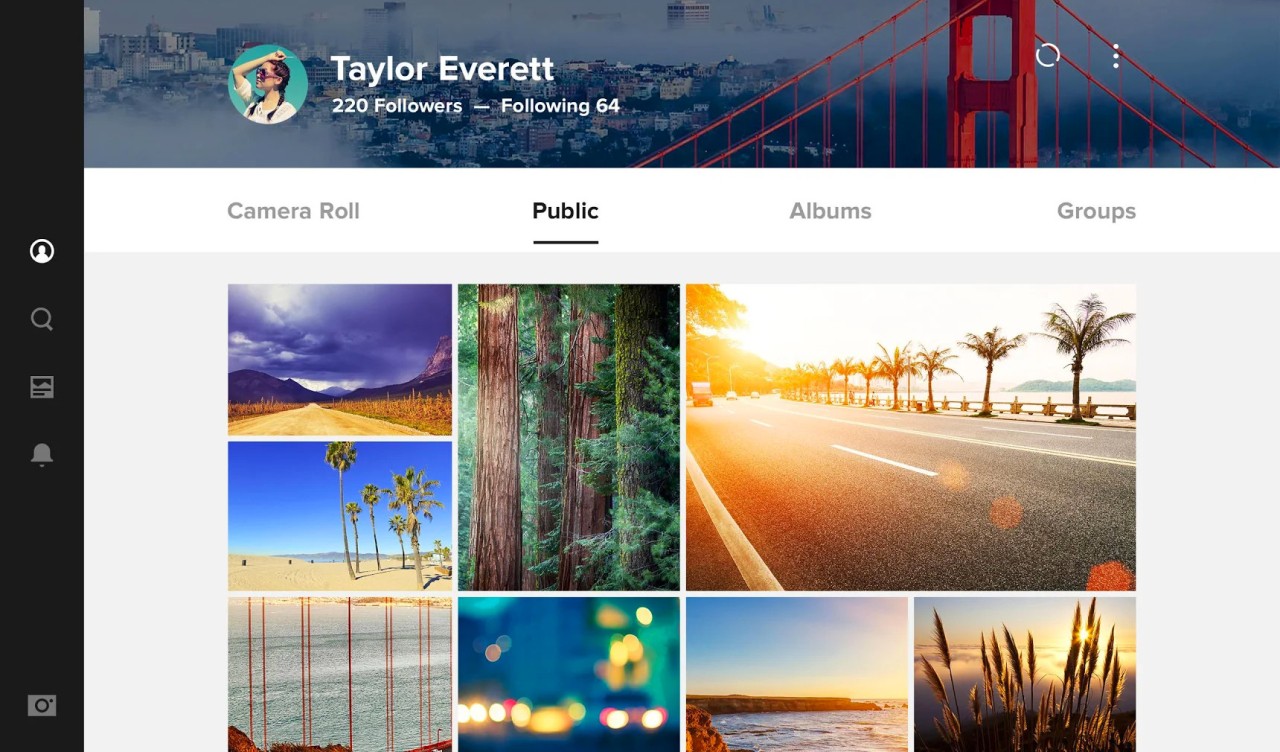
Flickr is a global photo-sharing and hosting platform used by amateur and professional photographers. You can upload your photos in high resolution, organize them into albums, apply tags with metadata, and share your creations with this vibrant community.
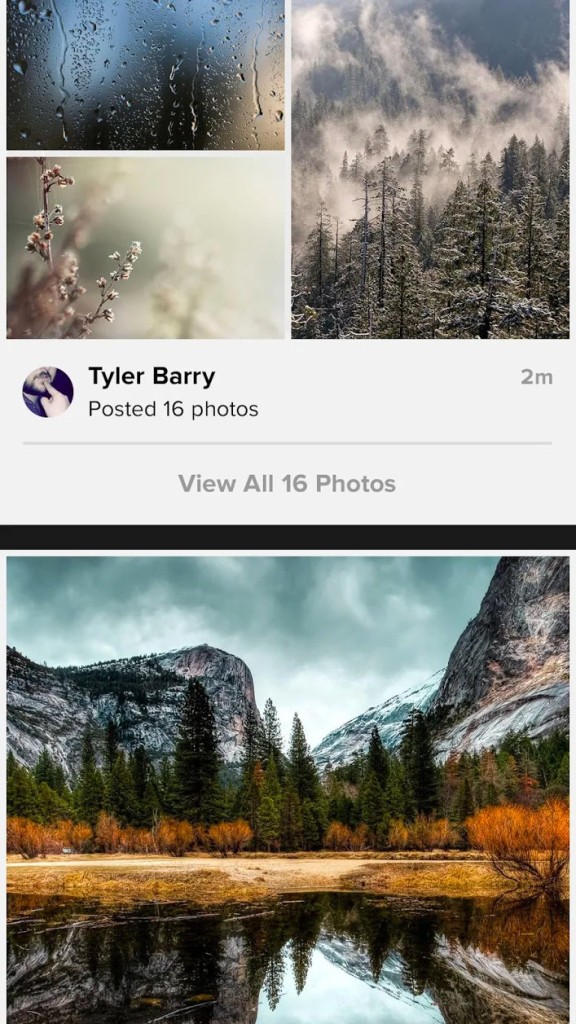
This platform helps you discover new trends and styles in photography, join groups with different themes, follow your favorite creators, and comment on their work. It can also help you curate your skills, help others improve, engage in discussion on various topics, and get or leave constructive criticism and feedback.
Apart from the vast social aspects, Flickr is also a great solution if you need to license your own work through Creative Commons, add tags to images for better search indexing, create your own albums, and even set up an online portfolio and embed your photos in it.
You can use the platform through its web-based service or download Flickr as an app for your mobile devices to easily upload and manage your photos on the platform.
Why should I download Flickr?
Flickr is a great solution for anyone who wants to store their photos in their original quality and size, organize them in albums accessible online, and join a global community of photographers and gather feedback on their work.
You can view your photos on a Photostream, which acts like a chronological timeline, or access them through various albums. You can create a group of pictures based on the event, project, or theme. Your albums can be customized with cover photos and descriptions, and each image can include a caption to offer more context. There are also Collections with which you can group your albums based on high-level motives, like portraits, landscapes, street photos, etc. All of these can work as your online portfolio through Flickr's profile page without creating and developing a dedicated website, which can be time- and cost-consuming.
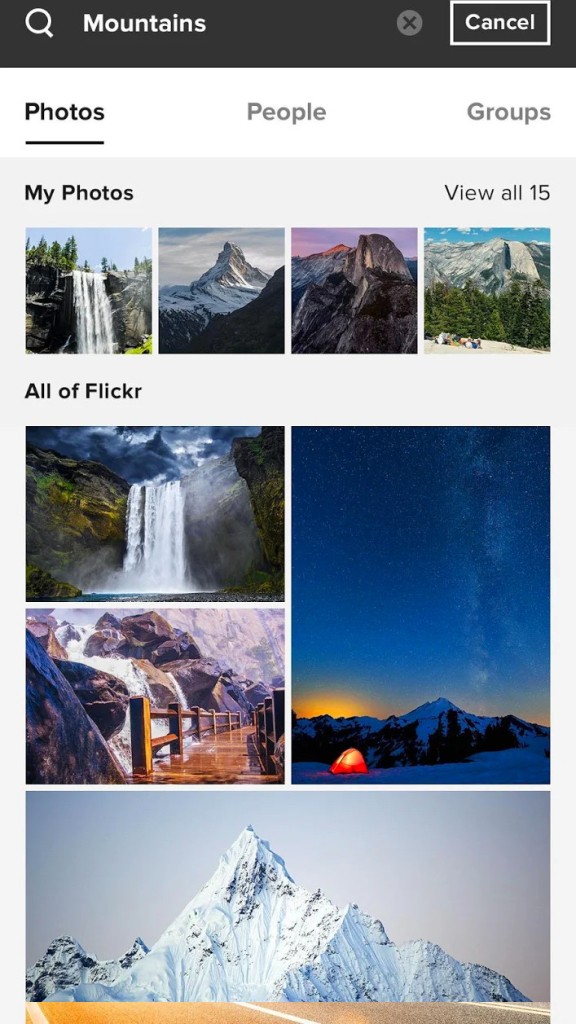
If you need to add metadata to your photos, you can do it manually or use Flickr's auto-tagging feature, which scans any EXIF and location data your photos have to assign the correct information. With those in place, you can search both public and private images by such information as camera type, lens, aperture, shutter speed, tags, upload date, and license. This also makes your work searchable, and it can be discovered by other users looking for specific content.
Of course, when uploading photos to Flickr, you can determine if it should be private and limited only to you, visible to friends and family, or public to the entire community. You can control the licensing and copyrights and release some of your work to be used by others. You can also share your photos with thematic groups centered around styles, genres, and locations, and engage in specialized discussions with other photographers. Groups often serve as challenges where you and others compete to create photos under a specific theme for a defined period of time. On Flickr, you can engage with others in more meaningful ways while still being able to follow users, like their photos, or leave comments.
When you download Flickr on your mobile device, you can set up auto-uploading so that all the photos stored on your smartphone or tablet are automatically backed up. You will also be notified if anyone likes or comments on your work or when there is new content in your groups. You can use Flickr as a free tool that comes with upload and usage limits, or subscribe to its Pro subscription. The paid plan removes all the limitations but also gives you access to a dashboard with different statistics, as well as to priority support and auto backups.
Is Flickr free?
Flickr is available both as a free service and as a paid subscription, and each comes with different options. On the free tier, you can upload up to 1000 images or videos, create albums, add tags, join groups, or leave comments on other people's work.
If that isn't enough, then the Pro subscription includes unlimited storage for high-resolution images and videos, no ads, advanced statistics with information like traffic to your work, views, engagement, auto-backup on mobile phones and desktop computers, and priority support. You can choose between monthly or annual payments and test the higher tier for 14 days for free.
What operating systems are compatible with Flickr?
Since you only need a web browser to access Flickr, the platform is available to users on any operating system, be it Windows, macOS, Linux, or ChromeOS. There's also a dedicated uploader app for Windows or macOS desktop computers.
If you want to download the Flickr mobile app, you need iOS 13 (or higher) on iPhones and iPads or Android 8.0 (or later) on other mobile devices.
What are the alternatives to Flickr?
Google Photos is one of the most commonly used services for backing up, storing, and sharing photos. Its deep integration into other Google products and the entire ecosystem makes it easy to upload photos from different devices and sources, reuse them in various contexts, and share them with your friends or clients. You get 15 GB of free storage space when you sign up for a Google account, but please note that it is shared with other services like Gmail or Google Drive. There's also an option to extend your storage thanks to the Google One subscription. You can download Google Photos on your mobile phone or access it through the web service.
Piwigo is an open-source, self-hosted, or cloud-based platform for creating and storing photo galleries. With features like photo tagging, assigning geolocation, or controlling access rights, this option is similar to other solutions of this kind. You can either use it for free if you choose to host it on your own server or subscribe to cloud hosting through monthly or annual subscriptions. You can also install multiple plugins to get more functionalities for this service, and Piwigo works on Windows, macOS, and Linux computers.
ImageShack is a photo hosting platform where you can create private albums with unlimited storage space, get different statistics on your work, tag your photos, or apply watermarks. It's a paid service based on a subscription, and you can either use it through a web browser or download a mobile app for iOS and Android.