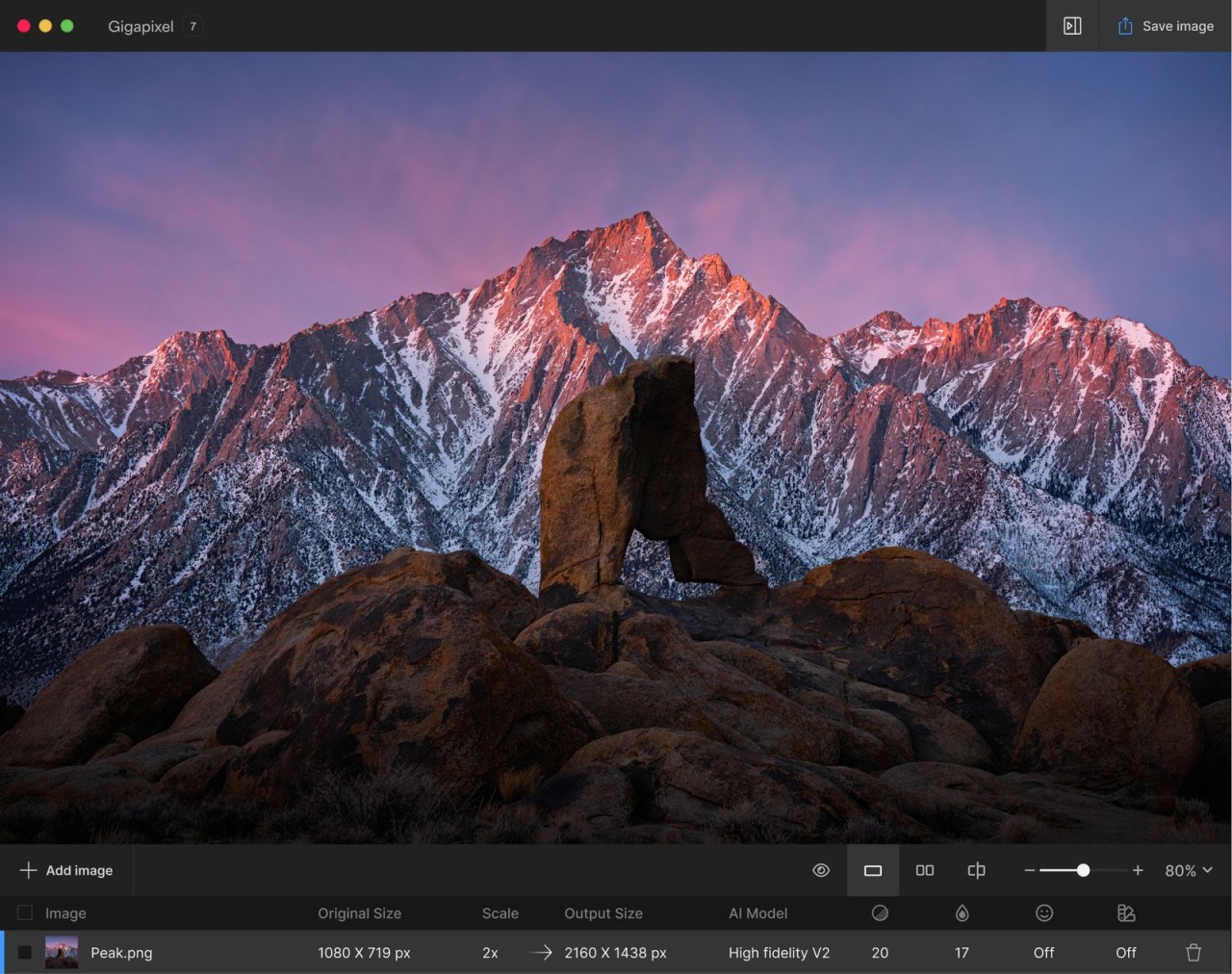
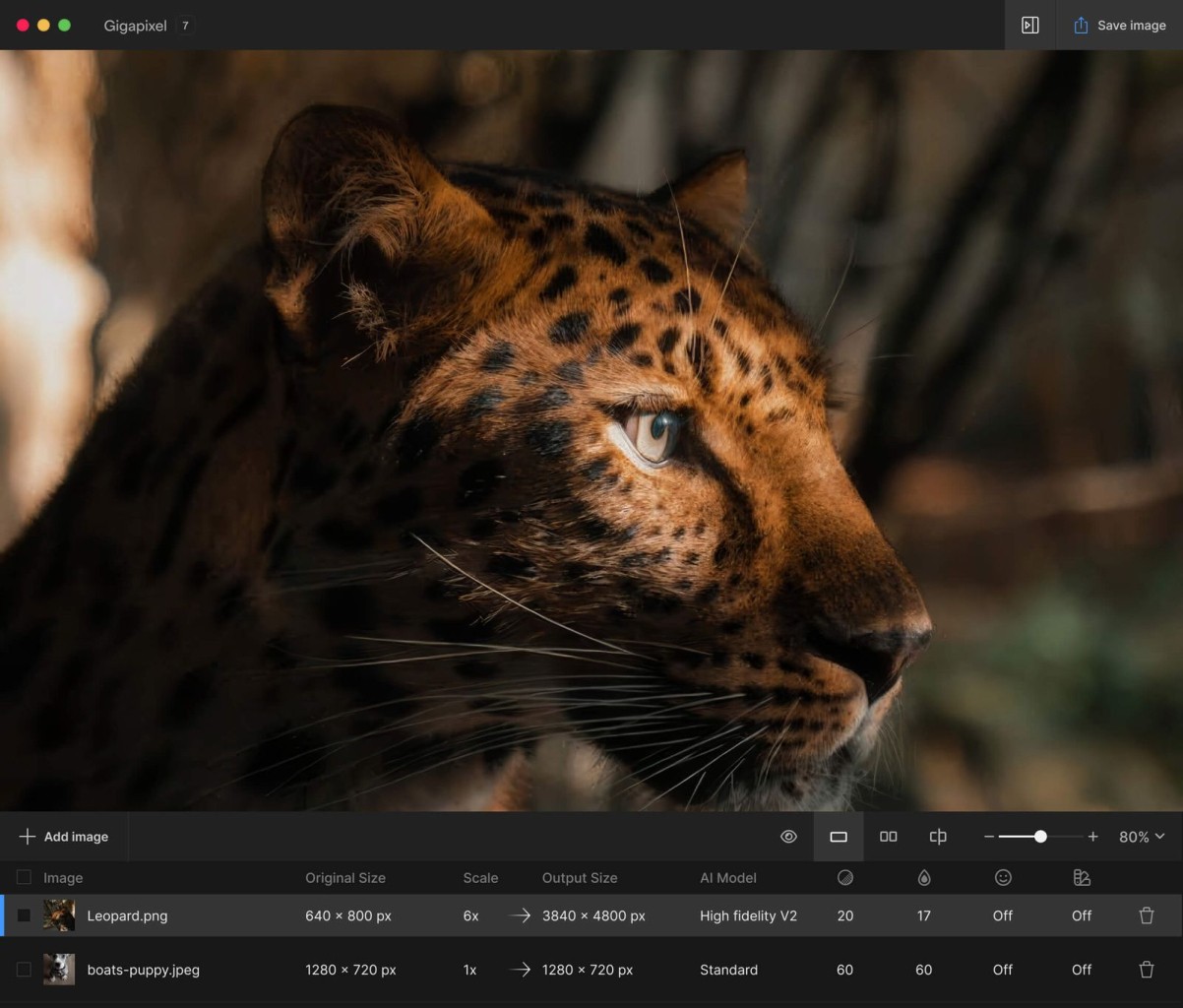
Topaz Gigapixel AI functions to upscale images by preserving image details. The program serves users who need to enlarge pictures of any type, including old photographs or tiny or resolution-limited pictures, to generate high-quality, scalable outputs. This program fights against pixelation during image enlargement to keep the output clear.
Topaz Gigapixel AI enhances its image by applying artificial intelligence training from thousands to millions of pictures to produce skilled pixel reconstruction. This software employs deep learning algorithms to restore information instead of making guesswork or stretching methods.
Graphic designers, photographers, or even casual photographers, find Topaz Gigapixel AI interesting because it lets them change small images into large printed formats and gripping web content materials. The program delivers outstanding improvements to images beyond typical resizing tools, producing remarkable perceptual results for users.
The software masters both restoring faded photos and expanding parts of your images that have been cropped. The desktop-based software functions on computer hardware to deliver local processing capabilities while maintaining its status as a popular tool in its field.
Why Should I Download Topaz Gigapixel AI?
Taking blurry images of poor quality and converting them into usable professional material delivers a remarkable power in image enhancement. The capability to restore damaged images represents the main driver for users to download Topaz Gigapixel AI.
Topaz Gigapixel AI provides users with the power to boost photo resolution while maintaining sharp image edges and ensuring natural-looking face features and textures. This functionality sets it apart from competing tools in its category. The feeling of control through this application helps users rescue almost hopeless images, making the tool exciting and useful.
Users usually integrate this tool when they need to enhance a photo after cropping, since it protects image quality during zooming. Using the tool allows users to enhance the quality of their scanned prints and digital images extracted from outdated gadgets. When using your favorite old photo discovery, the original resolution only reaches 400 pixels. Gigapixel AI takes small images from 400 pixels up to 1600 pixels or beyond while keeping decent visual quality. You will not find magic here, but the process feels similar.
Each section of the user interface shows itself clearly to anyone who wants to use it. Anyone who is not an expert in technology can easily operate this program. Begin by uploading an image, then select your options before choosing the extent of upscaled resolution and triggering the process. The AI does the rest. The application provides preview functions that enable users to view the image results before conducting their processing steps. The local application functionality prevents you from having to transmit vital images to the internet to execute operations.
The superior handling of hair, eyes, text, and patterns by Gigapixel AI stands as another reason to make the download decision. The software amplifies size but also tactfully reconstructs information that is absent in a refined manner. Gigapixel AI provides exceptional value to workers in printing, along with real estate photography, stock images, e-commerce, and businesses that base their success on image quality standards.
The product continuously receives support and constant updates from Topaz Labs, resulting in ongoing product improvements. The application updates its speed and AI model precision regularly to avoid situations where the software becomes dated quickly. Users get more value from the purchase costs than they pay because they gain efficient operation as well as excellent outcomes.
Is Topaz Gigapixel AI Free?
Topaz Gigapixel AI is a paid software application that does not come without a cost. You can purchase the program once with an option for a trial period, through which users can experience its functionalities before deciding if they want to keep it or cancel payment.
What Operating Systems Are Compatible with Topaz Gigapixel AI?
Topaz Gigapixel AI works on both Windows and macOS systems. The software provides full support for Windows 10 and above, while the recommended macOS system version is 10.14 and up.
Topaz Gigapixel AI performance benefits from GPU acceleration and AI model usage, which means users need an 8 GB minimum RAM configuration, preferably 16 GB RAM, along with a decent graphics card for optimal performance. Users cannot run Topaz Gigapixel AI from their phones or tablets because the application operates from desktops only.
What Are the Alternatives to Topaz Gigapixel AI?
For those who do not consider Topaz Gigapixel AI a suitable match or seek alternatives that perform AI-based image scaling, there exist various alternative programs. Each program suits specific user needs because it brings different benefits to the table.
ON1 Resize AI operates as an established rival to the features of Gigapixel AI. The AI.resize product comes from ON1 which stands as a main provider of photography software solutions. This AI software delivers thorough photo enlargement capabilities and operates either by itself or through the ON1 suite. Through machine learning processes the software extends images with high-quality results while avoiding severe distortions and artifacts. ON1 Resize AI offers users an attractive feature because it integrates seamlessly with other ON1 products in addition to Adobe software, making it suitable for people already using these systems. The software enables users to generate print-ready formats in addition to displaying cropping templates for professional printing needs.
The open-source, free application Upscayl functions well as an alternative solution. Upscayl functions as a good alternative to Topaz, although its performance and polish level are less advanced. However, the platform attracts many users because it implements ESRGAN-based AI upscaling technology. This solution would create satisfactory results for basic users while staying affordable. The program supports the Linux operating system, which is uncommon among tools in its category. Users can expect elementary command layouts from this product, yet they will discover noteworthy performance quality when they scale their images. The program lacks several customizable features that are available in Gigapixel AI.
The web-based utility named AI Image Enlarger operates as one of the choices available. This tool provides a beneficial service without installation requirements because users can make occasional large image expansions. Users can achieve satisfactory results using this tool during mobile operations or online experiences because of its speed of operation. This tool has straightforward settings that include drag-and-drop functionality and provides a free version that comes with size and quality restrictions. An upgrade from the basic plan yields advanced features and superior output quality. People who prefer immediate image enhancement and dislike complex desktop application use should opt for Image Enlarger since its performance is good without reaching the performance level of Gigapixel AI.