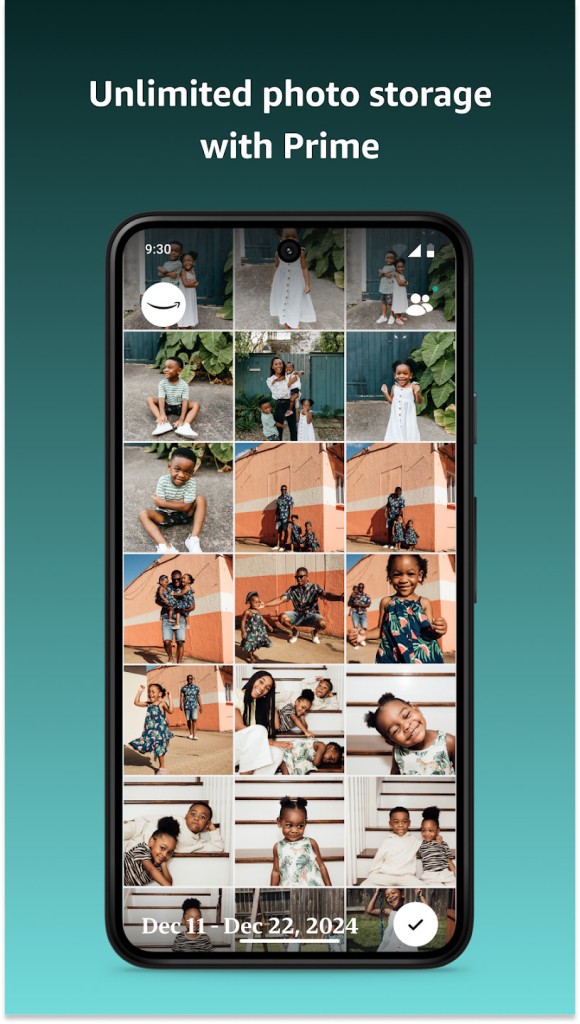
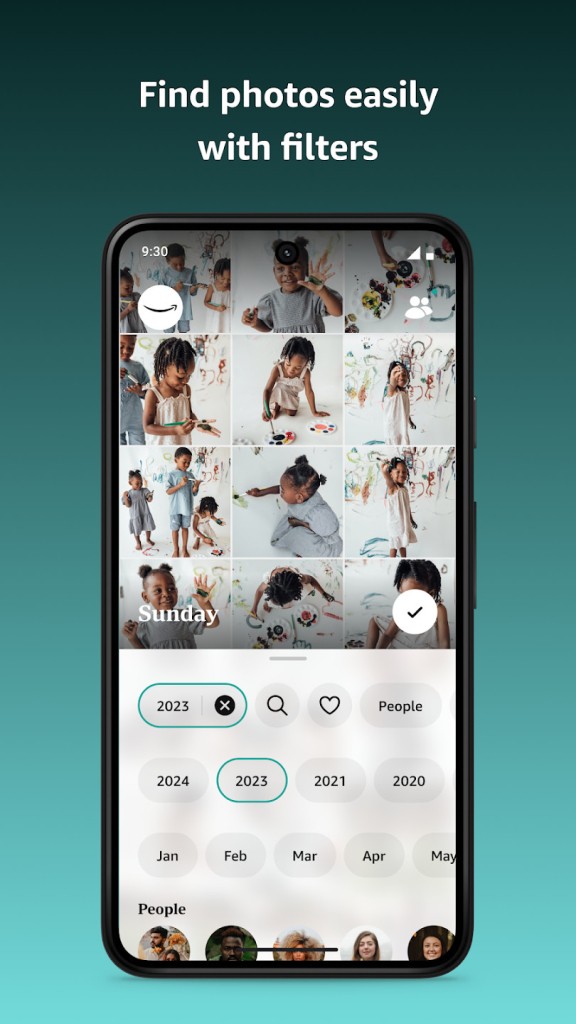
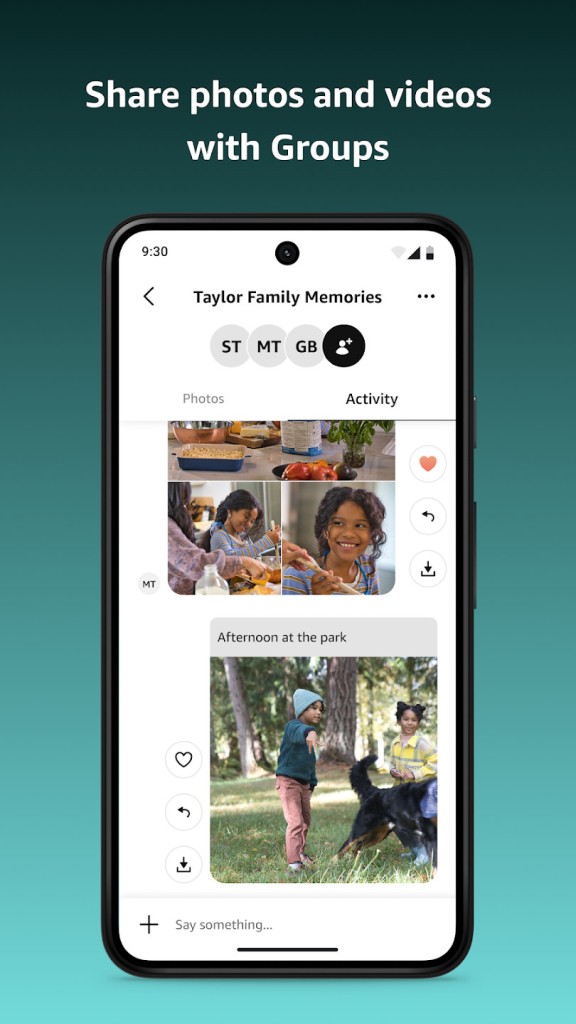
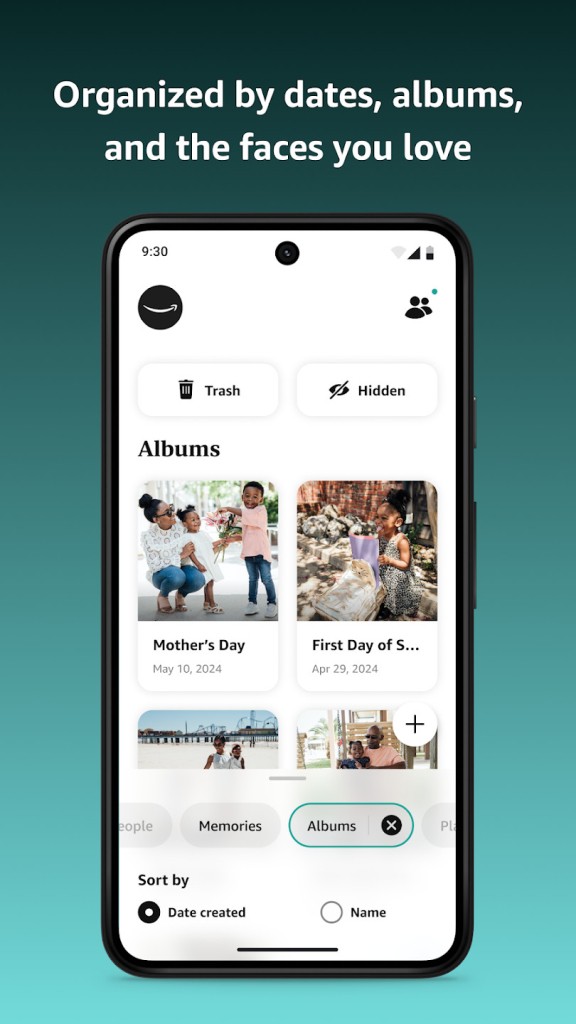
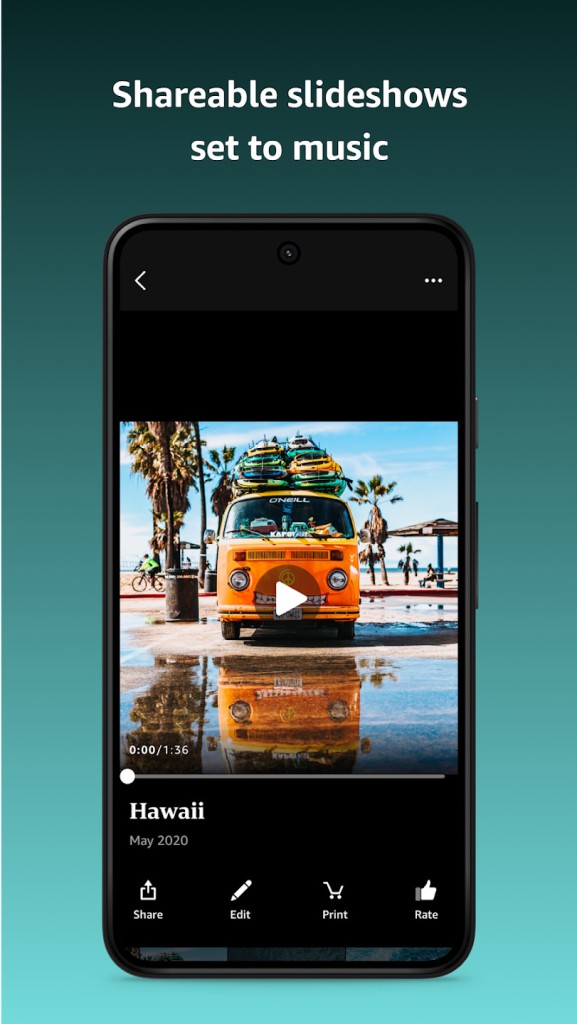
With Amazon Photos, you can store, organize, edit, and share your photos and videos on the cloud and access them on various devices. You can also automatically backup your files from smartphones or tablets, and if you're an Amazon Prime subscriber, you get unlimited storage for all your photos and a 5 GB limit for videos, which is perfect if you have multiple high-resolution pictures that tend to consume a lot of space. Those who don't have an active subscription can still use Amazon Photos with 5 GB of total storage.
Whether you decide to download Amazon Photos to your mobile device or computer or use them through the web service, the tool can organize your files based on various metadata such as date or location, but it also has a built-in face recognition system. There are also different tools you can use to make quick edits, adjust lighting and colors on your photos, or crop them to the size of your choice.
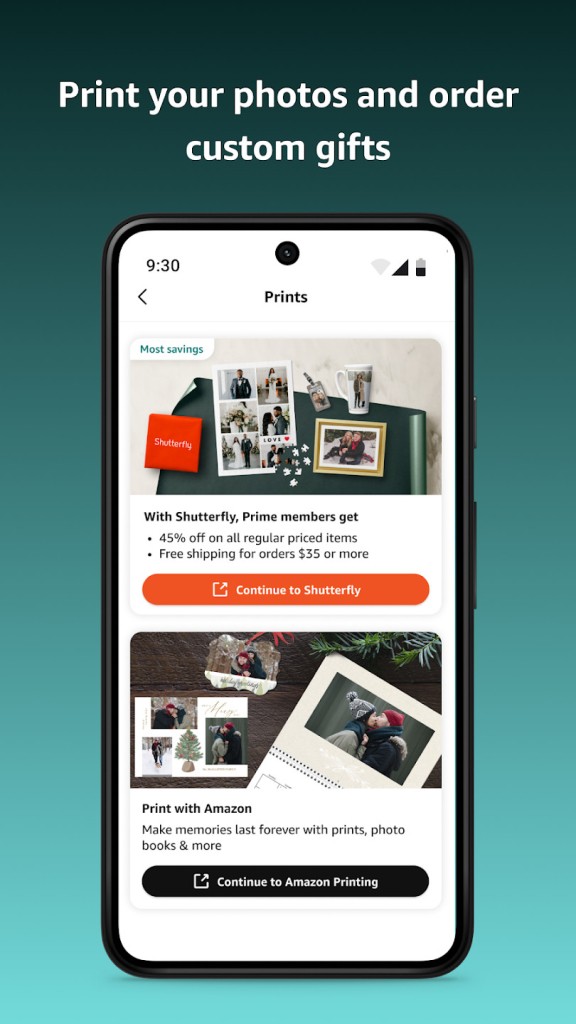
Since Amazon Photos integrates smoothly with other Amazon services, you can easily order prints, photo books, or other personalized gifts. There's also an option to create a Family Vault, where only other members of your household get access to your albums and files.
Why should I download Amazon Photos?
If you're an Amazon Prime subscriber, you're probably not even aware that Amazon Photos is a part of your plan. It's worth checking out this service as it has unlimited photo storage and 5 GB dedicated to videos. This tool could completely replace any other paid services you have devoted to storing pictures, and the files you upload to Amazon Photos are kept in their original quality and resolution, which isn't always the case with other cloud storage solutions.
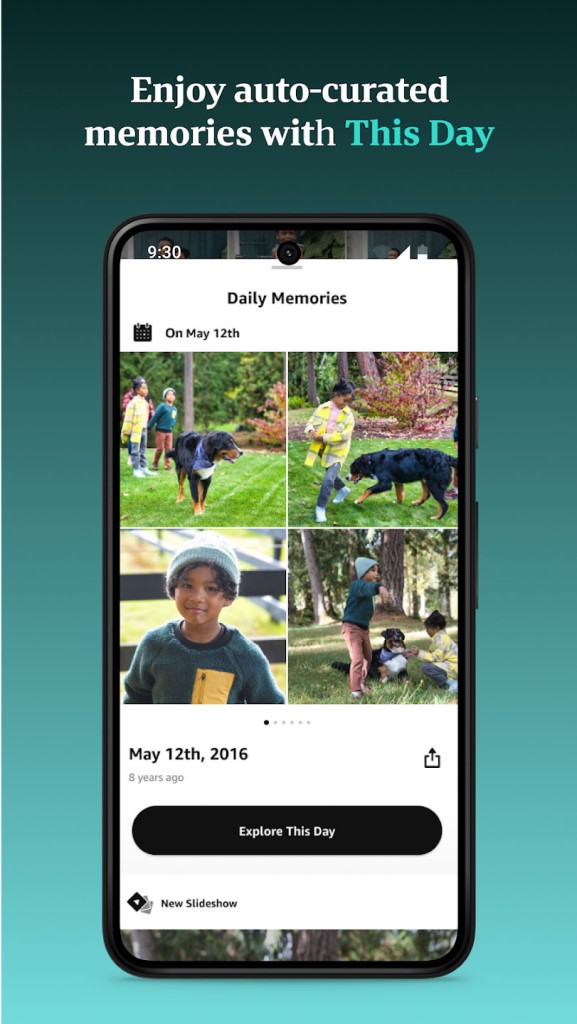
Another amazing feature of Amazon Photos is that it uses AI to help organize your images into easily searchable collections, whether it's by the photo date, location, content, or people in it. Because of its facial recognition, it can easily group pictures with the same person, and you can even search by keywords like" birthday," "beach," or "Jake" and get related photos in the results.
If you value privacy but also want to give permanent access to your photos and videos to people close to you, you can create a Family Vault. It's an Amazon Photos feature where you can have up to 5 members, and they not only view the shared collection but also create their own private libraries. This way, you can all upload photos from events like family vacations or birthday celebrations. All your files are kept safe and private as Amazon Photos uses the same cloud infrastructure as AWS (Amazon Web Services), which ensures everything is encrypted and protected.
If you download Amazon Photos on your computer or an Android or iOS mobile device, you can turn on automatic syncs and backups to save all your pictures and videos to the cloud in the background. This way, you can later access them anywhere you want or easily save them to your computer for local storage. With Amazon Photos, you can also crop your pictures, adjust their lighting and colors, and apply filters. There are also functionalities dedicated to ordering prints or photo books, or generating a slideshow from selected photos.
Is Amazon Photos free?
You can use Amazon Photos for free, and if you create an Amazon account, you'll get 5 GB of free storage space out of the box.
However, the biggest game changer is when you're an Amazon Prime subscriber, as you have unlimited storage for photos without any quality or size compression and an extra 5 GB for videos only, and it's all included in a single payment.
What operating systems are compatible with Amazon Photos?
You can download Amazon Photos on smartphones and tablets running iOS (13.00 or higher), Android (8.0 or later), macOS (10.13 or up), and Windows (10/11) computers.
There is also a web service if you just want to access your collection from a new device quickly or don't want to install additional software. It supports all the features you get with the dedicated Amazon Photos apps.
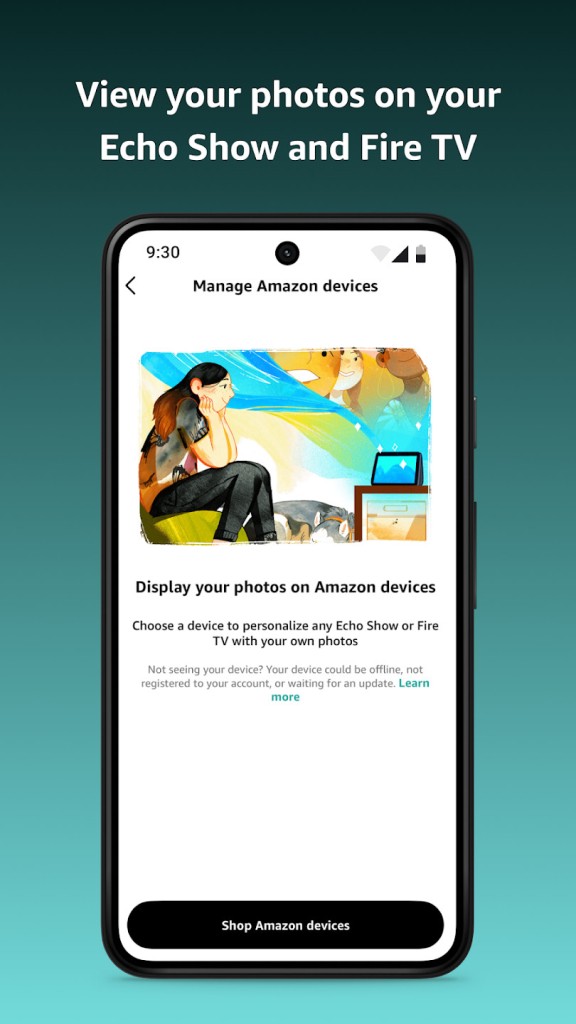
You can also use Amazon Photos on various Amazon devices like Amazon Fire TV, Echo Show, and Fire Tablets since this service is natively integrated with them.
What are the alternatives to Amazon Photos?
Google Photos is one of the most popular choices when it comes to storing and organizing photos online. You can access it through a website or download dedicated apps for iOS and Android devices, and Google Photos gives you 15 GB of free storage that's shared with Gmail, Drive, and other Google services. With this service, you get an AI-powered search, basic editing options, smart organization tools, as well as advanced permission and sharing settings. Google Photos can automatically create slideshows or albums with memories based on photo and video metadata like time, date, location, or people. Google Photos has features such as object detection and face recognition, which make looking for specific photos super easy.
Apple Photos is an alternative offered by Apple that is preinstalled on all Apple devices and uses your iCloud account to sync pictures and videos. On the free version, you get 5 GB of storage, and you can always expand it through a paid subscription. Apple Photos has extensive editing and sharing tools that can automatically recognize common patterns or people in your photos and generate smart albums based on that. It can also store live photos, and you can either use this service through its dedicated apps or access it via its website if you're not on an Apple device.
Even though you may not know it, Microsoft OneDrive also has specific features dedicated to storing photos and videos, not just files and documents. With this service, you get 5 GB of free storage (which you can upgrade with Microsoft 365 subscriptions) and can sort your photos, access them on a timeline, and add metadata and different tags. You can also use Microsoft OneDrive's native integration with other Microsoft tools and share your photos through various productivity apps.