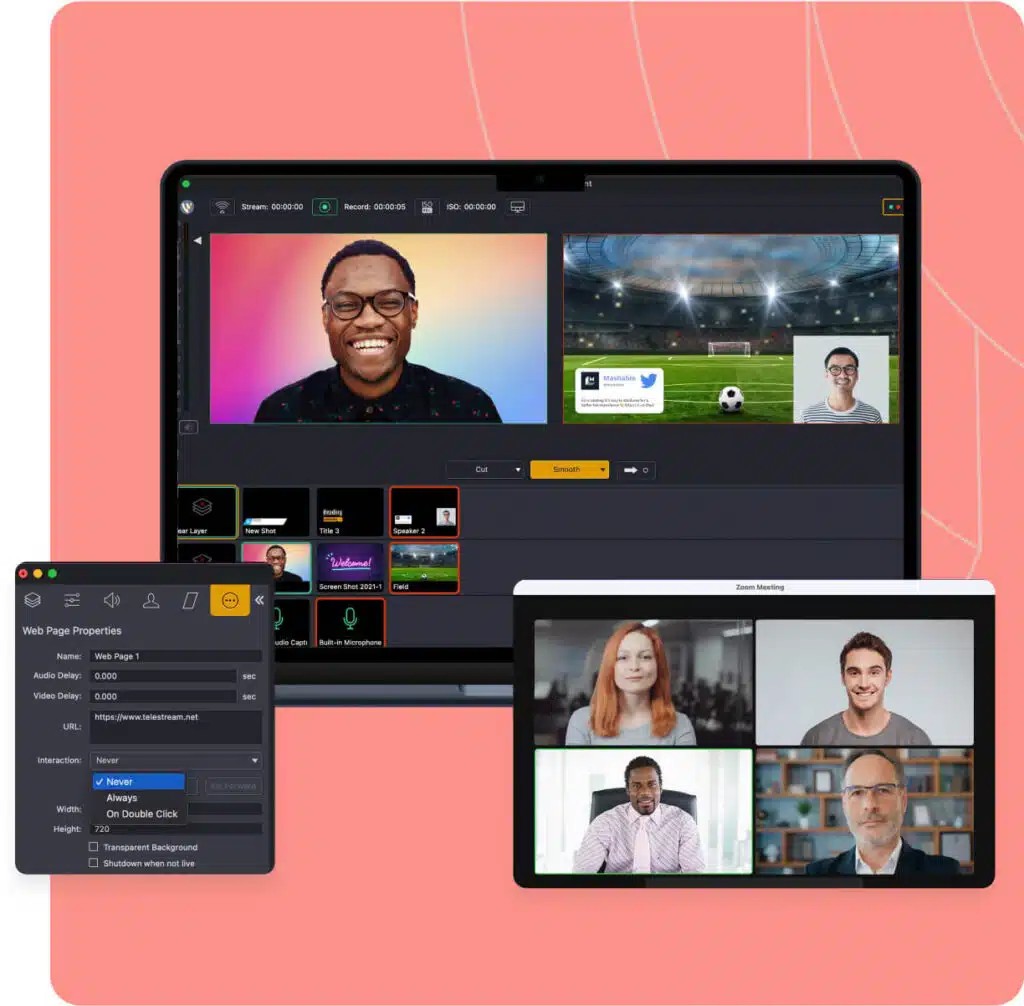
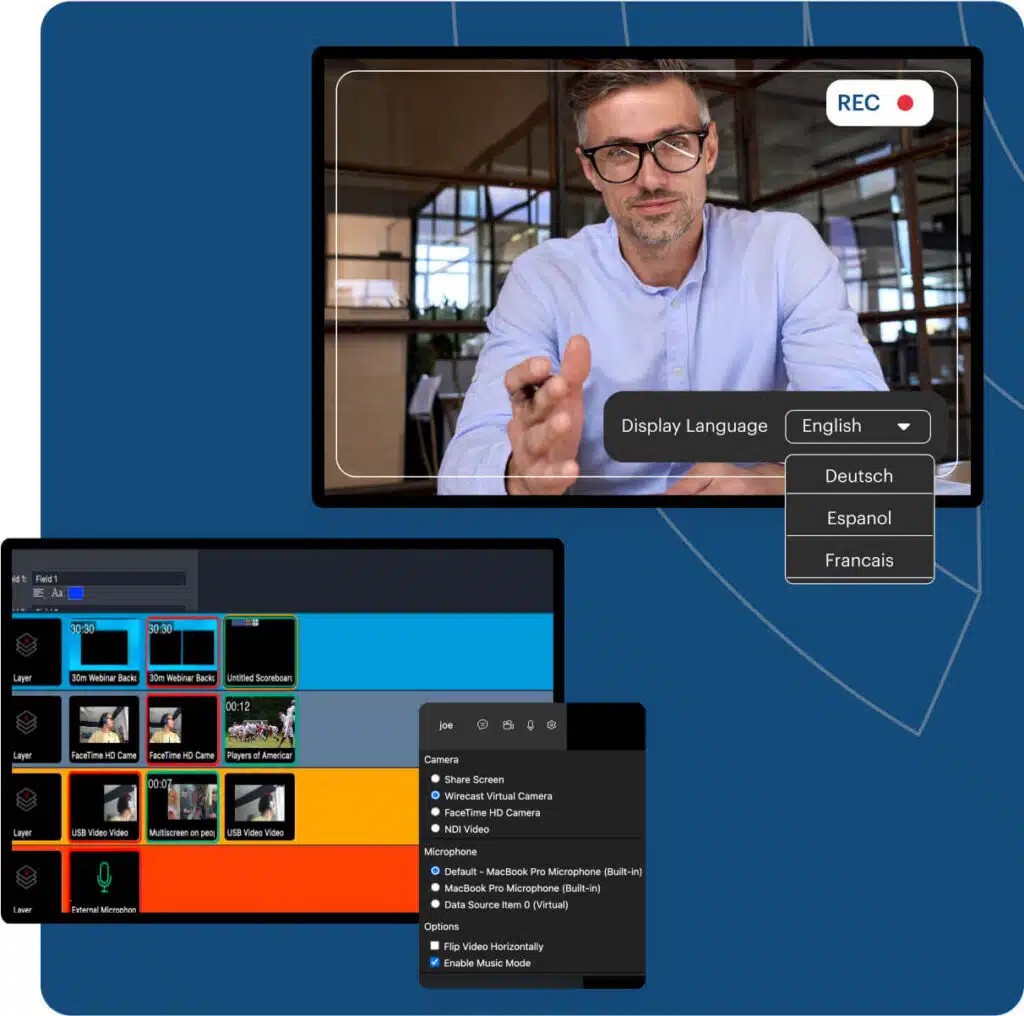
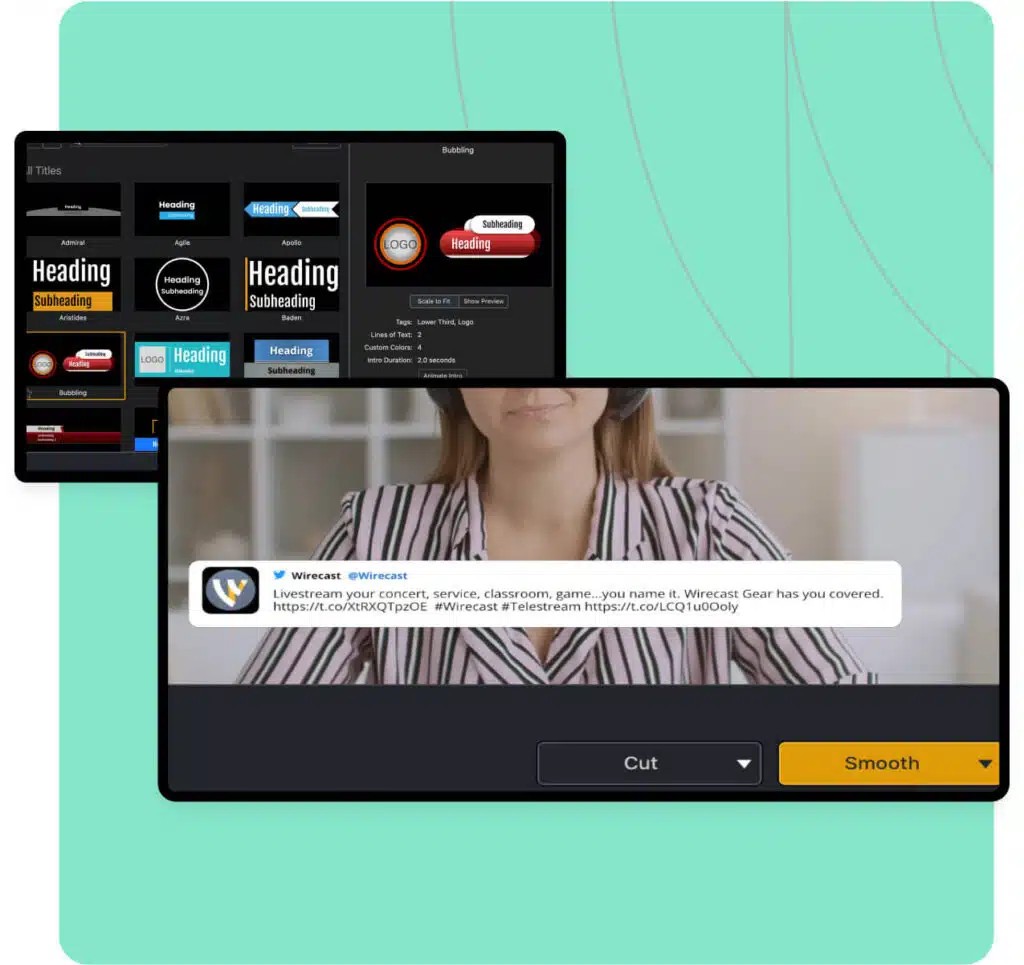
Wirecast is what can be called a sophisticated piece of professional-grade live-streaming and production software that has been designed for people who need more than just the basics. It is not a fun suggestion-one-clicking tool; it’s a studio as software.
Regardless of whether you stream a live show, a church service, a live webinar on business, or esports tournaments, the Wirecast system is designed to transmit multiple video sources, switch between them in real-time, add overlays, and broadcast live streams without falling apart under pressure.
At its core, Wirecast offers the ability to make your computer into a complete broadcast station. You can hook in as many cameras, as many screens, audio sources, and media files as you like; blend them all together quickly and elegantly; and use the images to push a live stream out to multiple outlets simultaneously, like YouTube, Facebook Live, and your own custom RTMP servers.
It’s as close as many users would get to professional production quality without the setup of a physical control room. And the options it presents, via transitions, animated graphics, green screen support, and instant replay, are what make it not just functional but empowering. It’s for creators who do not want to be put in a box and want accuracy and control while going live. The technicality of streaming gets less of a hindrance but rather a flipping fortress with Wirecast.
Why Should I Download Wirecast?
Wirecast is not for those who are aiming to casually broadcast a game to a number of friends – it is for the people who want to develop professional, multi-camera streams that look like TV. Downloading Wirecast will allow you to gain access to a tool that will give your live stream the same consideration as if it were run as a full production. A millisecond after opening it, you feel confronted with a design that feels intuitive, yet remarkably capable.
Stacking layers, scheduling shots, having a workflow for lower thirds, working with the remote guest, and having a multi-track workflow for audio are possible in real time. Your software comes with an in-built encoder, thus you don’t have to be running around with external software just to go live. It works with both standard and high definition streaming and can accommodate scheduled shows as well as spontaneous ones.
The versatility is one of the major strengths of Wirecast. Perhaps you are presenting a remote lecture or reporting a live game of sports, or handling a live podcast that has call-in guests. Each of those setups requires something different of it, and Wirecast is ready to provide so. You do not have to write code or have years of experience in broadcasting. Namely, the features open up easily with just a little exploration. And when it comes to teams, it provides collaborative production tools, meaning that different parts of a show can be managed by several people, even in live moments that are high-pressure.
There is the issue of trust. With Wirecast, you are not always concerned about the audio syncing and scene transition stuttering. It has been used by broadcasters, educators, marketers, churches, and media companies since it sustains live time pressures. If something glitches, it provides you with tools to fix it live and quickly, without the need to cut the stream. That type of reliability, however, isn’t offered by all streaming platforms and certainly not when you get juggling around more sources and outputs.
Is Wirecast Free?
Wirecast is not free, but it offers a free trial version, whereby users can test the interface and functions. In order to open all of its features, a paid license is needed. The software has two tiers, namely, Studio and Pro, based on different production needs.
What Operating Systems Are Compatible with Wirecast?
Wirecast is compatible with both Mac and Windows. It operates under the newest operating systems and is running on professional-level hardware, making it suitable for demanding broadcast tasks. The software utilizes GPU acceleration and multicore processing, so it is better to use a mid-to-high-class system for the best results. Setting up is easy, and system requirements are also clearly documented to help users optimize performance. You can be using a MacBook Pro or a custom Windows streaming rig, but Wirecast is designed in such a way as to provide stability and produce a high-quality output across platforms.
What Are the Alternatives to Wirecast?
Wirecast is a heavyweight in the world of streaming software, but by no means is this the only entity here.
OBS Studio is the best-known alternative, and it is for a reason – it is open source, free of charge, and has incredible functionality. Although OBS is not as shiny as some things Wirecast is “out of the box”, the flexibility it has and the active community behind it are incredible. It is particularly popular among gamers as well as hobby streamers, and is also used by professionals who do not mind getting into configuration and plugins. OBS allows you to create custom scenes, mix your audio, and output to an array of different streaming platforms, and as it has developed over the years, it’s become a tool for those short on money and who prefer granular control over what they put out there.
Camtasia Studio, however, tends to the direction of video recording and editing. It’s not built for live-streaming like Wirecast or OBS are, but it is incredibly helpful for making slicked-up educational videos or promotional videos. You can record your desktop, edit it, rearrange clips of video, and come up with walkthroughs, webinars, and software tutorials that seem proper and professional. It’s a nice companion software for those streamers who also want to offer on-demand videos, especially when they are catering to the audiences that expect evergreen videos in addition to live-streaming.
Streamlabs is another option, and it has been fashioned from OBS so as to be more user-friendly straight out of the box. It is very popular among individual streamers, and mostly those broadcasting on Twitch and YouTube, because of the built-in overlays, alert systems, chat widgets, and tipping support. Streamlabs allows one to set up quickly with a branded interactive stream. But, if the needs to get more complex – multiple guests, multi-angle video, or detailed scene transitions – you may feel the limits. Regardless, it’s quite a good point of entry to the world of streaming, and it’s also a good choice if you want ease and visuals.