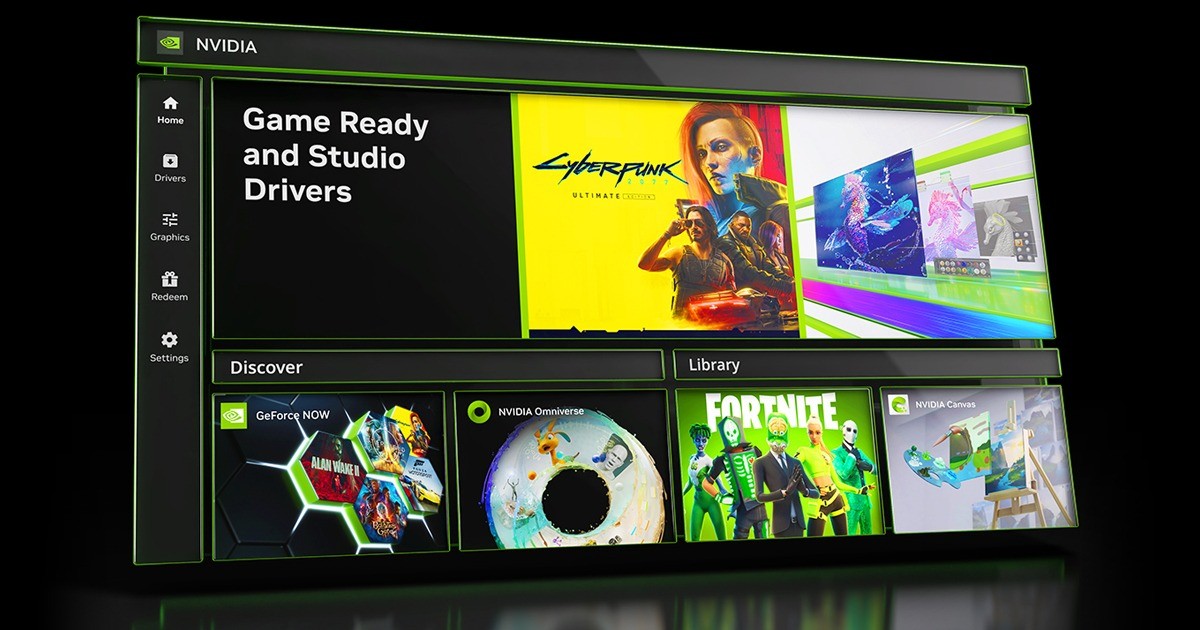
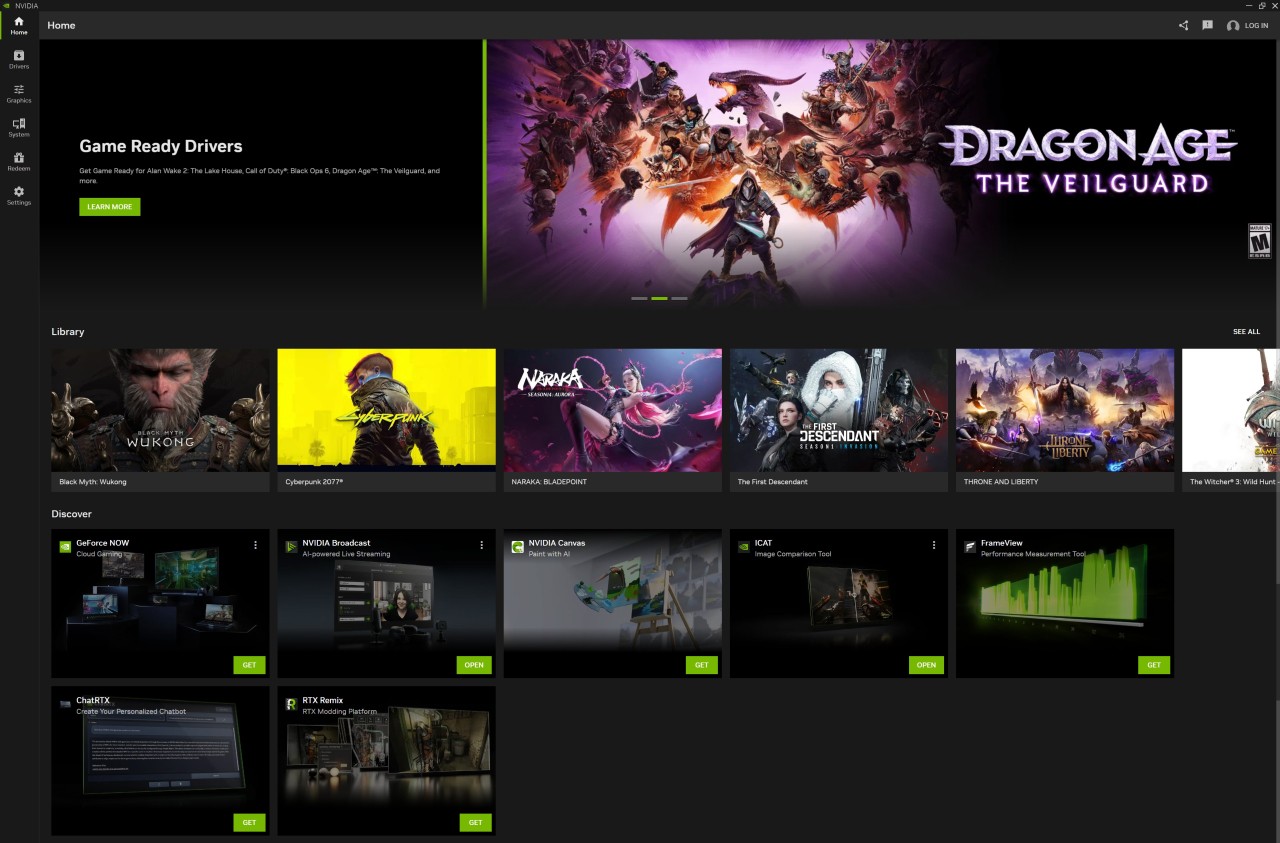
NVIDIA App is designed to help users and creators optimize, control, and increase their PC performance through the collection of tools and technologies available at NVIDIA. Be it the best in-game experience or an attempt to extract maximum potential out of your graphics card to use it in creative endeavors, the app is a hub to manage your NVIDIA settings.
It combines many features, such as game optimization, driver update, performance management, and use of exclusive NVIDIA technologies, such as ShadowPlay to record gameplay or NVIDIA Broadcast to improve streaming.
The first impression you get when launching the app is that it has a clean and well-organized interface with options and buttons that can easily lead you to your games' library, system information and settings. The app is able to automatically detect installed games and give you optimal settings on the best and optimal configuration tested by NVIDIA to show balance on frame rates and visual quality.
The use of the NVIDIA App makes most of the previously potentially manual tweaking easy to grasp by players of any skill level, as all the best out of the hardware can be realized without delving into the complex menus and settings.
Why Should I Download NVIDIA App?
The NVIDIA App is a one-stop solution to anybody interested in ensuring he/she get the most out of his/her NVIDIA graphics card. Among these are the automatic game optimization, which is one of the largest reasons why it should be downloaded. The additional aspect of the app is the elimination of the guesswork involved in setting your in-game options, which should be set to your hardware. It is time- and energy-saving, in case you do not know how to manage performance and visual quality.
Playing a competitive shooter, or an adventure game that aims to amaze on the cinematic level, NVIDIA App can assist with a good balance between a smooth game and the loss of detail. This functionality is especially useful, oftentimes, to gamers who don't want to waste time fiddling with settings to get the game to start.
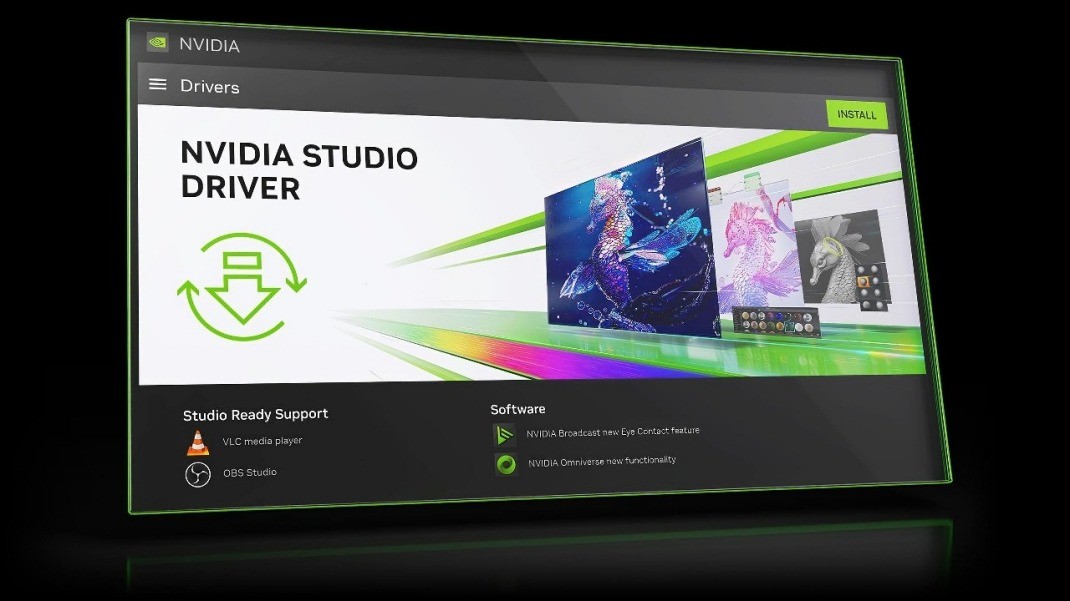
The second reason you should consider the use of the NVIDIA App is that it makes it easy to keep your system updated. Automatic driver updates will save you both the trouble of checking and installing the best graphics drivers manually. This way, you will never miss out on performance updates, bug fixes, or compatibility with the latest games immediately after the games are released. Performance overlays are also included. If you’re into streaming or content creation, the app also provides access to features like ShadowPlay.
They provide access to NVIDIA App features such as ShadowPlay, which allows recording the gameplay with a minimal performance hit, and NVIDIA Broadcast, which uses AI to process your voice and record a video with the background noise removed or virtual backgrounds. All these tools become easy to handle when they are in one place, and your system becomes efficient and organized through the use of the app.
Another argument that should be presented in favor of NVIDIA App is the way this app simplifies the customization of your gaming experience. You may adjust personal profiles, utilize worldwide templates, or follow the recommendations of the app and adjust it. The design of the app is aimed at making it simple yet deep to use so that both learning and pros can enjoy it. It comes in handy, especially when a player wishes to optimize the capabilities of his or her graphics card without having to spend several hours looking up settings online.
Is NVIDIA App Free?
Yes, the application NVIDIA App can be downloaded and used free of charge by any person having compatible NVIDIA hardware. The features of the app, such as game optimization, driver updates, or access to such tools as ShadowPlay and NVIDIA Broadcast, are free. And the basic features are not locked under additional subscription or upgrade payments. The app is actually a value-added service offered by NVIDIA to the users of its graphics cards so they can make the best out of their hardware.
What Operating Systems Are Compatible with NVIDIA App?
NVIDIA App is Windows compatible. It works with the majority of the current operating systems of Windows, usually beginning with Windows 10 and newer. The app is designed to be compatible with most of the NVIDIA GPUs, including both older versions and new ones, but newer devices are needed in order to provide certain capabilities.
The updated version of your operating system and drivers guarantees the most suitable results in compatibility and performance when working with the app. The app does not currently support any macOS or Linux operating systems because it is targeted at those utilizing a Windows-based operating system when it comes to gaming and content creation.
What Are the Alternatives to NVIDIA App?
One of the alternatives is Razer Cortex, which draws attention only to enhancing game performance rather than managing system resources. The app liberates space, shuts off the processes you do not need in the background, and makes your PC a gaming machine in a single click. Razer Cortex also has such characteristics as game deals monitoring and a reward system for playing supported games. It does not have driver updates, nor does it have any NVIDIA-specific tools, but it is a good option to maximize performance and ease of management of the system for a player.
Another solution that would optimize PC gaming performance is GameFire. It has functionality such as real-time performance and system diagnostics, as well as game file defragmentation tools. GameFire is for those who prefer to peep deeper into the way their system functions and optimize several aspects to have a more efficient system. Similar to Razer Cortex, it lacks the NVIDIA-specific options, aimed at general PC optimization.
GameBoost adopts a less complicated path to performance enhancement. The app changes the system settings and the network settings to attempt to provide people with a smoother game experience and lower response time. It targets those users who are interested in increasing performance in a quick and easy fashion without having to have technical knowledge. GameBoost does not have a full package of features as NVIDIA App, but it is capable of supplementing others as it targets system-level changes.