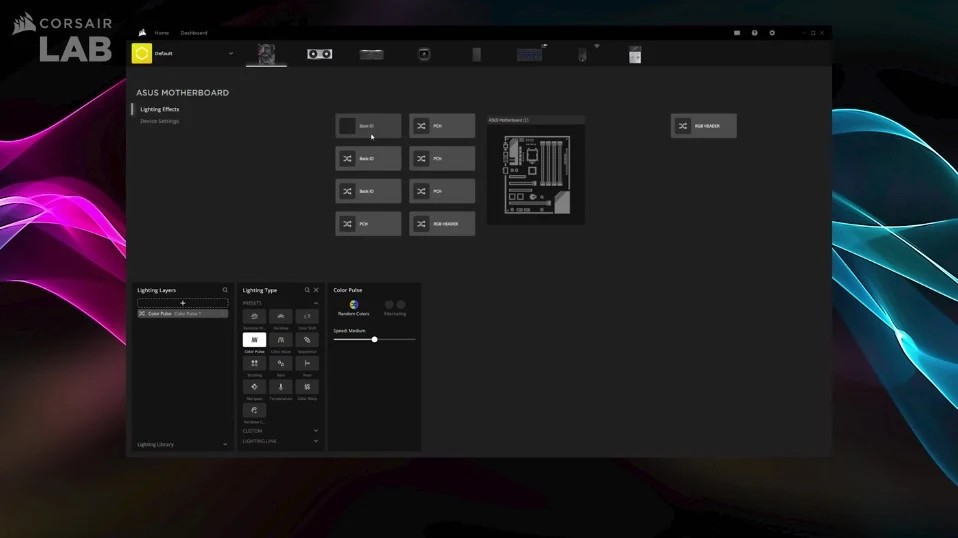
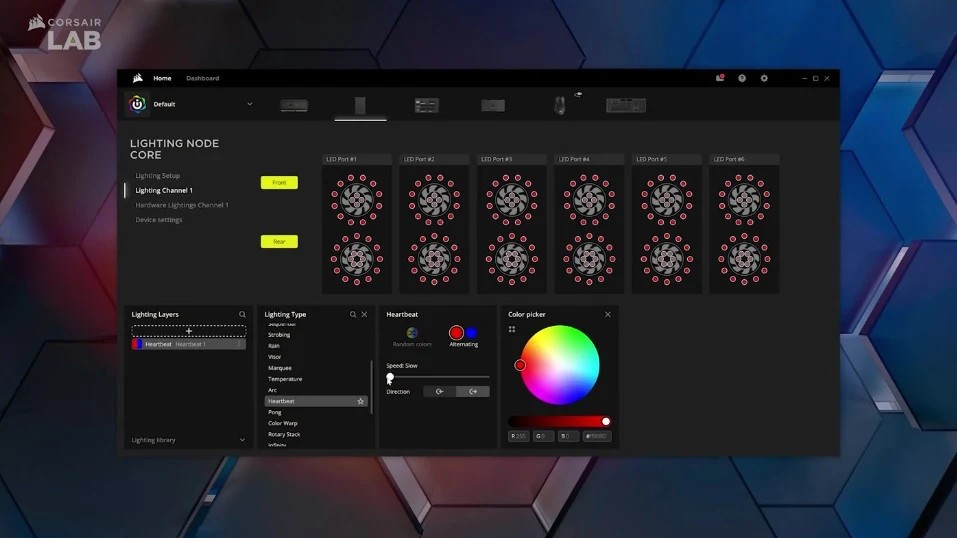
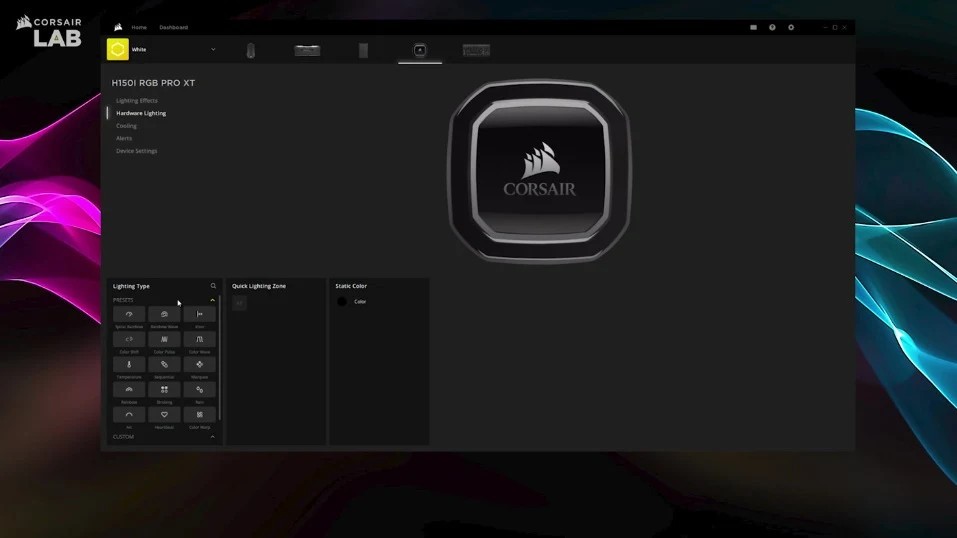
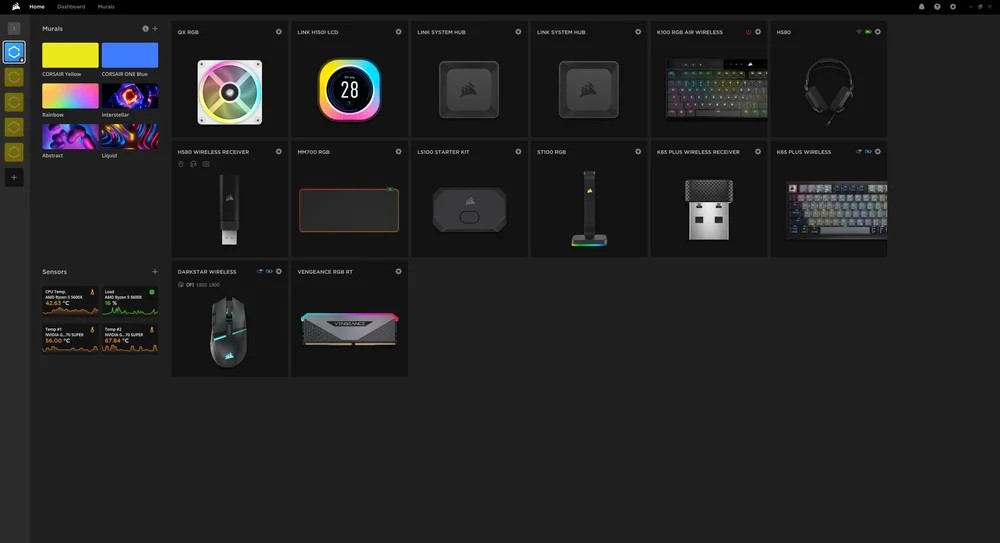
Corsair's iCUE manages nearly every device from the company that you have attached to your computer. Any Corsair product with lighting or advanced functions runs through it. All of your Corsair components sit on one central screen, where you can change lighting, adjust the fans, tune settings, set up hotkeys, and so on.
At first glance, it looks like an RGB app, but there is a lot more to it than lighting. Use it to sync your lights across every device, tie fan speed to temperature, watch your CPU and GPU temperatures, and build macros for the games or apps you use. If there are Corsair parts in your PC, iCUE hands you control of the whole experience.
One device is enough to make it worth installing, so you do not need the full product range for it to earn its place. It notices what is plugged in and hides whatever is not relevant to your setup. You will not be digging through menus or configuring options for hardware you do not own, which is more than can be said for some of the software bundled with gaming peripherals.
Why Should I Download iCUE?
Adjusting your gaming or work setup gets much easier with iCUE. Customizing your keyboard is only part of it, since you can change how everything around it looks and behaves as well.
Lighting is the obvious place to start. With more than one Corsair device, you can adjust lighting across your keyboard, mouse, headset, stand, RAM, fans, and the case. Set them to match your desktop wallpaper, sync them to whatever you are listening to, or have them react while you game. It sounds trivial until your entire setup pulses along with the music, and then going back to plain white feels like a downgrade.
Performance is the next piece. With AIO coolers and case fans, iCUE lets you build profiles based on temperature. Turn the fans down for browsing or light work, then let them spin up when a game launches. Testing different cooling profiles takes minutes, and tuning the software to your preferences keeps hardware healthy for longer while running quieter day to day.
Something else that sets iCUE apart is how it grows with your system. Buy a Corsair keyboard first, add a headset or other products later, and the software is ready for all of it. Combining those options leaves you with a single dashboard instead of four. Everything happens in the same place, and the pieces support each other. One system saves you time, cuts down background processes, and pulls your whole PC together whether you are working, gaming, or doing both.
Input handling deserves a mention too. Every button on your Corsair mouse or keyboard can be remapped to do something else, whether that is triggering a command, launching a program, running a programmed sequence, or firing off a timed group of commands. You get more done with fewer clicks and a smoother way to handle repetitive work.
The profile system is a genuinely useful piece of this. iCUE switches your settings automatically when you launch a new application, so your key configuration applies itself without you touching anything. Set a profile up once for a game and another for work, and the software handles the changeover in the background every time you move between them.
Live monitoring comes built in. CPU temperature, GPU load, fan activity, voltages, and plenty more show up instantly on one screen, updating as you work. That information helps you track down problems when something starts throttling or simply confirm that your setup is behaving the way it should under load.
Corsair also keeps working on it. New updates arrive regularly to support more gear, fix problems, and expand the feature list. The software is not neglected, and it gets updated along the lines users ask for.
Is iCUE Free?
iCUE costs nothing. Corsair gives you every feature free of charge, and managing your devices does not require payment of any kind. Once you own Corsair products, everything works as it should with no adjustments needed.
What Operating Systems Are Compatible with iCUE?
You can download iCUE for Windows, and Corsair has released a macOS version covering a small number of its products, though the Windows build carries the most features. It performs best on Windows 10 or newer. Pick the version that matches your system on Corsair's website and download it from there. It works across a wide range of Corsair devices, recognizing supported hardware the moment it connects.
What Are the Alternatives to iCUE?
iCUE is built for Corsair hardware, but other programs handle gaming accessories and PC performance in similar ways. If you own gear from other brands, or you are just curious what else is out there, these are worth a look.
Nvidia App is rapidly turning from a driver manager into something broader. It offers in-game overlays showing system information, GPU monitoring, recording tools, and a set of game-boosting options. Watching your system or tweaking output gives you much the same performance and monitoring data iCUE surfaces.
Anyone who has used Razer gear will recognize Razer Synapse as the closest equivalent. It oversees your Razer mouse, keyboard, headset, and RGB lighting. You can change macros, remap keys, synchronize lighting, and build profiles, along with fine adjustments to mouse sensitivity and keyboard response. Razer's Chroma colors carry across devices and even pair with Philips Hue lights, which brings real-time reactions into the room around you.
Armoury Crate is ASUS's take on system control. Built for ASUS motherboards, GPUs, and ROG peripherals, it covers RGB control, fan settings, and driver updates from one application. Some people find it buggy or cluttered, but when it behaves, it gives you thorough management of the system, particularly alongside Aura Sync for lighting.