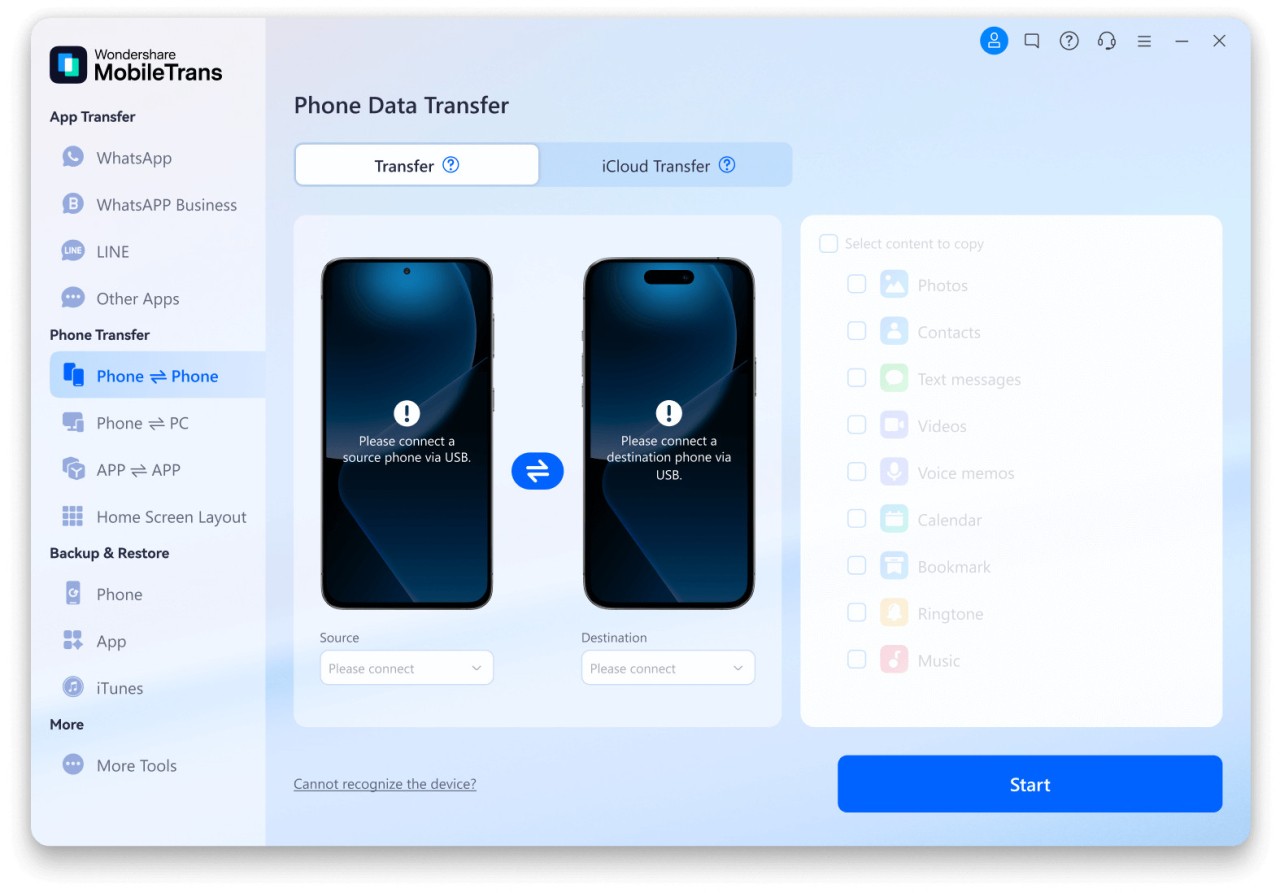
MobileTrans makes it easy to transfer the whole phone configuration and files between two mobile devices. It also allows you to create backups and restore them directly from local files on your computer. It has five main modules that contain all of MobileTrans's most important features.
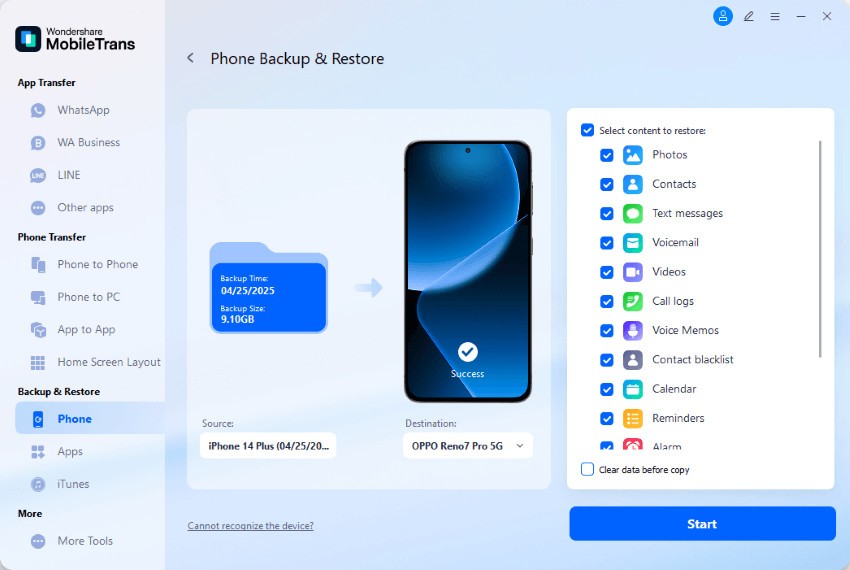
Phone Transfer is something you'd use to perform a one-click migration of all your contacts, text messages, call logs, photos, videos, music, system settings, and installed apps. With Backup & Restore, you can easily create local backups of your device and then restore them as a whole or by selecting individual items.
You can also use WhatsApp & Social Apps Transfer, which can help you migrate all chats, attachments, stickers, and voice messages from WhatsApp, LINE, Viber, and Kik. If you want to do a photo-to-phone transfer quickly, use Phone Clone, which works through a private hotspot or a QR code, so you don't need to connect the devices to your PC. The last feature you get when you download MobileTrans is the Data Eraser, which simply wipes all your personal data from a device.
You can download MobileTrans on Windows and macOS computers, and the tool supports over 6000 Android-based phones and all iPhone versions. MobileTrans is updated regularly to handle even the newest systems and devices, and it uses a USB connection so that you can transfer your data as fast as up to 600MB per minute in full quality.
Why should I download MobileTrans?
Switching to a new phone can be stressful and time-consuming, especially if you're switching between different operating systems, like Android and iOS. MobileTrans is designed to handle the entire process, has different modules, and gives you full control so that you don't need to rely on cloud storage but just use local computer files.
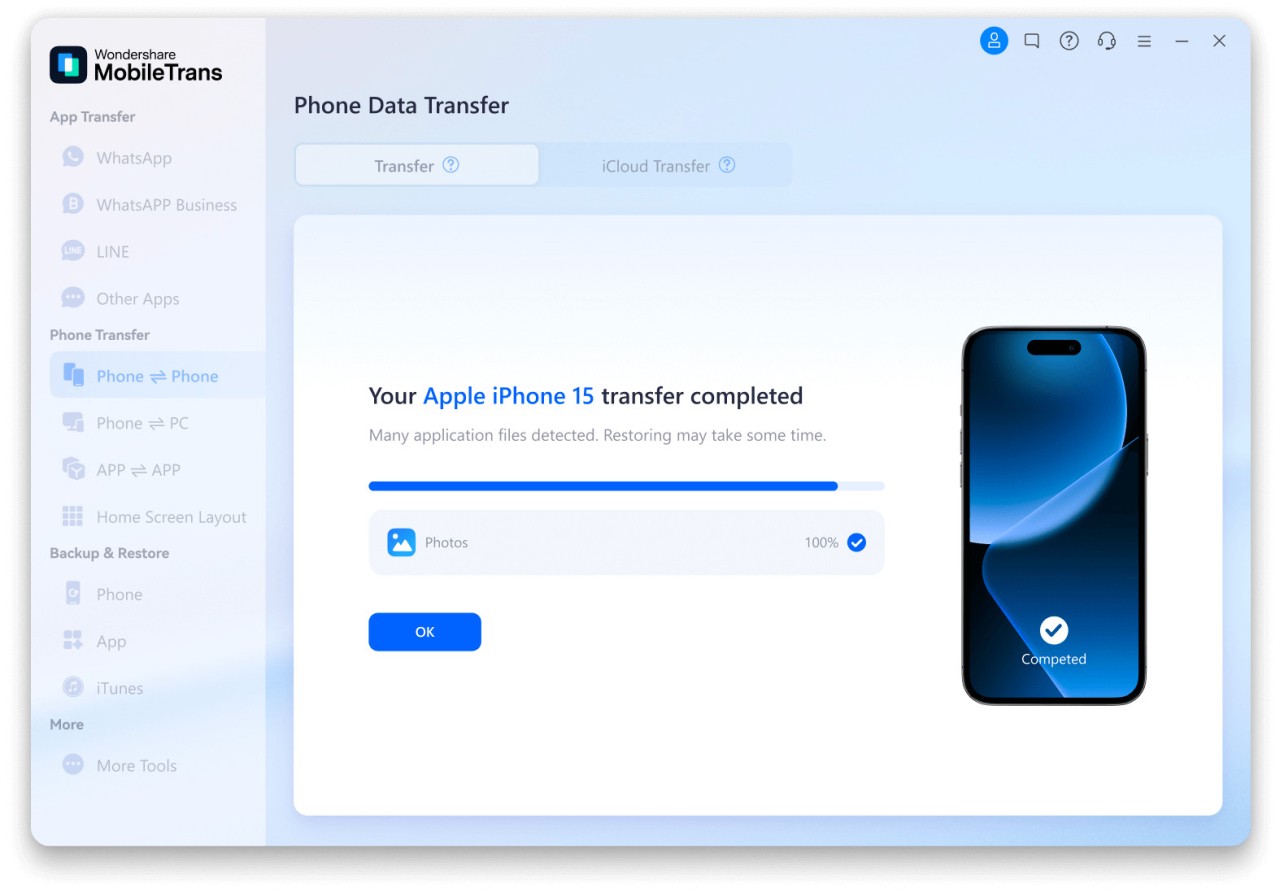
MobileTrans allows you to transfer your phone's complete data in a single click with the Phone Transfer feature. All you need to do is connect both phones to your computer so that MobileTrans can detect them, and it will create a list of all transferable content. These items include contacts, SMS and MMS messages, call logs, photos and videos, audio files and ringtone, apps and their data, and system preferences.
You can download MobileTrans when you need to move your phone configuration between iOS and Android, and all your content will keep its structure and quality. Since MobileTrans doesn't use WiFi, there should be no interruptions that could break the transfer. The transfer speed can reach up to 600 MB per minute when using USB cables.
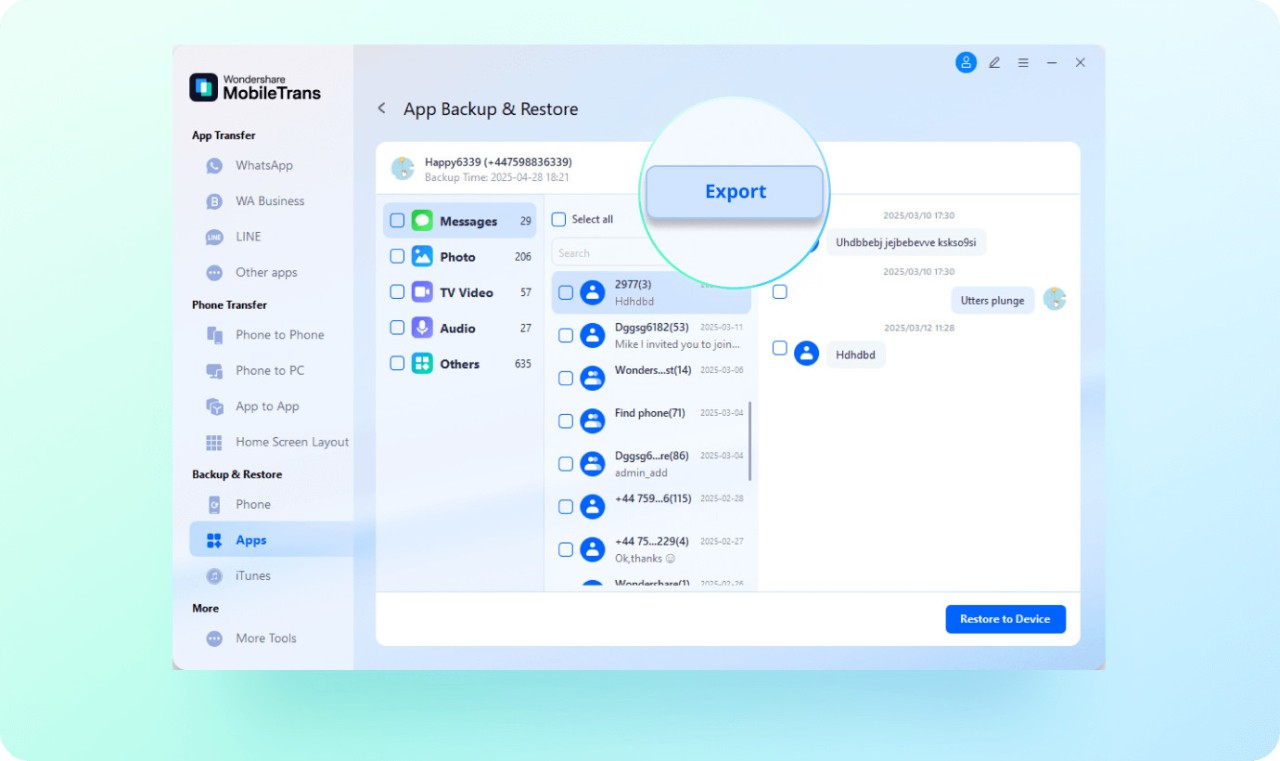
To archive the entire device or selected data, you can use the Backup & Restore module to save the files on your computer or external drive. You can protect them with a password so that no one can access the information, and then use the backups to restore your device or set up a new one. You can preview different items when restoring data, and then select
only specific ones you'd like to bring back. All your data is saved with AES-256 encryption, and MobileTrans complies with GDPR and other international privacy standards.
With MobileTrans, you can also transfer all your WhatsApp, LINE, Viber, and WeChat data because the tool has a dedicated feature for that purpose. When you select this option, all your chat logs (both group and individual), voice notes, images, stickers, attachments, and even starred or pinned messages get moved to the new phone. All of that happens offline, so you can be sure everything is kept private and not sent to an unknown cloud database.
If you can't use a computer, you can install MobileTrans on your phone and use Phone Clone to move your data over a private hotspot. All you need to do is scan a QR code and start the migration of all your photos, videos, contacts, call logs, messages, and installed apps at a speed of up to 300 MB/min.
If you want to prepare your device for reselling, use the MobileTrans Data Erasure feature that securely removes Contacts, photos, videos, messages, logs, and any cached files or login tokens.
Is MobileTrans free?
There’s a freemium version of MobileTrans lets you create unlimited backups, transfer a limited number of contacts or media files, and have only trial access to the WhatsApp migration feature.
Once you unlock all of MobileTrans's features, you need to purchase the full version, either on an individual plan for one Windows or Mac computer, or a Family pack covering up to five PCs. You can also get a business license if you need an enterprise-grade solution. All of those plans are offered on a single-payment license, not a subscription.
What operating systems are compatible with MobileTrans?
You can download MobileTrans and use it on Windows 7, 8, 8.1, 10, and 11 computers, as well as macOS 10.12 or higher. There is also a MobileTrans app for Android and iOS. To use this mobile version, you need a smartphone with either iOS 7 or later or Android 4.0 or newer.
MobileTrans supports Android devices from the following brands: Samsung, Xiaomi, OnePlus, Huawei, and Google Pixel.
What are the alternatives to MobileTrans?
Dr.Fone allows you to transfer phone files and settings, recover data, unlock the screen, and repair your system. It can be used for both Android and iOS devices, and it offers a free trial. However, to unlock all features, you need a paid license. You can choose between certain features or buy the whole bundle, but that can become expensive. It's a great and comprehensive solution for anyone needing more than just phone transfer.
FonePaw Android Data Recovery is a tool you can use to recover deleted files, such as photos, call logs, messages, or even WhatsApp data from Android devices. You can download it on both Windows and macOS computers, and apart from a free scan, you need to get the paid version to use all its features.
PhoneRescue iOS is a solution for fixing and recovering data on iPhones. You can use it to restore deleted messages, contacts, or various app data, both from iCloud and local backups. It also has features for recovering your system or repairing boot loops or failed phone updates, so it can become crucial when you're in a critical situation. PhoneRescue is not a free app, so you need to upgrade to use its features, apart from a preview you can get without buying. There is also an Android version: PhoneRescue Android.