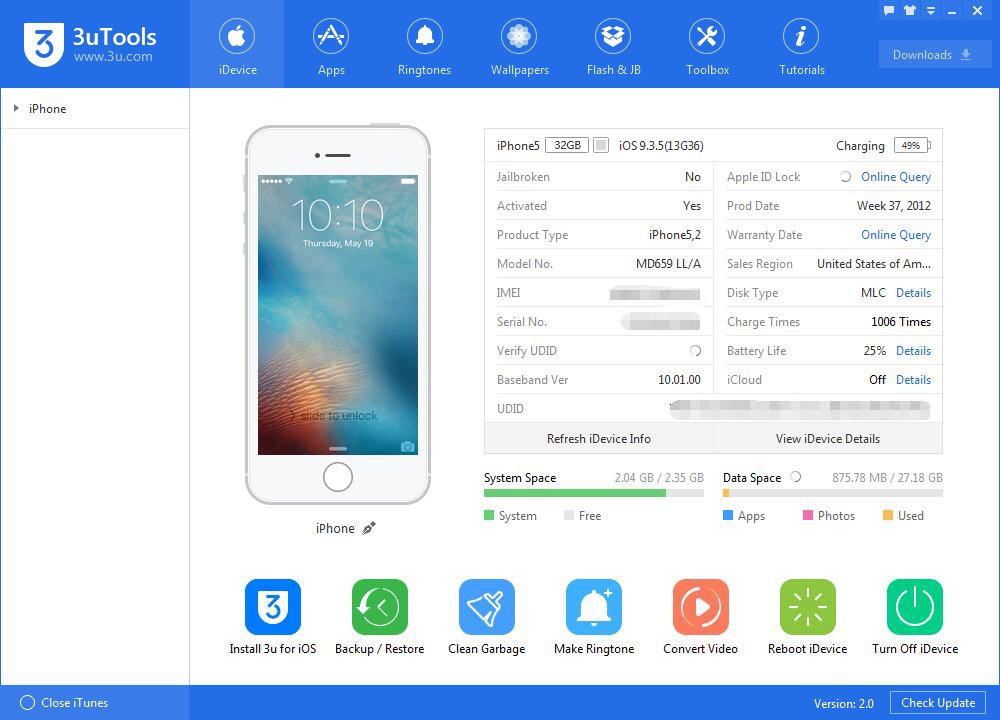
3uTools is a third-party all-in-one software for managing iOS devices, packed with built-in functions that Apple does not offer. In contrast to iTunes, which provides a more limited method of device management, 3uTools gives a more effective way to flash firmware, jailbreak iPhones and iPads, move documents, and monitor device performance. iOS enthusiasts, developers, and technicians who want fewer restrictions when working with Apple hardware tend to gravitate toward this software. It also includes tools for app management, icon arrangement, HEIC to JPG conversion, video and audio format conversion, and the ability to compress photos to save storage space.
Its firmware flashing capability helps users upgrade, downgrade, or restore their devices efficiently. This is particularly helpful if you need to fix a software-related issue or roll back to an earlier iOS version. The application also supports jailbreaking, which removes Apple's software restrictions on iOS devices and opens the door to custom apps, themes, and tweaks not available in the App Store. Batch installation and uninstallation of applications is supported as well, making it far more practical than iTunes for managing large app libraries.
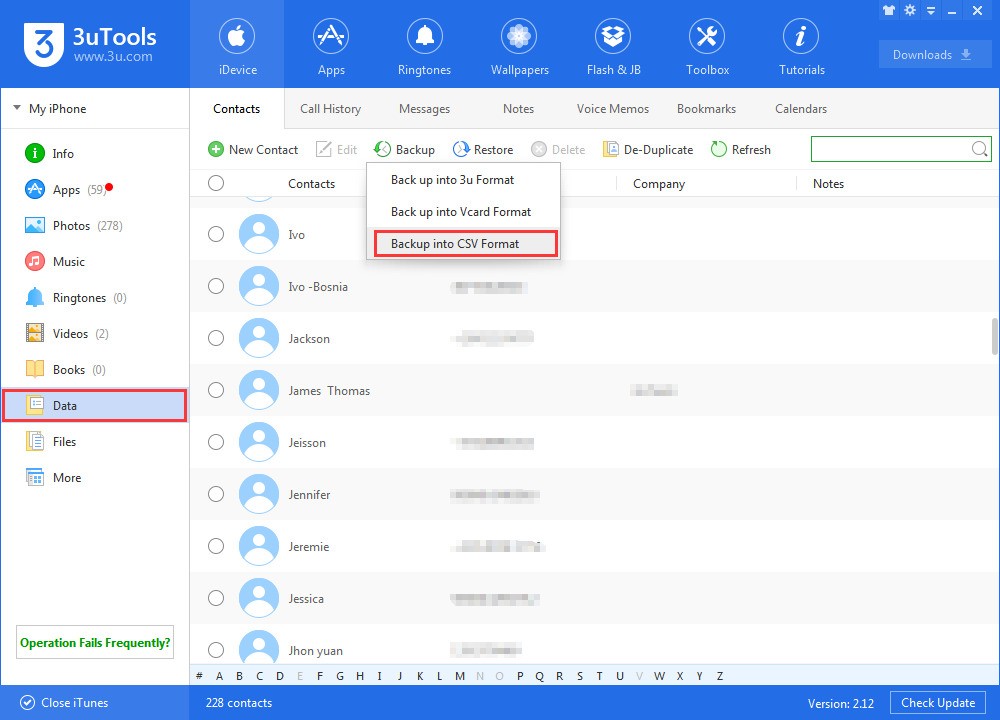
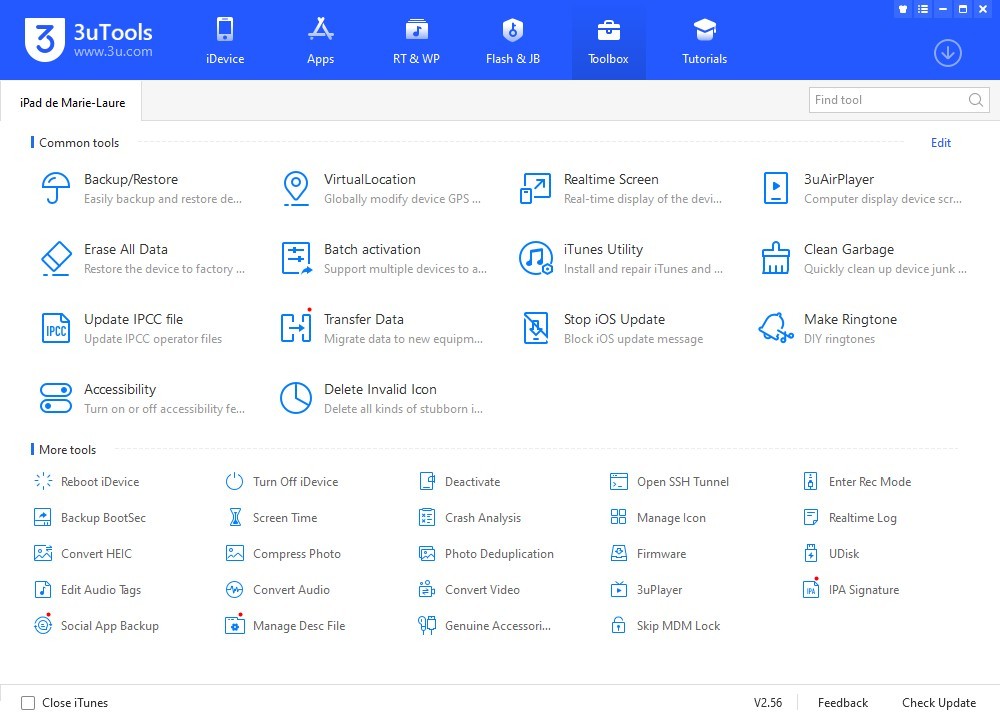
Beyond firmware flashing and jailbreaking, 3uTools offers a powerful file management system for transferring photos, videos, contacts, and apps between an iPhone or iPad and a computer. Real-time device monitoring, SHSH backup functionality, and ringtone and wallpaper customization options are also available. Additional utilities such as iOS screen mirroring to PC, Wi-Fi file transfer, and iCloud activation lock status checking extend its usefulness for technicians and power users. Because 3uTools provides this level of control over iOS devices, it has become a top choice for iDevice owners who want to get past the limitations Apple places on its consumers.
Why Should I Download 3uTools?
For many iOS users, full access to their iPhones, iPads, and iPods is useful, if not essential. One of the biggest advantages of 3uTools is its firmware flashing support, which makes it easy to upgrade, downgrade, or restore iOS firmware. While iTunes forces you to download firmware manually through a separate process, 3uTools handles it without the extra hassle. You get easy ways to repair a faulty device and test out various versions of iOS. It also has dedicated "One-click Jailbreak" and "One-click Restore" options that simplify what would otherwise be complex operations.
Another important feature is jailbreaking support. 3uTools provides a way for users to unlock their device's full potential, allowing them to install third-party applications, customize system settings, and modify the interface in ways that go beyond Apple's strict guidelines. That said, users who want to jailbreak should proceed with caution because it can introduce security risks and may void the warranty.
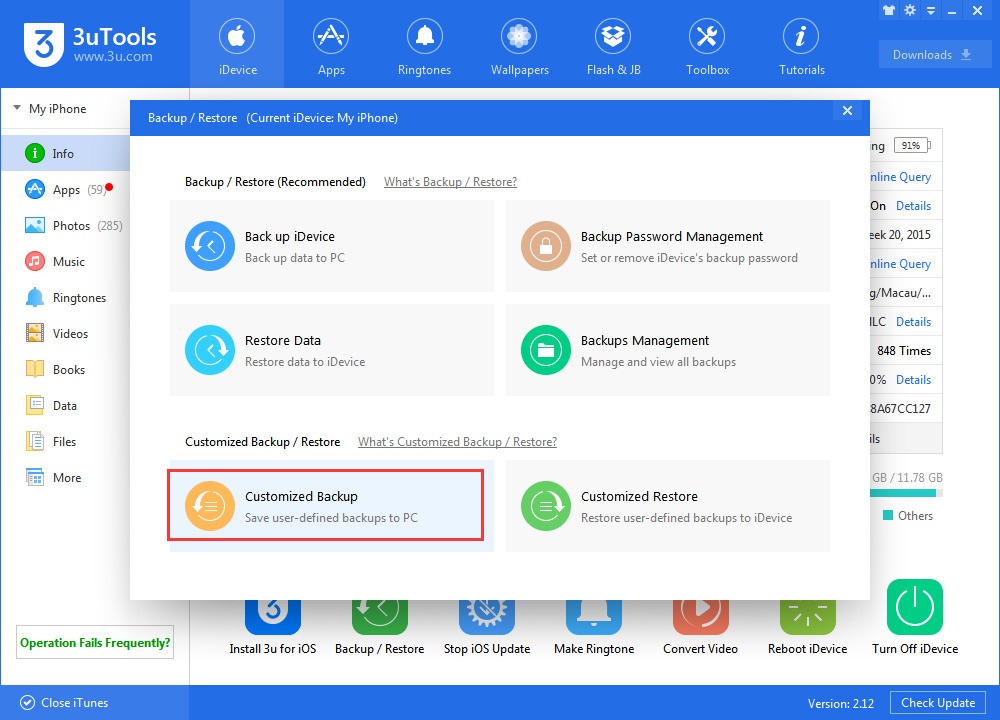
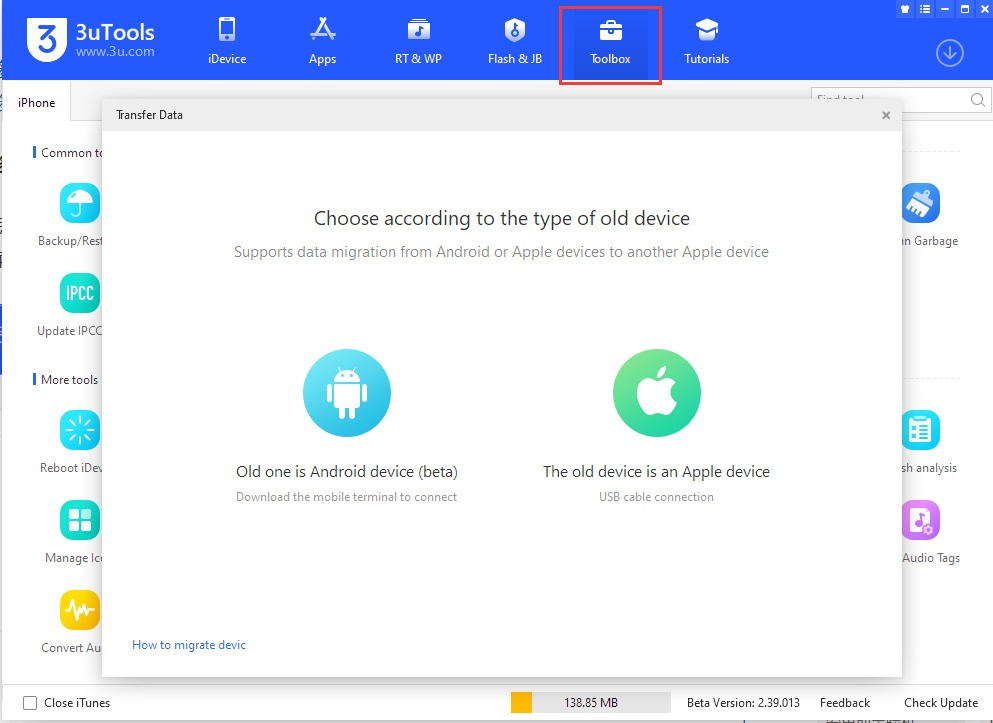
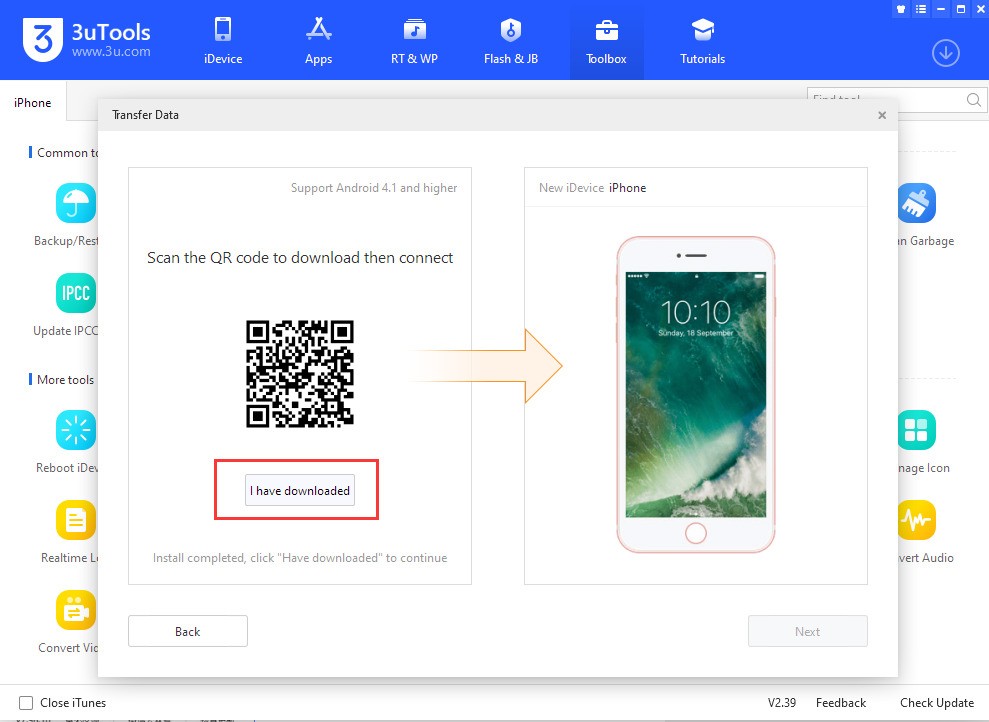
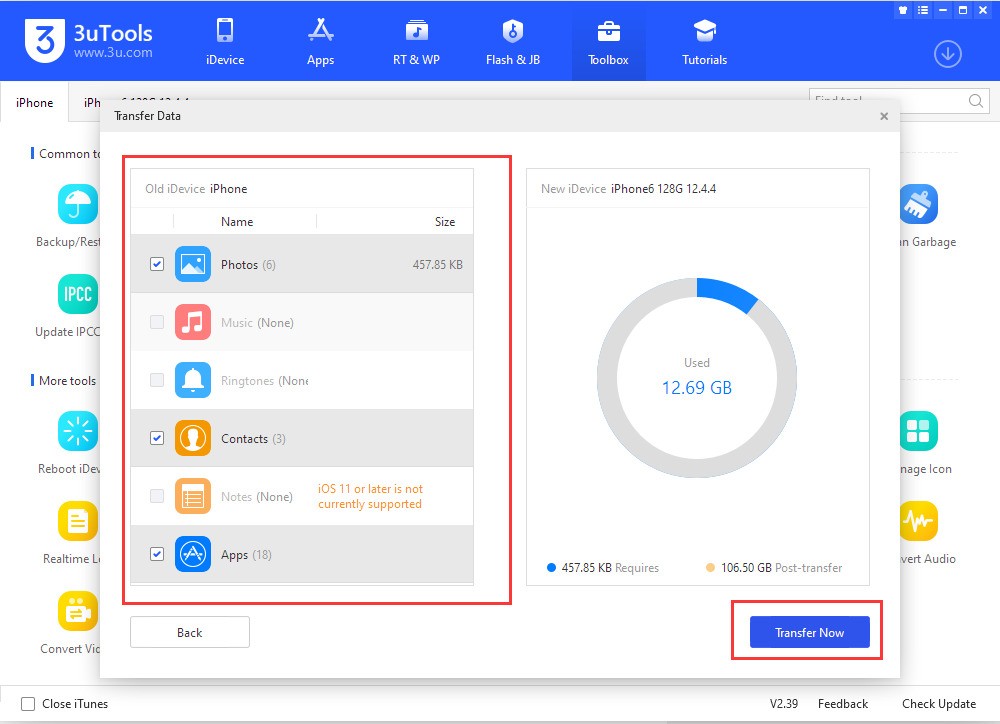
If you prefer not to jailbreak your device, plenty of other features are still available. The data transfer tool helps users move files to and from their iPhone and computer without needing iCloud or iTunes. This is especially helpful when you want to back up data, free up storage space, or move files without dealing with Apple's occasionally restrictive syncing process. The software also has a device cleanup feature that wipes junk files, optimizes system performance, and monitors battery health to ensure longevity. It provides detailed battery charging history and health reports as well, which are particularly valuable when diagnosing performance issues.
3uTools also features real-time device monitoring and diagnostics that help you keep track of your hardware. You can review actual device information such as CPU and battery activity, storage usage, and network status. Spotting potential problems early, before they become bigger issues, makes this a solid diagnostic and maintenance tool.
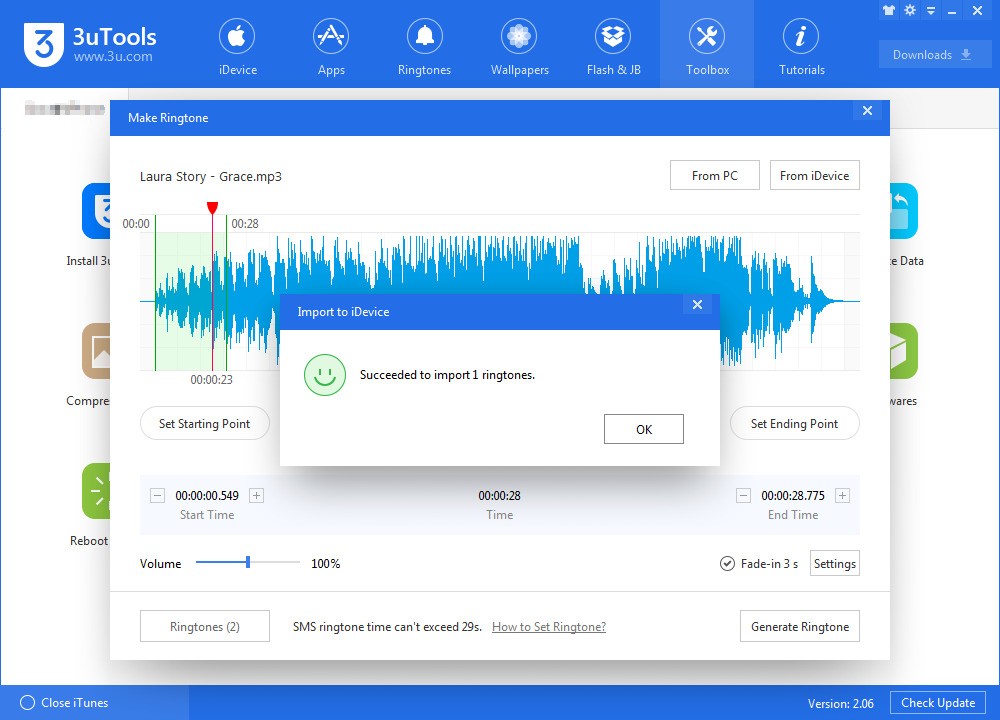
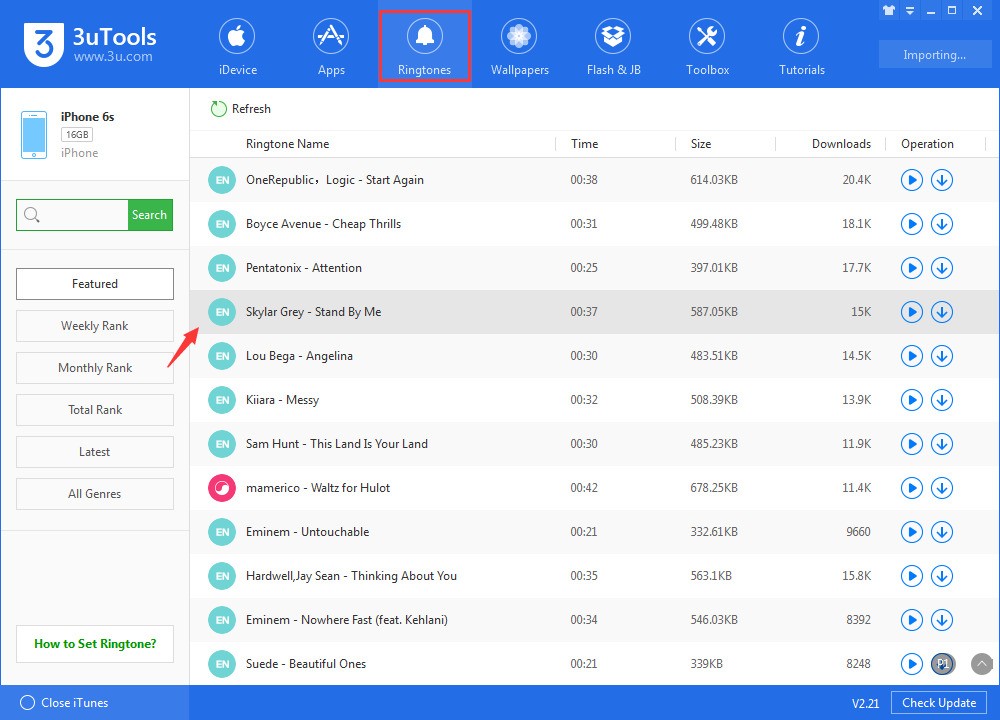
Customization is another major function. It lets you create personalized ringtones, change wallpapers, and install third-party apps that are typically unavailable through the App Store. This is especially attractive for users who want a more tailored feel on their iPhone or iPad. You can even rearrange icons and browse system files, giving you low-level access to your device that iTunes simply does not provide.
Downloading 3uTools gives you a capable toolkit to manage iOS devices and work on them efficiently. Whether you need firmware flashing, jailbreaking, file transfers, or performance tools, 3uTools is a full-featured solution that, despite being free, still offers more than what Apple natively provides.
Is 3uTools Free?
Yes, 3uTools is a free software application. Unlike many other third-party iOS management tools, such as Syncios, or iTools, which provide a paid version alongside a limited free edition, 3uTools lets you access its full functionality without paying a thing. You can flash firmware, jailbreak devices, transfer files, and optimize performance at no cost.
There are some risks worth knowing about, though. While the software itself is free, one of its key features, jailbreaking, carries inherent risks. Making unauthorized changes to an iOS device can create security vulnerabilities or void your warranty. Still, 3uTools remains one of the most affordable ways to manage your Apple devices, and you can use every feature without spending a penny.
What Operating Systems Are Compatible with 3uTools?
3uTools supports Windows systems, including Windows 7, 8, 10, and 11. It works across different system configurations without issue. However, 3uTools does not have a native version built specifically for macOS.
Mac users who want to run 3uTools need virtualization tools like Parallels Desktop or Boot Camp to install Windows and run the software from there. While this limitation may seem restrictive, 3uTools remains a popular option thanks to its extensive feature set and user-friendly interface. There is also a companion mobile app called 3uTools Assistant, which works as a helper tool but with limited functions compared to the desktop version.
Despite targeting desktop systems, 3uTools is compatible with iOS devices ranging from iPhones and iPads to iPods.
What Are the Alternatives to 3uTools?
Some common alternative apps include iTools, which has similar backup and file management features. It simplifies file transfers through an intuitive interface that even novice Apple users can handle with ease, letting you transfer files, manage apps, and create backups without iTunes. iTools also includes extra utilities such as battery diagnostics, the ability to reorganize the home screen and app icons from the computer, ringtone creation tools, a screen mirroring feature to project the iOS device on the PC. It also includes partial access to app sandbox files. iTools has a less capable set of utilities compared to 3uTools since it lacks firmware flashing, jailbreak support, and a few other tools, but it may still work well for general use.
Another tool worth trying is Tenorshare ReiBoot, although it leans more toward iOS system recovery than the file managers mentioned earlier. It helps solve problems such as boot loops, black screens, and stuck recovery modes. It can also downgrade iOS without erasing data, reset devices when needed, execute standard and advanced iOS fixes that resolve over 150 system faults, and enter or exit Recovery Mode with a single click. ReiBoot is more versatile for system recovery because it works with iPhones, iPads, and Apple TV. The free version is limited to Recovery Mode functions, while the paid version unlocks full repair capabilities. Although 3uTools has certain troubleshooting capabilities, ReiBoot is built specifically for iOS system repair and is better suited for users who encounter those kinds of problems on their devices.
You can also consider AnyTrans, which is an all-in-one data management tool. It allows you to transfer, back up, and organize files not only on iOS but also on Android devices. AnyTrans supports photos, videos, messages, contacts, apps, and even WhatsApp data. Unlike traditional transfer tools, it eliminates format constraints, giving you full control over your files. It also integrates with cloud services like Google Drive, Dropbox, and OneDrive, so you can sync content across different platforms. For users who want a simple and powerful solution for switching devices or managing large amounts of data, AnyTrans offers wireless transfer, selective backups, and extra features like video downloading and music management without iTunes.