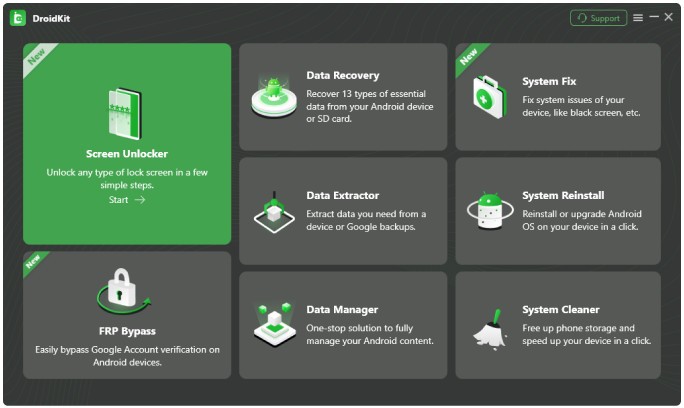
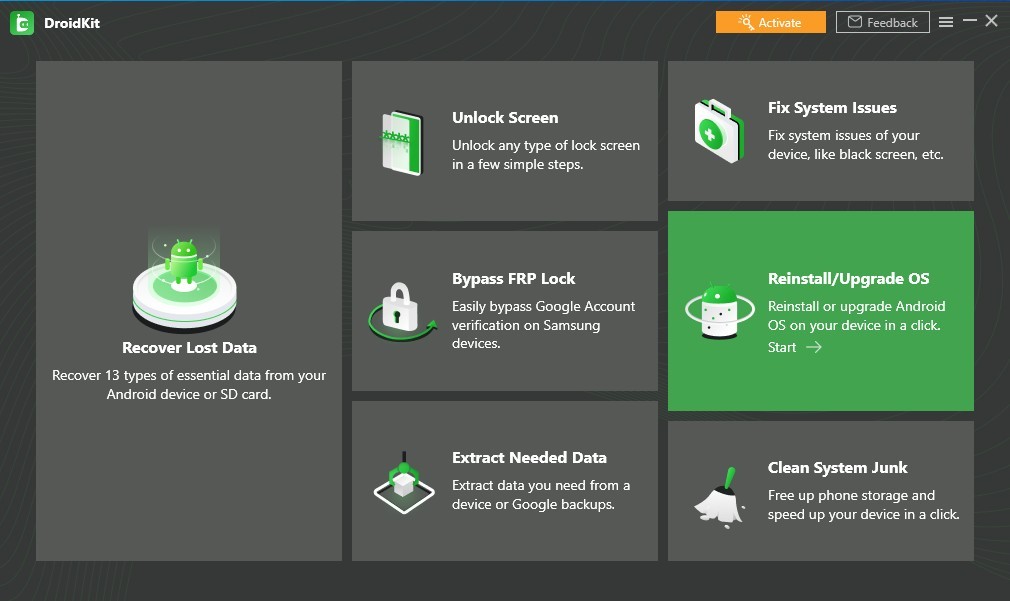
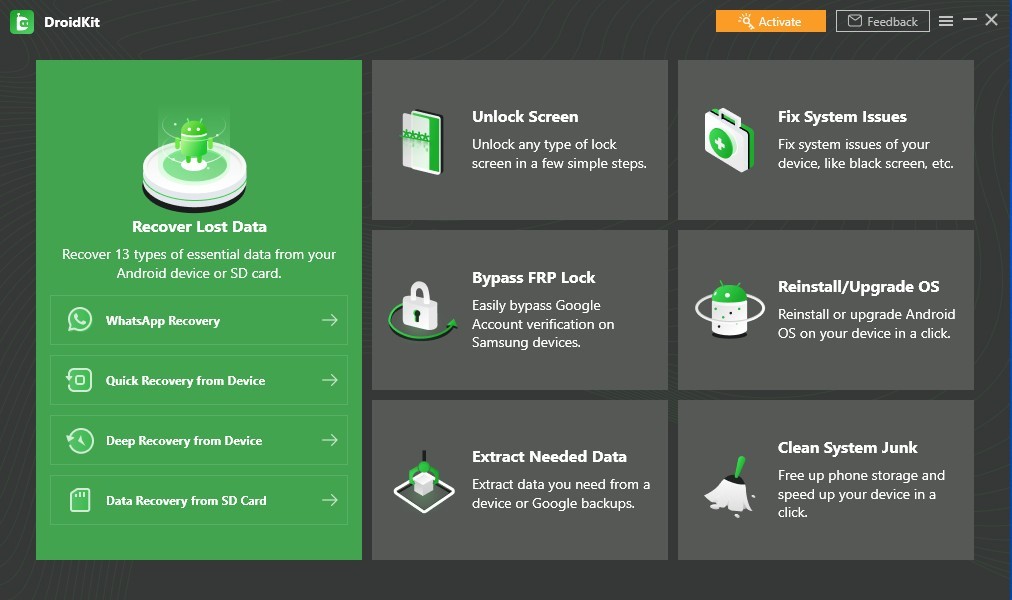
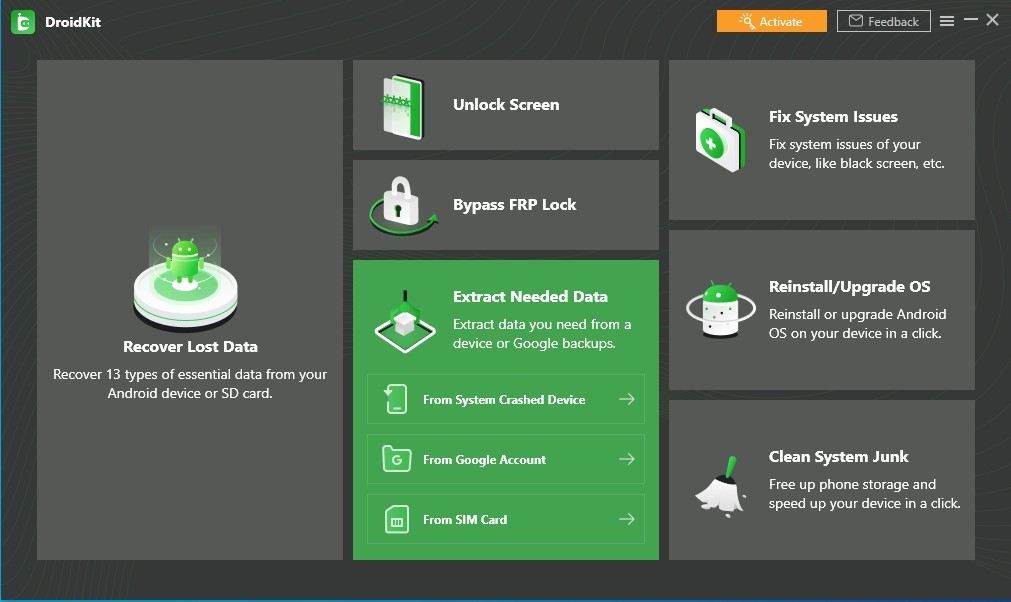
Users can leverage DroidKit as an all-encompassing toolkit to easily recover lost data, solve system problems, unlock their screens, and manage their Android devices. DroidKit from iMobie provides users with a comprehensive range of features that cater to various Android device management needs. Users can rely on DroidKit to find solutions for various problems like accidental data loss combined with frozen screens, followed by forgotten passwords and slow performance.
User-friendly operation stands out as DroidKit was developed to avoid the typical sophisticated requirements of traditional data recovery tools. The software lets users restore erased photos, texts, dial logs, applications, videos, documents, and messages from broken or unresponsive devices while operating on an unrooted Android system. Through its system repair function, DroidKit enables users to solve Android system failures and display issues and recover from boot loops without deleting stored data. DroidKit software features the ability to bypass factory reset protection for devices that Google has locked because of its FRP (Factory Reset Protection). It also includes a secure method to reinstall or update the Android system on Samsung devices without rooting, flash tools, or risking data loss.
The device management functionality of DroidKit includes features that allow users to choose specific files for extraction and enable backup and transfer capabilities. Through DroidKit, users gain access to a multipurpose tool that enables them to restore WhatsApp data and retrieve broken device contents as well as clean system storage for better gadget performance. The system cleanup function identifies cache, large files, APKs, and background apps, allowing users to remove unnecessary items with a single click to optimize performance and storage management. Users should consider the extensive set of features as the main reason to choose DroidKit when they are looking for fast Android resolution methods.
Why Should I Download DroidKit?
DroidKit represents more than an Android tool, since it serves as a comprehensive toolkit to treat various device problems, which establishes it as an essential Android application for users. Downloading DroidKit proves necessary because it provides data recovery features. Using DroidKit, users can recover their essential files effortlessly, even when technical methods prove difficult to perform.
Data recovery through this software occurs without root access, which differentiates it from other toolkits, thus making the solution safer for universal access. DroidKit supports both rapid recovery for recent deletions and deep recovery for heavily deleted or lost data, including extraction from Google backups, WhatsApp backups, Google Photos/Contacts/Calendar, inoperable Samsung devices, and SIM cards.
The system repair feature of DroidKit represents a compelling motivation for its usage as a tool. Android smartphones encounter multiple operational difficulties that cause devices to freeze, experience interrupted performance, and screen-looped operations, which result in slow device speed.
DroidKit provides users with a smart repair tool that fixes system errors effectively by maintaining their stored data instead of requiring a factory reset and manual troubleshooting. The system repair capability of DroidKit makes it suitable for people dealing with recurrent software glitches that affect their smartphones. It can resolve more than 50 system issues, including black screens, app crashes, unresponsive touchscreens, camera problems, and boot loops.
DroidKit enables users who have lost their screen lock passwords or purchased locked-screen second-hand phones to find an efficient method of unlocking their devices. A single tool enables both novice users and professionals to eliminate any screen lock type, including PINs as well as passwords, patterns, and fingerprint security protocols. The feature delivers crucial benefits to users who cannot access their devices because it offers them an expedient means of unlocking them.
A great and much-appreciated feature of DroidKit lets users pass through Google's FRP lock protection. A reset device blocks access to the user because FRP protection prevents users who have misplaced their Google account details from entering. Through secure methods, DroidKit enables device owners to defeat the lock mechanism so they can regain control without performing the official Google verification. The feature provides valuable assistance to people who acquire second-hand Android devices with enabled FRP protection.
Once installed on the system, DroidKit improves device speed by removing system junk and also enhances storage management capabilities. Android devices become sluggish because they store unneeded cache files together with data duplicates and leftover application files from removed programs. DroidKit provides users with the cleanup function to clear unused storage and make their device operate faster.
Additionally, the software comes with a full suite of device management tools that let users quickly manage contacts, WhatsApp conversations, films, photographs, and videos, as well as selectively remove files and back them up, and transfer them across devices or to a computer.
Is DroidKit Free?
DroidKit exists in two distinct versions, including its free basic version and its premium enhanced version. The basic version of DroidKit lets users perform free data scanning and limited file recovery operations. The premium version unlocks all features of DroidKit, including advanced data recovery, system repair, screen unlocking, and FRP bypass functions that remain hidden in the basic version.
Users can obtain DroidKit Premium by purchasing it through a subscription plan or by making a one-time payment according to their selection. The paid version of the software provides unrestricted access to all features because the free version offers only limited utility for data recovery scans and overview insights. The extensive capabilities of DroidKit enable users to get sound value when seeking an effective solution for repairing and recovering their Android devices.
What Operating Systems Are Compatible with DroidKit?
Users from all operating systems can access DroidKit because it supports both Windows and macOS platforms. All Windows versions from Windows 7 up to Windows 11 provide support for running DroidKit, which enables users to carry out their Android data recovery needs along with system fixes and additional Android operations. Users who operate with Mac computers can utilize DroidKit software, since the program runs seamlessly on macOS platforms without requiring any extra compatibility programs.
The supported Android devices within DroidKit's parameters include devices made by Samsung, Google, Huawei, OnePlus, Xiaomi, Oppo, and many other brands. Users can recover data while solving system problems using DroidKit, as it supports all Android versions from older to newer models. DroidKit provides versatile Android device management because it supports numerous Android OS versions across different brands.
What Are the Alternatives to DroidKit?
Other software programs exist as alternatives to DroidKit, although this tool presents a wide range of functionalities.
Among all available alternatives, Dr.Fone, by Wondershare, is the most widely chosen tool. Dr.Fone reproduces the same data recovery capabilities as well as system repair characteristics with screen unlocking features, which DroidKit offers. This management solution serves both Android and iOS devices; therefore, it represents a suitable choice for customers who need universal device recovery support. However, Dr.Fone’s exact capabilities depend on the module/version purchased and on the target device and Android version. Some of this tool's functions require users to buy additional features separately, which affects the overall purchasing cost of getting a complete solution.
Tenorshare UltData for Android specializes in Android data recovery operations as one possible alternative recovery solution. This software enables users to recover removed files, together with missing messages and WhatsApp information, from their devices when they have no backup saved. Its data recovery strength stands out, but system repair and unlocking functionality are not available, which makes it more specialized compared to DroidKit. Also exists for iOS.
The data recovery and system repair specialized product from iMobie is called PhoneRescue. The application specializes in retrieving lost files, enabling users to recover their WhatsApp messages and contact data. The system's functionality covers various Android issues, but it cannot provide unlocking capabilities or FRP bypass features, which DroidKit can perform as a whole package solution. Also exists for iOS.