Tenorshare UltData for Android isn’t something you download just for fun. It’s one of those tools you end up looking for after a bad day. You know the kind of day—your phone updates and suddenly some chats vanish, or maybe you’re cleaning storage and tap the wrong button, or the system crashes when you weren’t expecting it. In that moment, people usually panic. The first thought is always the same: “How do I get my stuff back?” That’s where UltData comes in.
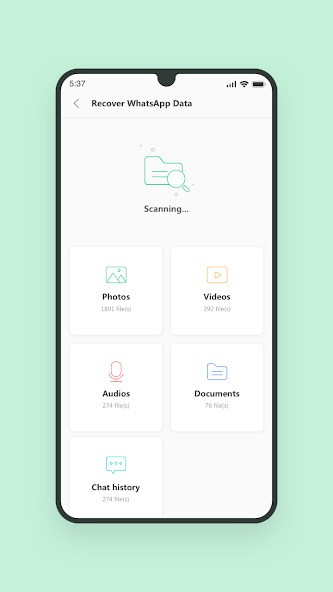
The program is built to scan your device and show you files you thought were gone. A photo album that disappeared, a set of WhatsApp conversations, an old contact, or even a small document—these are the things it digs out. And the nice part? You don’t need to be a tech expert. The interface is simple, almost self-explanatory. You open the program, connect your phone, follow the instructions, and let it work. Even if you’ve never touched recovery software before, it won’t feel intimidating.
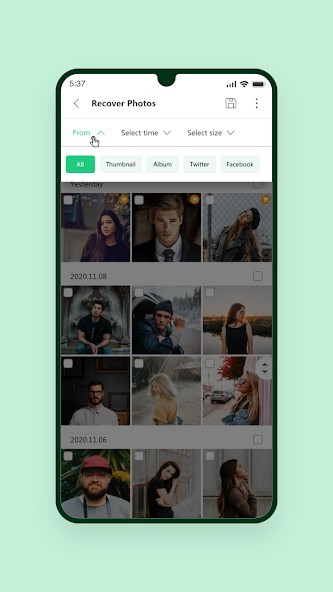
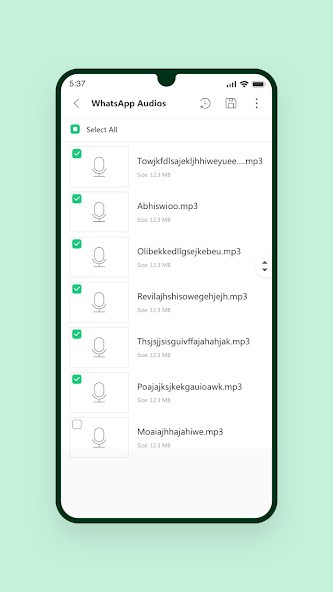
Control is another detail that makes it different. Some recovery programs just dump everything they find back into your phone. That can be messy. UltData lets you preview results and choose only what you actually need. Maybe five photos out of hundreds. Maybe just a single thread of messages instead of the entire archive. That kind of selective restoration keeps things clean and saves time. And since it works on both rooted and non-rooted devices, it’s accessible to more people. Many tools lock features behind rooting, which a lot of users avoid. Here, you can get results without taking risky steps.
Why should I download Tenorshare UltData for Android?
Losing data happens to everyone at some point. Phones aren’t perfect, and people make mistakes. A single tap, a sudden freeze, or a crash is enough to delete something important. That’s the reality.
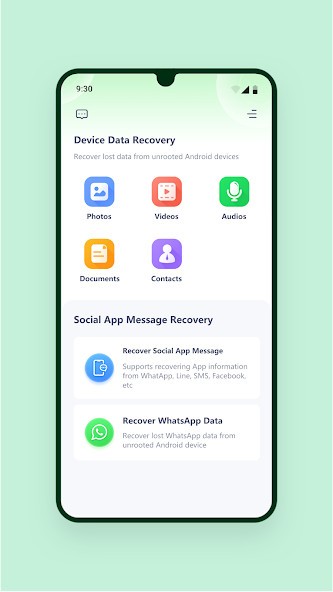
UltData covers more than just pictures and videos. You can recover call logs, text messages, contacts, and even app data like WhatsApp or WeChat chats. That makes it useful not only for casual users but also for people who rely on their phones for work. Imagine losing a client’s number or a set of work messages—that can be more than inconvenient.
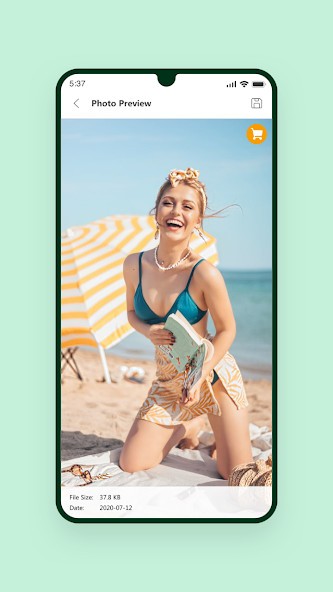
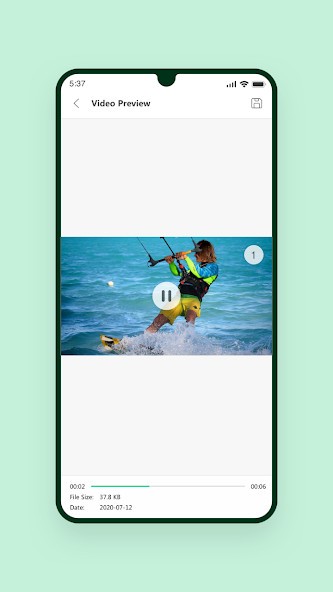
Another highlight is the preview option. Before restoring anything, you see exactly what the program has found. That’s reassuring. Instead of blindly pulling everything back, you can check what’s worth saving and skip the rest. It’s a small detail, but when you’re already stressed about lost files, clarity helps.
The truth is, what sets UltData apart is how approachable it is. You don’t feel like you’re diving into technical territory. And knowing the developer, Tenorshare, has been around for years adds another layer of trust. They’ve built a reputation in repair and recovery software, so this isn’t some random experiment. Downloading it feels more like a safety net than a gamble.
Is Tenorshare UltData for Android free?
Here’s the part most people want to know. UltData is not fully free. It gives you a trial version, but that’s limited to scanning your phone and showing you what can be recovered. Even that has value—you can at least confirm whether your files are still there.
But if you want to actually bring those files back, you need a paid license. You can choose a monthly, yearly, or lifetime option. Some users hesitate at the cost, but think about what’s being saved. Family photos. School projects. Work messages. At the end of the day, the price is usually easier to accept when you compare it to the value of the data.
One thing that stands out is transparency. There aren’t hidden upgrade tiers or sneaky locked features. The free version previews, the paid version restores. That’s it. Simple and upfront.
What operating systems are compatible with Tenorshare UltData for Android?
The name makes it sound like something you’d install on your phone directly, but that’s not how it works. UltData must be installed on a computer, and then it connects to your Android phone with a USB cable. The heavy work happens on the desktop side.
On computers, it’s compatible with Windows and macOS. Windows 11 and 10 are supported, as well as older versions like 8 and 7. On the Mac side, it runs on newer versions of macOS and even some older releases. Basically, most machines can handle it without issues.
Once installed, the steps are simple. Plug in your Android device, open the software, and follow the on-screen prompts. It supports a wide range of phone brands—Samsung, Huawei, Xiaomi, Oppo, Google Pixel, OnePlus, Motorola, and many more. People sometimes assume recovery tools only support a couple of big names, but UltData’s list is far longer.
But that’s not all. Tenorshare UltData for Android is also available as an Android App; You can download it on your phone or tablet to recover data directly. It is a bit more limited than the computer version, as you won’t be able to recover some types of data, but it is still an interesting solution.
Note that Tenorshare UltData also exists in an iOS version for iPhones and iPads.
What are the Alternatives to Tenorshare Ultdata for Android?
DroidKit is not just a file restorer, but something more. One can use the software to fix a crash in the system, open a locked phone, or even install Android again in case everything goes terribly wrong. Other users would believe that it is a total repair package, and that is good. It might seem extravagant to others. The added features can be redundant when all you had to do was access a couple of photos or a chat.
The other one is called Dr. Fone by Wondershare. It is not limited to Android, as UltData is. It is also compatible with iOS, which is also handy in the event of switching platforms. It also has the phone transfer and repair feature besides the recovery. The limitation is its price; it is very costly, and the layout appears to be cumbersome, among others. However, because of its ancient history and brand image, many people believe in it.
The last one, which is worth mentioning, is the PhoneRescue for Android. This one keeps things simple. You do not get many extras, but you get mere recovery. Images, narratives, information about those applications--it does not cause dizziness. And in a bad case, when a phone is not starting at all, it appears to be capable of going around it to extract files when others have failed to do so. It may actually be a lifesaver to the users who are caught in such a predicament. Also exists in an iOS version.