Quick Startup is the kind of software that starts small, lightweight, simple, and nearly invisible. However, it performs one of those background chores that can mean the world in terms of how your computer acts daily. It is a startup manager that is made to regulate which programs open as your system starts up.
You have probably experienced when you turn on your computer that it feels like it is taking so long to start working, despite the fact that when you initially bought it, it started quickly. If so, then Quick Startup comes in to remedy that. It doesn’t do wizardry; it just gives you more control over what’s happening behind the scenes at startup. All the programs that silently crept into your startup begin to pile up, and Quick Startup is present to demonstrate what is doing what, what can wait a little bit, and what should not be there at all.
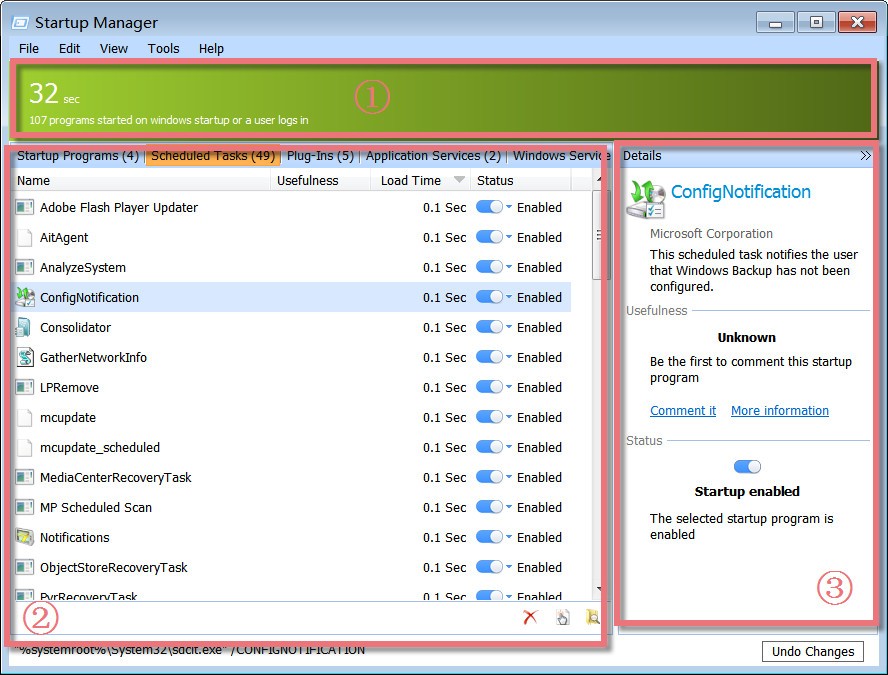
It presents the information in a neat way. There is no searching through thick system configurations or Registry files. You launch Quick Startup, and there you go: a list of applications, their start-up impact, their current status, and the power to disable and postpone it. It’s a small utility that focuses on one job, and it does it surprisingly well. That one job can make a big difference to system performance.
Why Should I Download Quick Startup?
Slow boot-up time creeps up on you. It is initially several seconds more than normal. However, in no time, you are seated waiting, looking at the loading screen and flipping through slow applications, and wondering what happened. Hardware is not the problem, but most people aren’t even aware that the culprit is bloated with redundant programs on the startup list.
Quick Startup doesn’t attempt to clean your entire system or to turbo-charge your PC with huge claims. It just lets you manage startup programs. That type of control can actually change your experience. It’s also a relief when you’ve cleared the clutter, and now you are able to prepare your desktop within seconds rather than minutes.
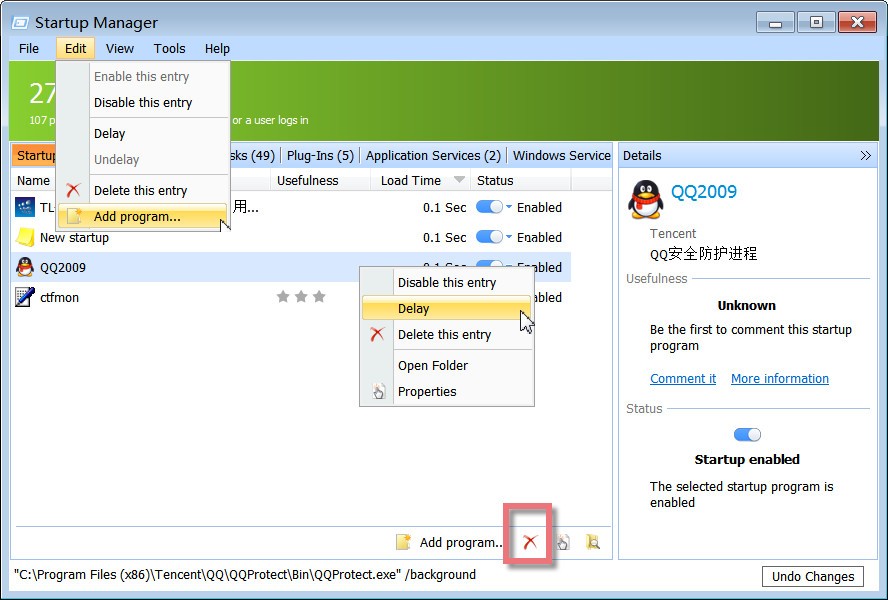
The most beneficial aspect of Quick Startup is that it is visual. You do not just see the names in the list; it presents you with the publisher, the delay of the startup, and the condition. You can turn on, turn off, or postpone applications. And it is surprisingly effective, too, because of that delay feature. Rather than loading all the applications simultaneously, you can stagger the applications to avoid overloading the system during startup. It also helps you have a better feel for the habits of your system.
You might discover programs you didn’t even know were installed on your computer, and whenever you switch on your computer, they just silently start. Quick Startup doesn’t just clean it up. It gives you an inside look at how your system is behaving, what is hogging resources, and what can be put on hold safely.
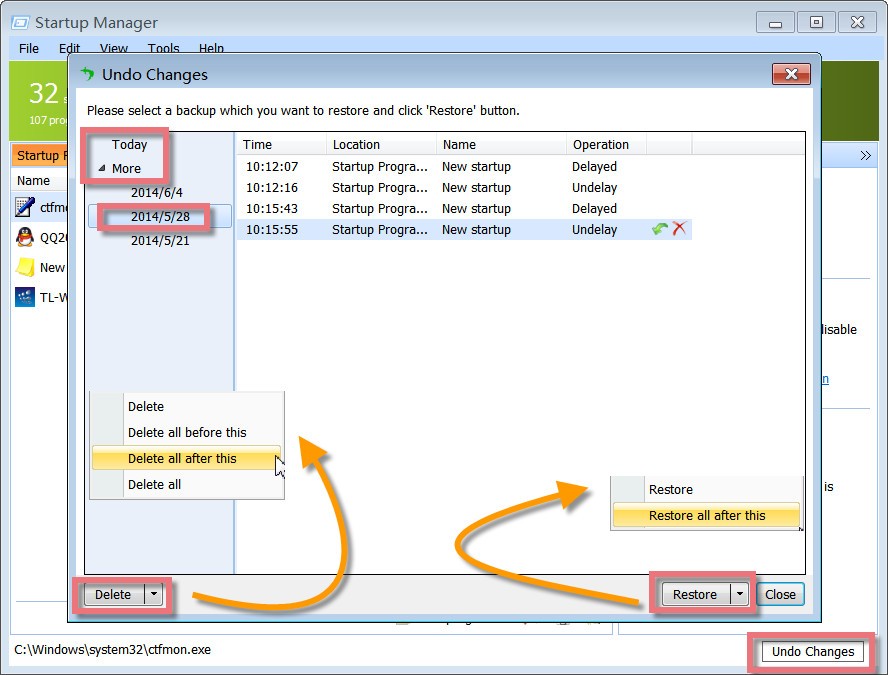
Another bonus? It is non-hazardous. Rather than deleting or uninstalling any of the programs, Quick Startup simply disables them on a short-term basis. If something goes wrong, just one click brings it back. Such a reversible move enables you to experiment without fearing breaking something. And thus, in case you get sick of a dragging system and need something light to run such, Quick Startup is a silent but sound option. It is more of a tool that you will install and forget, only to touch it whenever you realize that things start feeling sluggish again.
Is Quick Startup Free?
Quick Startup is free indeed. The application is free to use, does not have subscriptions or unlock codes, and performs all of its functions. Potential to propose other software might be present during the installation process, and it is therefore worth reading the prompts. However, Quick Startup does offer the features in its application completely free of charge when it is used independently.
What Operating Systems Are Compatible with Quick Startup?
Quick Startup is compatible with Windows operating systems and supports Windows 7, Windows 8, Windows 10, and Windows 11. It’s lightweight and runs well on both older and newer systems. It is installed fast and operates in the background silently, and will not consume system resources. Quick Startup is a perfect fit that does not step on your toes in case you have a Windows operating system, and you have a problem with slow PC bootup.
What Are the Alternatives to Quick Startup?
Of course, other tools perform similar tasks, and one of them may be a little better than the other according to your preferences or experience. It does not matter which tool is the best, but which one works best for you on your system and within the practices you have. Quick Startup is a solid option with its own advantages, but there are other alternatives with their own advantages.
A good rival is Autorun Organizer. It looks slightly more in-depth on the behavior of startup processes, as well as providing more sophisticated information. It monitors the time it takes each program to load, it displays the delaying options, and even suggests whether you need to disable certain programs or not. It is a more complex mechanism for those who not only need the sense of control, but also of knowledge. Autorun Organizer provides you with this clarity if you prefer using graphs and data to make informed decisions.
HiBit Startup Manager, by the way, introduces a touch of control and information. It allows you to set up things for a startup, yet lets you run an eye over scheduled tasks, services, and even the context menu items. It feels more like a full suite than a single-purpose app. It comes in handy should one wish to do more than merely tend to the startup apps; they wish to have a wider picture of what is going on in their PC and why it is doing so. And at that, despite having more functionality, it is also managing to be cleaner and accessible to common people.
Argente Autorun (Startup Manager) offers a simple interface that lists all the programs that load at startup. For each, you can view the name, editor, and other information. You can then disable the ones you don’t want to run by themselves and program the ones you want to load later. It’s a free and small utility that’s very practical.