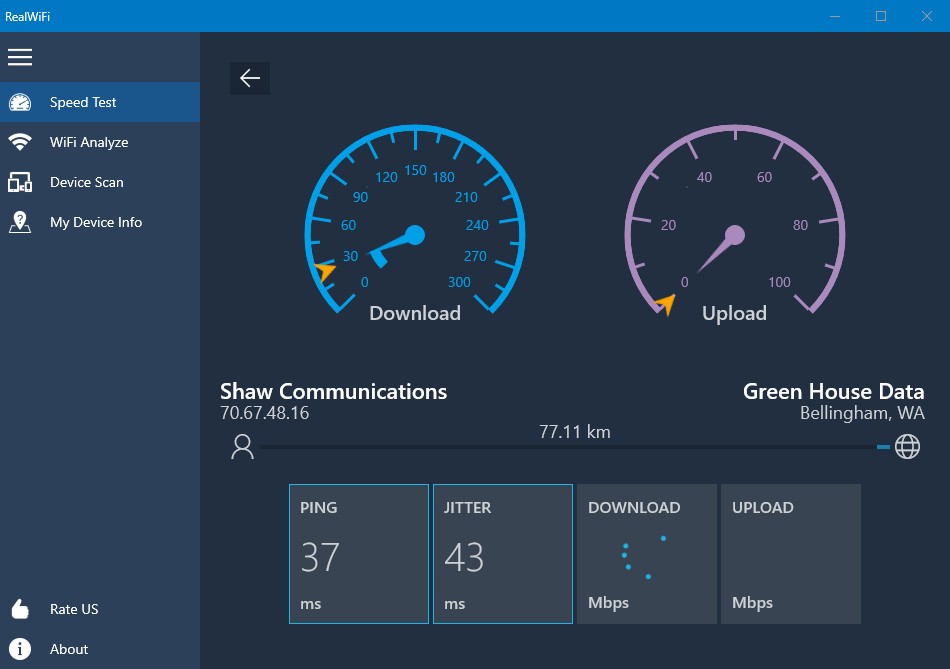
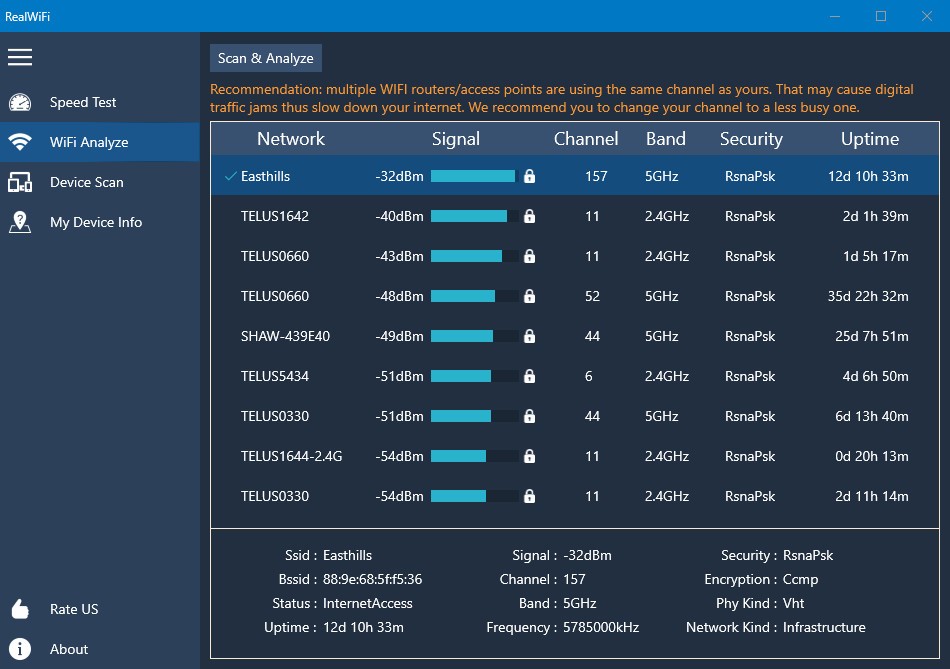
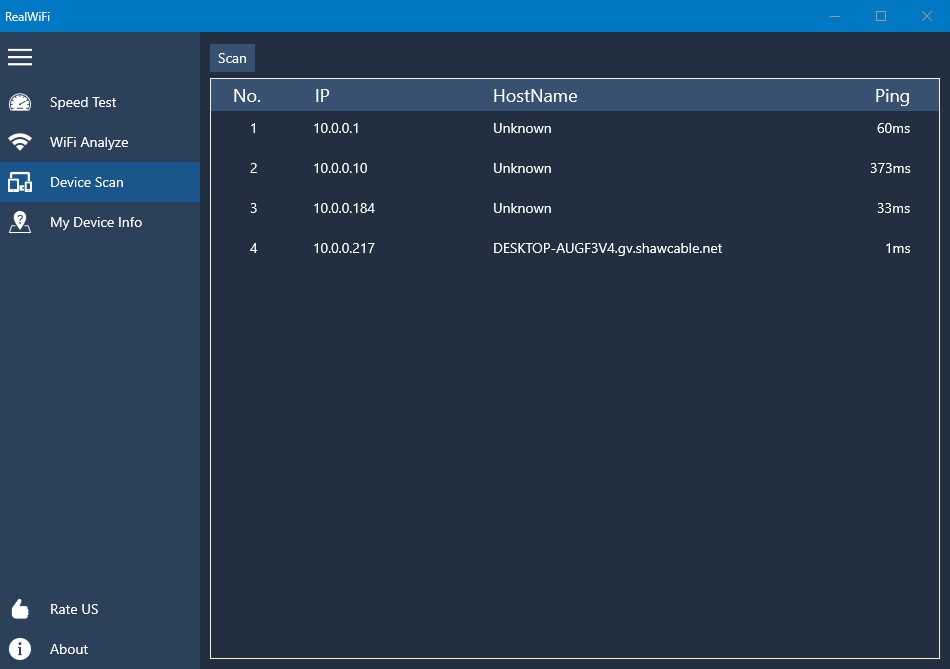
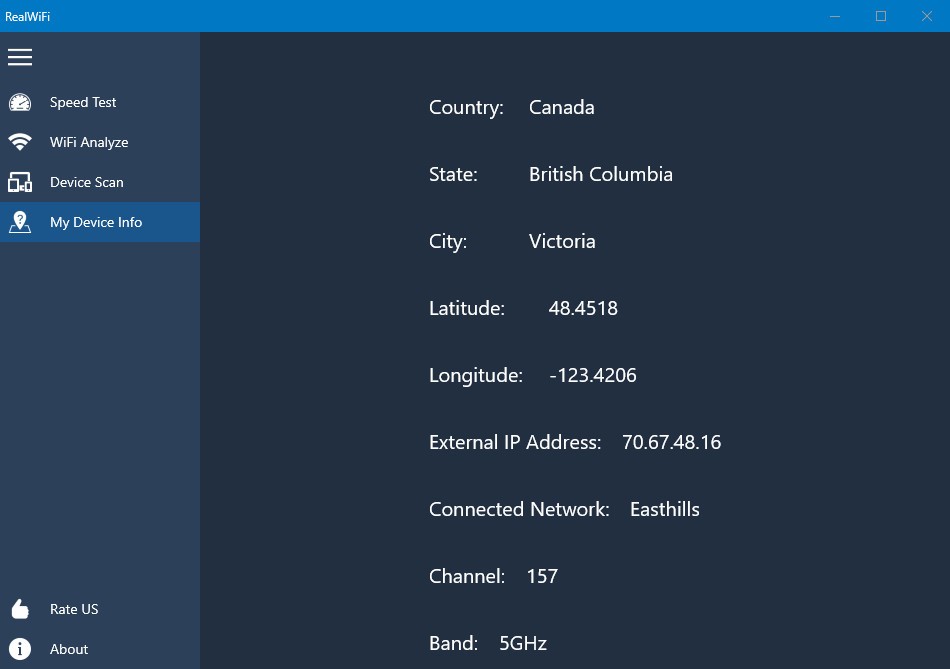
Real WiFi is a network analysis and optimization tool created to give users a clear look at their wireless connections. If you’ve ever sat through a frozen Zoom call, lost your place in an online game, or watched a streaming video endlessly buffer, then you know the pain of poor Wi-Fi. Real WiFi helps by scanning your environment, identifying problem areas, and showing you what can be done to improve signal quality and overall stability.
The software takes technical information about your Wi-Fi—things like signal strength, interference, and channel congestion—and translates it into something you can actually understand. Instead of cryptic charts or overwhelming data, you get clean visuals and explanations that tell you what’s wrong and how to fix it. This design makes Real WiFi useful for both casual users who just want smoother browsing and more advanced users who like to tweak and optimize.
In short, Real WiFi is about clarity and control. It doesn’t overcomplicate things, and it doesn’t assume you’re a networking expert. It gives you exactly what you need to know to get your Wi-Fi running the way it should.
Why should I download Real WiFi?
People download Real WiFi for one big reason: they want better Wi-Fi performance. Slow or unstable wireless isn’t always the fault of your internet provider. More often than not, it comes down to interference, weak signals, or crowded channels. Without the right tools, solving those problems is pure guesswork. Real WiFi replaces the guessing with facts.
Imagine a home office upstairs with a router tucked away downstairs. Everything works fine in the living room, but the minute you sit at your desk, the connection slows to a crawl. Instead of assuming your internet package isn’t good enough, you could use Real WiFi to measure signal strength throughout the house. Maybe the app shows that the upstairs office is in a dead spot. That tells you the issue isn’t your provider—it’s your setup. And with that knowledge, you can move the router or add an extender to solve it.
The other reason to download it is convenience. Real WiFi is quick to set up, easy to use, and doesn’t drown you in technical lingo. You can run a scan and get answers in seconds. No need to spend hours restarting routers, calling tech support, or trying random fixes. It’s a tool that actually saves you time and energy while making your connection stronger.
Is Real WiFi free?
Yes, Real WiFi can be used for free. The base version gives you all the essentials: scanning your network, analyzing interference, and showing you signal strength. For most people, that’s more than enough to diagnose and improve their Wi-Fi setup.
There is also usually a premium version available for those who want more advanced features, like detailed reporting, professional-grade analytics, or customization options. But the free edition doesn’t feel like a trial—it works well on its own. You can get real value out of it without ever upgrading. That’s a big deal in a market where many “free” tools lock important functions behind a paywall.
So, whether you stick with the free version or eventually decide you want more, Real WiFi is a low-risk option. You don’t have to spend a dime to start making your internet work better.
What operating systems are compatible with Real WiFi?
Real WiFi is available across multiple platforms. Official support includes Windows, macOS, Android, and iOS. That means you can run it on your computer, your laptop, or your phone. The cross-platform compatibility makes it useful no matter where you need it.
On Windows and macOS, Real WiFi offers a more detailed analysis. You can run full scans, look at performance graphs, and get a clear picture of what’s going on with your home or office network. On mobile devices, the app is lightweight and portable. It’s perfect for walking through your home and checking how signal strength changes from one room to another. That makes it great for spotting dead zones or finding the best location for your router.
The fact that it works on both desktop and mobile means you don’t have to choose between detail and convenience—you get both. You can use your computer for deeper dives and your phone for quick checks on the go.
What are the alternatives to Real WiFi?
WiFi Analyzer is another very popular mobile alternative. It is lightweight, quick, and it provides you with a snapshot of the surrounding networks. You get to view which channels are saturated, the signal strengths, and also find out the best setup with your router in a short period of time. Although it does not offer the desktop features like Real WiFi, it is great when you need to do a quick repair on a phone or tablet.
Wireshark is an advanced and professional-level tool that is utilized by IT professionals and cybersecurity experts. It sniffs the data packets crossing your network, allowing you to inspect them closely. This allows unusual traffic, security problems, or misconfigurations to be identified. The downside is complexity. Wireshark is not designed to be user-friendly, it is difficult to use. However, if you intend to get the most intensive understanding of your network, it has no rivals. It is much more technical than Real WiFi, and at the same time, much more powerful.
Acrylic Wi-Fi Home is aimed at home users who would like to have an intermediate level between simplicity and detail. It also gives information on the local networks, security level, signal, and interference strength. Reporting is one of its strongest attributes; you can monitor your Wi-Fi performance over time, and it is useful in case you have to monitor current problems. Whereas Real WiFi is more oriented to the ease of use, Acrylic is more inclined to provide more technical depth. It is a powerful substitute for those who just enjoy seeing figures and graphs without the advanced functionality of Wireshark.