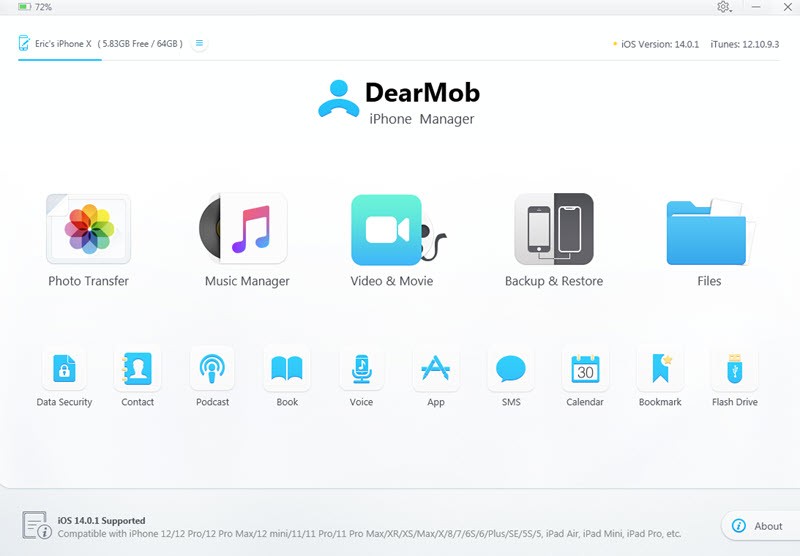
Most people with an iPhone or iPad run into the same trouble sooner or later. Too many photos, videos, contacts, and files are spread everywhere, and the usual tools from Apple don’t give enough control. iTunes or Finder often feels clunky, backups get corrupted, or you can’t pick and choose exactly what you want. DearMob iPhone Manager was built to deal with those frustrations.
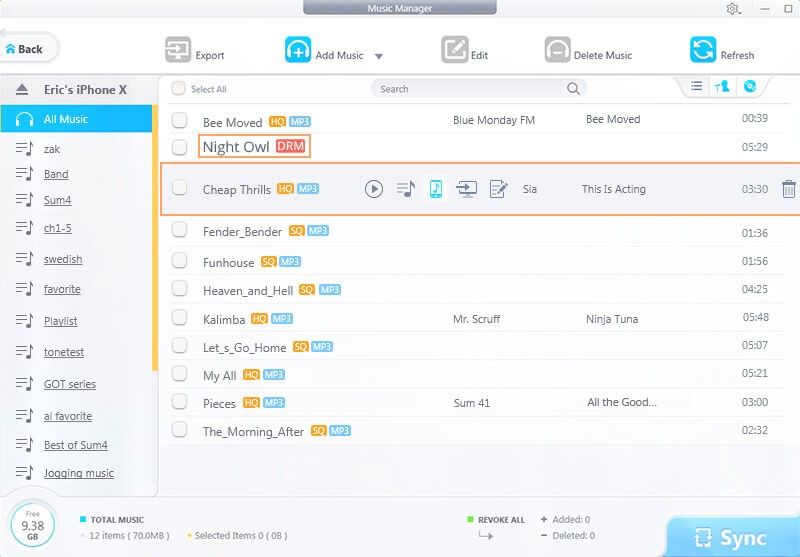
It is a desktop app that lets you take charge of almost everything on your device. Photos, videos, music, messages, contacts, calendars, even ringtones or ebooks. Instead of syncing blindly, you get to see what’s there, decide what to move, and back up only the parts that matter. For many, it becomes the everyday way to transfer files between phone and computer, to free up space, or just to make sure memories don’t disappear.
DearMob also handles migration. If you’re changing phones, you can clone your old iPhone onto the new one without losing app data or messages. It isn’t locked down to Apple’s cloud or accounts, so you can keep copies on external hard drives or switch between Mac and PC. It’s meant to be flexible.
Why Should I Download DearMob iPhone Manager?
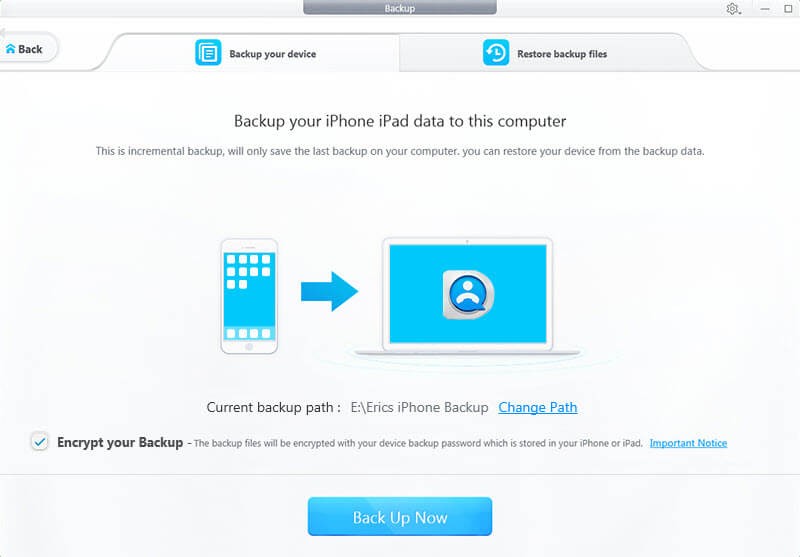
The main reason is control. With this tool, you aren’t stuck with all-or-nothing backups. You can back up one album, a set of text messages, or just a contact list. You can restore the same way — not wiping out the whole phone, but bringing back what you actually need. For people who have large photo libraries or only want certain files moved, that makes a real difference.
Speed is another factor. It uses hardware acceleration to move data faster. Transferring a batch of high-resolution photos or 4K videos doesn’t stall the system. Even heavy jobs like thousands of photos are handled smoothly. That matters when you don’t want to leave a device running overnight just to finish a simple transfer.
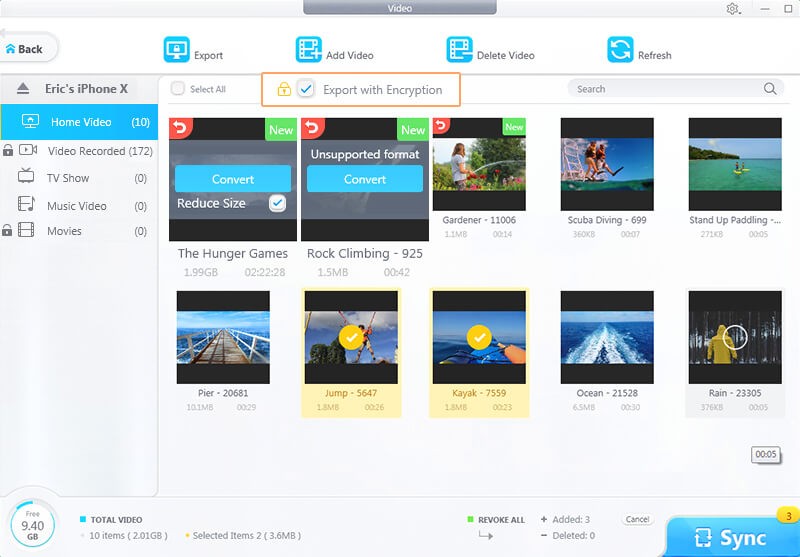
It also covers file compatibility. Some file types don’t work easily on an iPhone. DearMob can convert formats on the fly, so if you’re moving a video or song that isn’t supported, the program makes it play-friendly for iOS without extra steps. The same goes for books, photos in HEIC format, or odd audio types.
Security is built in. The app can encrypt backups, photos, or even single files with strong algorithms. That way, if you keep private data on an external drive, it isn’t just lying there for anyone to open.
Families and professionals use it differently. Parents use it to back up kids’ photos, students to move ebooks, businesses to handle contact lists, doctors to keep files safe, or creatives to store media. It’s wide in scope, but the central idea stays the same: giving users more choice and reliability than the default Apple tools.
Is DearMob iPhone Manager Free?
There’s a free version and a paid license. The free one gives you access to core functions, enough to test it. You can transfer, back up, and restore, but usually with some limits on how much data at a time. For someone who only needs a light tool occasionally, that can be enough.
The paid license opens everything. Unlimited transfers, all backup modes, batch functions, full device migration, and advanced encryption. Most users who need it for regular use, or who have more than one device, end up going for the full version.
The license is sold as a one-time fee or with discounts, and it doesn’t require a subscription every month. That keeps it practical compared to tools that only work behind a paywall.
What Devices Support DearMob iPhone Manager?
The app runs on both Windows and macOS. You connect your iPhone or iPad with a USB, or sometimes over Wi-Fi, and manage the files directly. It works across iOS versions and supports iPads and iPhones of all types.
Storage options are broad. You can back up to the computer itself, to an external hard drive, or to a specific folder you choose. You aren’t tied to iCloud or one location. That’s useful for people who want multiple copies in different places for safety.
It doesn’t matter if you’re on Windows 10 or macOS; the tool is designed to be light and work smoothly on both systems. You don’t need a high-end computer.
What are the Alternatives to DearMob iPhone Manager?
Dr Fone has been around for years as a repair and recovery tool for iOS and Android. It does more than just transfer — it helps with data recovery, unlocking devices, and system repair. But that extra scope also means it can feel heavier, and it’s often priced higher. For someone mainly interested in simple transfers and backups, it may feel more complex than needed.
Tenorshare UltData iOS is focused strongly on data recovery. If you’ve lost files, deleted photos, or need to get back information from a broken phone, it specializes in that. It can also handle backups and transfers, but its strength lies in digging data out of damaged or inaccessible devices. For everyday file management, DearMob is lighter. For emergencies, UltData can be the right pick. Also exists for Android.
PhoneRescue iOS has a similar focus to UltData — recovering lost or deleted data, fixing errors, restoring content that seemed gone. It covers many iOS versions and helps when devices crash or get stuck. Like UltData, it leans more toward repair and recovery than daily use. If your goal is regular management of files and backups, DearMob makes it easier. If your need is to save lost files, PhoneRescue may be better. Also exists for Android.