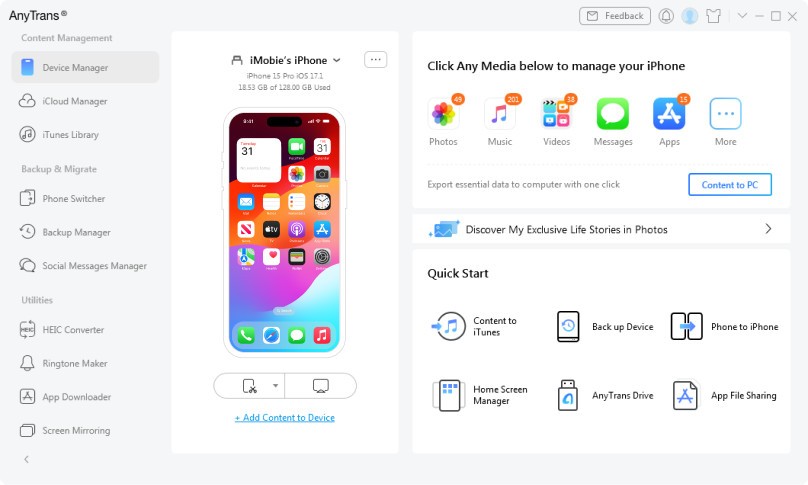
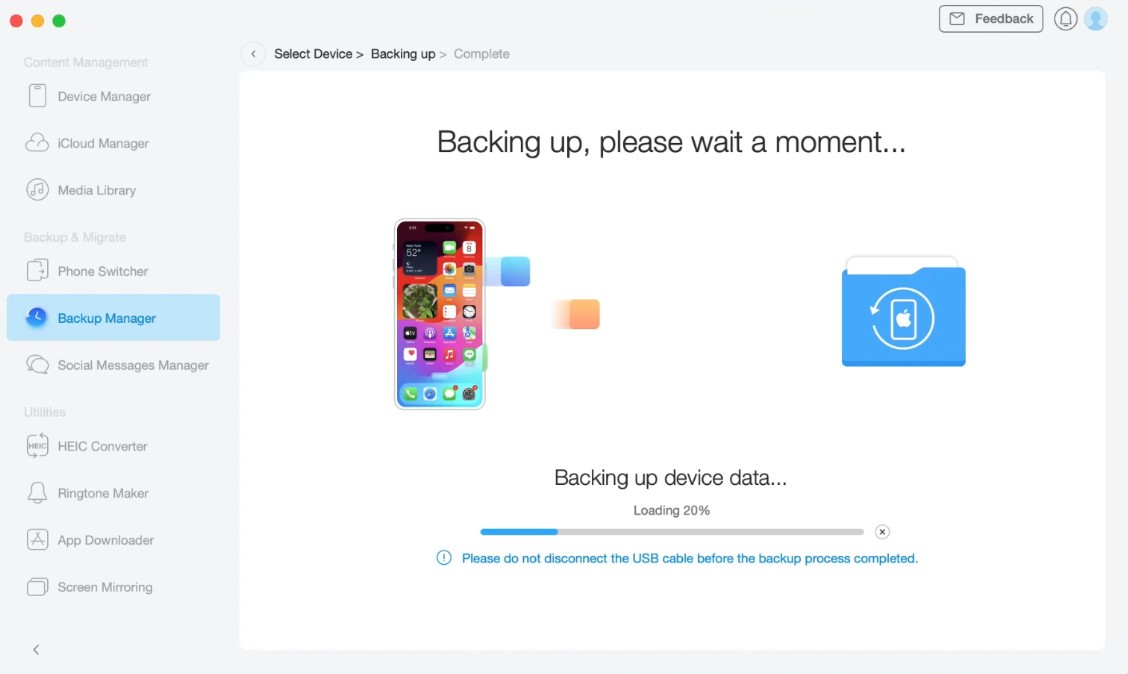
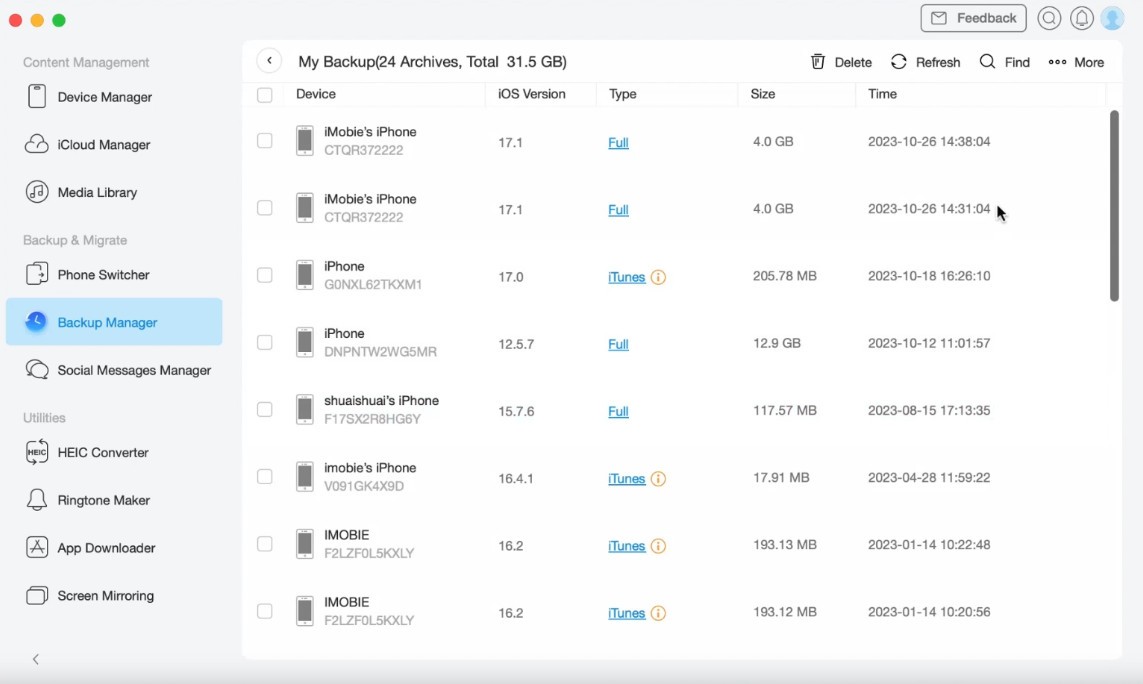
AnyTrans is an all-in-one data management software designed to help users transfer, back up and organize all files from all your devices. When you are new to iPhone device switching, Android file management, or cloud storage, AnyTrans works like a bridge that makes all complicated file transfer tasks simpler.
AnyTrans is one of the most popular iOS transfer tools created by iMobie, especially known for its powerful content migration functions from iOS to Android and from Android to iPhone, which users seek to transfer content freely, in addition to Apple's native iTunes or Finder. It is compatible with photos, videos, messages, contacts, apps, and even WhatsApp data, so no files will be left out.
In contrast to traditional transferring methods, AnyTrans circumvents restrictions such as format incompatibilities and selective transfers. This offers a full-suite solution — wireless transfer, automatic backups, and device cloning. You can also organize files by category, manage music libraries without iTunes, and export specific files like messages or attachments to your computer.
For those who want full control over everything on their smartphone, AnyTrans is the utility app that perfectly combines speed, security, and convenience into one solution. It works with Windows and macOS computers, as well as iOS and Android devices, and integrates with cloud services like Google Drive, Dropbox, and OneDrive.
Why Should I Download AnyTrans?
Synchronizing files across different devices can be challenging, especially in ecosystems like Apple’s iOS, where transferring files to Android is limited. This is where AnyTrans comes in, offering an easy way to transfer, backup, and organize data without restrictions.
AnyTrans removes the limitations of platform-revealing trust transfer tools. Moving from Android to iPhone, transferring data between iOS devices, or backing files up to a PC or Mac, AnyTrans leaves no file untransferred. In contrast, cloud-based solutions such as Google Drive have limits on both how much storage you can use and the internet speeds you have access to, whereas AnyTrans gives you unmetered, high-speed, local transfer.
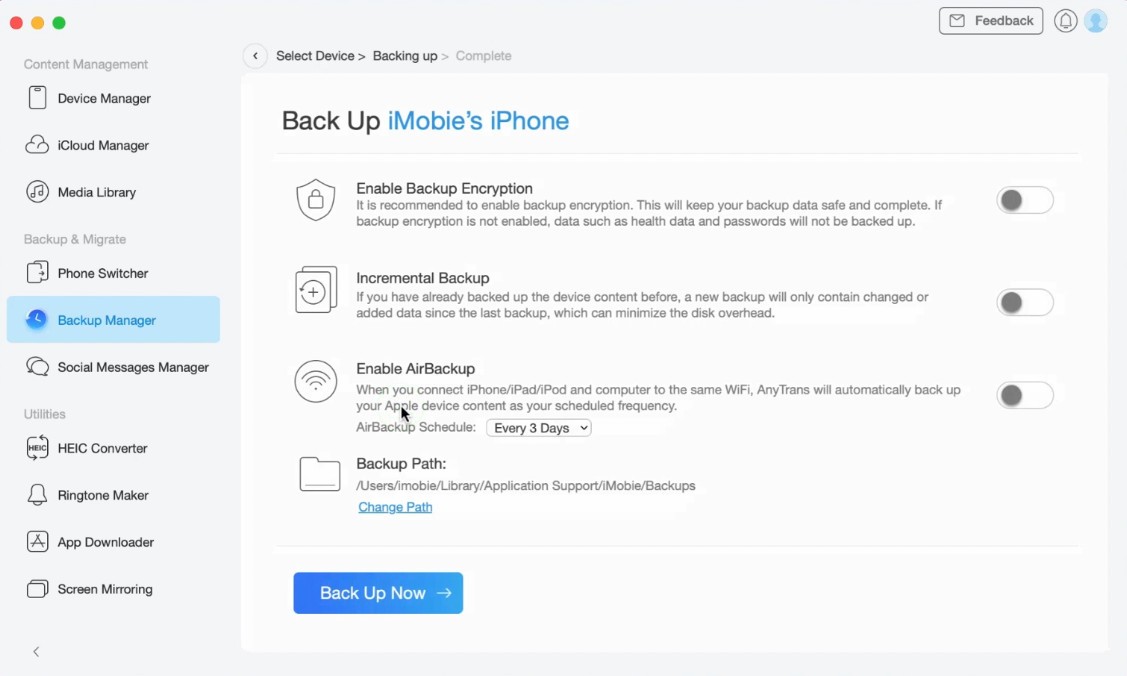
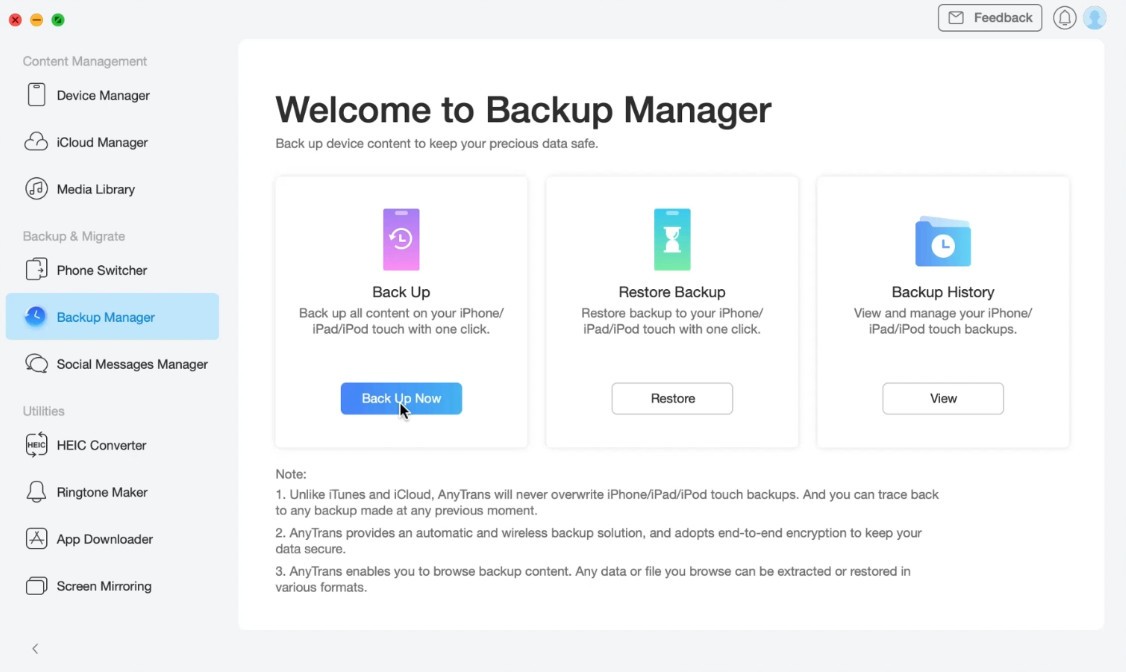
Accidental deletion or device failure leads to data loss? It's a nightmare! AnyTrans will be your central backup hub, as it enables you to schedule automatic backups of your important files safely. While iTunes overwrites backups for an entire device (not just what you want stored), AnyTrans allows you to back up your files selectively (meaning only the stuff you want is saved). When disaster strikes, it is just a couple of clicks to restore data on your iPhone or Android.
If you use WhatsApp for business or personal conversations, you can use AnyTrans to move chats from iOS to Android and vice versa, including photos, videos, and message attachments, something native tools do not, and cannot, do. It also supports exporting, printing, and backing up messages and attachments for safekeeping.
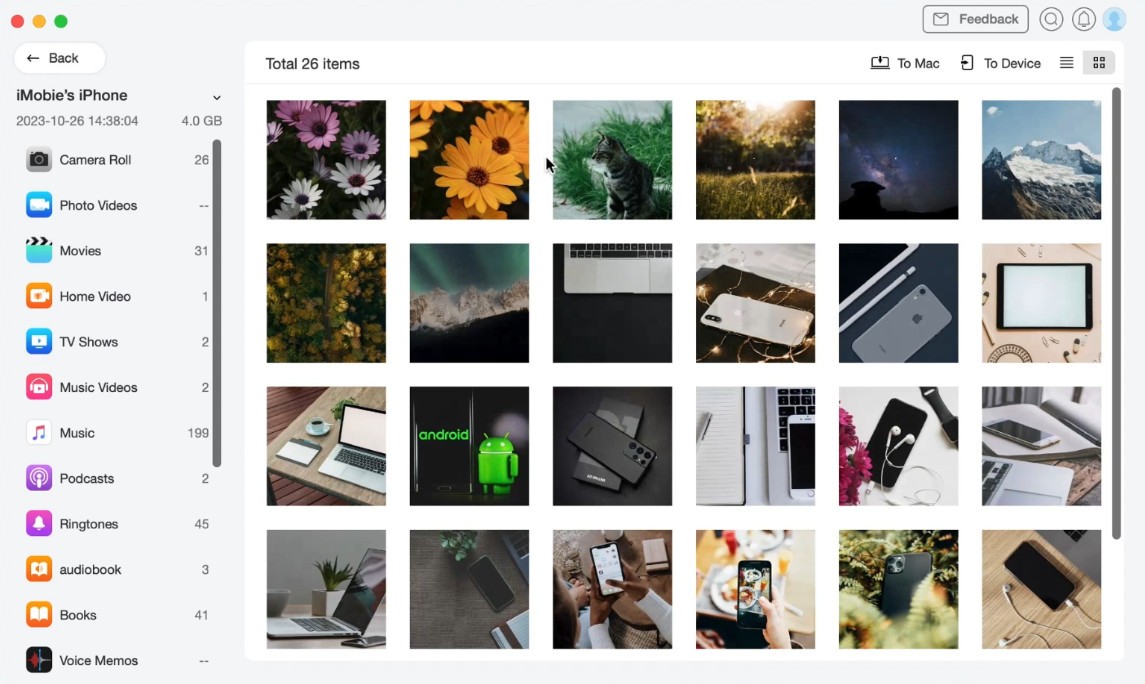
AnyTrans can do more than file management: it can download videos from more than 1,000 websites, like YouTube, Facebook, and Instagram, and manage iTunes libraries without restrictions. You can drag and drop music, ringtones, and playlists between devices without using iTunes. It also supports screen mirroring, so users can display their phone screen on their computer for presenting or troubleshooting. Il also organizes iPhone photos by category, transfers apps in batches, manages iCloud data, and even creates custom ringtones.
Is AnyTrans Free?
AnyTrans comes with both a free version and a premium version. The free iteration limits features such as standard data exchanges, while some services, such as full data transfers, unlimited application backups, and social media transport, require a paid license.
Users can purchase lifetime licenses or yearly plans to enable the full set of features. AnyTrans provides the freedom of offline, unrestricted work with zero cloud storage limits compared to cloud-based alternatives such as Google Drive. For users who need direct cloud access, AnyTrans can also be integrated with Google Drive.
Which Operating Systems can Support AnyTrans?
If you are looking for a data management tool that can work smoothly across different operating systems and allows you to transfer or back up files easily on multiple devices, then you can consider AnyTrans for this purpose. It is compatible with Windows Vista or higher, providing full integration for PC users in a simple interface. AnyTrans also supports macOS 10.13 (High Sierra) and later. Since it supports the entire Apple ecosystem, not just iOS, it is a complete solution for Apple users.
When it comes to mobile devices, AnyTrans supports iOS 5.0 or newer, spanning across iPhone, iPad, and iPod Touch. For the Android side, it supports Android 5.0 (Lollipop) or later, enabling easy and effective data transfer from Android to an iOS device and vice versa.
More than local, AnyTrans is also compatible with cloud storage services, including Google Drive, Dropbox, and OneDrive, for a seamless transfer of files across platforms. Whether it is personal data or organizational information, AnyTrans guarantees seamless and hassle-free actions on all major operating systems.
What Are the Alternatives to AnyTrans?
Although AnyTrans is a powerful file management solution, you have plenty of options for alternatives, depending on what you need. If you seek alternative methods of data transfers and backups, here are some competing services.
The rising iOS transfer tool, iMazing, is a popular alternative for Mac and Windows. It allows you to use your iPhone as a bridge between apps, PCs, and other iPhones, but it does not support Android, unlike AnyTrans. However, it shines for managing wireless data for Apple users who wish to avoid iTunes but who want encrypted backups.
Syncios is another cross-platform alternative that works on Windows and macOS. It includes music transfer, video conversion, and data backups. It provides a free version with limited features, but it is an economical option for customers who require occasional file transfers between devices. But it is slower and has fewer advanced backup tools than AnyTrans.
For cloud-based options, iCloud provides seamless cloud storage with automatic syncing. But this service has storage limitations, and transfers depend on internet speed, which can make restoring backups slower than offline transfers. AnyTrans, on the other hand, allows offline, high-speed transfers without reliance on internet speed or cloud quotas.
Dr.Fone focuses on one-click device-to-device transfer, making it a good alternative for iPhone-Android users. On the other hand, its backup features are more limited, and its pricing can be higher than AnyTrans. Developed by Wondershare, this program also offers tools to recover deleted files, repair system issues, and bypass locked screens on smartphones and tablets. It can extract data from damaged or unresponsive devices, including those affected by viruses or forgotten passwords.
The application can recover messages and attachments, photos, contacts, call history, audio and video files, and even entire conversations from instant messaging apps. It also includes a SIM card unlock feature, allowing you to use your phone with a different carrier. Dr.Fone can securely erase all data on your phone, and it lets you save backups of your data within the app before performing a factory reset. A free 30-day trial version is available, and Dr.Fone can be installed on Windows PC, Mac, Android devices, iPhone, and iPad.