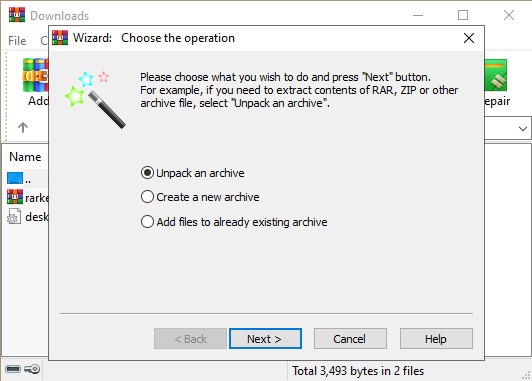
WinRAR is decades-old compression software based on sophisticated algorithms. It lets you compress files so they are easier to transfer to other people. WinRAR lets you unpack downloaded archives to access their contents.
While WinRAR is best known for RAR and ZIP support, it handles far more formats than the name suggests, including ZIPX, 7Z, CAB, TAR, ARJ, LZH, Gzip, BZ2, TAR.GZ, ACE, UUE, JAR, and ISO, making it a flexible tool for almost any archive file you're likely to encounter.
Compressed file sharing has become standard practice, making a tool like this useful on any computer. It's also a practical solution when storage space is tight, and you need to keep file sizes optimized. WinRAR integrates directly into Windows Explorer, letting you compress or decompress files with a simple right-click without opening the program.
The tool runs on Windows 10/11, Linux, macOS, Android, and FreeBSD, and includes 256-bit AES encryption for protecting sensitive files and a backup feature to help keep important data safe.
Why Should I Download WinRAR?
If you regularly send large batches of files or want to store lighter versions on your drive, WinRAR is worth downloading. Most of the time, you won't even need to open the program. Just select your files, right-click, and choose to archive them directly from the context menu.
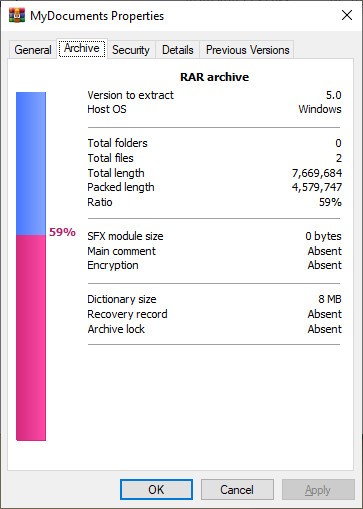
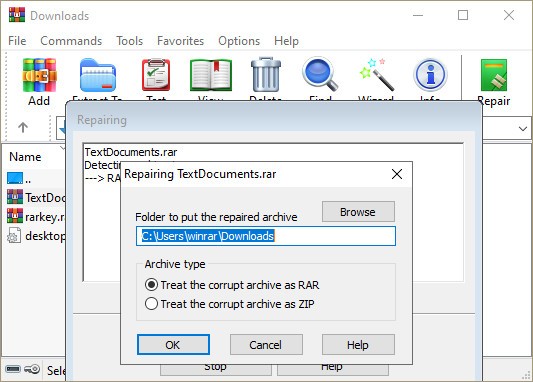
WinRAR applies optimized compression algorithms based on the format you select, keeping the process efficient. It also includes archive integrity verification and can attempt to repair broken archives when possible.
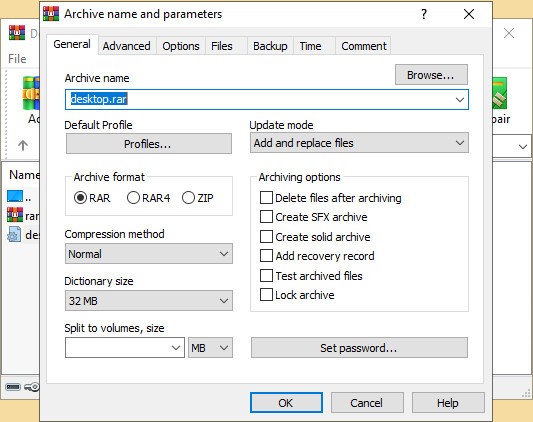
For large file groups, you can split a compressed archive into multiple volumes. If a transfer is interrupted, you only need to resend the failed volume rather than the entire file. Like compression itself, this can all be done via right-click.
Decompression works the same way. Right-click an archive and choose your extraction option. WinRAR can also generate self-extracting RAR archives that decompress on a computer even without WinRAR installed.
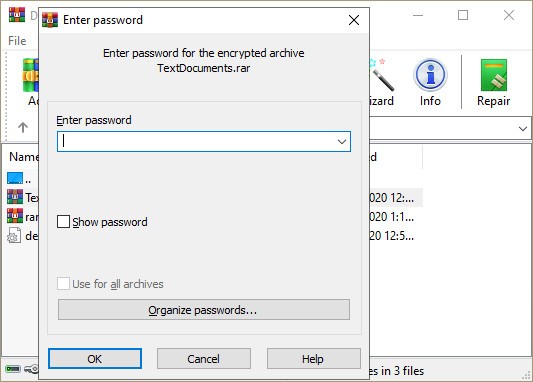
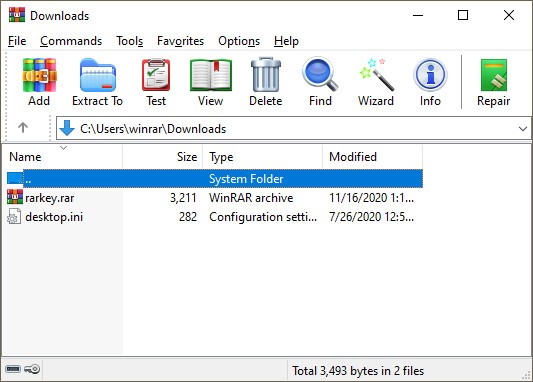
The interface looks dated, but it doesn't get in the way of what the tool does. Inside, you can browse archive contents, check file integrity, and add password protection to your archives. The 256-bit AES encryption means confidential files stay secure during transfer.
It's worth noting that full compression and decompression are available for RAR and ZIP formats. For other supported formats, including ZIP, CAB, ARJ, LZH, TAR, GZip, UUE, ISO, BZIP2, Z, and 7-Zip, you can extract files but cannot create new compressed archives in those formats.
WinRAR also uses one of the fastest compression algorithms available, so creating archives is quick. File size reduction is strong without compromising the quality of the original content.
Is WinRAR Free?
You can download WinRAR for free thanks to its free 40-day trial. After that, pricing depends on the number of devices and whether you want an annual or lifetime license. That said, many users continue using WinRAR past the trial period, as there's an option to extend it indefinitely and keep access to all features without a time limit.
What Operating Systems Are Compatible With WinRAR?
WinRAR started as a Windows-only tool and remains compatible with all Windows versions from Vista onward, in both 32-bit and 64-bit. But you can now also download WinRAR for macOS, Linux, FreeBSD, and Android, where it goes by the name RAR. There is currently no version for iOS or iPad.
What Are The Alternatives To WinRAR?
WinZip is the most direct alternative. It covers the same compression and decompression tasks, offers a free trial period, and prices its licenses by device count. Unlike WinRAR, WinZip has an iOS app and comes from the original creators of the ZIP format, though it supports a wider range of formats beyond just ZIP.
7-Zip is a strong free alternative to download. It's open-source, completely free with no ads, and offers its own 7z format with solid compression capabilities. The main limitation is that it's only available on Windows, in both 32-bit and 64-bit versions.
IZarc is another free option, also Windows-only, with ISO support and the ability to repair broken compressed files. Like the other alternatives, it supports a wide range of archive formats.