When you want to share a file between different devices (Android to iPhone, for example), there are not many solutions. Of course, the cloud system is a good one where you can transfer your data to your account and then create a link to share it with others. But that way is a bit long and annoying.
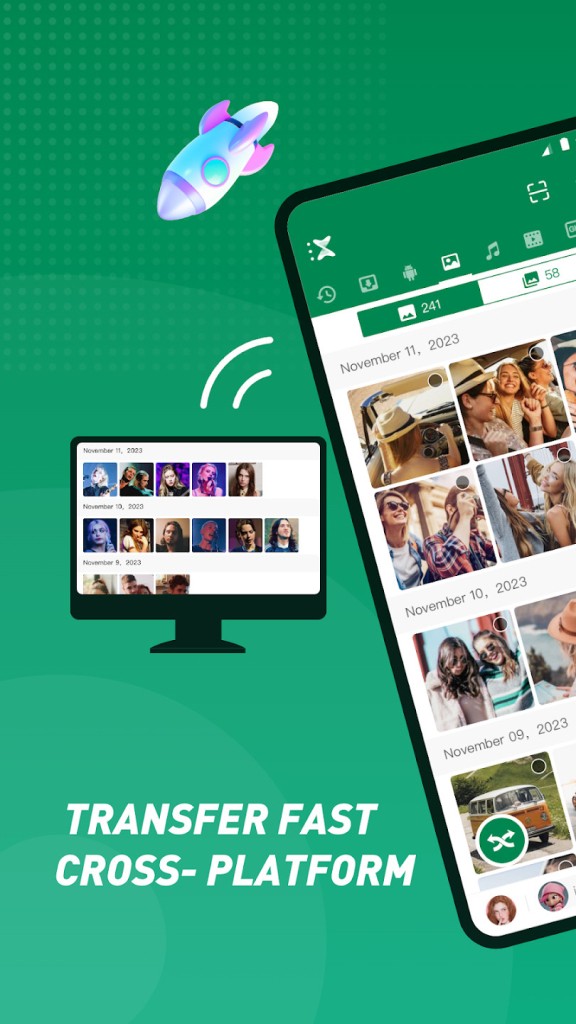
Xender is a file-sharing app that lets you transfer files between devices quickly and easily without needing cables or an active internet connection. You can share photos, videos, documents, music, and even entire apps between phones, tablets, and computers in seconds. It's one of those utility apps that does exactly what it promises without overcomplicating things.
With over 500 million users worldwide, Xender has established itself as one of the more reliable file-sharing tools available, serving both personal and professional use cases. The interface is clean and intuitive, and the underlying technology keeps things fast. Xender uses Wi-Fi Direct to create a local network between devices, which means transfers happen at high speeds without touching your mobile data or requiring a router.
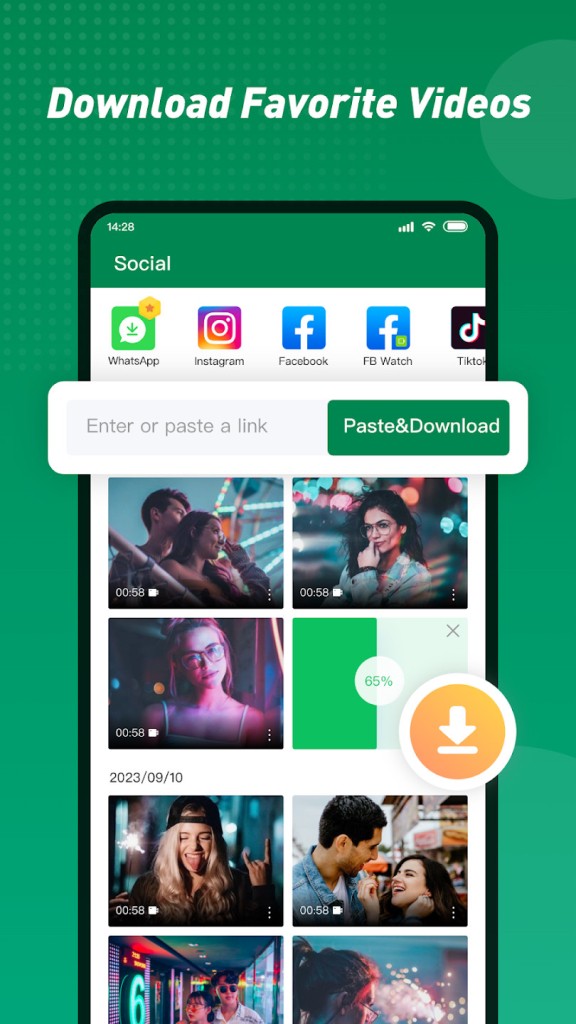
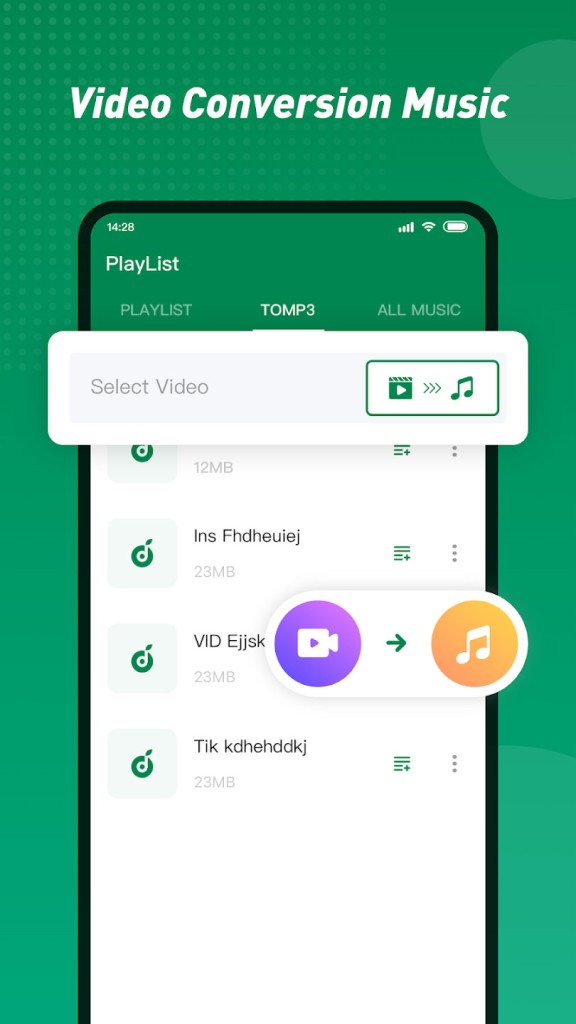
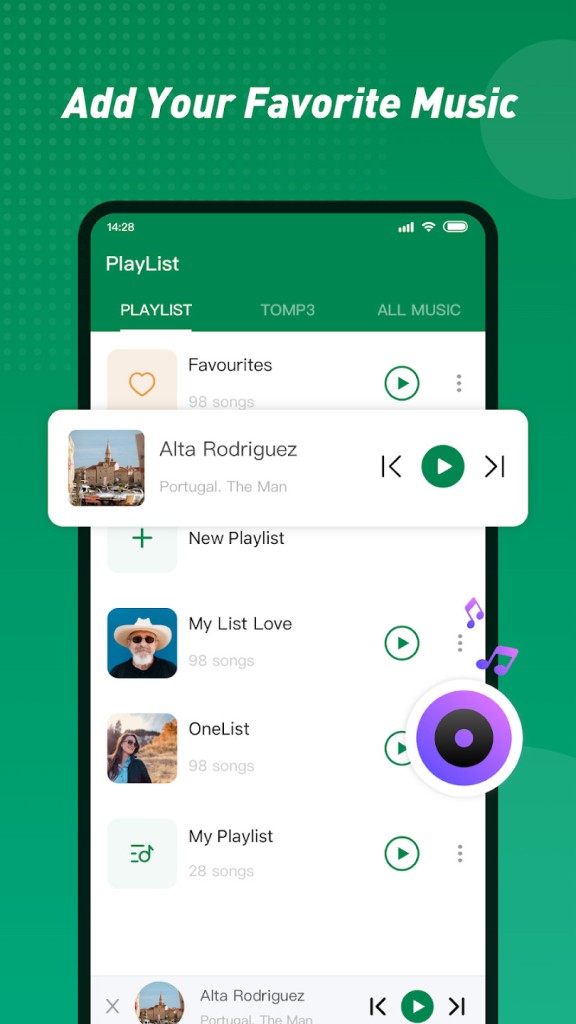
But file sharing is not the only feature interesting in Xender. The app also offers a video download section where you can transfer locally any video from the web using only its URL. You can also convert these videos to obtain only the audio files and create music from them (or any audio file). Furthermore, Xender includes a media player that allows you to listen to your music. It’s really an all-in-one tool.
The app supports a wide range of file types and sizes, making it practical for anyone who regularly shares files with others. Group sharing is also built in, letting multiple devices connect at the same time, which works well in settings like classrooms, offices, or any situation where several people need the same files. Xender runs on Android, iOS, macOS, and Windows, and you can get it for free with no restrictions on the core functionality.
Why Should I Download Xender?
Speed and ease are the most obvious reasons to use Xender. Transfers run significantly faster than Bluetooth or other conventional sharing methods because of the Wi-Fi Direct technology behind it. If you regularly move large files around, like high-resolution videos or folders packed with documents, the difference in speed is immediately noticeable.
Cross-platform compatibility removes a lot of the usual friction that comes with sharing files between different devices. Xender handles transfer between Android, iOS, Windows, and macOS without any of the compatibility headaches you'd normally run into when moving files across operating systems. You can also connect up to four devices at once for group sharing, which is especially useful in collaborative environments where multiple people need access to the same files quickly. Whether that's a classroom, an office, or a team working on a shared project.
A built-in file manager lets you organize, rename, and delete files directly within the app, so you don't need a separate tool for basic file management tasks. Offline sharing works without any internet connection at all, which is valuable in areas with limited connectivity or for anyone who wants to avoid using mobile data for transfer.
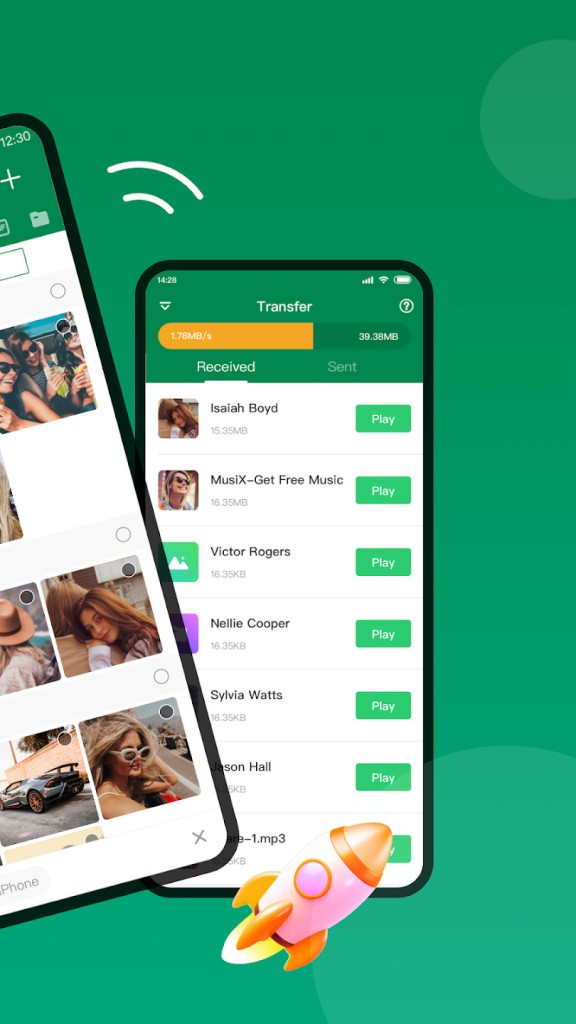
Xender handles every common file type, including documents, photos, videos, audio files, and apps. Transfers work between phones, between a phone and a computer, and across operating systems. The app supports phone-to-phone transfer without USB cables, internet, or data usage, moving everything at speeds fast enough that even large video files take only seconds.
Phone-to-computer transfer are straightforward as well and handle Android as much as iOS (iPhone, iPad). Xender connects your phone to a computer through its high-speed offline mode, letting you move files, photos, videos, and documents without needing internet access. Files transfer quickly and stay secure throughout the process.
The app also offers other features that are quite interesting. A built-in music player also lets you listen to audio files directly within the app while managing your library. You can also use Xender to download videos from the web. You just need to copy and paste the video’s URL and click on the paste&downloadbutton. Afterward, you can use the conversion tool to just keep the music or audio from any video and enrich your music database.
The interface keeps things simple enough that first-time users can figure everything out without a tutorial. Real-time progress notifications show you exactly where each transfer stands, and cloud backup functionality lets you store important files so they're always accessible and protected. Between speed, cross-platform flexibility, and a proper design, Xender covers a lot of ground for a free download.
Is Xender free?
Yes, Xender is free to download and use but offer ads in return. The core file-sharing features are available at no cost, with no subscription fees or hidden charges involved. Optional in-app purchases are available for users who want additional functionality, no ads, or enhanced storage options, but the standard feature set covers everything most users need without spending anything.
The free model has been a significant factor in Xender's popularity. High-speed transfers, cross-platform compatibility, team sharing, and offline functionality are all included at no charge. For individuals looking for a personal file-sharing tool or businesses that require a quick and easy way to move files between employee devices, the free version handles the job without any limitations that get in the way of daily use.
What Operating Systems Are Compatible with Xender?
Xender is available on Android, iOS, macOS, and Windows, covering the major device ecosystems. Android users can download it from the Google Play Store, where it's optimized to run smoothly across a wide range of devices and Android versions. iOS users can get the app from the App Store, with support for both iPhone and iPad running current iOS versions.
On the desktop side, the Xender application for Windows and Mac lets you transfer files between computers and mobile devices without needing to install additional software or use cloud services. That broad compatibility means you can use Xender on virtually any smartphone, tablet, or computer to share files without worrying about platform restrictions getting in the way.
What Are the Alternatives to Xender?
Xender is a strong file-sharing option with easy multi-device support, but a few other apps offer different features or approaches that might suit certain users better.
SHAREit operates similarly to Xender, using Wi-Fi Direct technology for high-speed file transfer across platforms, from Android to iPhone and computers. It includes a built-in media player (for music and videos) and an app cloning feature alongside its core sharing capabilities. However, SHAREit has faced criticism over privacy practices, and some users find its advertising more intrusive than what Xender’s ads offer. As in Xender, ShareIt offers an in-app video downloader. Moreover, the app also includes a safebox to hide photos and videos. If you can tolerate the ads, SHAREit remains a capable alternative with a large user base and fast transfer speeds.
Send Anywhere takes a security-first approach to file sharing and transfer. It uses a unique six-digit key system for each transfer, ensuring that files are only accessible to the intended recipient. This makes it a strong choice for sharing sensitive documents or data where security matters more than raw speed. Send Anywhere offers both free and premium versions, though transfer speeds generally run slower than what Xender delivers. If secure, verified transfers are your priority, Send Anywhere handles that well.
Feem is a lightweight local file transfer app that works across multiple platforms without requiring an internet connection. It focuses on simplicity and speed, doing the basics well without adding unnecessary features or complicated setup steps. Feem appeals to users who prefer a minimal, no-frills approach to file sharing and don't need the broader feature set that apps like Xender provide. The free version does limit the number of devices you can pair at one time, but for small-scale transfers between a couple of devices, it gets the job done efficiently and without any hassle.