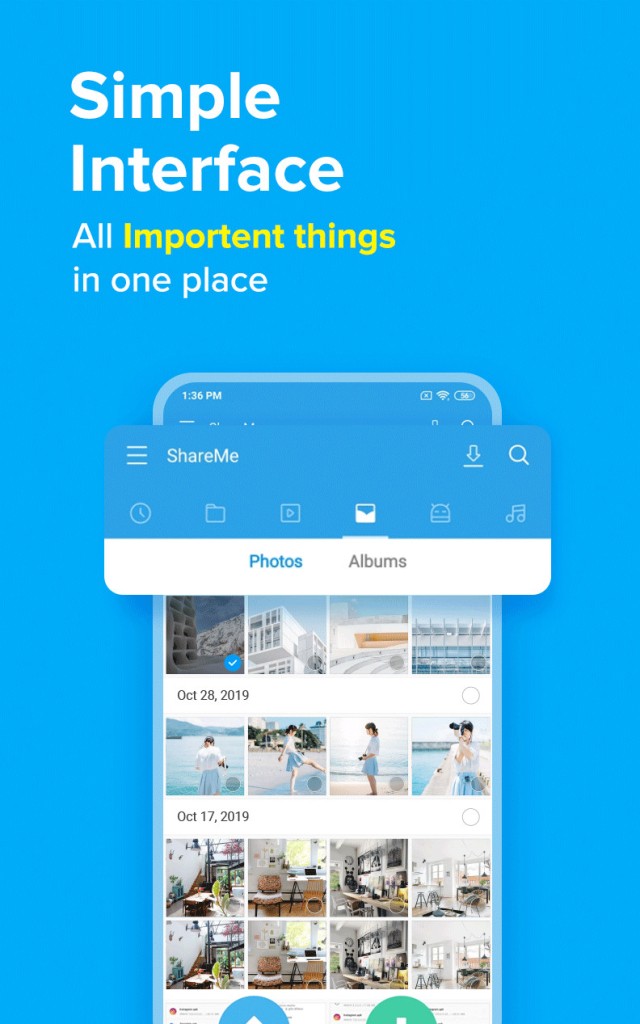
ShareMe is a light, ultra-handy application that enables you to copy files from your device that runs on the Android system to your computer or any other device without the need for cables or a complicated configuration.
It was first built for Android phones by Xiaomi, and it gained momentum thanks to making file sharing from one phone to another quite easy and quick. The same experience is also available for desktop, without having to download anything on your computer. It’s an easy trick to have things moving smoothly across your phone and your PC, particularly if images, documents, videos, or even apps that you want to move or back up occupy so much of your time.
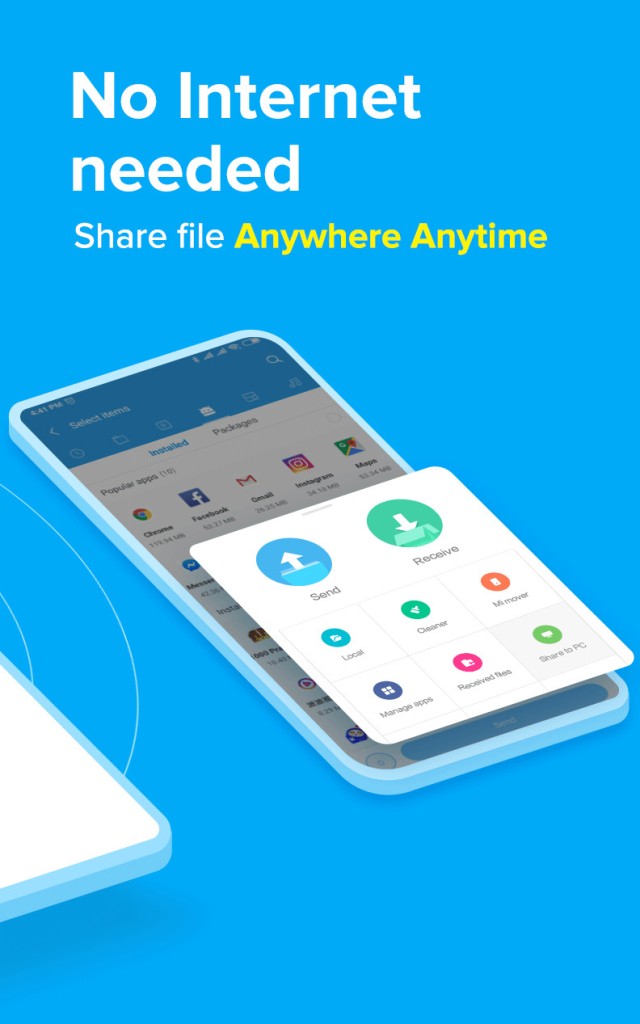
An internet connection is not necessary to be able to use it. It connects via Wi-Fi Direct or Wi-Fi sharing network. As long as you have your phone and another device (like a PC) connected to the same network, the app will be able to detect each other and transfer files directly. There is nothing to sign up for, log in, or pressure you on the size of your file, or what you can send.
Whether you’re the type who wishes to send an entire folder of images to your PC or you simply desire to transfer a PDF from your phone without having to use any plugs, ShareMe makes it possible for you to do it in a clean-cut way.
Why Should I Download ShareMe for PC?
Sometimes the greatest reason as to why one should employ something is the fact that it simply works without bringing about too much thought in your mind. That’s the reason why ShareMe feels so easy to recommend. It doesn’t need special knowledge or special setup.
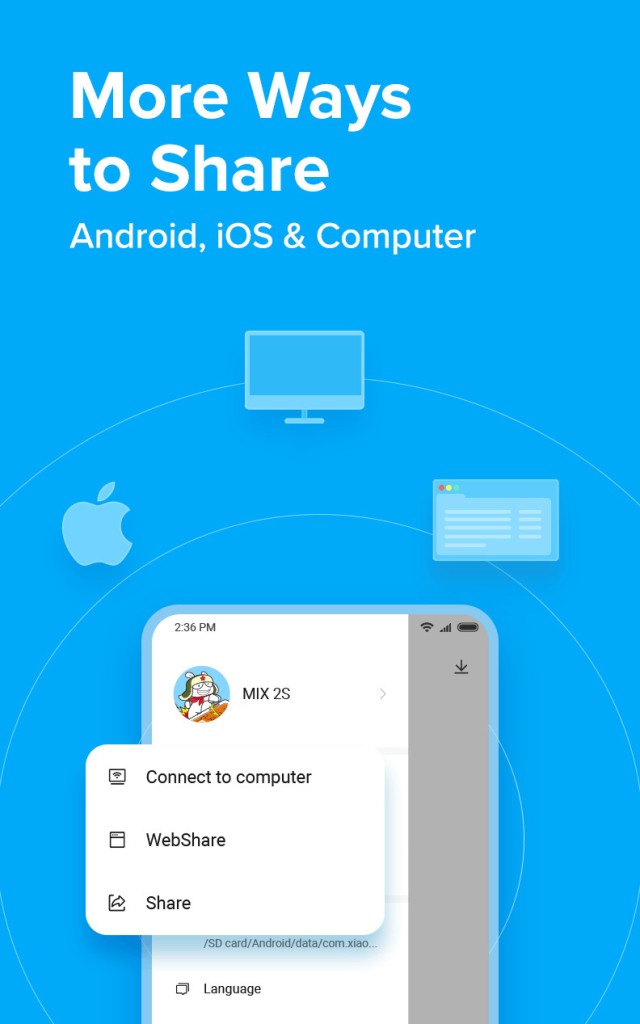
After being installed, you open the app on your cell phone and use the main menu to select the action you want to do: connect to your computer, share via the web, or just share (could be with another smartphone on Android or iOS).
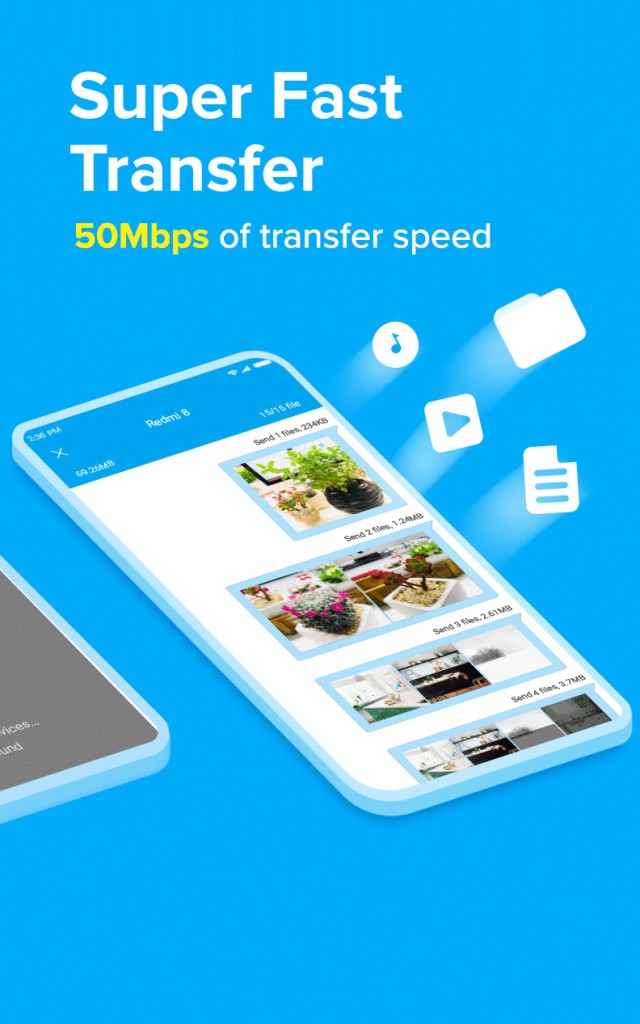
The rest is dragging and dropping or tapping send. It’s fast too. Faster than Bluetooth. And it does not rely on cloud storage either, so whatever you move remains in your two devices, and does not need to be routed through the internet.
One of the nicer parts about it is that it is fully wireless, but it does not give the impression that you are waiting for wireless speeds. It transfers gigabytes of video files or a folder of photos at a supersonic speed. It will also be advantageous if you are not the type of person who does not mind the phone being connected to the computer at all times using wires. USB cables are not carried around anymore by everyone, and if an individual uses them to connect their phone to the computer, not every phone may be immediately recognized by every computer. ShareMe takes that worry out.
You can also use ShareMe when changing a phone or installing a new device. It facilitates the movement of files from one Android to another or an iPhone. You can also move files from the phone to the computer in order to have a backup or to free up space. Perhaps you recorded something with your phone and want to edit it on your PC. Perhaps you downloaded a document and you want to print it. Perhaps you have to share an APK file or install a music library. In all those cases, with the help of ShareMe, that bridge is made fast and smooth.
Another point is privacy. Mostly, now, the apps will make you upload your files first to a cloud account, or create an account, before you even send a photo. ShareMe doesn’t do that. There’s no login, no synchronization with an online service, and no use of additional storage outside of two of your devices. The simplicity makes it credible for persons interested in retaining control of their own data. No Ads, No Surprises, sending what you want, where you want it to go.
Is ShareMe Free?
Yes, ShareMe is free to use. There is no monetary cost to install it, no in-app purchases, and no hidden limits on file size and usage. It is free the moment you install it, nothing is locked behind a paid version of it.
What Operating Systems Are Compatible with ShareMe?
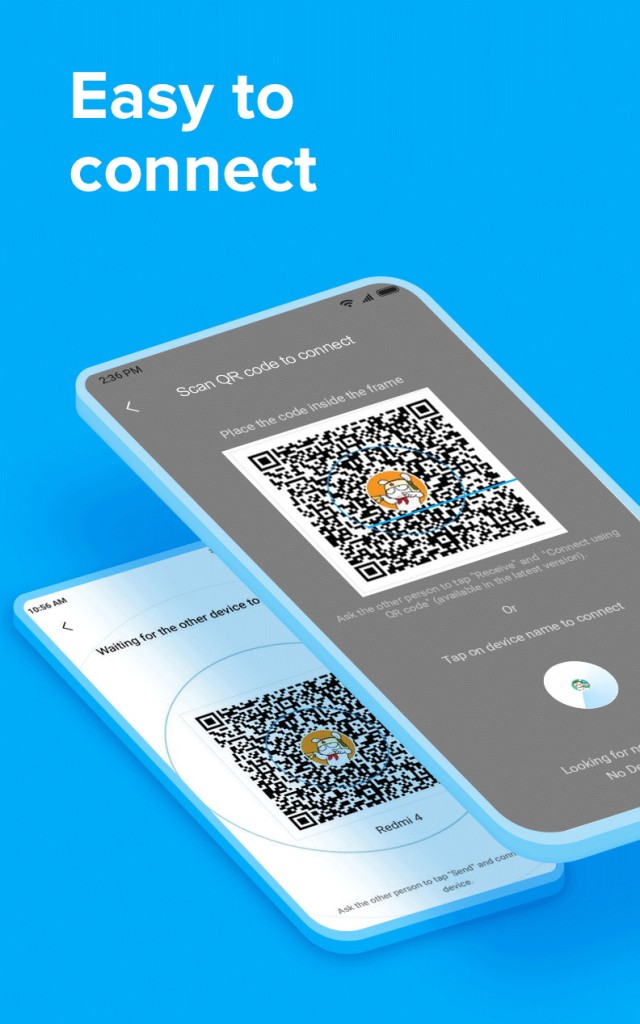
First, you have to download the ShareMe app on your Android phone or tablet. Then, all you have to do is create the link necessary to transfer your files to other devices. You’ll obtain a QR Code or a list of connected devices that you can use to connect to another smartphone (Android or iOS) or to a computer (regardless of the system: Windows, macOS, Linux, etc.).
No technical setup is required; simply ensure your Android device and the other devices are on the very same Wi-Fi network, so you won’t experience any glitches. For connecting to the other devices, go to the main menu and select “Connect to computer”, “Webshare”, or “Share”. In the past, you had to download the ShareMe for PC software for the sharing of files between Android and Windows or macOS; this is not necessary anymore, thanks to the new tools of the ShareMe app for Android.
What are the Alternatives to ShareMe?
Other utilities out there allow wireless file transfer from phones other phone or to computers, and they all have their pros.
Quick Share for Windows is one option. Developed by Google to work with Android devices, this app replaces the old Nearby Share app. It uses the Android Quick Share tool to connect your Android device not to another, but to your Windows computer. With the help of this application, users can connect their phones and laptops easily over Wi-Fi, and they can share pictures, documents, or videos without using any wires.
Another worthy tool that should be considered, particularly for macOS users, is Android File Transfer. It’s simpler than ShareMe, and it doesn’t provide true wireless, so to bring files from one side to the other, Android users can only wirelessly connect their phones to Macs and then move files manually. It is useful for individuals with Android phones and an Apple computer who just need a straightforward way to transfer files. There is still the need for a USB cable, but this tool will fill a hole that does not come naturally to macOS.
Another strong alternative is that, and probably this space is AirDroid. It provides wireless transfer between phones and PC, but it also introduces other attributes such as screen mirroring, remote control via WiFi, message notifications, and even file management through your browser. It is very popular among users who desire more than transfers. That being said, it does have a free version, although some pay for a subscription. Yet, for those who prefer to get a sort of one-stop shop for their Android device from their desktop, AirDroid is simply hard to beat.