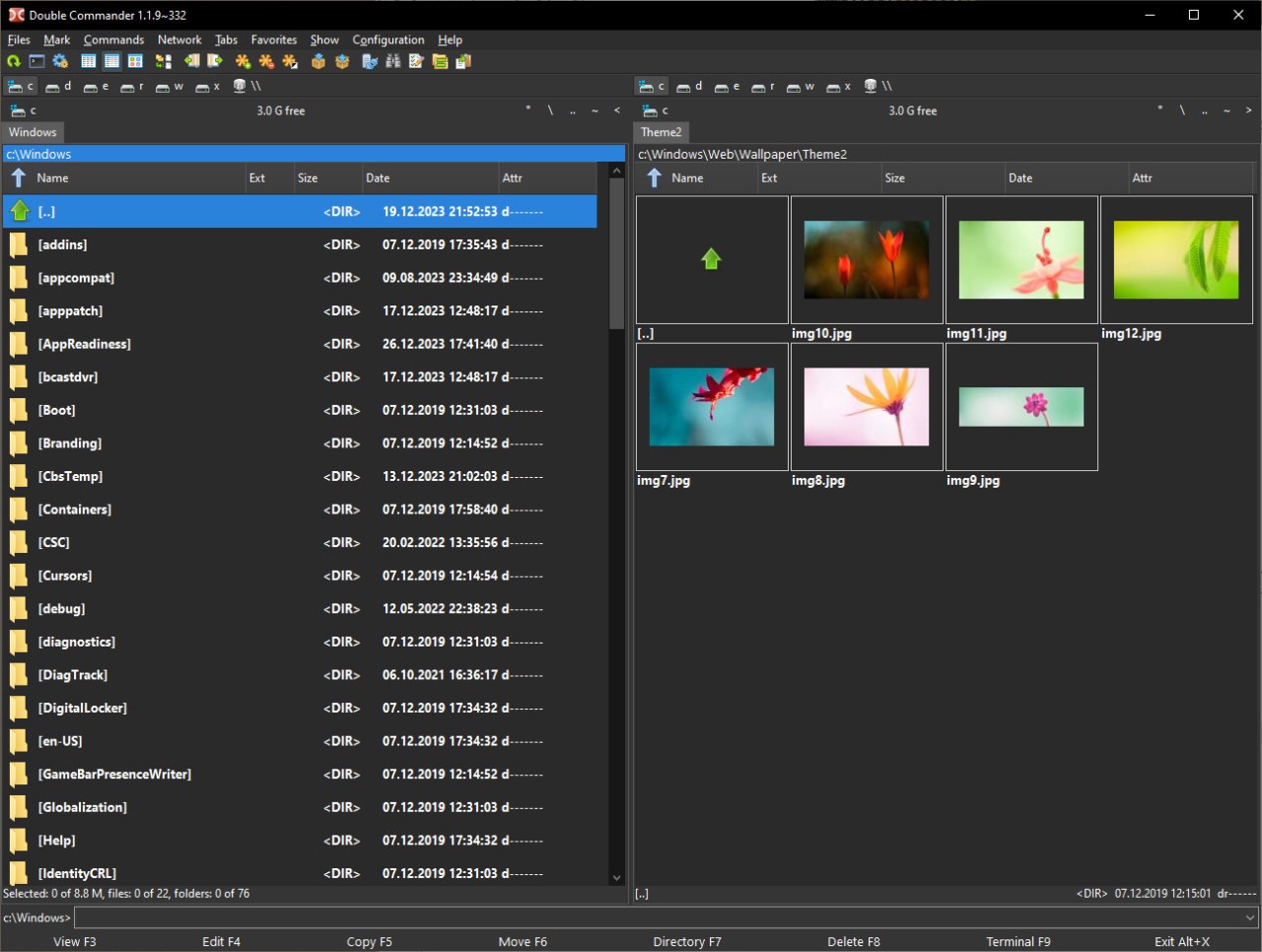
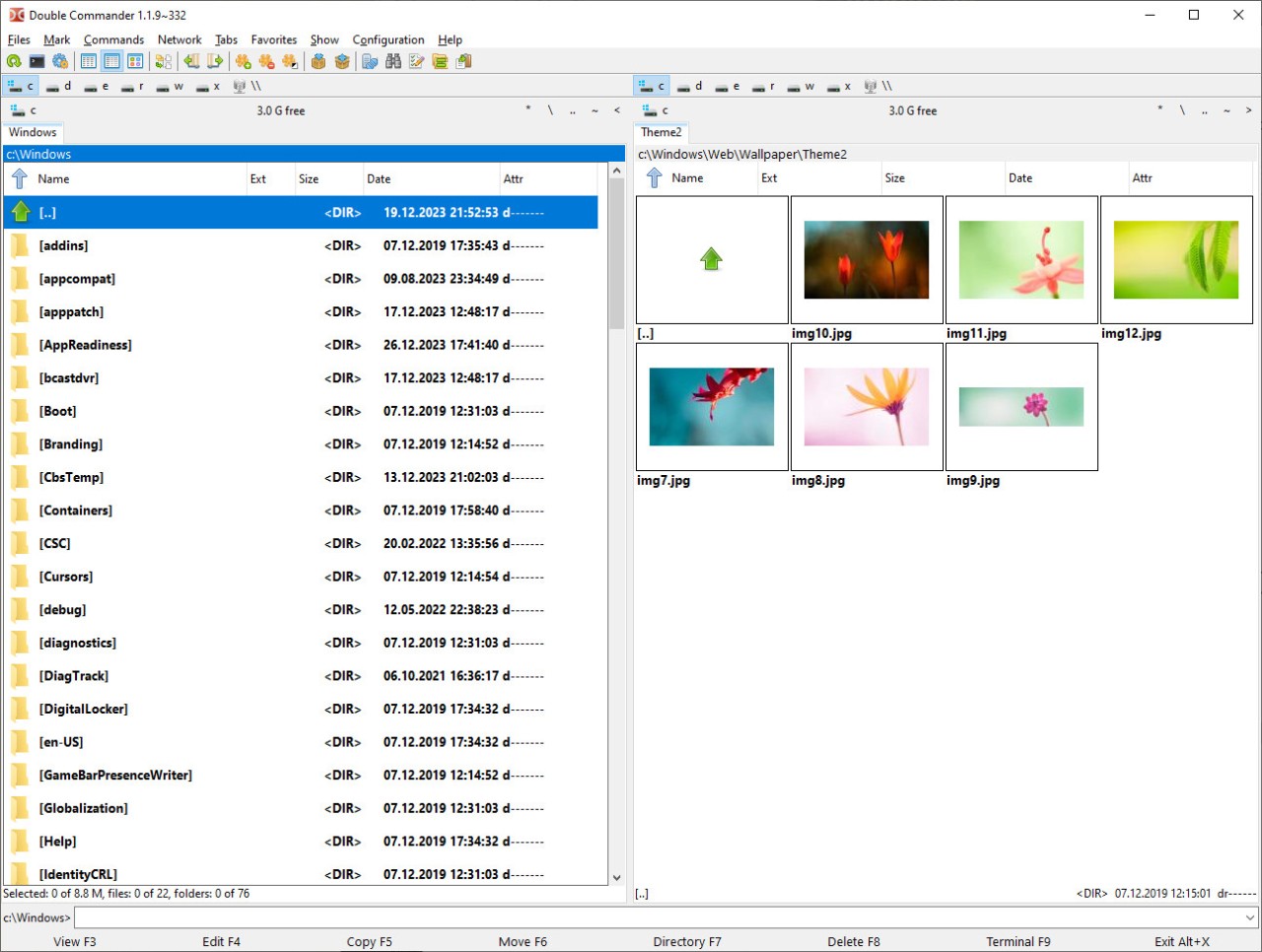
Double Commander is a free and open-source solution that allows you to open two folders side by side, browse files, and drag and drop them between the two views. You can also have multiple tabs in each of the panels, and the tree navigation makes it easy to navigate your folders and files.
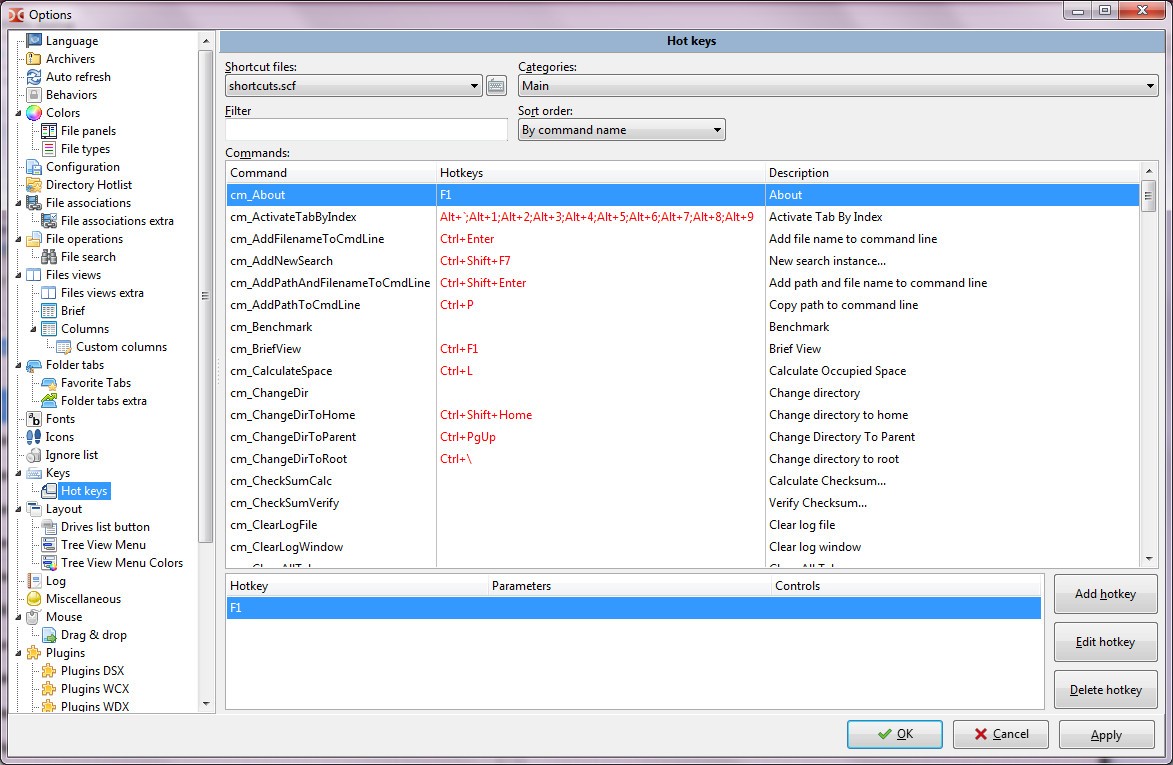
With Double Commander, you can preview files without leaving the app or accessing an internal text editor. You can also work with ZIP, 7z, Tar, and RAR files or mount ISO images. The tool supports custom commands and shortcuts, so you can use it in various automated processes and customize the behavior of the app.
You can download Double Commander on Windows, macOS, and Linux computers, and the tool will work smoothly on each of them. As a part of an open-source project, Double Commander is regularly updated and fixed by its community, making it a great and reliable option.
Why should I download Double Commander?
What makes Double Commander a great utility is that it combines powerful features with ease of use and lightweight performance. You can easily manage files between drives, devices, and partitions, simplify or automate repetitive tasks, and process your files in batches.
By having a dual-pane layout, you are able to view and modify two separate directories at the same time. It allows you to move files between them and use a tree navigation to quickly open a new folder, create new tabs in each view, and switch between them easily. You can pin your tabs to keep them open between sessions or rename them to your liking, so that you can preserve your workspace if needed.
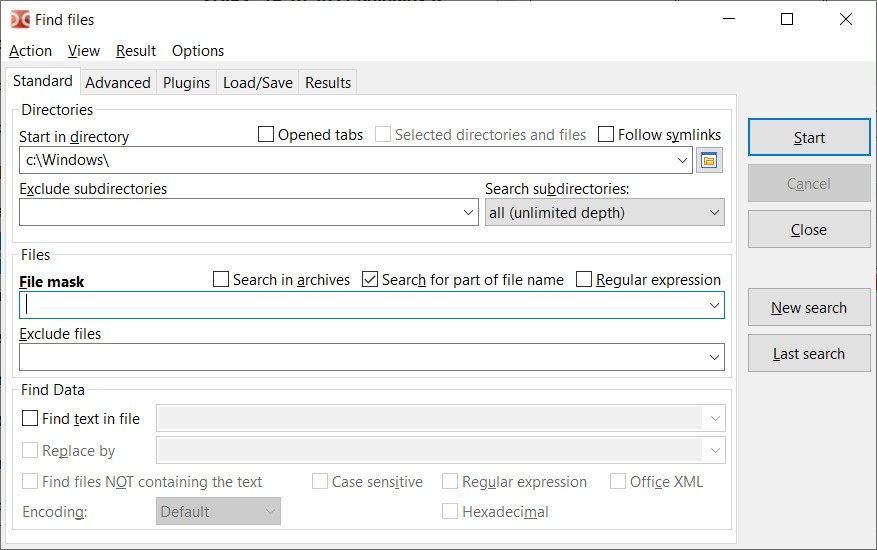
When you download Double Commander, you also get an integrated file viewer and editor, so that you can preview images, text files, code sources, and archives without switching to a new app. The app also offers search and replace tools, as well as a text editor with support for syntax highlighting.
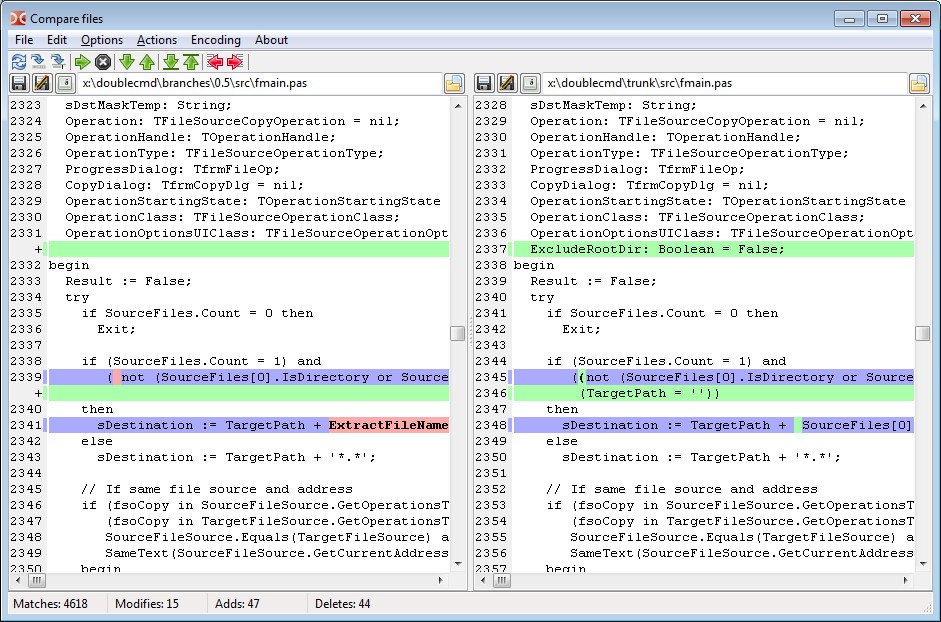
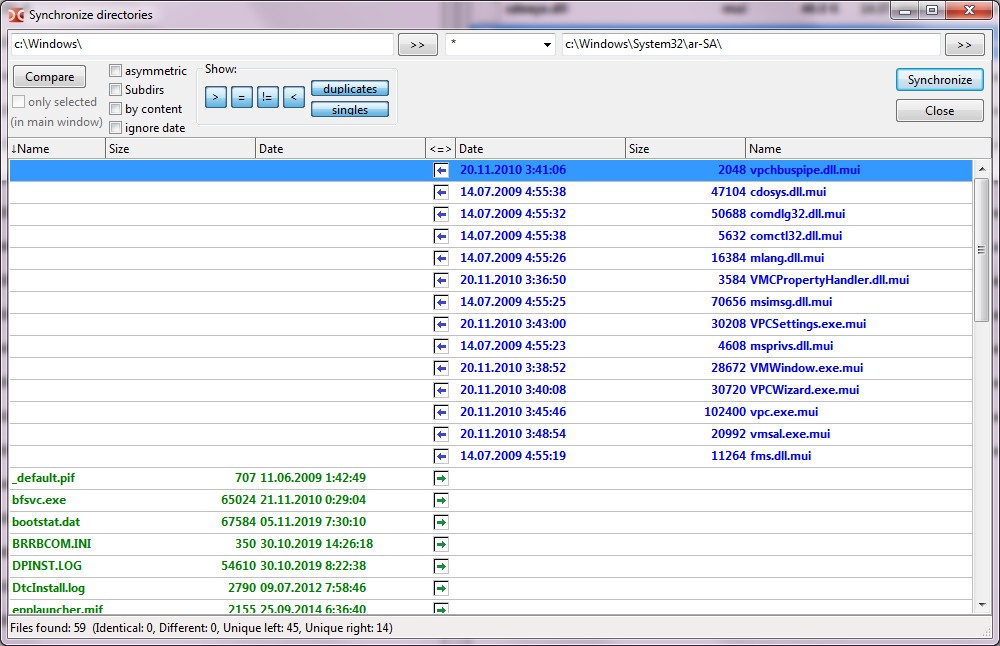
Double Commander also has a panel for managing file operations, so you can queue, pause, resume, and schedule various actions like copying, moving, deleting, or renaming your files. You can also compare different directories to check which files are newer, different, or missing. Then, you can choose to synchronize them so that they keep the same content, which is very useful if you want to create a backup copy or sync different environments.
With the built-in tool for managing archived files, you can use Double Commander to work with TAR, GZ, BZ2, LZMA, RPM, CPIO, DEB, and RAR (read-only) formats. They are treated just like any other folder, so you can browse through them and extract the files you want. This app also gives you the option to batch rename files, complete with regex, numbering, and pattern support. You can fully customize the Double Commander interface, use it in multiple languages, and create custom commands, shortcuts, macros, or scripts to automate any recurring task. You can even execute actions from the terminal.
Double Commander can be run on almost every machine and even on a USB drive without installation, and the tool is available on Windows, macOS, and Linux computers as well as SD and portable systems.
Is Double Commander free?
Yes, since it's a part of an open-source project, you can download Double Commander for free and also modify and distribute it without any cost. The community behind Double Commander provides all its features and future updates, and they don't require payment.
You can access and review the Double Commander source code and files on GitHub and SourceForge.
What operating systems are compatible with Double Commander?
As a cross-platform solution, you can download Double Commander on multiple machines.
The tool supports Windows XP, Vista, 7, 8, 10, and 11, macOS 10.10 or higher, and different Linux distributions like Debian, Ubuntu, Fedora, Arch, and CentOS.
You can also run Double Commander on virtual environments, BSD systems, and portable devices, though there is no version for smartphones or tablets, whether they run on iOS or Android.
Double Commander doesn't have extensive system requirements, as all you need is at least a dual-core processor and 512 MB of RAM.
What are the alternatives to Double Commander?
Total Commander was the inspiration behind Double Commander, but it's a paid Windows-only app that also uses dual panels to help you manage your files quickly. This tool has extensive plugin support, as well as the option to synchronize files, set up FTP/SFTP transfers, and rename documents in batches. Total Commander doesn't have a free version and can't work natively on other systems like macOS or Linux.
AB Commander is another alternative for Windows systems that can integrate into the Windows Explorer interface. The largest benefit of using it is that it features a directory history, a dual-pane layout, and a bookmarks tab. With it, you can preview, rename, and encrypt files, handle ZIP archives, or use the tool to synchronize folders. However, it's a paid solution that also doesn't support other platforms and can't be run on portable devices like USB flash drives.
Q-Dir is a free tool that allows you to display and manage four different folders at the same time, unlike most competitors that mainly offer a dual pane view. It's a Windows-only app that color-codes file types and that you can use to copy, move, and delete documents. It has limited features and doesn't offer a lot of advanced options, but you can use it without any cost. You can also use Q-Dir on portable devices, as it doesn't require installation, but it's a perfect utility if you need to manage multiple directories simultaneously.