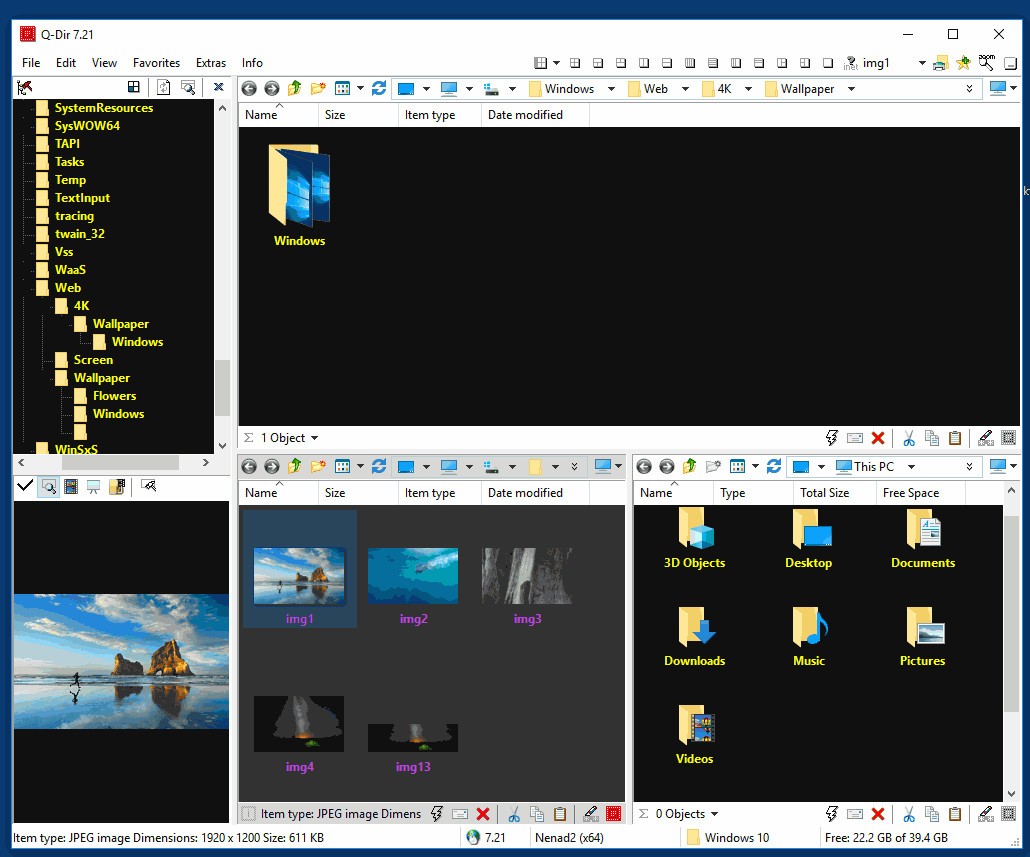
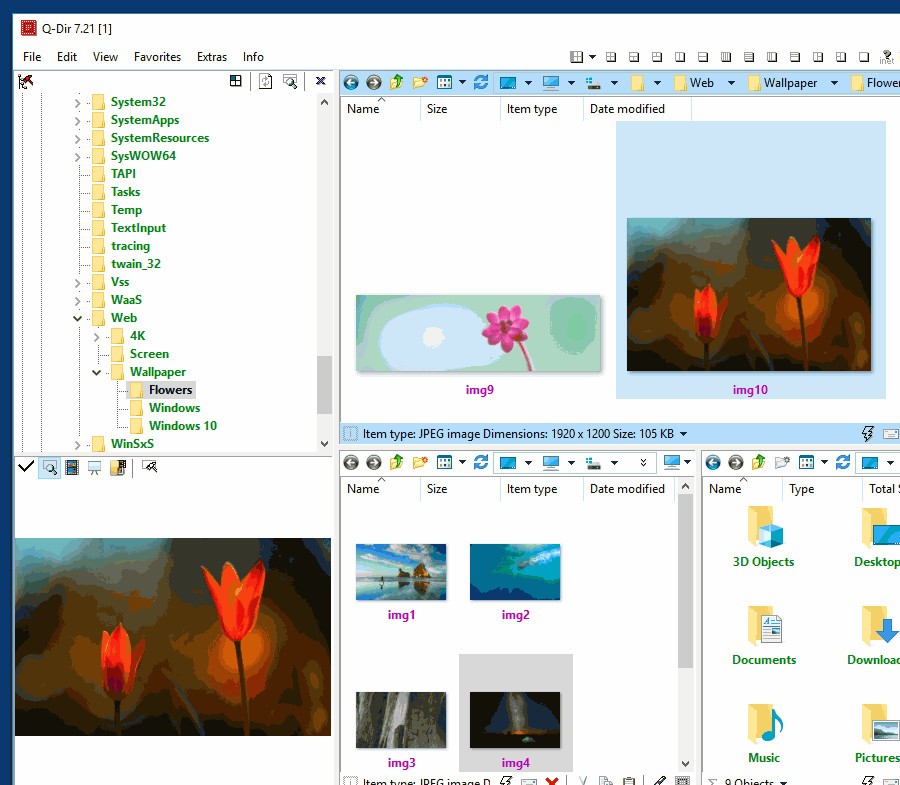
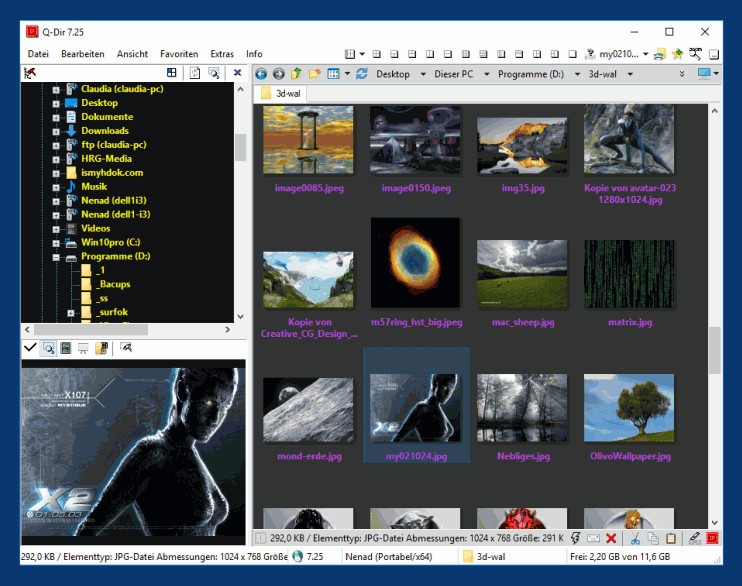
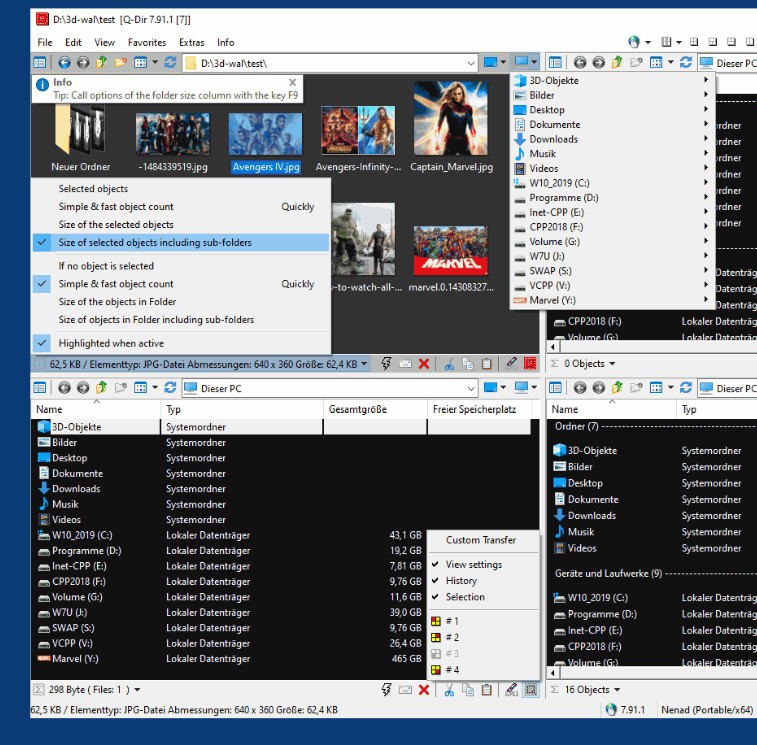
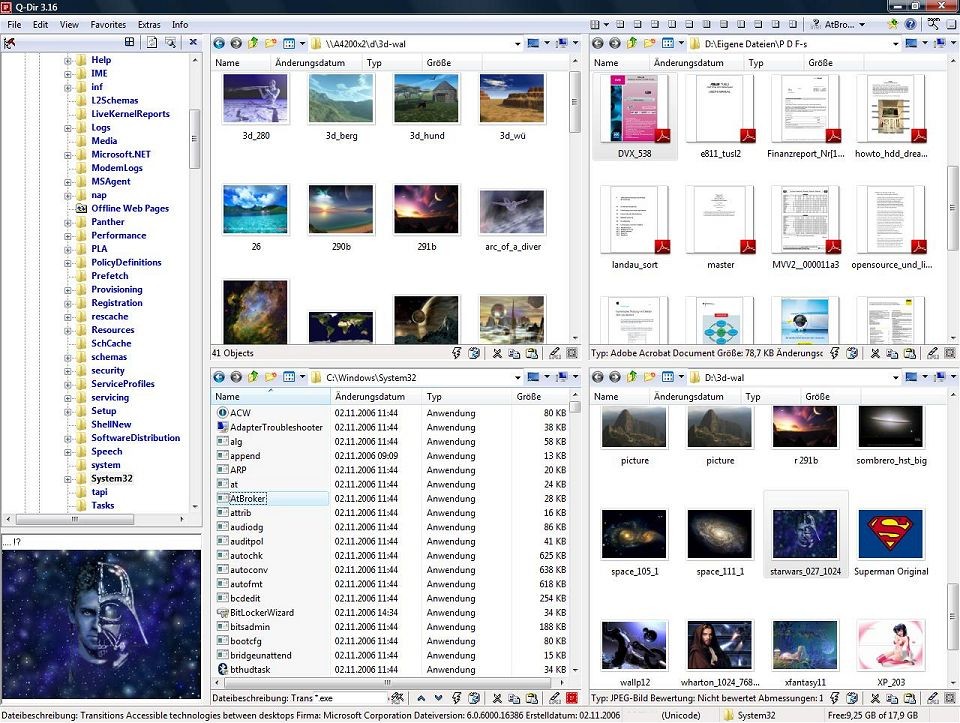
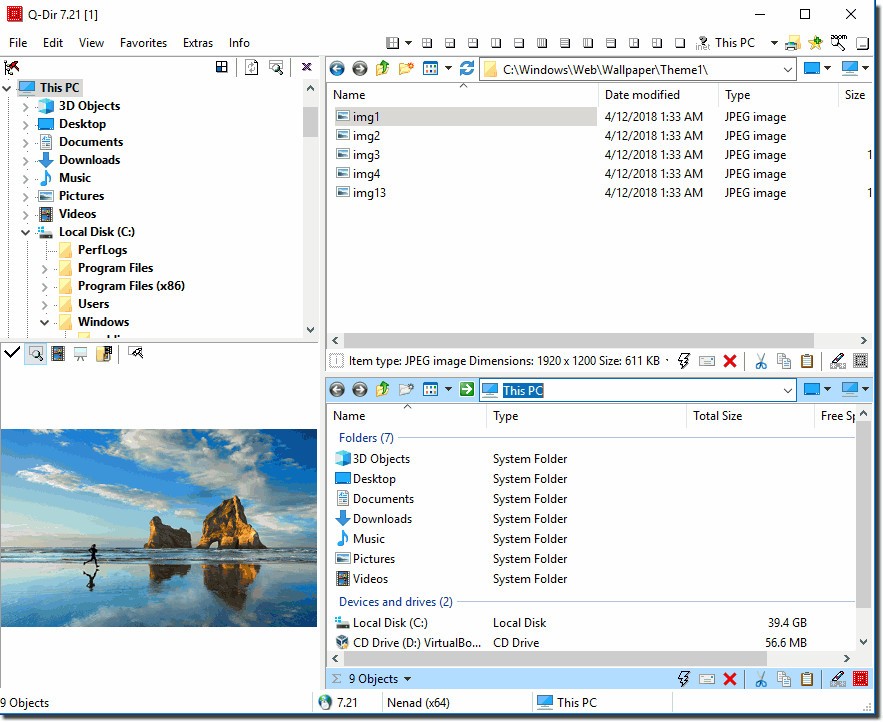
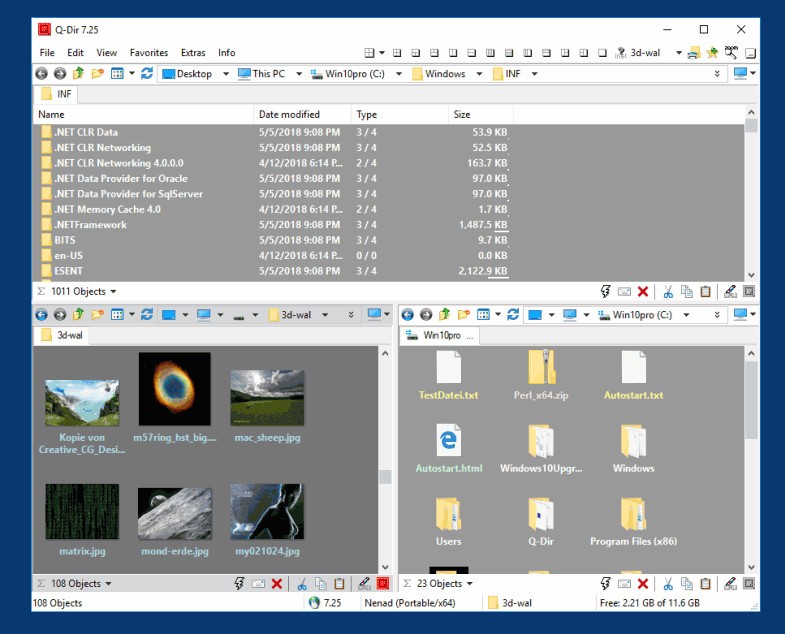
Q-Dir, a small file management system, revolutionizes Windows file and folder handling. It operates as a file explorer, just like Windows Explorer, yet it introduces a vital feature: four panes in a single window. Q-Dir provides up to four panes within a single window, allowing users to move files or compare directories between panes without switching applications.
Q-Dir lets you maintain awareness of file locations by allowing you to view, copy, and drag-and-drop across multiple windows simultaneously. After continuous use, the simple addition of multiple panes transforms your workflow and makes it impossible to go without it.
The program uses a practical design instead of visual stimulation. People download Q-Dir for its functionality over aesthetics, as the program exists to streamline daily operations. Q-Dir serves those who regularly handle extensive file and folder management needs.
Q-Dir functions as a central workspace that enables users to manage document transfers, synchronize folders, and efficiently handle organizational tasks. The program remains portable and doesn't require installation; you can use it right away. Users can start the application whenever needed, as it automatically displays all panes, bookmarks, and filters, along with available tabs.
Why Should I Download Q-Dir?
Managing files takes a lot of time when you move between windows and perform pasting and folder-navigating operations. That’s where Q-Dir comes in. Q-Dir goes beyond simple cosmetic changes from Windows Explorer because it delivers more efficient work capabilities.
The most distinctive feature is the quad-pane view, which is the main draw. The application allows users to divide their display area into two, three, or four sections, each showing a different file location. Once users familiarize themselves with the Q-Dir layout, they discover it enables their workflow to trigger multiple smart rooms in a house, allowing controlled movement without getting lost.
Each pane in Q-Dir supports tabs, enhancing the program's adaptability. The program displays four file-viewing windows simultaneously, allowing users to work across different folders, including work documents, media files, USB storage, and cloud resources. No juggling windows. Every file shift requires you to move it by simple dragging actions. The feature in Q-Dir lets users create bookmarks and set color filters to quickly access folders and types without repeated searching. The program adapts its functionality to user needs rather than requiring users to conform to its system.
The remarkable features of Q-Dir extend beyond its user-friendly interface due to its lightweight design. Q-Dir starts quickly, uses minimal memory, and refuses to display any disruptive ads or pop-up messages. You get right to work. Q-Dir runs from any portable storage device, so you can use it on different computers immediately without reinstalling each time. This feature enables IT professionals and other users who work between systems to rely on this file manager as a dependable solution without needing frequent reconfiguration or package installation.
People who dislike Windows Explorer but do not want all the bulk of full file manager suites will find Q-Dir to be a perfect solution. The file manager contains more robust features than built-in options, yet avoids cluttering like complex all-in-one platforms.
Q-Dir avoids attempting all tasks because it delivers fantastic performance at its core functions. People who handle their files through extensive movement, sorting, backup, and comparison operations require consistency above all else. The ordinary tasks of managing files are simplified and made more visual, and they are easier to handle with Q-Dir.
Is Q-Dir Free?
Users can use Q-Dir for free. All Q-Dir features are available for free usage because the developers keep essential functionality free from subscriber restrictions.
Users do not need a license to use Q-Dir; it includes everything at no additional cost. The basic functions remain identical between portable and installed versions of Q-Dir, and there is no financial cost.
What Operating Systems Are Compatible with Q-Dir?
The Microsoft Windows operating system via Q-Dir functions properly across Windows 7, 8, 10, and Windows 11. Windows Server environments support this software application, which helps IT personnel manage files in the backend.
The portable version of Q-Dir provides system compatibility because it does not need installation on either 32-bit or 64-bit operating systems. The program matches well with your operating system framework while keeping the default file manager functions intact.
What Are the Alternatives to Q-Dir?
Total Commander stands out as one of the most powerful alternatives. The dual-pane file manager Q-Dir has maintained its large fan base for numerous years of operation. The utility lacks Q-Dir's quad-pane format, but users find its plugin support, alongside native FTP functionality and script development, to be impressive features. Total Commander offers advanced programming capabilities suitable for people who require custom workflow solutions. Users must purchase the software as shareware to continue using it after the trial period, yet many consider the investment valuable due to its depth and reliability.
The modern version of Unreal Commander remains similar to Total Commander, with its dual-pane layout. Users who choose Unreal Commander can access multiple useful capabilities, including archive control tools and file split and merge options, together with color-coded directory support. Unreal Commander provides free personal file management capability, making it available to users who prefer not to use paid solutions. The user interface of this software features a welcoming design intended for new users, who find it more manageable than Windows Explorer thanks to its improved file management system.
XYplorer adopts a different organizational model according to its interface. This file manager operates through tabbed interfaces while prioritizing search requirements and developable scripts along with customization functions. The file manager delivers its saving capabilities not through a quad-pane view but utilizes tab management and dual-pane interfaces for enhanced efficiency. Users who need comprehensive file search attributes as well as metadata processing alongside automation features within their file management system pick this software. XYplorer offers both XYplorer Free and its complete paid version. Q-Dir is not as lightweight, yet it provides intelligent capabilities and extensive user control options.