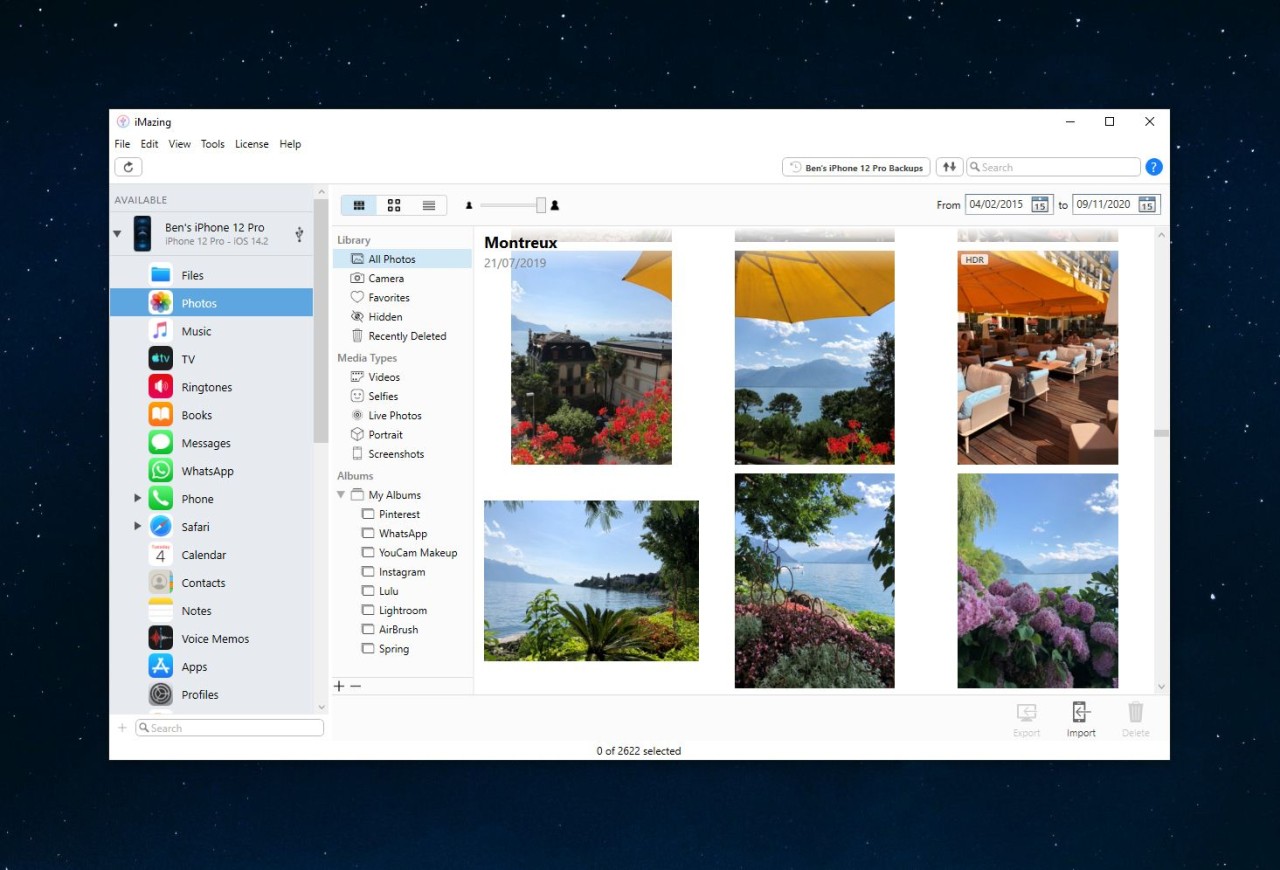
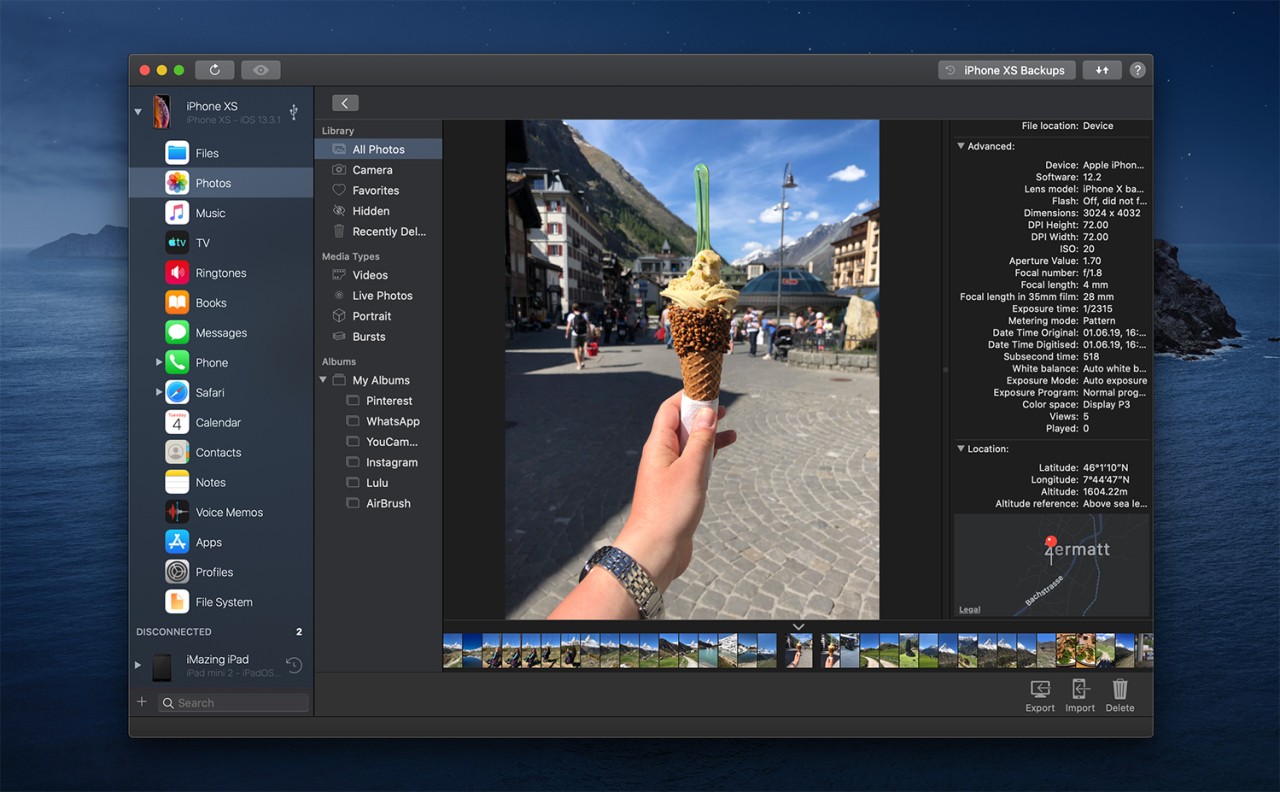
iMazing operates as a dedicated software that manages all iPhones, as well as iPads and iPods. The smart and flexible application functions like an advanced version of iTunes, enabling users to manage their iOS devices from Mac or PC platforms while breaking free from Apple’s restrictive policies. The application provides users greater control without creating complex technical procedures.
The deep system-level interaction capabilities of iMazing make it exceptional, as it allows users to perform complex operations without sacrificing ease of use. The interface requires no jailbreaking process and avoids complex advanced settings during usage. You can easily fetch your messages from iMessage alongside WhatsApp and execute wireless device backups or switch data to a new iPhone independent of iCloud.
The application suits users who need basic flexibility, as well as advanced users who require administrator control over their data. This software maintains equilibrium between novice and experienced users, unlike most Apple software.
Why Should I Download iMazing?
Past the point at which you realize its necessity, you will understand that iMazing offers benefits you never knew were possible. You have had difficulties with using iTunes and iCloud in the past. Users who need to transfer files between their iPhone and computer without iTunes restrictions will find iMazing an excellent solution. The application iMazing offers assistance at this point to simplify things for users. The software adopts an alternative approach to the typical Apple operating style. With iMazing, users maintain complete control by deciding which file transfers, backup moments, and device management procedures to use.
The functionality is essential for users who want to switch phones, as iMazing provides complete backup and restore capabilities, including highly precise message transfer and call log migration. The application provides users with a more streamlined process for transferring their complete data, which solves common issues that occur during new iPhone setup using iCloud. The ability to preserve past data makes iMazing ideal for generating PDFs from old messages and creating device backups as an extra layer of protection against risks. The application functions exclusively on your computer, keeping all your data private. No third-party servers. No unexplained syncing.
App management is another exceptional feature that sets iMazing apart from other applications. App data management via iMazing remains possible, as the software grants users access to features Apple later restricted in other tools. The feature proves very beneficial to developers and testers. Parents benefit from this feature because using it enables non-intrusive monitoring of device content. The primary goal of iMazing is to provide a straightforward backup tool that functions without imposition and constraints.
Advanced features of iMazing provide users with log view capabilities, console access, and manual backup functions that function independently of full system restores. The tool appears like an expert toolbox, but its features are easy to understand even for new users. The existence of those features comforts you even if you never utilize them. Your pocket contains a versatile digital multifunctional tool that enables both solutions and vital information protection at any time.
The combination of control measures, transparent handling, and peace-of-mind features iMazing provides will prove essential, especially when dealing with your iOS data at the right moment. It’s not loud or pushy. Its operation becomes effortless after getting accustomed to it, and you start to miss its absence while backing up.
Is iMazing Free?
The free version of iMazing offers limited features, allowing users to test device browsing or perform a few exports. Getting unrestricted data transfer with complete backup and restore services through iMazing requires registering for a paid license. Users get unlimited access to paid features because this software requires a single purchase rather than recurring payments.
What Operating Systems Are Compatible with iMazing?
iMazing is compatible with both Windows and macOS. The program runs on Windows 10 and 11, as well as macOS Monterey, Ventura, and their subsequent versions.
iMazing functions without issues across older iPhones and iPad models, as well as the latest iPhone series running iOS 17. The software requires an easy setup process that allows it to connect via USB or Wi-Fi, giving users flexible options. The program has low system requirements and runs smoothly on various devices without requiring powerful hardware.
What Are the Alternatives to iMazing?
The widely recognized free option for users searching for free tools is 3uTools, which enjoys widespread popularity. With this software, you can manage devices via firmware downloads and system-tweaking features, while accessing backup tools. This tool serves expert users well because they can use it to perform jailbreaking or firmware management alongside other functions. This application works only on Windows computers, offers rich features, but its first-time user interface feels too congested. The platform is an excellent solution when you want to explore functionality at your own pace.
Apple provides users with its ecosystem software, consisting of iTunes or Finder, based on the operating system they use. Users enjoy these services at no cost since they work through the official channels of macOS and Windows system folders. Every toolkit has restrictions when used. A typical file-searching interface is not available to users. Apple provides a standardized approach to storage management, but it restricts users who need greater individual content control. Standard users can operate with basic file synchronization, yet advanced backup and messaging needs could lead to frustration with this product.
Another good choice is AnyTrans. AnyTrans provides users with a polished interface and a wide range of features that duplicate many of iMazing's features. Through this tool, users can perform backup/restore operations while managing files and recreating entire systems, and it also supports iOS-to-Android data migrations under certain conditions. AnyTrans devotes itself to creating an intuitive user experience by providing straightforward menus and embedded tutorial support. Ahead of iMazing, there exists another backup solution on the market, but it operates on the same paid license model. The interface appeals to some users, while others remain loyal to iMazing for its precise technical capabilities.