iTools is a Windows and macOS management software that operates exclusively with iOS devices—iPhones, iPads, and iPods. The application provides Apple device owners with alternative device management features beyond what the old iTunes app offered. Most users consider iTunes to be heavy software that becomes confusing during file transfers and backups, and it is not maintained anymore by Apple. iTools is a suitable replacement. It is a convenient tool that gives users complete phone management access without the need for technical expertise.
The tool can be used to transfer pictures, music files, and videos from your mobile Apple device to your computer running Windows or macOS. In addition, you can also save contacts, conversations, and applications. iTools provides users with convenient backup and restore functionality using a one-step process, combined with the capability to screen mirror from mobile phones to personal computers. The app boasts a user-friendly interface.
Why Should I Download iTools?
The demand for third-party iPhone/iPad management tools is growing due to the ever-changing user requirements. iTools offers an intuitive user experience through a simple interface that lets users access device control functions with ease. There are no complex procedures involved.
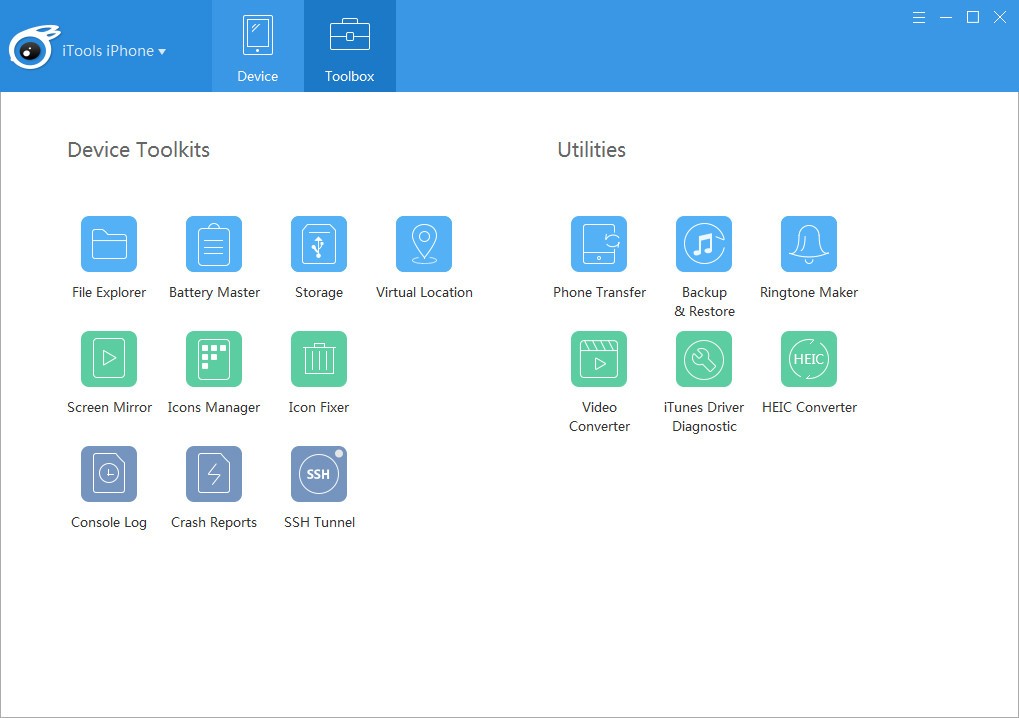
Transferring media files is simpler with iTools. You can transfer files between your computer and your device using drag and drop, which is a lot faster than on iTunes. iTools users can freely transfer music, movies, ringtones, and podcasts without facing system restrictions. You can avoid the usual issues with format conversion and syncing with the help of iTools’s flexible transfer system.
Another feature of iTools allows users to control their photos through effective filing features. You can import, export, and remove duplicates efficiently. That can help you get rid of unnecessary photos. The system lets users view their images before they decide how to arrange their albums.
You can handle your app collection efficiently with iTools. You can use iTools to remove applications from your device and handle stored data, or back up your applications. The program allows you to perform file movement tasks, complete device backups, and restore files. The backup function is very useful when you change phones, and it ensures data protection at all times.
Another useful feature of iTools enables users to create false GPS tracking information. Few programs in the market provide this capability. You get to select points on a geographical map, and the chosen area becomes your current location.
The temporary GPS faking function provides valuable support to applications that need location permissions. A real-time screen recording feature provides users with the ability to create presentations and tutorials.
Is iTools Free?
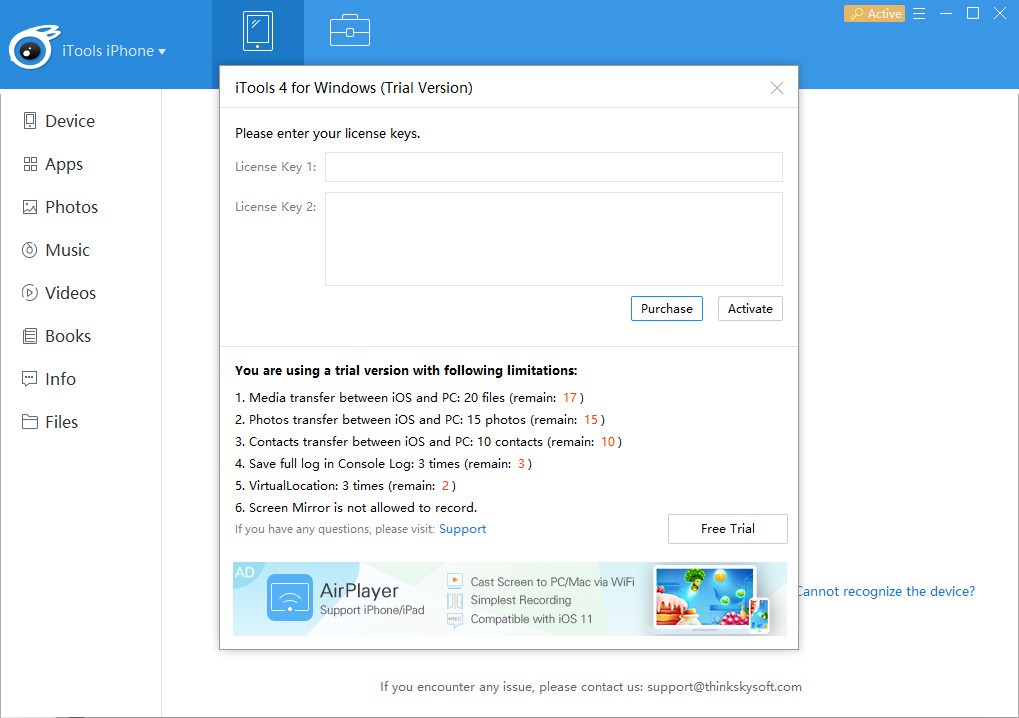
Users can access iTools for free, yet they will encounter certain restrictions and limitations in the basic version. The paid edition is required to obtain the app’s complete functionality. The free version can handle necessary file management and access on users device, thus making it suitable for novices moving into iOS devices.
What Operating Systems Are Compatible with iTools?
The iTools software supports operation on Windows and macOS computer systems. Both operating systems—Windows 10, 11, and older, as well as macOS—can utilize iTools software without technical difficulties.
Run iTunes separately if you want to. Running iTools does not require running iTunes, since the software only requires iTunes for compatibility purposes. Make sure your computer meets the software requirements of iTools before installation.
What Are the Alternatives to iTools?
Users who find iTools unsatisfactory can find other programs with similar functionality on the market.
Most users have heard of 3uTools. It is one of the leading alternatives to iTools. This highly capable iOS management solution enables users to complete various tasks, ranging from firmware flashing to device jailbreaking. Data backup, media transfer, and application management are among its most popular features. The complete feature set within a single interface makes this app an obvious choice for many users. The software offers limitless potential and is completely free of charge.
Another solid alternative is AnyTrans. The interface of this tool combines simplicity with practicality. Users can share their iPhone data with all of their devices. AnyTrans is a great solution for managing data when you’re switching between different operating systems. Users looking to switch phones will find the WhatsApp transfer feature especially beneficial. People seeking complete mobile management services will find this premium tool to be worth the price.
Fixing iOS system issues is the main purpose of Tenorshare ReiBoot iOS. This tool serves users beyond data management and file transfers. It can be helpful when your iPad or iPhone is facing Apple logo glitches, recovery mode breakdowns, and boot loop situations. The application approaches system problems without requiring users to perform a complete factory reset, and it preserves all data. This tool was made for emergencies and unexpected technical complications.