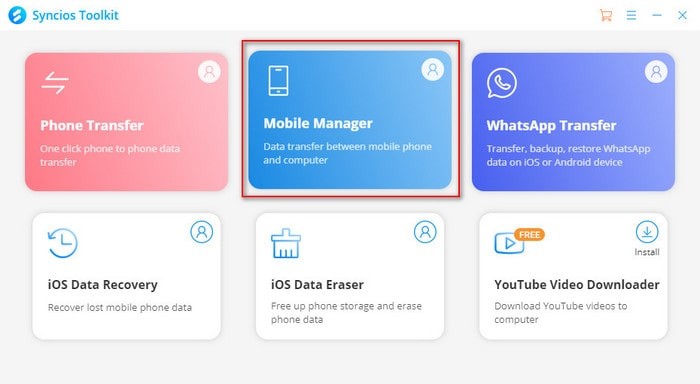
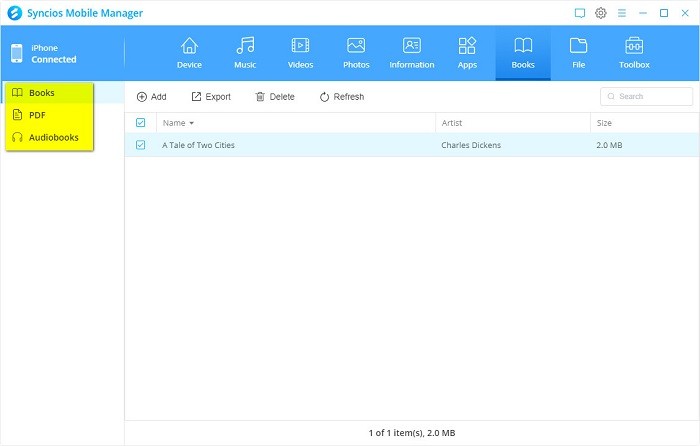
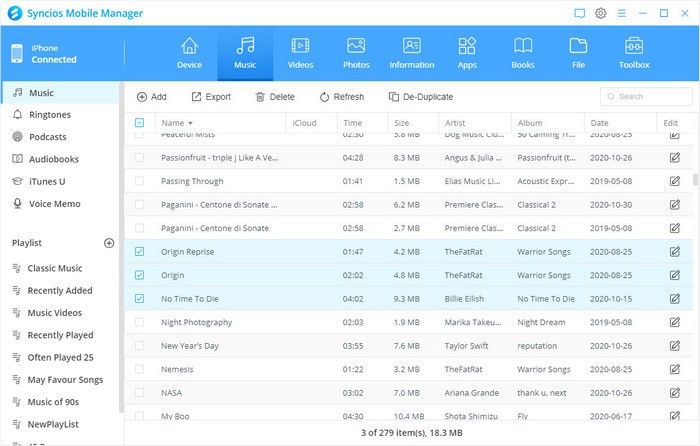
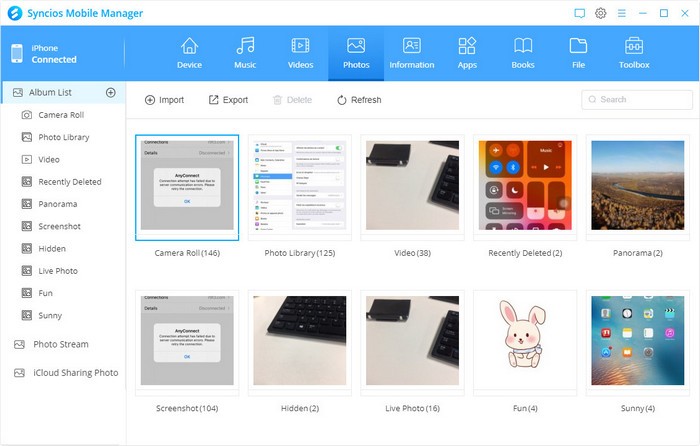
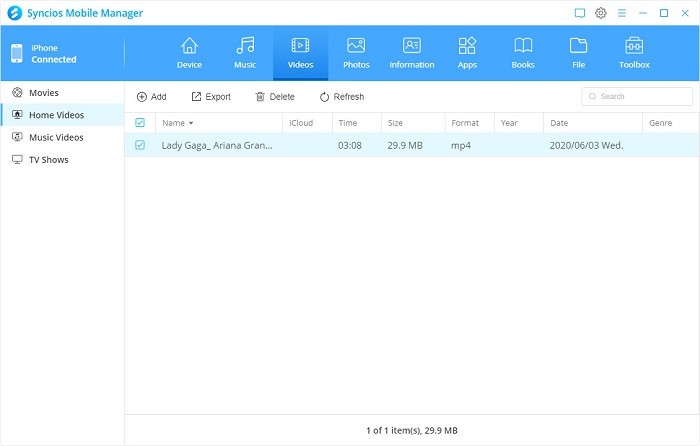
The mobile management program Syncios offers robust features for managing iPhone and Android smartphones. The complete feature set of Syncios stands out from alternative mobile management tools because it enables users to handle data transfers between devices and computers, create backups, and manage multimedia, plus convert video and audio formats. Users of all skill levels choose Syncios for its intuitive design, which offers a neat solution to control their mobile data.
The unique feature of Syncios is that it functions as one integrated tool across both iOS and Android, helping people who manage multiple devices. Users can easily switch between device types because this system moves all media without producing any compatibility problems. The utility package includes a data recovery tool to help users restore their accidentally deleted files, and this has been a major benefit for users who often lose their data.
Users find more than data transfer and management capabilities in Syncios software. The tool provides users with additional capabilities like converting videos and audio files, enabling users to make ringtones, and the ability to obtain videos from major websites. The software enables users to perform both device backup operations and instant restores, which are useful during device transitions and file protection tasks. The user-friendly dashboard with logical tab organization lets users easily navigate through the system so they can quickly get comfortable with the tool despite typical difficulties experienced with comparable systems.
Why Should I Download Syncios?
The decision to download Syncios proves beneficial because it offers efficient control of multitasking mobile device management. The broad features of Syncios extend to both iOS and Android mobile devices, so users of both systems can benefit from its capabilities. The tool operates across different platforms, which eliminates the need for using various separate applications since it handles all management tasks in one place.
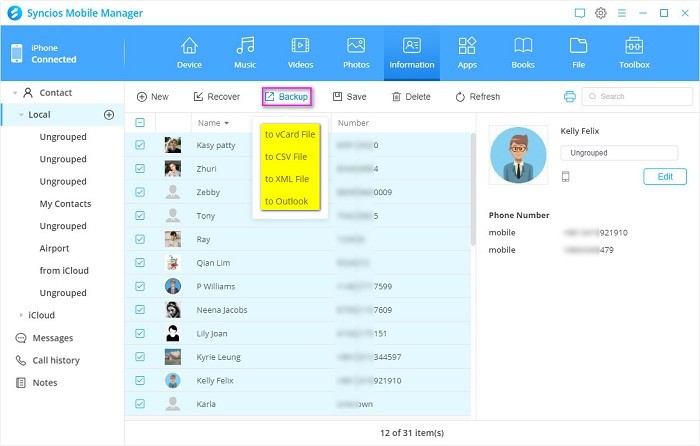
The extensive data transfer functions found in Syncios represent one of its main reasons to download the application. The program enables instant file transfers between mobile devices and computers without any difficulty. The program enables contact migration alongside message exchange, music sharing, video content transfer, and photo exchange, alongside application transfer without altering your data format. The data backup application serves its users best when they need to move to newer devices or safeguard critical information.
The media management features of Syncios stand out as one of its most complete functions. Through Syncios, users can select media file conversion options compatible with their devices, create custom ringtones, and download online videos from YouTube. The application provides multiple features that eliminate the need for separate programs for different operational needs. The data recovery function of Syncios ensures you can get back lost files, thus providing you with safety when facing accidental deletions or data corruption problems.
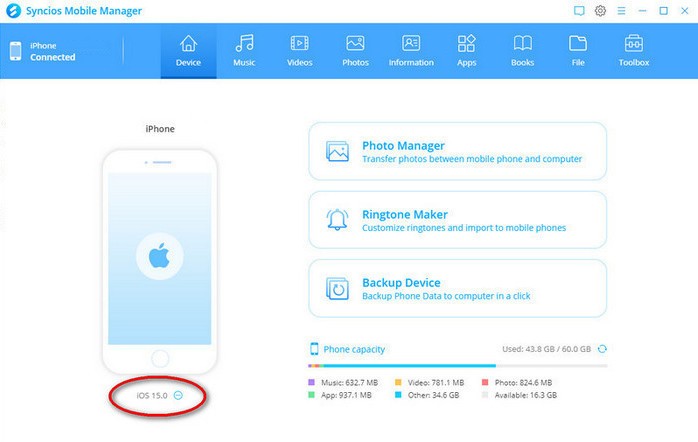
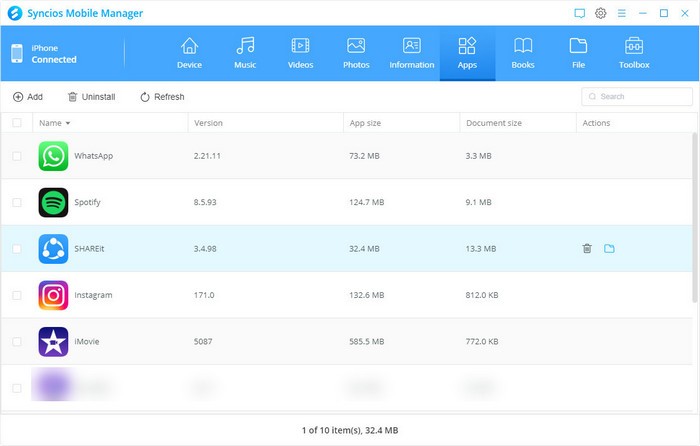
Through its integrated file explorer, users can access their device files to handle their content efficiently. You can access a file-deletion feature that lets you remove unneeded files while setting up data organization and managing applications from the user interface. The application keeps your device clean, which results in improved performance. The backup function in Syncios enables instant data protection, alongside simple restore options that let you manage device transfers do-it-yourself style.
The user-friendly interface of Syncios is one of its main advantages. The software system provides proper data organization through distinctive labels found in tabs and menus on its interface. The tool’s basic interface reaches users from both tech aficionados and everyday individuals who desire mobile data organization. The product maintains reliable performance by undergoing regular updates, which allows it to work with the newest devices and operating systems.
Is Syncios Free?
Individuals using Syncios can access both premium and free versions through the platform, where they obtain basic functions for data transfers and media control, and some transformation functions.
Data recovery and phone-to-phone transfer functionalities require users to upgrade to the premium version of Syncios. The basic free version of Syncios suits typical daily requirements, but users who need robust management features should choose the paid variant.
What Operating Systems Are Compatible with Syncios?
The Syncios software operates on Windows PC and macOS computers. The software functions equally well across Windows 11, 10, 8, 7, and Vista platforms, together with macOS Monterey, Big Sur, Catalina, Mojave, and earlier versions.
The supported devices include iOS 16, along with previous versions, and the main Android devices produced by leading companies. The tool functions across multiple platforms, which enables diverse users to select it according to their needs, regardless of device type or OS.
What Are the Alternatives to Syncios?
Syncios works brilliantly as a mobile management tool, but users can also select from several other reliable tools that provide equivalent features.
AnyTrans has emerged as a beloved alternative because it offers users excellent data control features alongside effortless device-to-device file transfer. Users can access AnyTrans on both iOS and Android platforms to move their music, videos, and contacts, as well as their messages and additional data. Users can protect their data with a single click using the built-in backup feature of this tool. AnyTrans users can benefit from its feature, which includes a media downloader system that supports multiple video download sources. Overall, users choose this program due to its simple interface, which offers straightforward navigation while providing one-stop management for iPhones alongside Android systems.
Users who focus on iOS devices should examine the iOS-specific solution available through 3uTools. The extensive user base uses 3uTools for iOS device flashing and jailbreaking purposes to achieve complete device control. Additionally, the platform provides complete data system management features. Moreover, it supports system optimization, file management, and even app installation. Users who require advanced customization options and system management features select this tool since it effectively integrates with iOS operating systems.
Tenorshare ReiBoot functions as an effective alternative solution to handle system-related problems with devices that need repair. The main purpose of ReiBoot stands out from Syncios and AnyTrans since it specializes in resolving system-related issues affecting devices that enter recovery mode or suffer endless boot loops. Professional users find ReiBoot beneficial because it enables them to resolve various system errors on iOS devices safely. The software allows users to access recovery mode through one-click functions, which considerably helps with malfunctioning devices. The program does not provide data transfer capabilities like Syncios, but its main purpose is to keep your device running smoothly by preventing technical issues.